This chapter walks through building a simple OAuth-protected resource server and integrating it with an existing client and authorization server. It shows that adding OAuth to a web API is a lightweight process: extract the access token from incoming HTTP requests, validate it, and decide what the token is allowed to do. Although the protected resource and authorization server are separate roles, the chapter demonstrates a common small-scale pattern where they share a datastore and run side by side, keeping the mechanics straightforward while emphasizing clean separation of concerns.
The implementation centers on Express.js middleware that parses bearer tokens from the Authorization header (preferred), or from form bodies and query parameters when necessary. A helper function normalizes header casing, extracts the token, and then looks it up in a shared datastore to attach token metadata (such as scopes and user) to the request. Routes are wired to run this middleware before handlers, returning a 401 when no valid token is present. The chapter also discusses operational alternatives to database lookups—like token introspection and self-contained tokens (for example, JWTs)—and notes practices such as storing token hashes instead of raw values.
Beyond basic allow/deny decisions, the chapter shows how to tailor responses using token context. It implements scope-based authorization in multiple styles: different scopes for different actions (read/write/delete) and different scopes for different slices of data returned from a single endpoint. It also demonstrates user-specific results by switching responses based on the resource owner recorded in the token, enabling personalization without exposing user identities unnecessarily. The key takeaway is that the resource server is the final authority on what a token means and can combine scopes, user context, and additional policies to enforce fine-grained, context-aware access control.
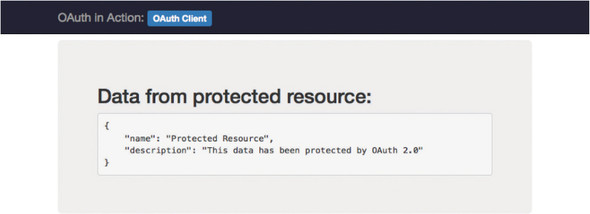
The client’s page when it successfully accesses the protected resource
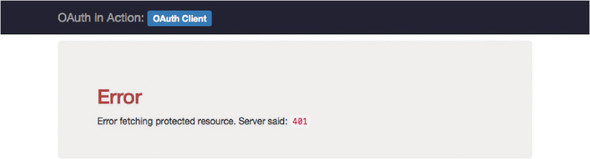
The client’s page when it receives an HTTP error from the protected resource
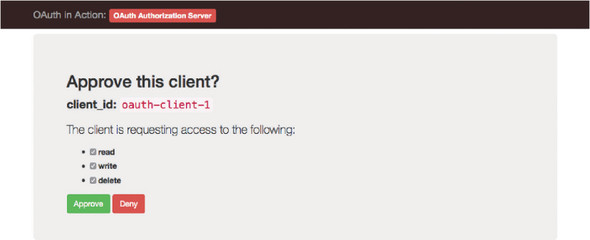
The approval page showing different scopes, available to be checked off
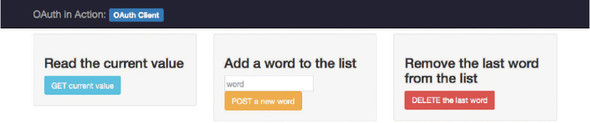
The client with three different functions, each mapped to a scope
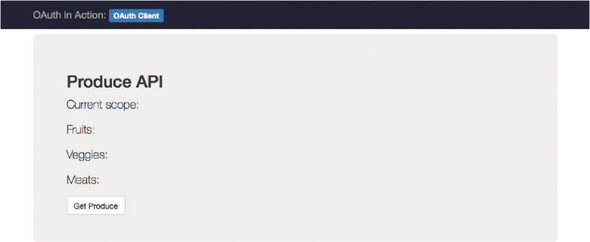
The client’s page before any data is fetched
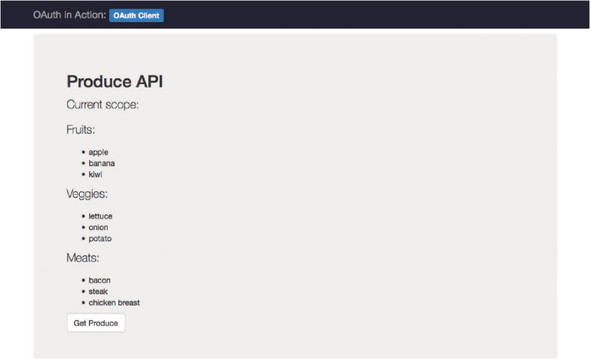
The client’s page showing all data returned with no scopes specified
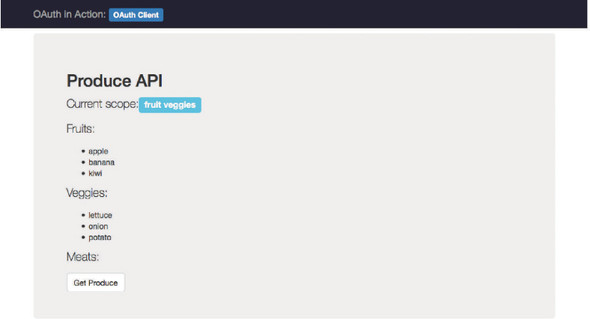
The client’s page showing limited data returned based on scopes
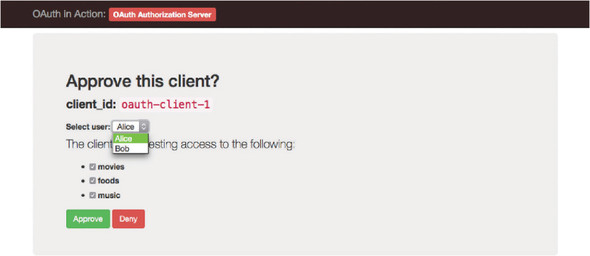
The authorization server’s approval page, showing a selection of resource owner identity
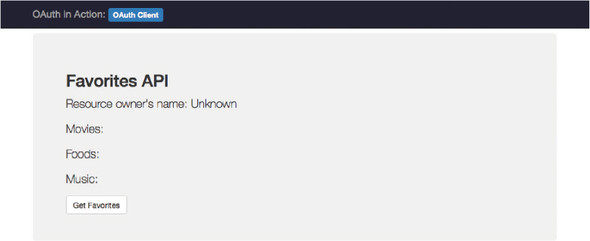
The client’s page before data has been fetched
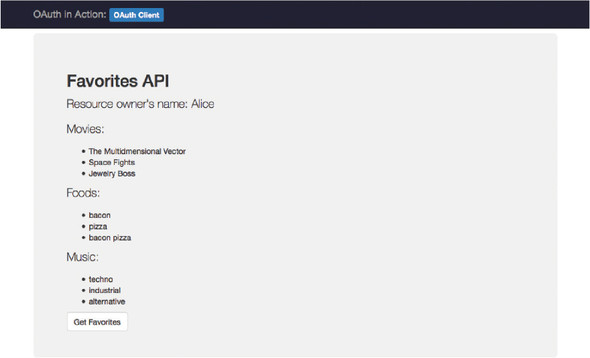
The client’s page showing Alice’s resource data
FAQ
What are the supported ways to pass an OAuth 2.0 Bearer token to a protected resource, and which is preferred?
RFC 6750 defines three ways: (1) HTTP Authorization header using the Bearer scheme (preferred), (2) form-encoded body parameter named access_token, and (3) URL query parameter access_token. Use the Authorization header whenever possible; body and query methods are fallback options with trade-offs (for example, URLs are more likely to be logged or leaked via referrers).How do I correctly parse a Bearer token from an HTTP request in Express.js?
Create middleware that checks, in order: the Authorization header, a form-encoded body parameter access_token, and a query parameter access_token. Header and scheme keywords are case-insensitive, but the token value itself is case-sensitive. Store the found token (or null) on the request and call next() so downstream handlers can decide what to do.How is the token validated in this chapter’s setup?
The resource server looks up the incoming token value in the same data store used by the authorization server. If found, the full token object (including scope, clientId, user, etc.) is attached to req.access_token; otherwise, req.access_token is null. Alternatives to a shared database include Token Introspection and self-contained tokens such as JWTs.When should I return 401 vs. 403, and what should go in the WWW-Authenticate header?
- Return 401 (Unauthorized) when the token is missing, malformed, or invalid. Include a WWW-Authenticate: Bearer header describing the error (for example, error="invalid_token").- Return 403 (Forbidden) when the token is valid but lacks required scope. Include WWW-Authenticate: Bearer with error="insufficient_scope" and the required scope(s).

 OAuth 2 in Action ebook for free
