9 Alternative orchestration tools
This chapter broadens the container orchestration toolkit beyond Kubernetes by demonstrating how to run multi-container applications with Docker Swarm and HashiCorp Nomad. It explains where these tools fit, how they relate to familiar Docker Compose workflows, and what you gain or trade off compared with managed Kubernetes. While CI/CD and full GitOps pipelines are acknowledged as valuable, they’re intentionally out of scope so the focus stays on standing up clusters, deploying services, and understanding each platform’s operating model.
Docker Swarm is presented as “distributed Docker Compose” across virtual machines, reusing compose files with a few legacy v3 adjustments (explicit bind-mounted volumes and deploy.replicas). The chapter defines managers, workers, tasks, services, and stacks, mapping them to familiar Kubernetes concepts, then walks through installing Docker, initializing a swarm on a private IP, joining worker nodes, and deploying a stack that fronts Python and Node.js services with NGINX. Service discovery via Compose service names, stack management commands, and rolling updates from the manager are highlighted. Swarm’s strengths are its speed and simplicity for anyone fluent in Compose; its limitations include the lack of built-in cloud resource provisioning and a smaller ecosystem than Kubernetes.
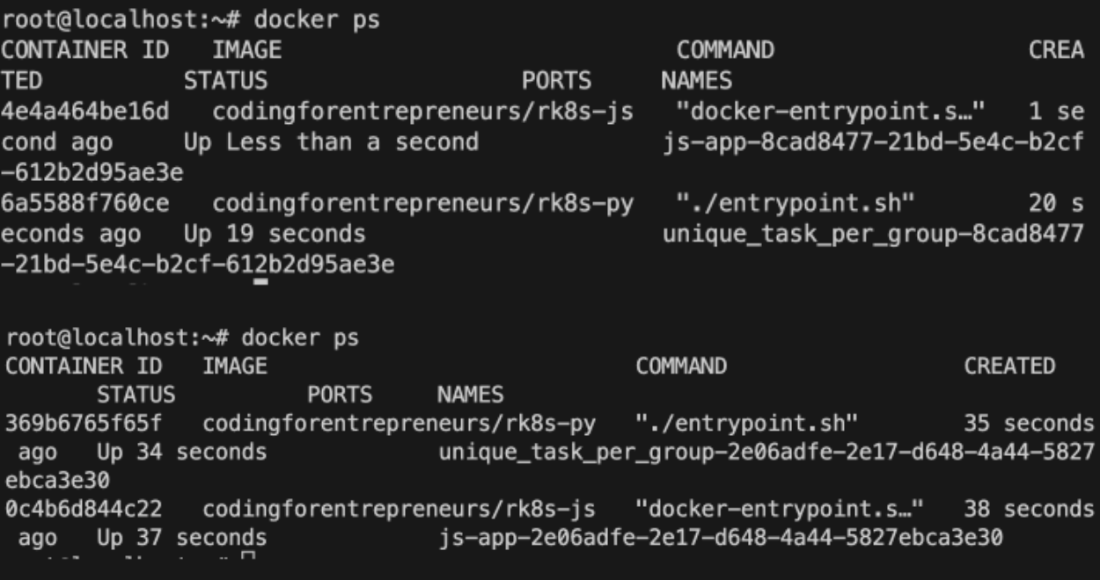
Nomad is introduced as an HCL-driven alternative with a server–client architecture and a streamlined UI. After configuring a single server (bind/advertise on the private IP) and multiple clients, workloads are defined as jobs that contain groups and tasks using the Docker driver, scaled via a group count. Networking is handled with group-level network blocks and task-level service blocks that dynamically allocate host ports on clients; the UI and CLI support planning, running, scaling, and stopping jobs, and you can verify placement directly on clients. Compared with Kubernetes, Nomad feels simpler, aligns well with Terraform and Vault, and offers strong multi-datacenter support, but it lacks built-in load balancers and persistent volumes; pairing with Consul enables service discovery and Terraform can supply the missing cloud resources.
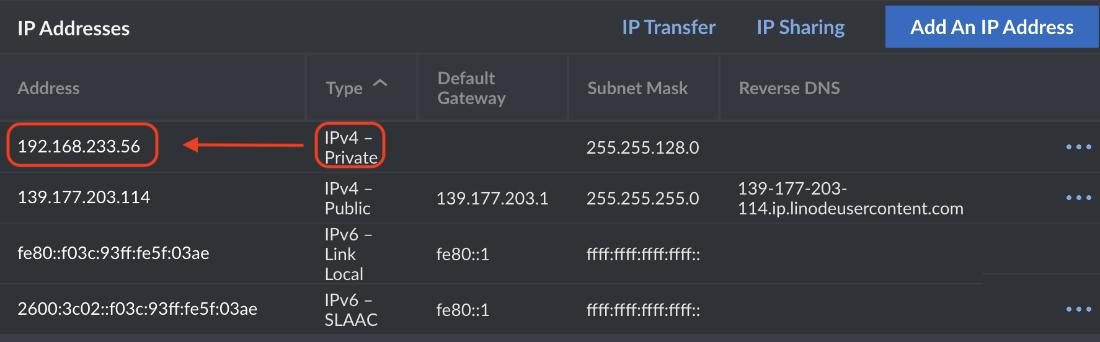
Private IP address for our virtual machine instance
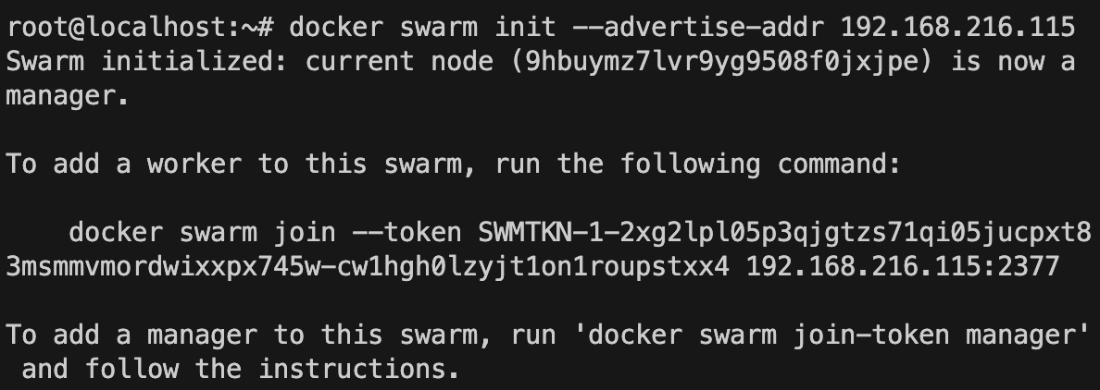
Docker Swarm initialization output
Docker Swarm Stack deployment output

Nomad server members outpu

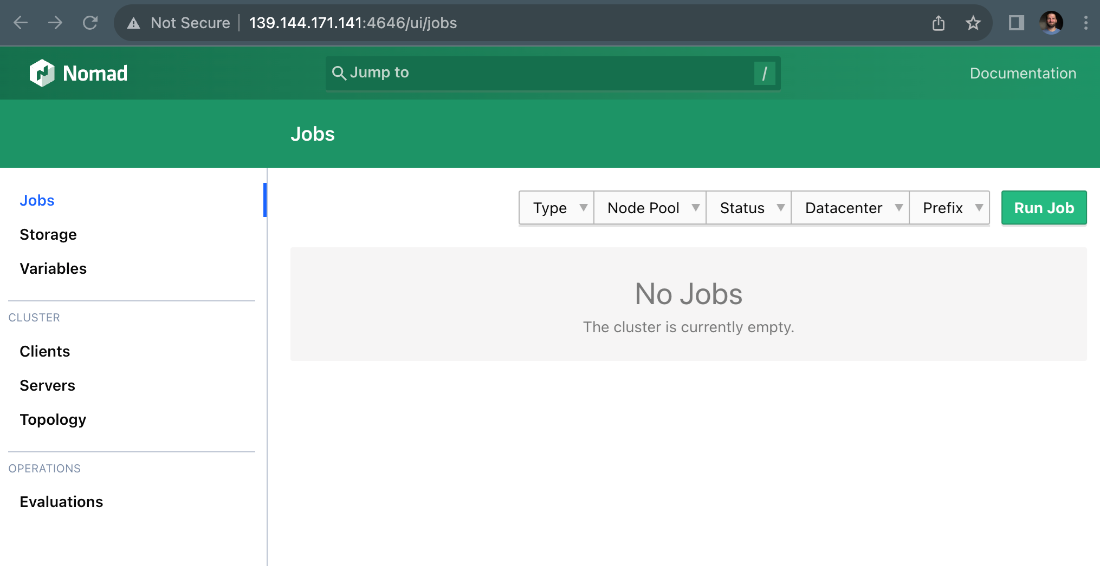
Nomad server user interface
Nomad server node status output

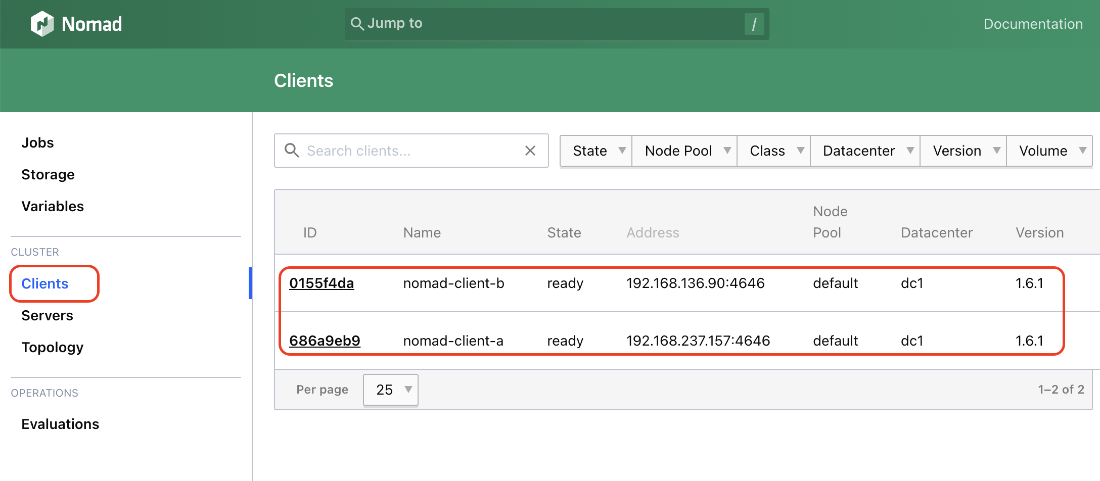
Nomad server UI clients
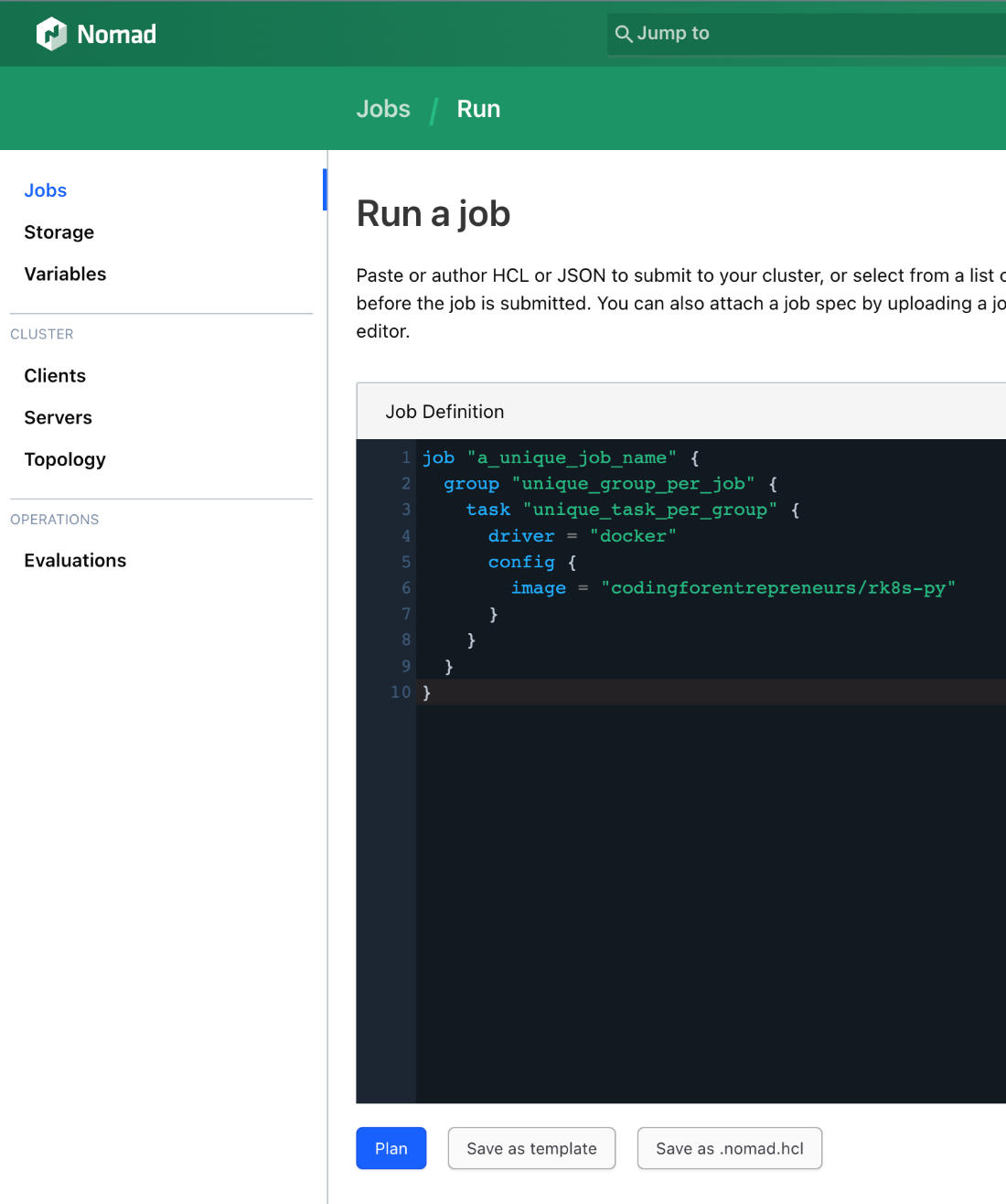
Nomad server UI run job
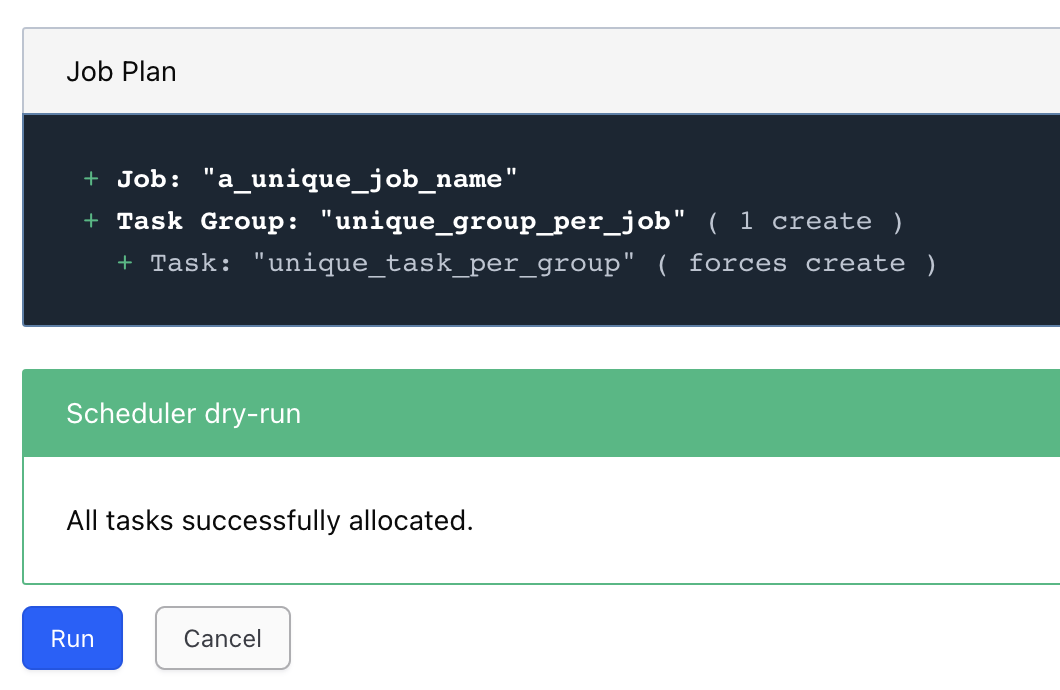
Nomad server UI plan job
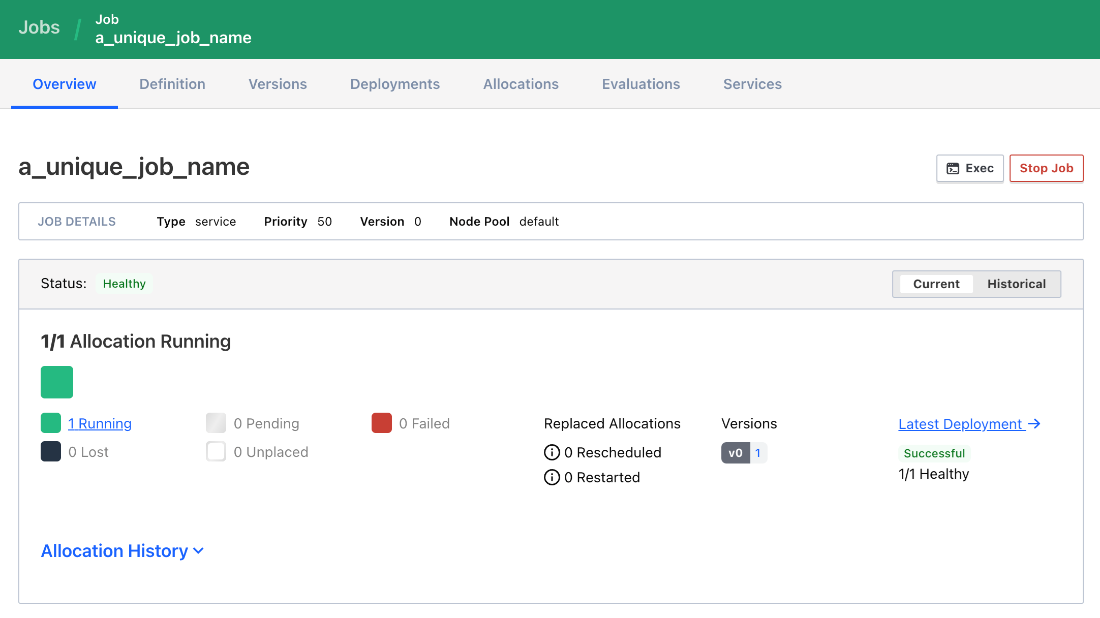
Nomad server UI job detail
Nomad Client Docker PS
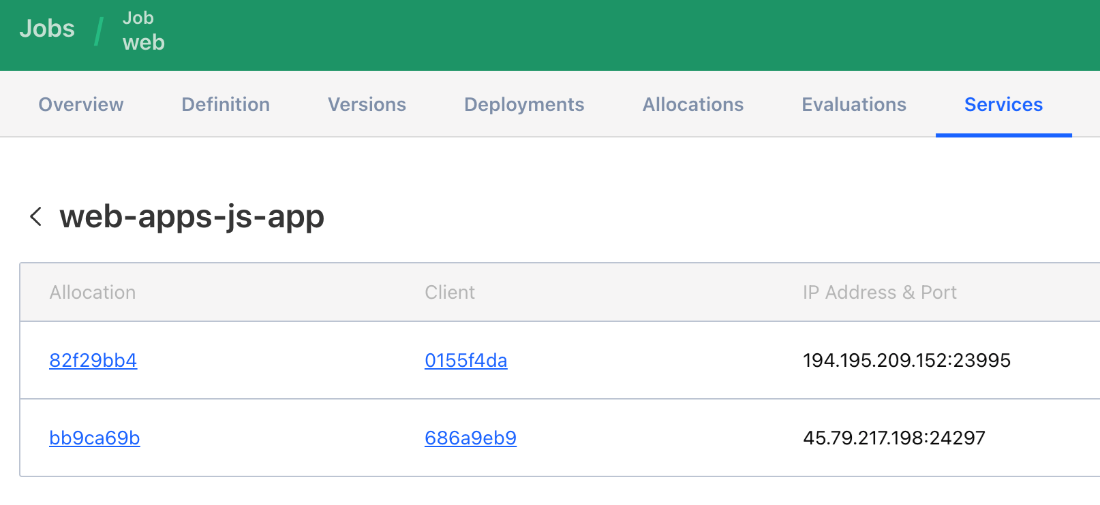
Nomad server UI service details
Summary
- Docker Swarm is a lot like Docker Compose, but it runs on multiple virtual machines.
- Docker Swarm and Docker Compose are almost interchangeable, but Docker Swarm requires more configuration.
- Docker Swarm has built-in service discovery, making it easier to run multiple containers across multiple virtual machines.
- HashiCorp Nomad has an intuitive user interface that makes managing the cluster, the jobs, and the clients easier.
- HashiCorp has a suite of tools that use HCL, making Nomad a great choice for those already using HashiCorp tools.
- Nomad’s dynamic IP allocation allows each running container instance to be publicly accessible in seconds.
FAQ
What is Docker Swarm and how does it relate to Docker Compose?
Docker Swarm is Docker Compose distributed across a cluster. It lets you run the same service definitions across multiple virtual machines, using nearly the same compose syntax. Swarm is aimed at production clusters, not local development, and introduces cluster concepts like manager/worker nodes, tasks, services, and stacks.How do I adapt a Docker Compose file to work with Docker Swarm?
- Use a legacy compose version header (for example,version: '3.8').- Replace simple bind mounts with the long-form syntax:
volumes: - type: bind; source: ./nginx.conf; target: /etc/nginx/conf.d/default.conf- Add a
deploy: block per service (for example, deploy: replicas: 3). Note: docker compose ignores deploy; Swarm uses it.How do I create and join a Docker Swarm cluster using private IPs?
On the manager:docker swarm init --advertise-addr <manager-private-ip>. Retrieve a worker token with docker swarm join-token worker. On each worker (after installing Docker): docker swarm join --token <token> <manager-private-ip>:2377. Place all nodes in the same region to use private networking.How do I deploy and manage a Docker Swarm stack?
- Deploy:docker stack deploy -c compose-swarm.yaml <stack-name>- List stacks:
docker stack ls- View tasks:
docker stack ps <stack-name>- Update: re-run deploy with your updated compose file
- Remove:
docker stack rm <stack-name>- Per-node container view/exec:
docker ps, docker exec (run on the node hosting the task).How do Docker Swarm concepts map to Kubernetes?
- Manager node ≈ Control Plane- Worker node ≈ Node
- Task ≈ Pod (a running container)
- Service (Swarm) ≈ Deployment (a set of tasks/pods)
- Stack ≈ Namespace (a logical grouping of services/resources)
When should I choose Docker Swarm vs. Kubernetes?
Choose Swarm for simplicity and a near drop-in path from Compose; it’s quick to learn and operate. Choose Kubernetes for richer capabilities and a large ecosystem, especially managed K8s features like built-in load balancers, static IPs, and persistent storage. Swarm doesn’t natively provision these cloud resources.What is HashiCorp Nomad and how does it compare to Kubernetes terminology?
Nomad is a cluster scheduler that runs containers using HCL (HashiCorp Configuration Language). Terminology mapping: Server ≈ Control Plane, Client ≈ Node, Task ≈ Pod, Job ≈ Deployment. Nomad integrates well with other HashiCorp tools (Terraform, Vault, Consul) and includes a built-in UI.How do I install and configure a Nomad server and clients?
- On each VM, install Nomad and Docker; enable the Nomad service (systemctl enable/start nomad).- Server config:
bind_addr = "0.0.0.0", set advertise to the server’s private IP, server { enabled = true; bootstrap_expect = 1 }, client { enabled = false }.- Client config:
client { enabled = true; servers = ["<server-private-ip>:4647"]; server_join { retry_join = ["<server-private-ip>:4647"] } }.- Verify:
nomad server members and nomad node status. Access UI at http://<server-public-ip>:4646/.How do I write and run a basic Nomad job (with multiple tasks and replicas)?
Define HCL: ajob contains a group that contains one or more tasks using the Docker driver. Set replicas via group { count = 2 }. Run through the UI (Jobs → Run Job) or via CLI: nomad job plan job.hcl, then nomad job run job.hcl. Stop with nomad job stop <job> (use -purge to remove).How do I handle ports and service exposure in Nomad?
- In the group, declarenetwork ports (for example, map http-py to container port 8080 and http-js to 3000).- In each task’s
config, reference ports (for example, ports = ["http-py"]).- Add a
service block per task (or per group if ports are shared). Nomad assigns dynamic host ports; view them in the UI under the job’s Services tab (you’ll see <client-public-ip>:<port> for each allocation).How does traffic routing work in the Swarm example using NGINX?
Swarm uses built-in DNS so containers can reach each other by service name (for example,web, api). The NGINX container proxies to these internal hostnames (for example, web:8080 and api:3000) and exposes port 80 publicly, providing simple load balancing across service replicas.
 Road to Kubernetes ebook for free
