2 Creating the Python and JavaScript web apps
This chapter establishes two simple, language-diverse web applications—one in Python (FastAPI) and one in JavaScript (Node.js with Express)—as the running examples used throughout the book to learn deployment, culminating in Kubernetes. It frames why multiple runtimes matter: while the apps are intentionally basic, the deployment nuances differ by ecosystem, making them useful vehicles for comparing approaches. The chapter also sets expectations that containers will later be used to tame deployment complexity, but first focuses on building working, locally runnable apps that respond over HTTP on explicit ports.
On the Python side, the chapter walks through creating a project with a virtual environment, using pip to install dependencies individually or via a requirements.txt, and building a minimal FastAPI app. You implement a main module with route handlers that return JSON-serializable dictionaries, then run it during development with uvicorn using auto-reload on a chosen port. The chapter highlights adding additional routes and methods, the importance of clear URL and HTTP method design, and notes that a production pairing with gunicorn will appear later.
For JavaScript, you initialize a Node.js project with npm, install Express, and create a main.js that defines routes with app.get, serves simple HTML, and returns JSON responses via res.json. You run the app with node, manage ports via a default or the PORT environment variable, and verify output locally. The chapter then standardizes version control practices for both apps: initialize repositories, use .gitignore to exclude heavy third-party directories (venv and node_modules), stage and commit changes, inspect history with git log and git show (with cautious use of reset), and finally configure a remote named origin and push each project to GitHub. Together, these steps produce two small, repeatable web services under source control, ready for the containerization and deployment work to come.
Uvicorn running FastAPI at port 8011
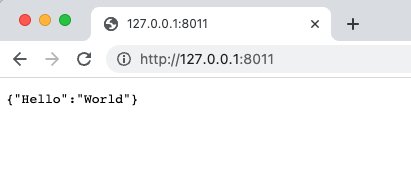
Uvicorn running FastAPI at port 8011
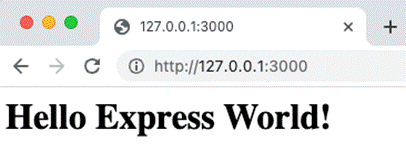
Express.js running at http://127.0.0.1:3000
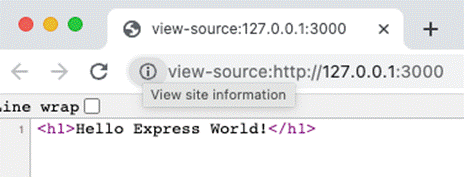
HTML source code of http://127.0.0.1:3000
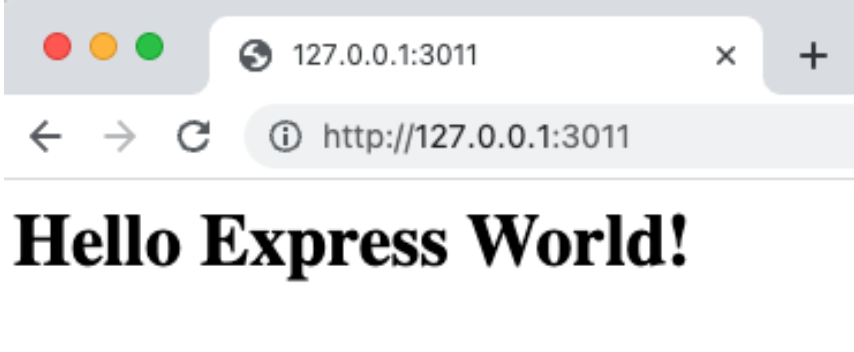
Express.js running at http://127.0.0.1:3011
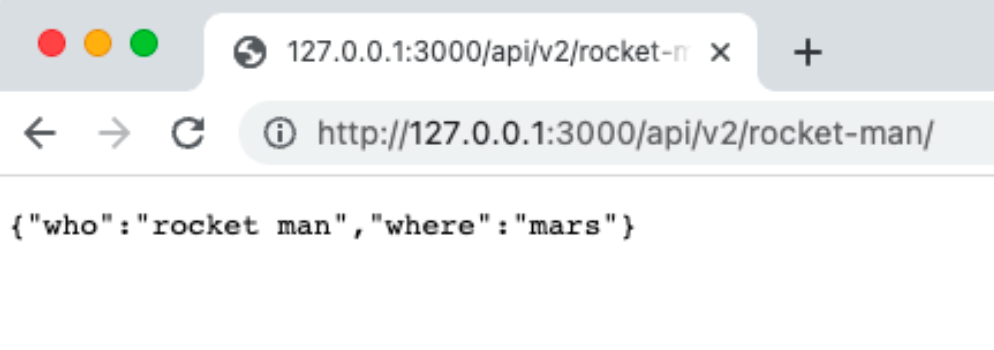
JSON response from Node.js
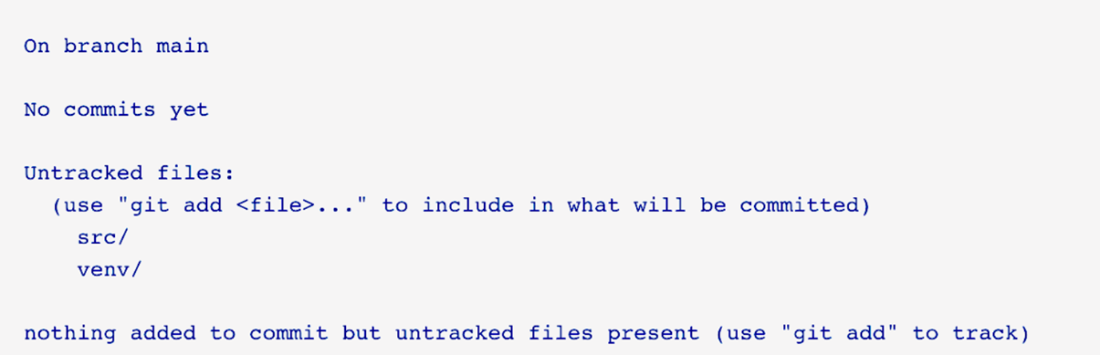
Git status for our Python project
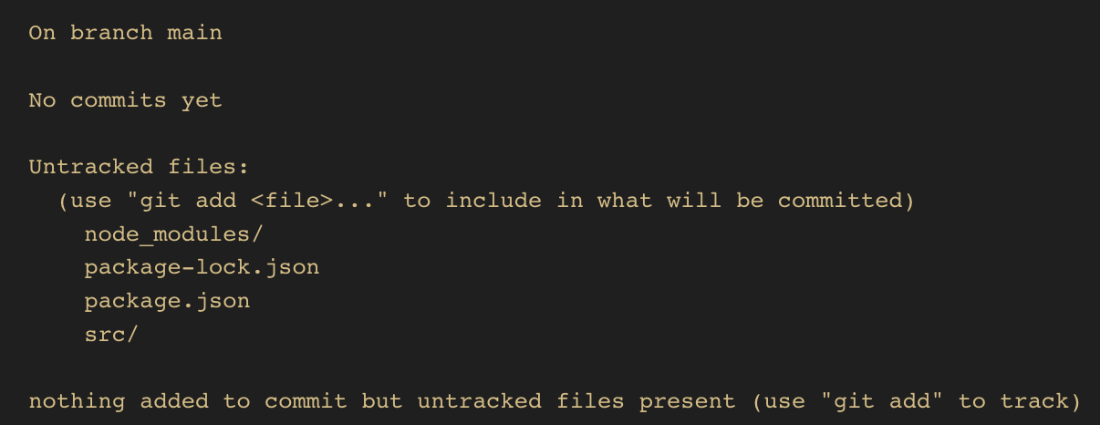
Git status for our Node.js project
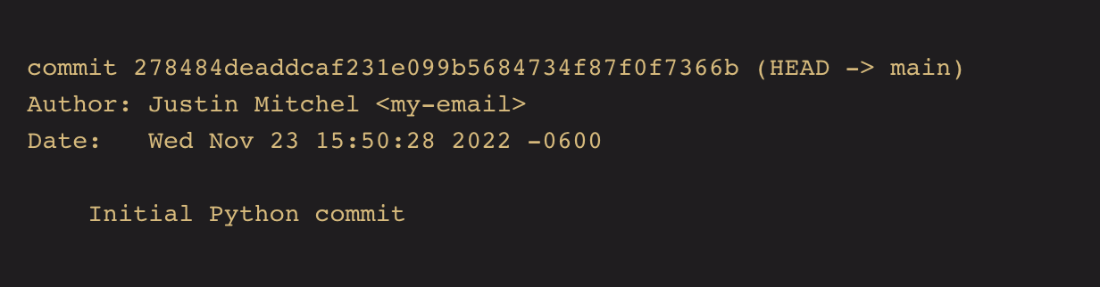
Initial Git commit log for our Python project
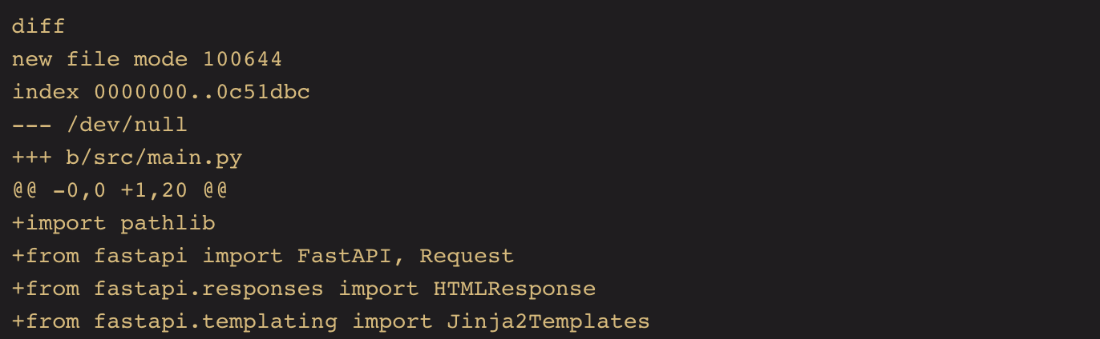
Git show example
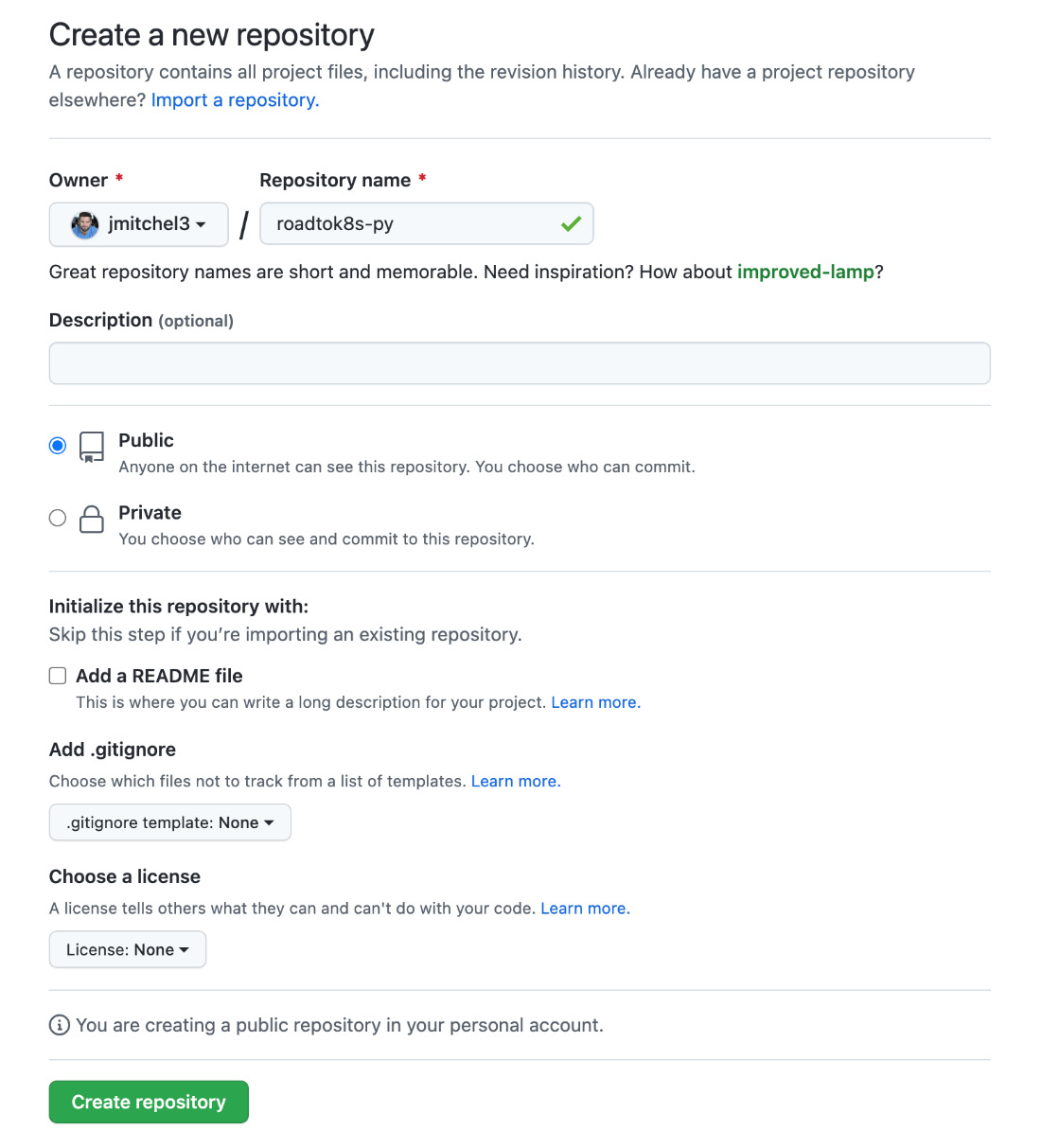
Creating a repository on GitHub
A newly minted repository on GitHub for our Python app
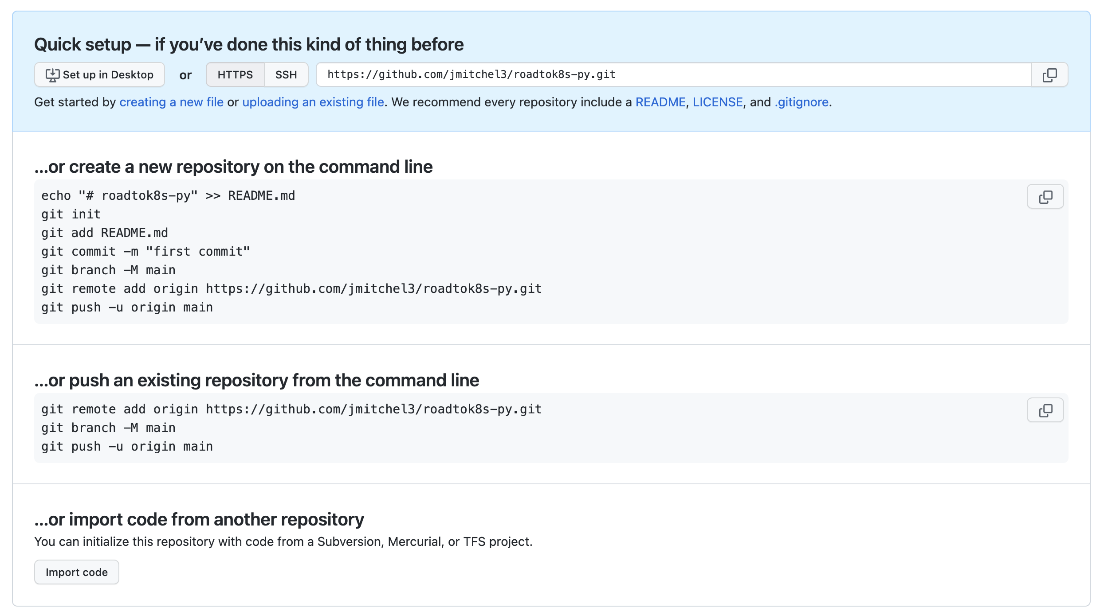
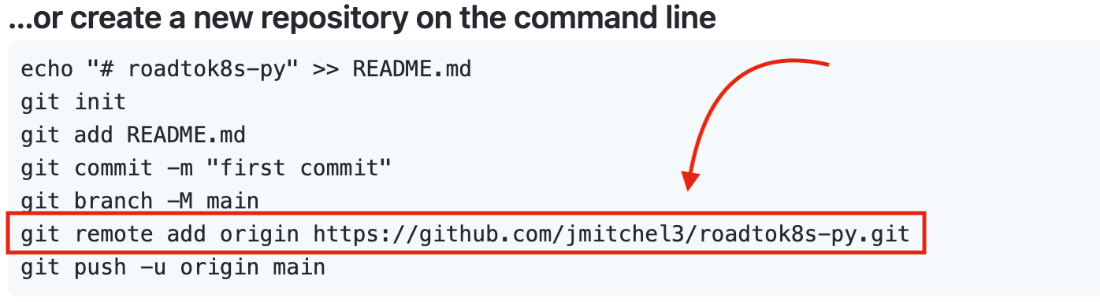
remote add via new GitHub repo
Summary
- Python and JavaScript are both excellent choices for learning the basics of building web applications.
- Even simple applications have a lot of dependencies and moving parts to get up and running.
- Using third-party package tracking with requirements.txt for Python and package.json for JavaScript/Node.js helps to create a repeatable and consistent environment for your application.
- FastAPI can be used to create a simple web application in Python that can handle the request/response cycle.
- Express.js can be used to create a simple web application in JavaScript/Node.js that can handle the request-response cycle.
- Template engines can be used to render HTML content in Python and JavaScript/Node.js, thus eliminating repetitive code.
- Functions can be used to map to URLs while handling HTTP methods in FastAPI and Express.js.
- Git is a version control system that can be used to track changes to your code and revert to previous versions of your code.
- Using version control is an essential first step in building robust applications that are deployable, shareable, and maintainable.
FAQ
Which tools and versions do I need to build the Python FastAPI app?
- Python 3.8 or higher
- venv for virtual environments
- FastAPI (framework)
- uvicorn (ASGI server for development)
- Optional in requirements: jinja2, gunicorn (often used with uvicorn for production)
How do I create and activate a Python virtual environment for this project?
From your project root (for example, ~/Dev/roadtok8s/py/):
# Create venv
# Windows
python -m venv venv
# macOS/Linux
python3 -m venv venv

# Activate venv
# Windows
.\venv\Scripts\activate
# macOS/Linux
source venv/bin/activate
How do I manage Python dependencies with pip and a requirements.txt file?
Create src/requirements.txt with your packages, then install them via your venv:
# Example requirements.txt
fastapi
jinja2
uvicorn
gunicorn

# From project root (venv active)
python -m pip install --upgrade pip
python -m pip install -r src/requirements.txt
What does a minimal FastAPI app look like, and how do I run it?
Create src/main.py with a simple route that returns a JSON-serializable dict, then run it with uvicorn:
# Run from project root (venv active)
uvicorn src.main:app --reload --port 8011
# Visit http://127.0.0.1:8011
Note: module is src.main and variable is app (the FastAPI() instance).
How do I add more routes in FastAPI?
Use decorators for HTTP methods and return JSON-serializable data:
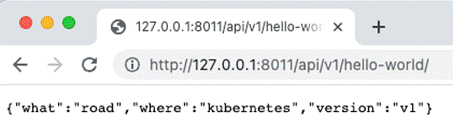
@app.get("/api/v1/hello-world/")
def read_hello_world():
    return {"what": "road", "where": "kubernetes", "version": "v1"}
How do I initialize a Node.js project and install Express.js?
From your JS project root (for example, ~/Dev/roadtok8s/js/):
npm init
npm install express
This creates/updates package.json, package-lock.json and node_modules/.
How do I build and run a basic Express.js server and choose its port?
Create src/main.js that creates an Express app, defines routes, and listens on a port:
# Run from JS src folder
node main.js
# Default port in the chapter example: 3000
# Change port via env var:
# macOS/Linux
PORT=3011 node main.js
# Windows
set PORT=3011 && node main.js
# Visit http://127.0.0.1:<PORT>
How do I return JSON from an Express.js route?
In the chapter example, a JS object is stringified and returned via res.json:
app.get('/api/v2/rocket-man1/', (req, res) => {
  const obj = { who: "rocket man", where: "mars" };
  const jsonString = JSON.stringify(obj);
  res.json(jsonString);
});
Note: Express can also accept an object directly with res.json(obj).
What should I track with Git and what should I ignore?
Track your source and manifest files; ignore large/vendor and local-only files.
- Python .gitignore essentials: venv/, .env, .venv, __pycache__/, *.py[cod], .DS_Store
- Node .gitignore essentials: node_modules/, .env, .venv, logs/, *.log, npm-debug.log*, .DS_Store
Typical workflow:
git init
git status
git add <files or folders>
git commit -m "Describe your change"
How do I push my local repositories to GitHub?
Steps per project:
- Create an empty repo on GitHub (e.g., roadtok8s-py or roadtok8s-js).
- Set the remote in your local repo and push:
# From project root
git remote add origin https://github.com/<yourusername>/<repo-name>.git
git push origin main
# If your branch isn’t named main:
git branch --show-current
git push origin <your-branch>
# Verify remote
git remote -v

 Road to Kubernetes ebook for free
