Chapter 7. SVG: responsive in-browser graphics
Scalable Vector Graphics are introduced as an XML-based way to create browser graphics that stay crisp at any size. The chapter contrasts vectors with bitmaps, explaining that vector images are defined by math rather than pixels, which makes them ideal for logos, icons, simple illustrations, and layouts that must resize cleanly. It also shows that SVG can be embedded directly in HTML, styled with CSS, and edited in external vector tools, giving developers a flexible alternative to raster images without needing a separate graphics editor for every asset.
From there, the chapter builds a complete tutorial game to demonstrate practical SVG use. It starts with simple shapes, groups, gradients, text, animation, paths, XLink-based imports, and the viewBox property to create responsive artwork. These techniques are applied to a small game interface with welcome and game-over screens, then expanded into a playable space shooter with a ship, UFOs, shields, lasers, score display, and collision handling. Along the way, the text emphasizes reusable patterns for organizing SVG elements, managing large groups, and generating or updating graphics dynamically through JavaScript.
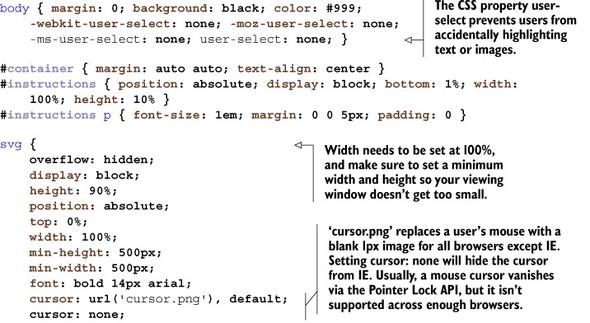
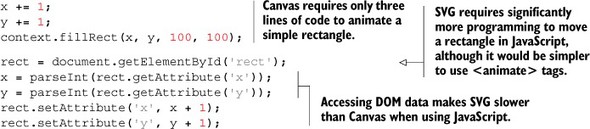
The later discussion focuses on SVG’s strengths and weaknesses when compared with Canvas. SVG’s big advantages are that its elements live in the DOM, can be inspected and manipulated like normal page content, support text rendering well, and integrate naturally with CSS and events. Its drawbacks are heavier DOM interaction, more awkward JavaScript handling, and weaker support for large-scale, performance-heavy game graphics. The chapter concludes that SVG is a strong choice for simple interactive graphics, scalable illustrations, and interface elements, while Canvas is generally better for processing-intensive applications and large numbers of rapidly changing objects.
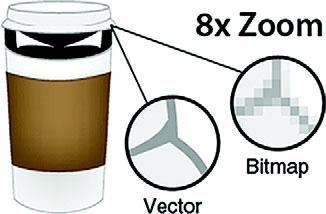
Effects of zooming into a vector versus a bitmap image. Our evil coffee cup demonstrates that vector is the clear winner. But great zoomability comes with great issues when you’re creating complex graphics.
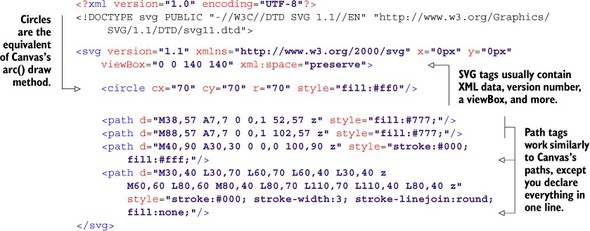
Wilson is capable of changing to any size at will, and you can edit him in a graphical editing program like Illustrator. No JavaScript is required to create him, only SVG tags and a little bit of CSS.

Listing 7.1. wilson.svg—SVG code sample
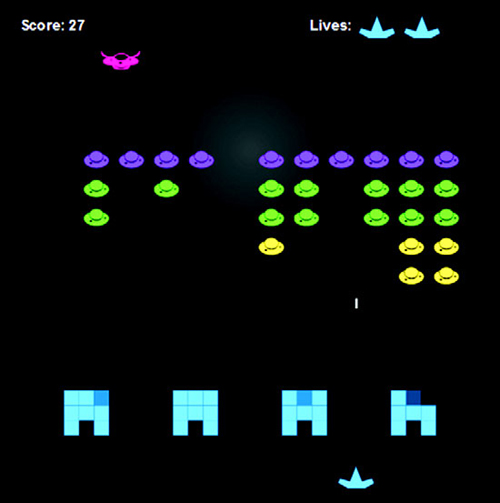
Get ready to defend Earth from the coming apocalypse in SVG Aliens. Play the game at http://html5inaction.com/app/ch7 before you build it from scratch. Download the source code from http://www.manning.com/crowther2/. The game’s artwork is by Rachel Blue, http://www.linkedin.com/pub/rachelblue/23/702/99b.

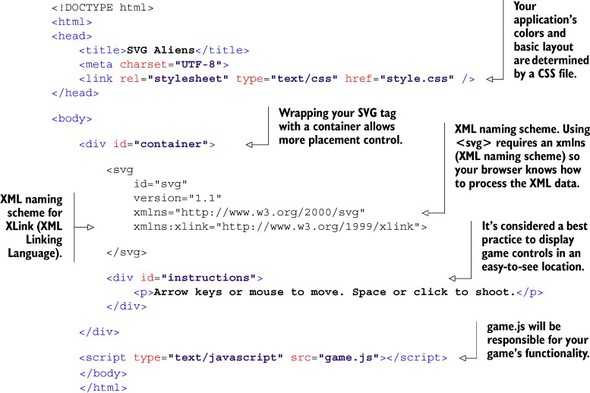
Listing 7.2. index.html—Default html
Step 2: Create your CSS file
Listing 7.3. style.css—Primary CSS

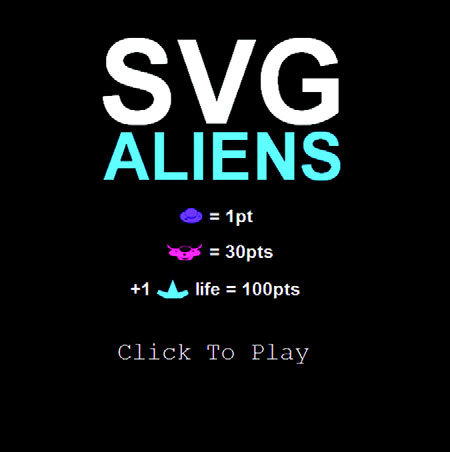
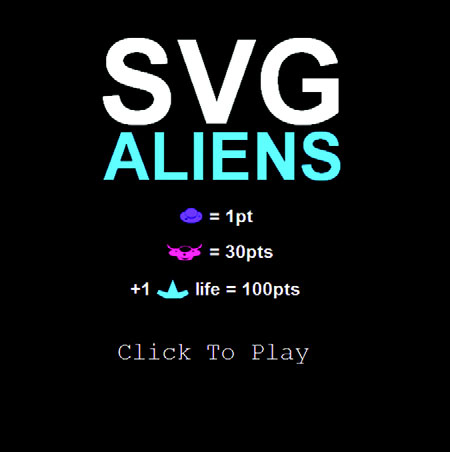
SVG Alien’s Welcome screen teaches players about its point system and allows them a chance to initiate gameplay.
Creating simple shapes
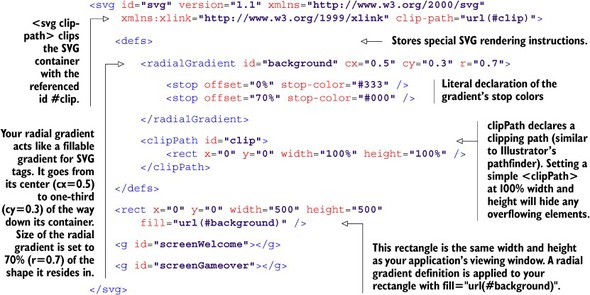
Listing 7.4. index.html—Background setup
Step 4: Add text to the screen and animate it
Listing 7.5. index.html—Using XLink
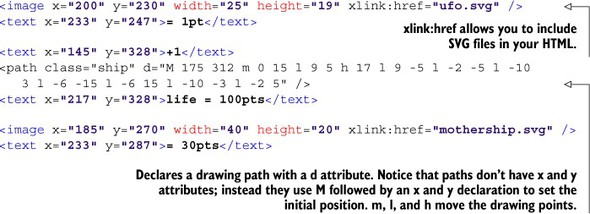
Using paths for advanced shapes
The Welcome screen should look like this one after you refresh your browser.
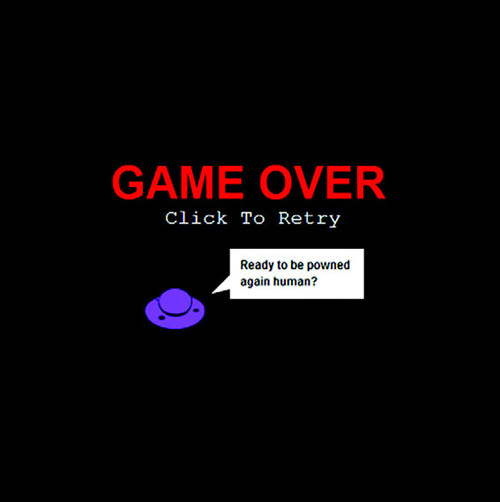
Nothing makes people rage quite like getting powned by an SVG alien. Game Over screens are a great way to encourage players to develop addictive behaviors (such as playing repeatedly).
Step 7: Configure the game’s flexible viewBox
RaphaelJS is capable of creating astounding graphics in all modern-day browsers.

Listing 7.8. game.js—Game engine base

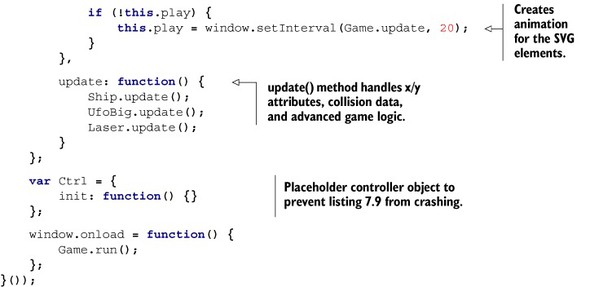
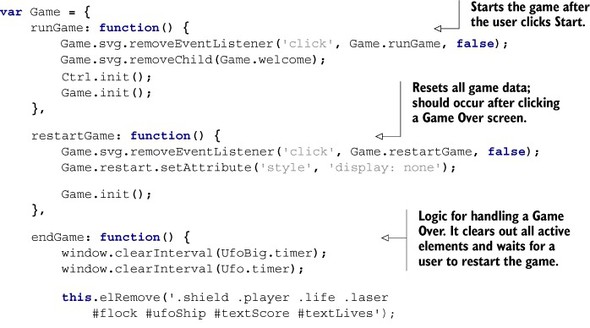
Listing 7.9. game.js—Screen transitions
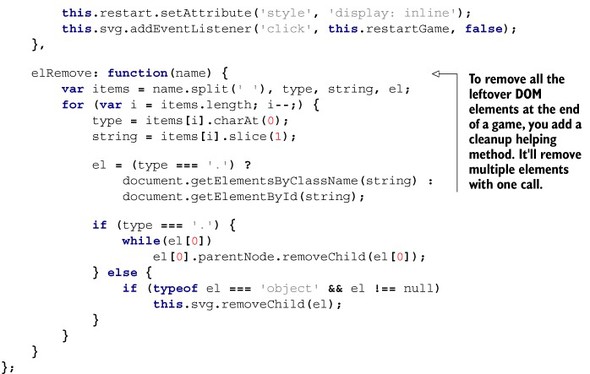
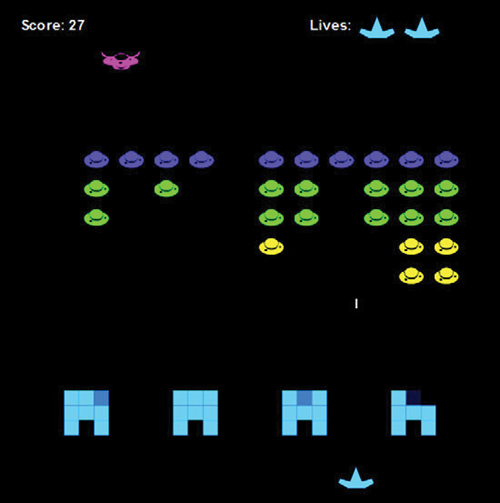
A big UFO that randomly appears. Players may shoot it down for bonus points.

Listing 7.10. game.js—Big UFO (mothership)

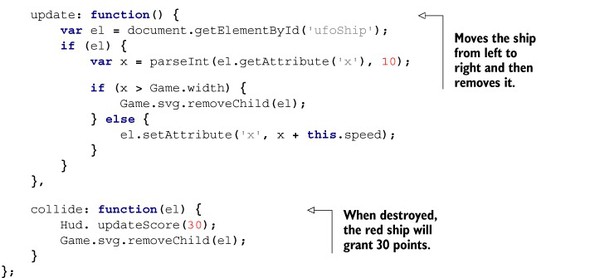
Listing 7.11. game.js—Player ship setup
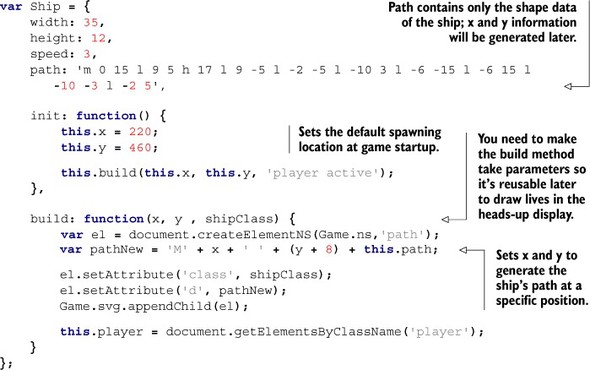
Listing 7.12. game.js—Player ship interactivity
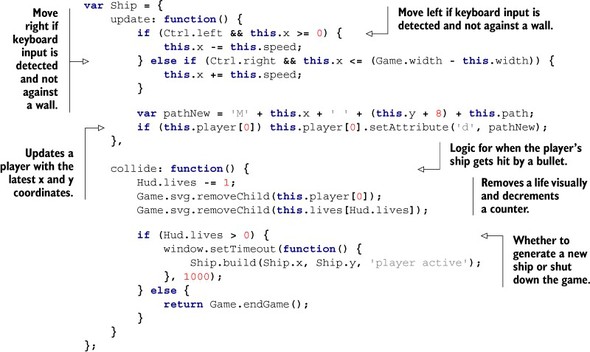
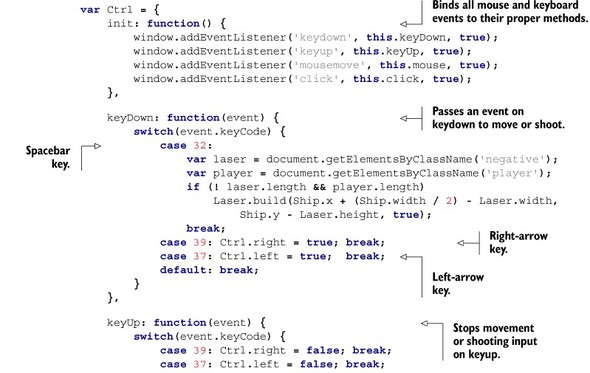
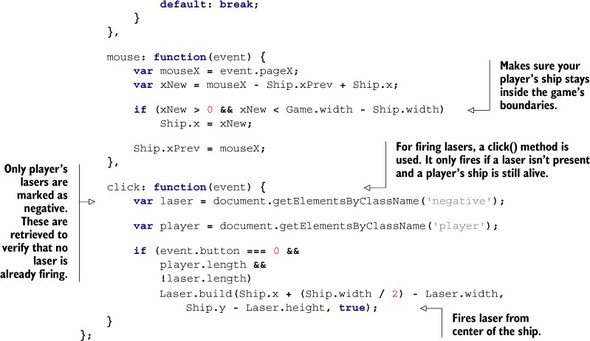
Listing 7.13. game.js—Keyboard/mouse setup
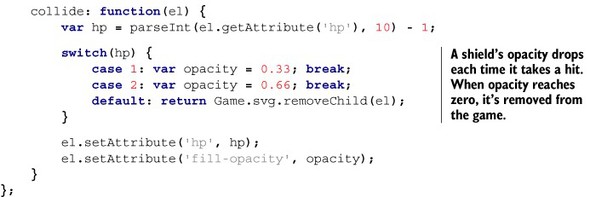
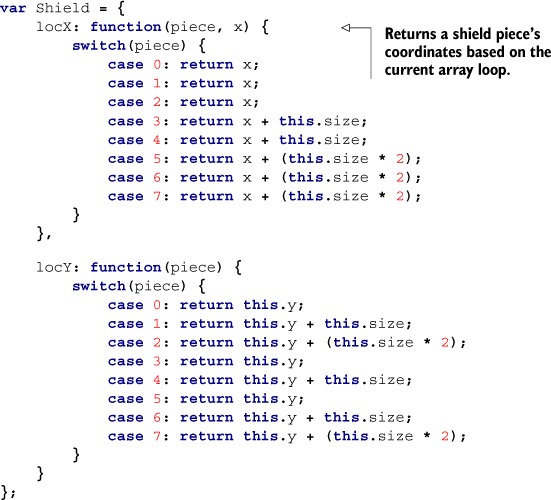
Shields comprise eight different pieces (right image) that take three shots each before disappearing.

Listing 7.14. game.js—Shield setup

Listing 7.15. game.js—Shield helpers
Listing 7.16. game.js—Building lasers
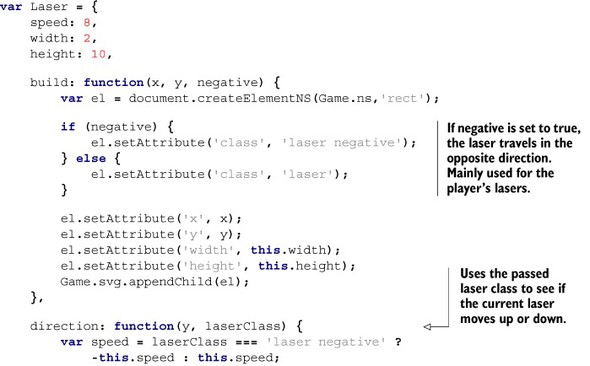

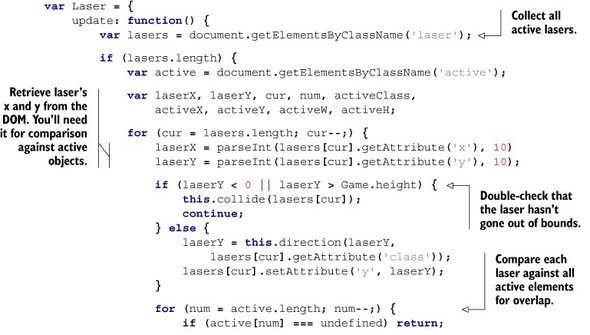
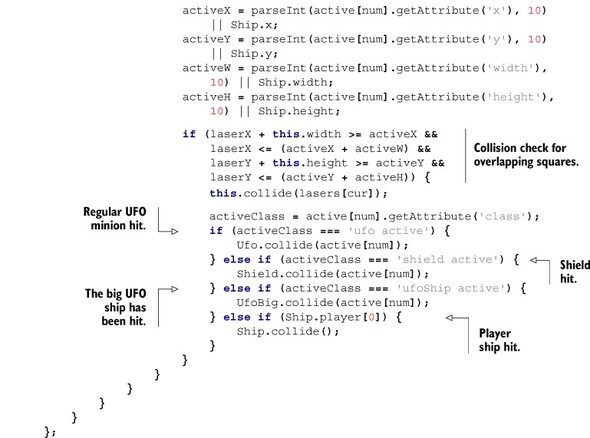
Listing 7.17. game.js—Moving lasers
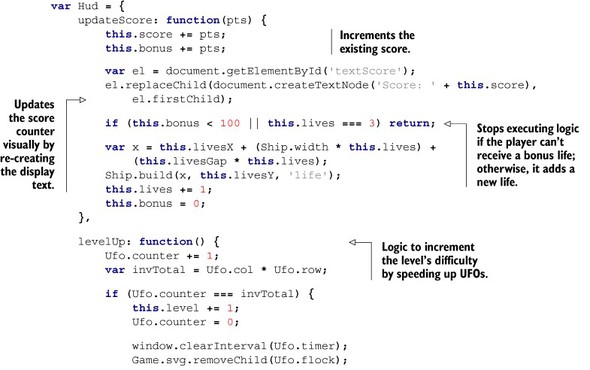
Listing 7.18. game.js—HUD building

Listing 7.19. game.js—HUD updating
UFOs are not only cute; they’re also an evil dominant force in numbers.

Step 1: Set up the UFO flock
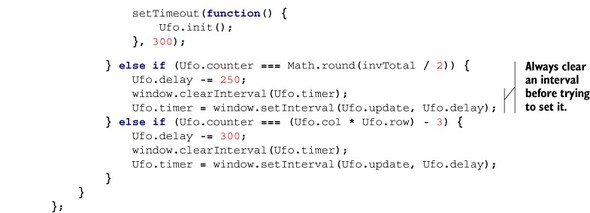
Listing 7.20. game.js—UFO flock setup

Step 2: Generate paths for the UFOs
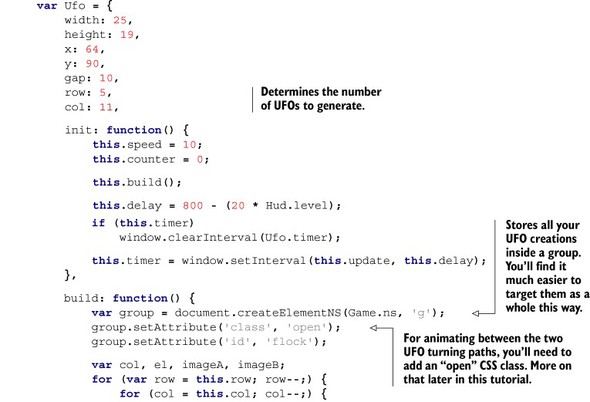
Listing 7.21. game.js—UFO paths
Step 3: Animate the UFOs
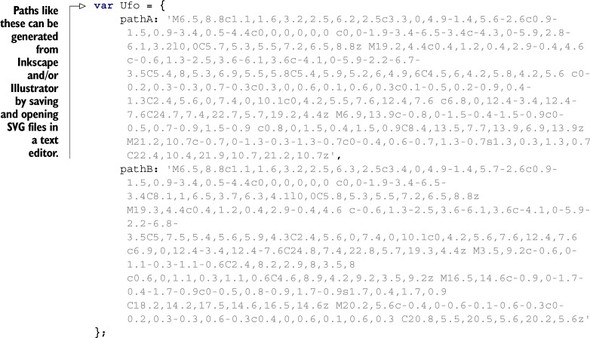
Listing 7.22. game.js—UFO animation and helpers
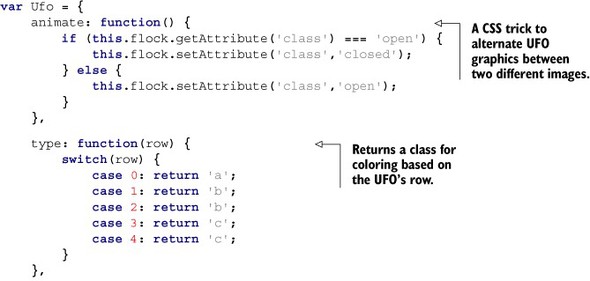
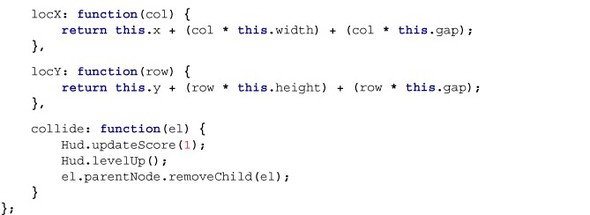
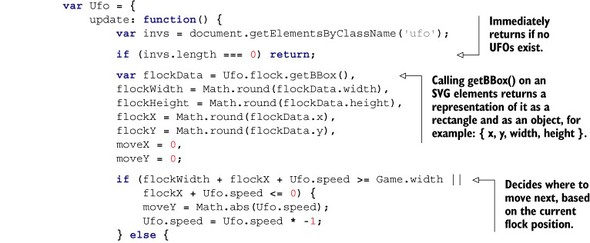
Listing 7.23. game.js—UFO movement AI
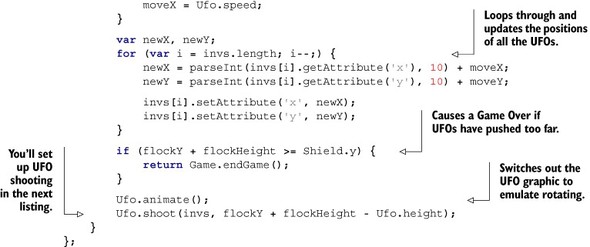
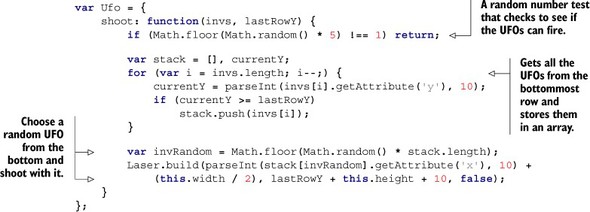
Listing 7.24. game.js—UFO shooting AI
Congratulations. You’ve created a complete game of SVG Aliens. Alternatively, you’ve also created an endless loop of UFOs, dooming an addicted player to a life of gaming.
Where’s the community?
What about JavaScript integration?
Listing 7.25. example.js—Canvas and SVG JS code samples, respectively
Pros and cons of SVG in the DOM
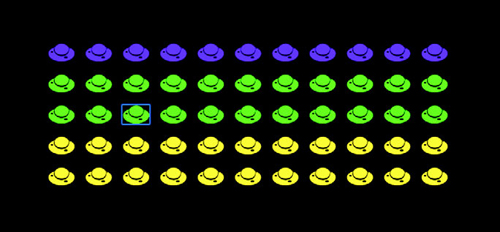
SVG allows you to interact with elements in real time. Because of this, you can use Firebug for debugging and coding help. Looking at the screenshot of the UFO flock, you can see that Firebug is highlighting the UFO in the third row and third column.
We drew you this epic piece of artwork in SVG-edit (MIT Licensed and source code at http://code.google.com/p/svg-edit/). Look closely and you can observe the epic struggle between SVG and Canvas.


 HTML5 in Action ebook for free
