1 Making our First Image: “A damn fine cup of coffee”
This chapter introduces the basic workflow for creating images with Stable Diffusion using AUTOMATIC1111’s Stable Diffusion Webui, or A1111. It frames image generation as a mix of wonder, unpredictability, and technique: the user types a text description, the model interprets it, and the results may range from impressive to strange. The chapter emphasizes that good results come from learning both the tool and the process, especially by generating many options and selecting the most promising ones for refinement.
The chapter walks through the first text-to-image experiment using the prompt “A damn fine cup of coffee.” It explains that prompts are natural-language descriptions that guide Stable Diffusion, then shows how batch count and batch size can be used to create many images at once. Batch count runs generations sequentially, while batch size creates multiple images in parallel and uses more GPU memory. The chapter also introduces seeds, explaining that Stable Diffusion’s randomness can be controlled by setting a specific seed, making outputs reproducible and allowing users to compare changes more reliably.
The chapter then explores how image dimensions and prompt engineering affect results. Changing width and height alters not only the aspect ratio but also the content and feel of the generated image, with extreme ratios often producing odd results. Prompt engineering is presented as an iterative, experimental practice rather than a precise science: clear descriptions usually work better than poetic language, adding context helps shape the scene, and specifying an artistic style can dramatically change the output. By refining the coffee prompt with clearer wording, a diner-counter setting, and styles such as surrealist painting or wood etching, the chapter demonstrates the core loop of Stable Diffusion work: explore broadly, choose what works, and refine deliberately.
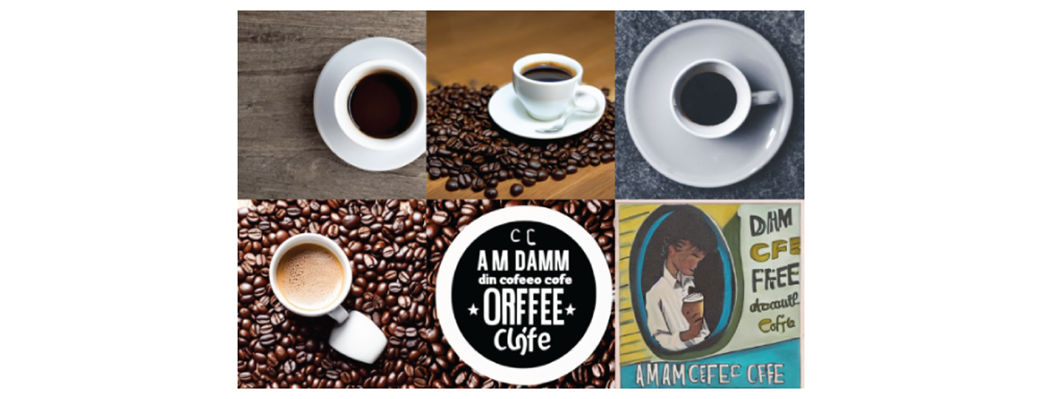
Stable Diffusion sure can create strange things, let’s try to avoid going too far in that direction.
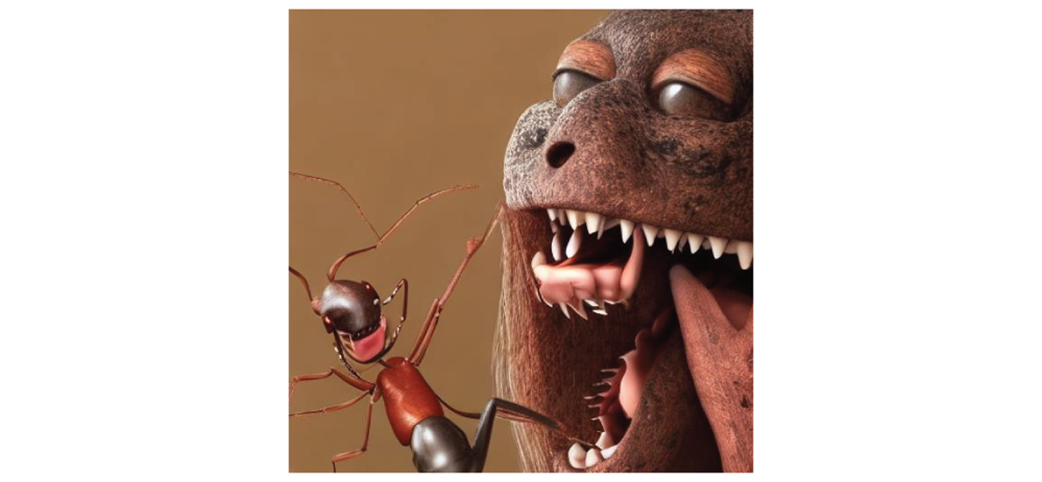
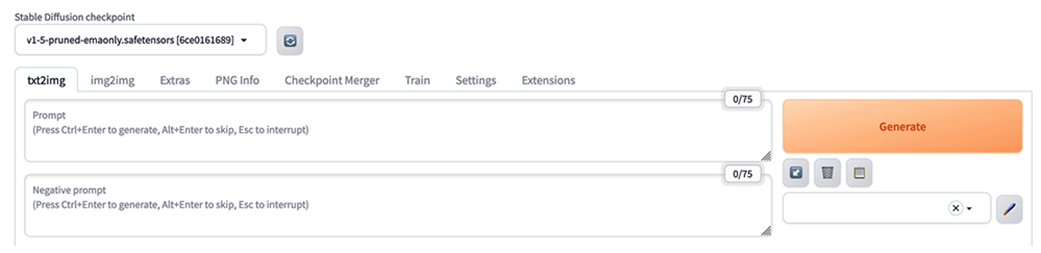
Image of the upper portion of the A1111 UI.
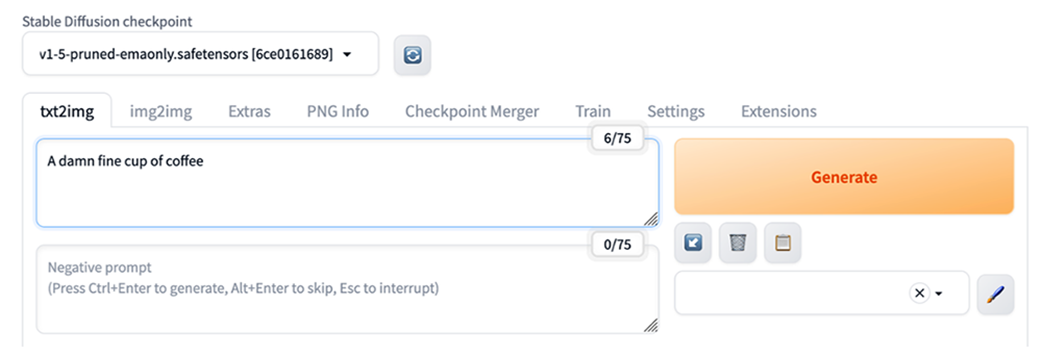
Entering our prompt into A1111
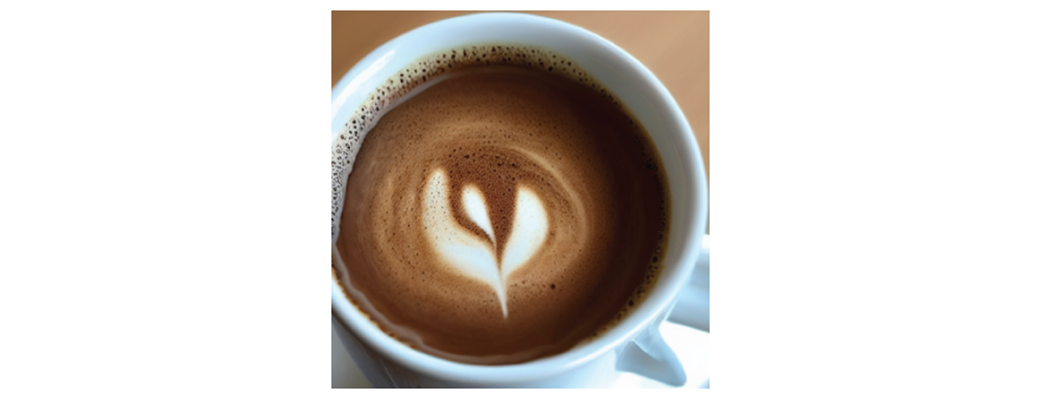
The initial image created by our prompt: “A damn fine cup of coffee.”
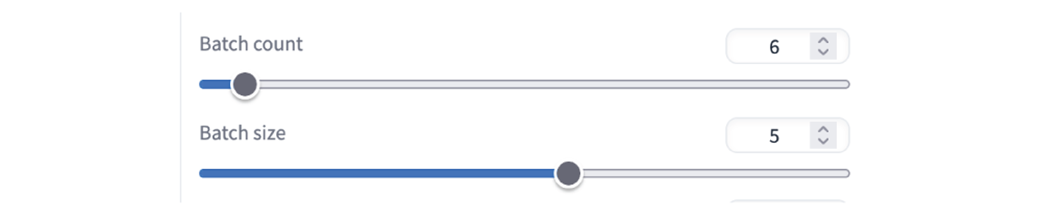
Batch count and Batch size theoretically offer different ways to increase images generated

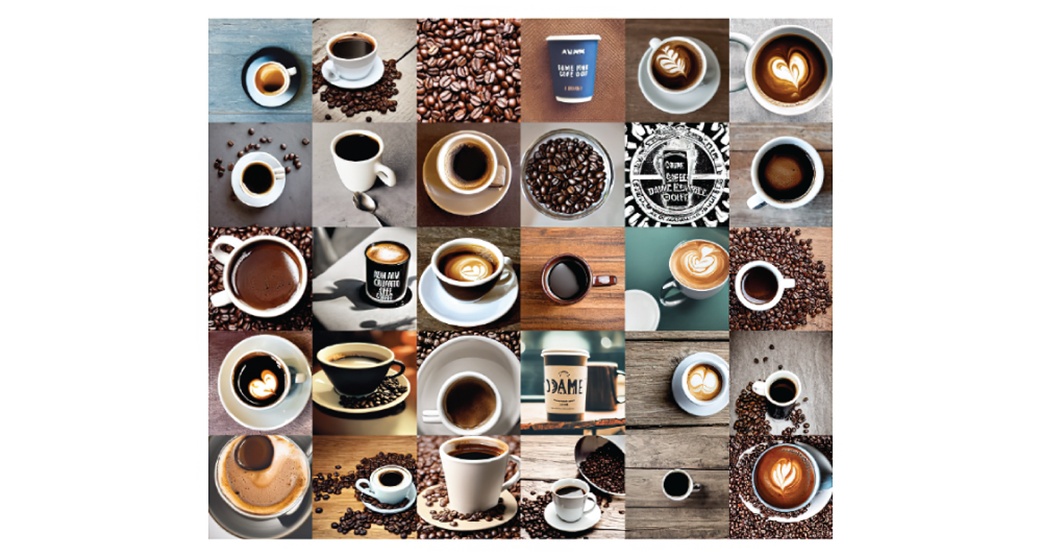
One configuration for generating 30 images at once.
30 different answer to the prompt “A damn fine cup of coffee”
Setting the value to -1 will give us a ‘random’ seed each time we hit ‘Generate’.

The recycle button will give us the seed we used previously.

The options for setting our Width and Height in the UI.

Images with a 5:3 landscape aspect ratio.
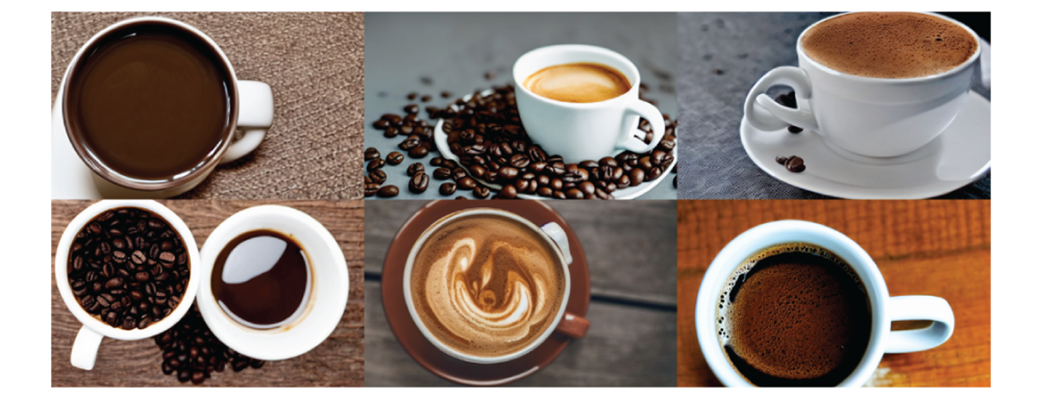
Using the same seed but reverting to 512x512 shows us the impact of aspect ratio and image size.
We can easily swap Width and Height values in A1111.

Images with a 3:5 aspect ratio .
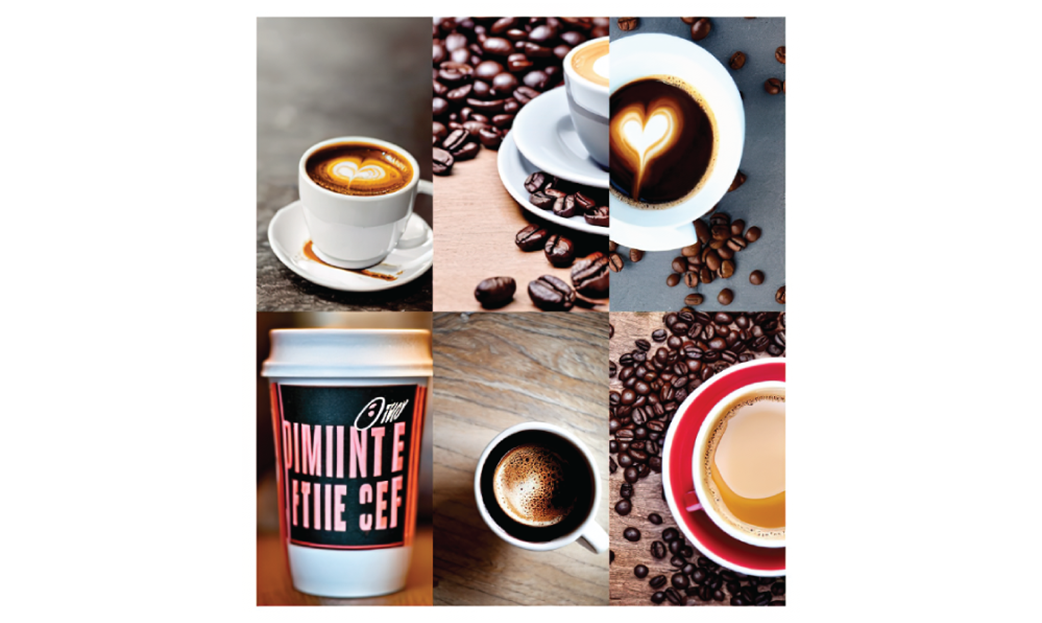
Images with a 3:7 aspect ratio.
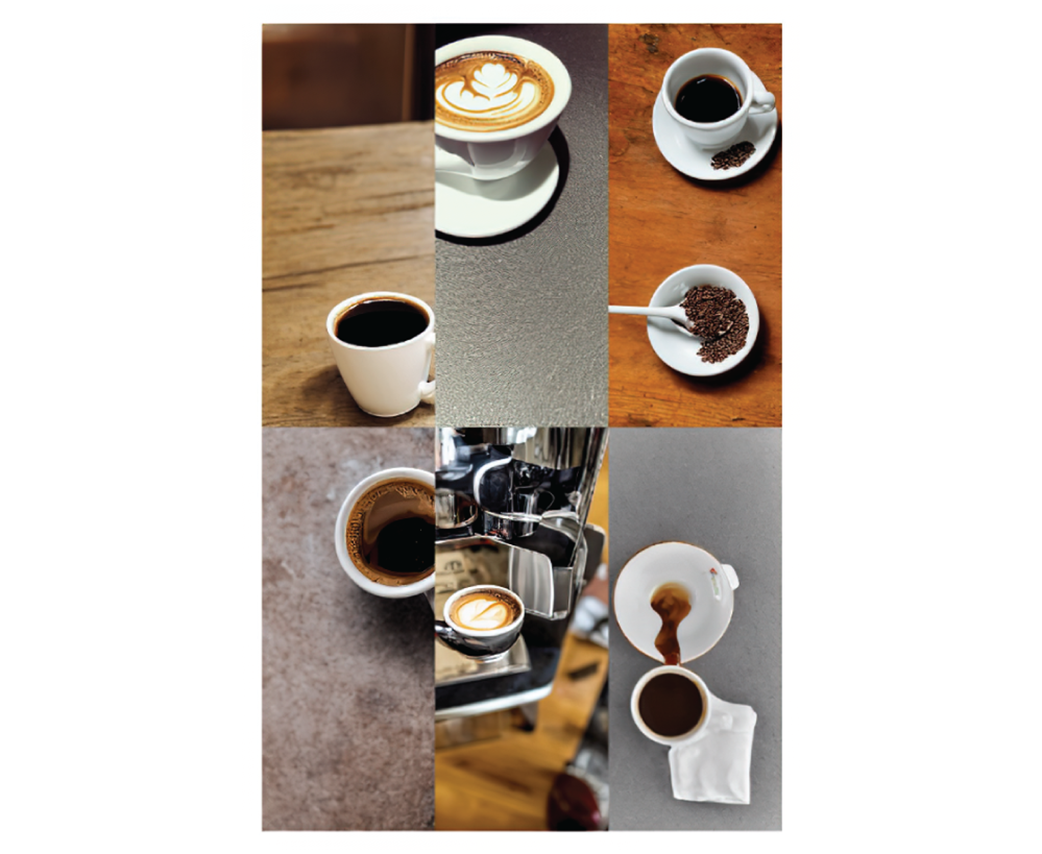
Images with a 4:1 aspect ratio.

A poetic prompt does not always yield poetic images.
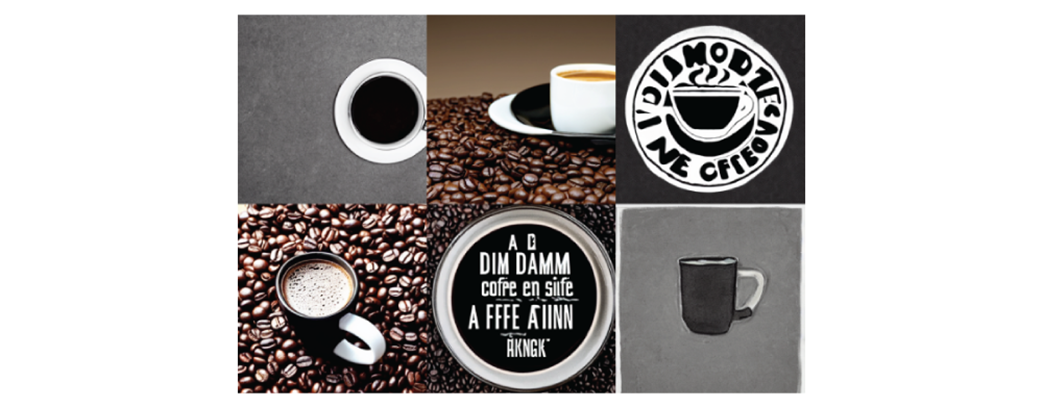
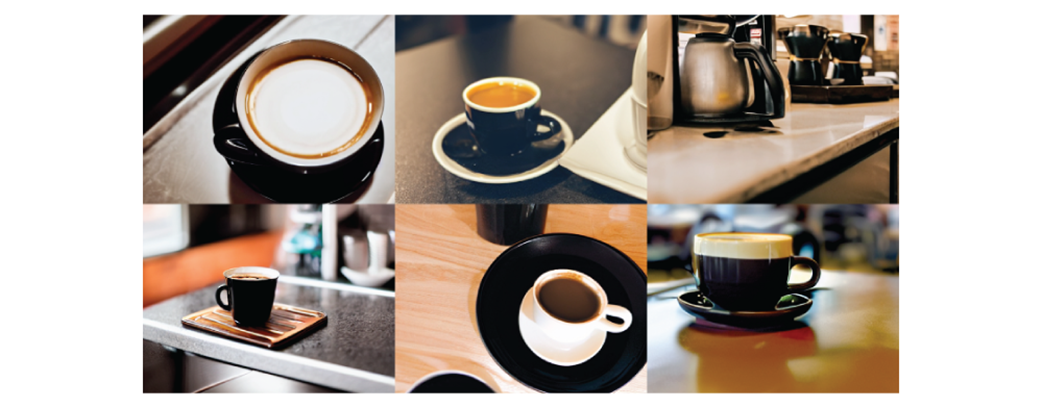
A straight forward prompt yields more cups of black coffee.
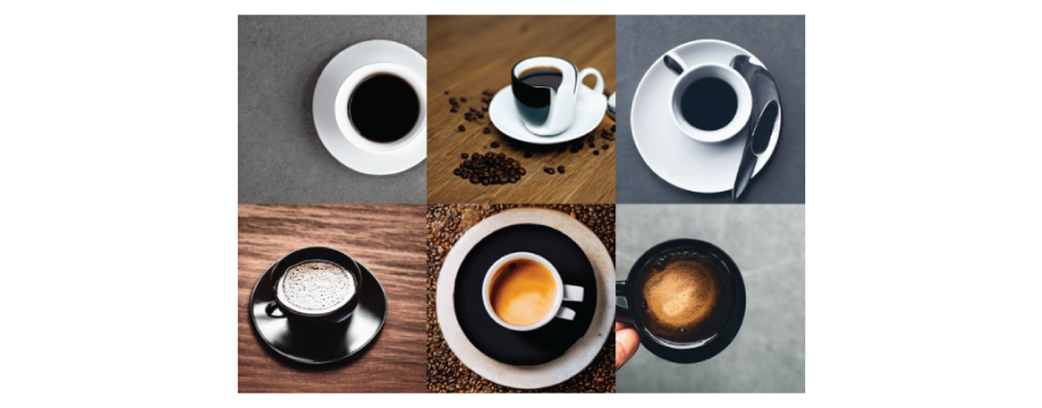
Adding a scene to an image can help provide context.
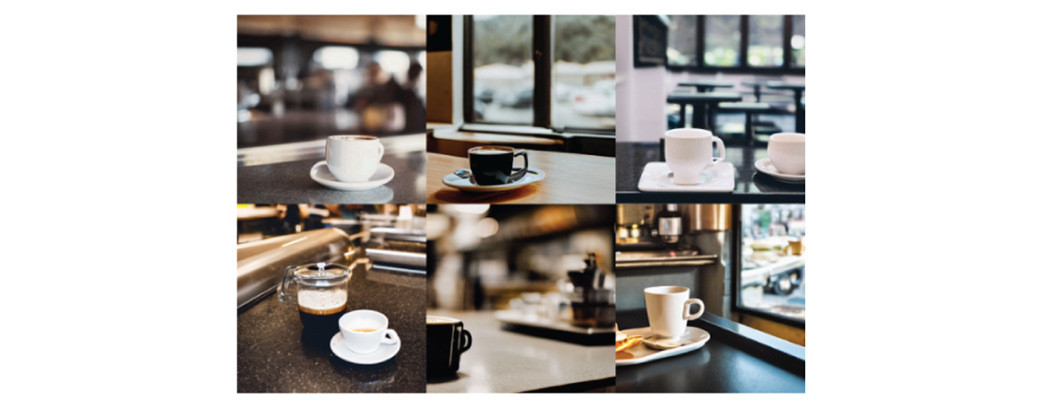
Choosing a landscape aspect ratio helps display the counter.
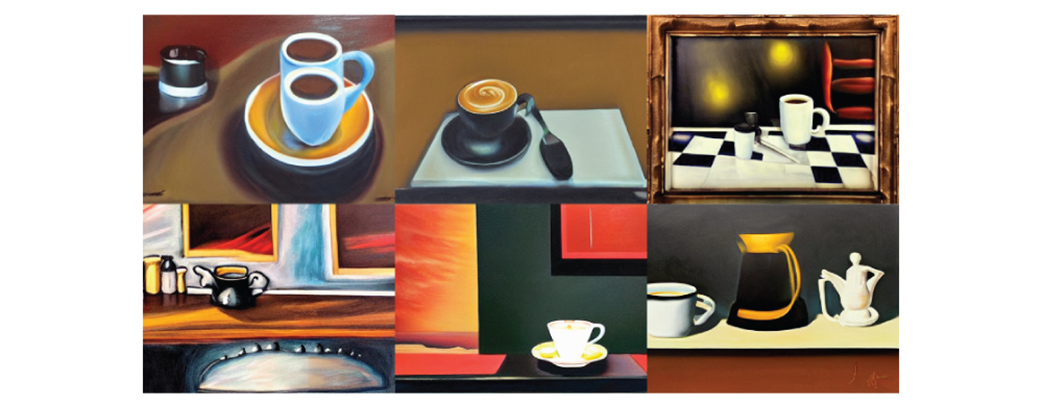
Creating surrealistic images.
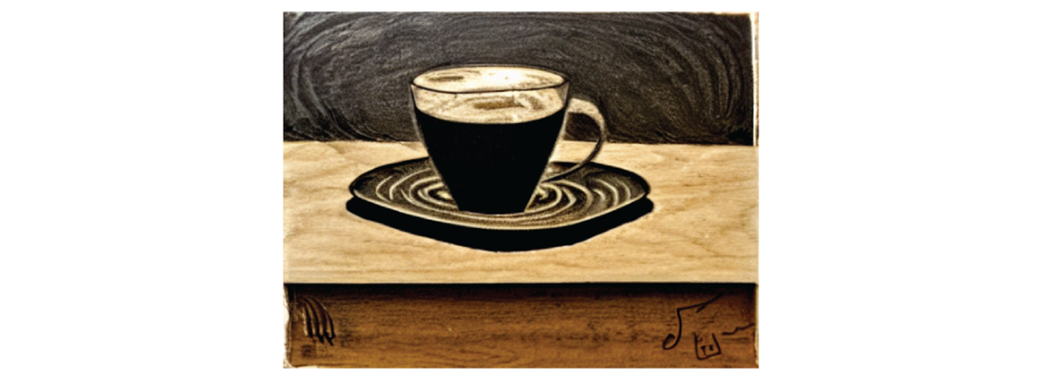
Images in the style of a wood etching.
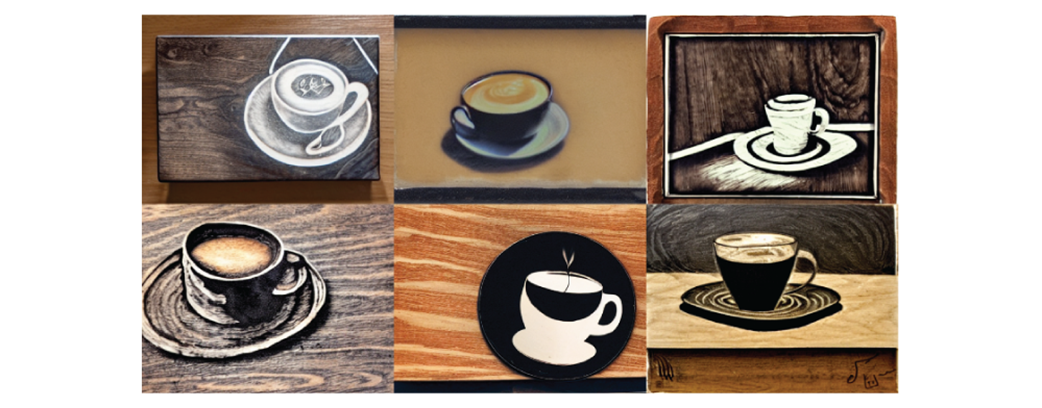
I would say that’s a damn fine cup of coffee!
Summary
- Generating with Stable Diffusion is an iterative process, in which we are constantly revising our settings and prompts.
- Despite the many ways to improve images, it’s always a good idea to generate a variety of images to see if we find a particular one that stands out to us as pleasing.
- Our prompts should be clear and descriptive. Giving some context for the object we’re prompting can change the image dramatically. Describing the style of the image can further let us change the feeling of the images we’re generating.
- The aspect ratio that we use to generate an image can have a major impact on the way the image looks. Consider whether the image you want to create would look better as a square, a landscape or portrait.
FAQ
What is the main goal of this chapter?
The chapter introduces the basics of creating images from text with Stable Diffusion. It focuses on using AUTOMATIC1111’s Stable Diffusion Webui, writing better prompts, generating multiple images, controlling randomness with seeds, and understanding how image size and aspect ratio affect results.
What is AUTOMATIC1111’s Stable Diffusion Webui, or A1111?
A1111 is an open source graphical interface for creating and customizing images with Stable Diffusion. Instead of using Stable Diffusion only through the command line, A1111 provides a more beginner-friendly web interface for entering prompts, changing settings, generating batches of images, and managing outputs.
How do you start A1111 after installing it?
After installing A1111, run ./webui.sh from the installation directory on Linux or macOS. On Windows, run ./webui.bat. Once it is running, open a browser and go to http://127.0.0.1:7860 to access the interface.
What is text-to-image generation?
Text-to-image generation is the process of creating an image from a written description. In Stable Diffusion, the user enters a prompt, such as A damn fine cup of coffee
, and the model generates an image based on what it interprets that text to mean.
What is a prompt in Stable Diffusion?
A prompt is the natural language description of the image you want Stable Diffusion to generate. It gives the model guidance about the subject, setting, style, and other visual details. For example, A cup of black coffee, on a diner counter, wood etching
is a prompt that describes the object, scene, and artistic style.
Why should you generate many images instead of only one?
Stable Diffusion includes an element of chance, so a single generation may not produce the best result. Generating many images lets you compare outputs and choose the strongest one. The chapter describes this as an explore-and-refine process: first cast a wide net, then deliberately iterate on the best result.
What is the difference between batch size and batch count?
Batch count is the number of sequential rounds or iterations Stable Diffusion runs. Batch size is the number of images generated at the same time in each round. For example, a batch size of 5 and a batch count of 6 produces 30 images total. Larger batch sizes use more GPU VRAM.
What does the seed setting do?
The seed controls the pseudo-random starting point used to generate an image. If the seed is set to -1, A1111 chooses a random seed each time. If you use a specific seed, such as 42 or 1337, you can reproduce results more reliably when the prompt and other settings remain the same.
Why is setting a specific seed useful?
Using a specific seed makes image generation repeatable. This is helpful when you want to test how changes to the prompt, size, or other settings affect the result. If the seed keeps changing, it becomes harder to know whether an improvement came from your change or from random luck.
How do width, height, and aspect ratio affect Stable Diffusion images?
Width and height determine the image dimensions and aspect ratio. Stable Diffusion generally requires dimensions that are multiples of 8, and A1111 helps restrict values to valid options. Changing the aspect ratio can significantly affect the content of the image, not just its shape. For example, a landscape ratio may suit a diner counter scene, while a portrait ratio may encourage taller subjects.
What is prompt engineering?
Prompt engineering is the process of changing and refining prompts to get closer to the desired image. The chapter emphasizes that it is an iterative process rather than a perfectly predictable formula. You generate images, evaluate them, adjust the prompt or settings, and repeat.
Why are clear, descriptive prompts better than poetic prompts?
Stable Diffusion does not always interpret poetic language the way a human might. A phrase like black as midnight on a moonless night
may sound evocative, but it may not reliably produce black coffee. A clearer prompt such as A cup of black coffee
usually gives the model more direct guidance.

 Beyond Slop ebook for free
