6 Markup managed
This chapter focuses on making the inside of Web Components as clean and maintainable as their public APIs. It replaces hard-to-read, concatenated or escaped multiline strings with ES2015 template literals, allowing HTML and CSS to be written naturally inside JavaScript. Through an end-to-end example, it shows how to separate concerns by moving markup and style out of the component class and into a dedicated module, so components remain small, organized, and easier to iterate on.
Building a business card component demonstrates importing a template module that exposes render, html, and css functions, then feeding it data to populate placeholders. The chapter adds template logic to generate UI from arrays (like select menus for backgrounds and logos), and introduces a simple pattern for element caching (mapDOM) so the component can reference key nodes without repeated querySelector calls. Event wiring and small controller methods then update styles in response to user choices while keeping markup and logic clearly separated.
Finally, the chapter explores “smart templating” with lit-html and, by extension, LitElement: tagged templates for treating strings as real DOM, the repeat directive for data-driven markup, and inline event bindings that reduce setup code while enabling efficient, granular DOM updates. It weighs the trade-offs of adding a dependency against gains in performance and developer ergonomics. The techniques culminate in refactoring the earlier slider into a shareable module-plus-template design, with external sizing and background styles for flexibility, and a preview of further encapsulation with Shadow DOM in a future update.
End result of the next demo: a business card that allows us to customize values like name, job, title, and so on

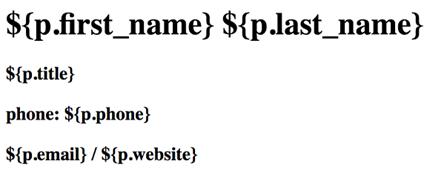
Initial business card layout without style yet
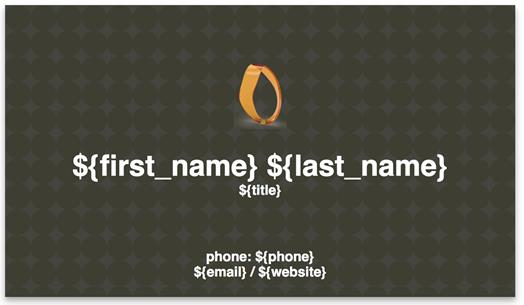
A business card made with HTML and CSS prior to Web Component integration
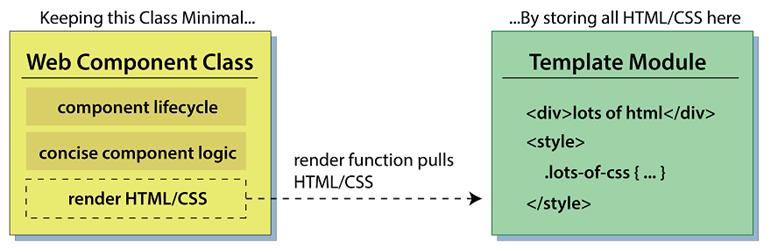
Keeping your Web Component class small by using another module
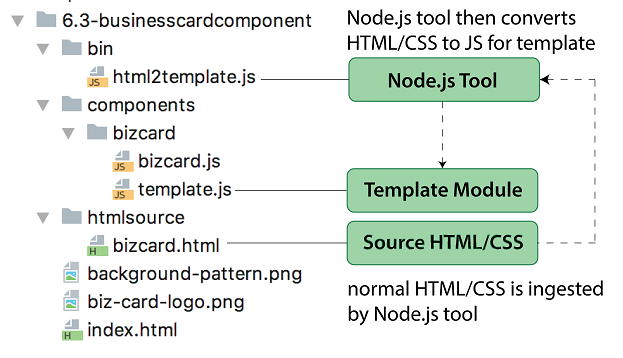
Example Node.js-based tool for automating JS module population with an existing HTML file
Results of integrated template so far

Allowing customization with the business card logo and background
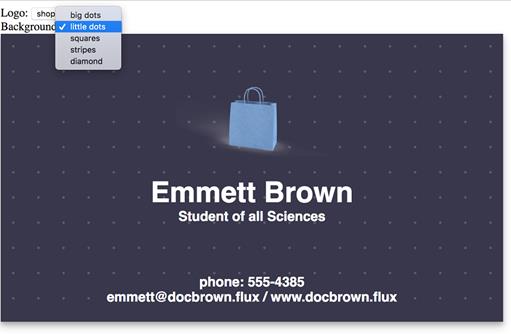
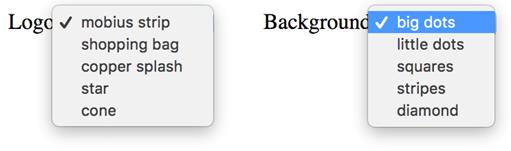
Two option lists we will be adding to our component in order to customize the business card
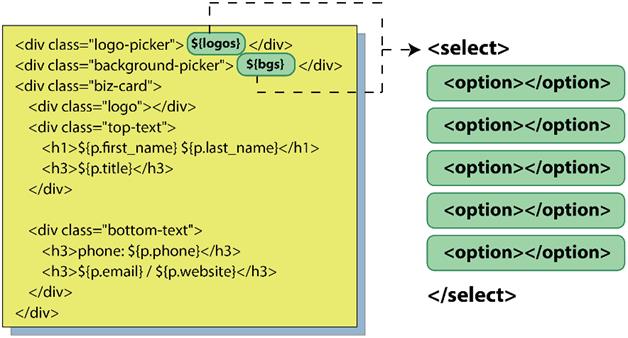
Calling out from an HTML template to a JS function to generate menu options from an array
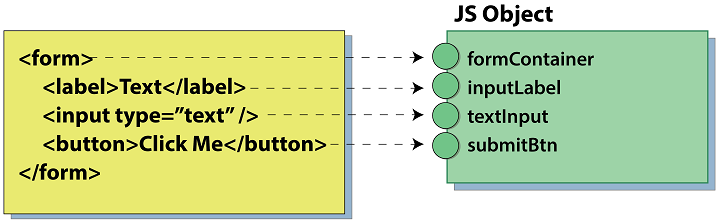
Mapping and caching elements from querySelector lookups to a JS object for easy reference
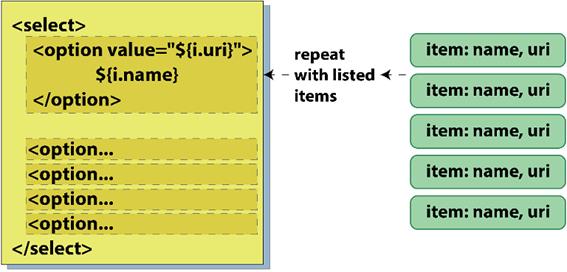
Using an array of items to repeat a snippet of HTML, populating a menu of options
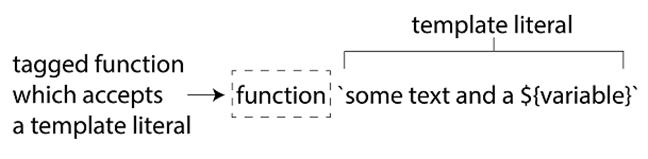
The parts of a tagged function and how it works with a template literal
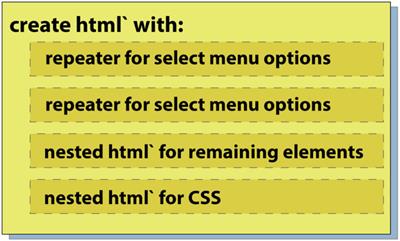
Shows our template module using lit-html, with nested html tagged functions for various content
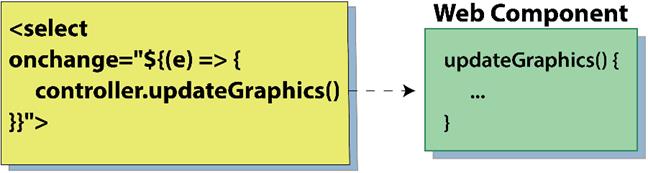
Inline event listener to listen for menu changes and calling a function in our Web Component
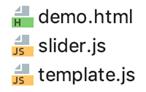
The three files for the slider component
Summary
In this chapter, you learned
- An introduction to a new string syntax using the backtick (`) character for creating template literals. A new ES2015 feature, these template literals allow not only multiline strings with no awkward syntax, but also insertion of variables into the templated string—perfect for inserting HTML and CSS right into our JS with no tweaking required.
- Using element caching as well as separation of code and markup for better component readability and maintainability.
- Exploring logic-generated templates using custom JS as well as the Polymer Project's lit-html library for repeating markup from data, while additionally using lit-html to add event listeners in your HTML.
- An example Web Component project featuring a business card customizer, focusing on visual layout and style, which enables us to examine workflows with more complex HTML and CSS.

 Web Components in Action ebook for free
