13 Interactivity and gesture-based UI math
Modern interactive web experiences are built by translating user input into visual changes with math. The chapter explains that mouse, touch, and scroll actions all produce numerical data that can be measured, compared, and converted into motion, size, color, or position. It opens with the idea that interactivity is not magical at all: it is just event data plus calculations that respond to what the user is doing.
The first major focus is pointer and touch input. It shows how to read cursor coordinates from mouse events, how different coordinate systems serve different purposes, and how to convert between viewport-based and page-based positions using scroll offsets. It also covers touch gestures by examining touch points on touch-enabled devices, using distance calculations to detect pinches and spreads, and then applying those measurements to interactive features such as zooming a photo.
The chapter then moves into controls and motion driven by geometry. It demonstrates how to build custom linear sliders by mapping pointer position to a numeric range, clamping values to boundaries, and updating handles and labels in real time. It also shows how rotary dials use trigonometry, especially angle calculations from Math.atan2(), to turn pointer movement into rotation and value changes. Finally, it explains scroll-based animations by normalizing scroll position into progress values, using that progress to drive widths, colors, and text, and introducing IntersectionObserver as a more efficient way to animate elements based on visibility without constantly handling every scroll event.
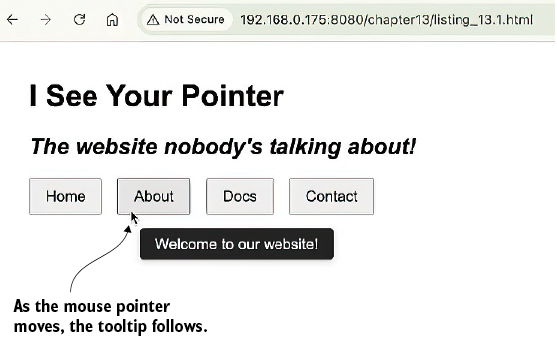
A tooltip that follows the user’s pointer
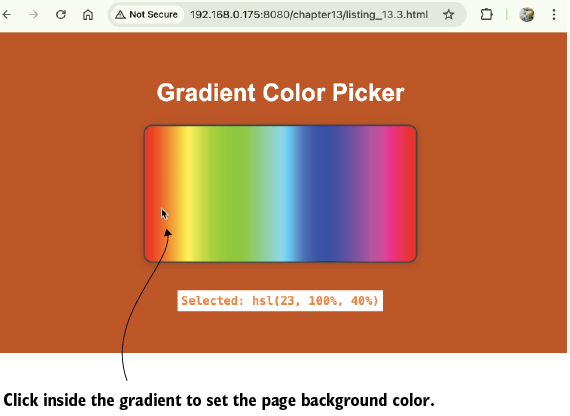
An interactive color picker that sets the page background color based on where the user clicks within the element
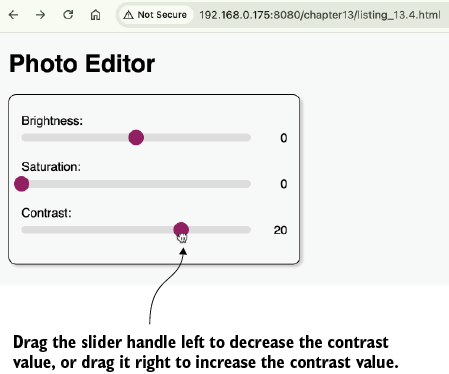
Custom linear sliders for setting brightness, saturation, and contrast values
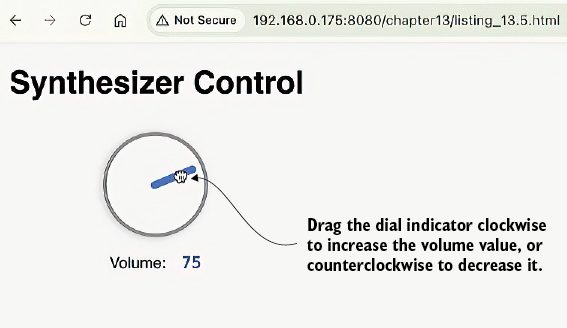
A custom rotary control for setting volume values
A reading progress indicator
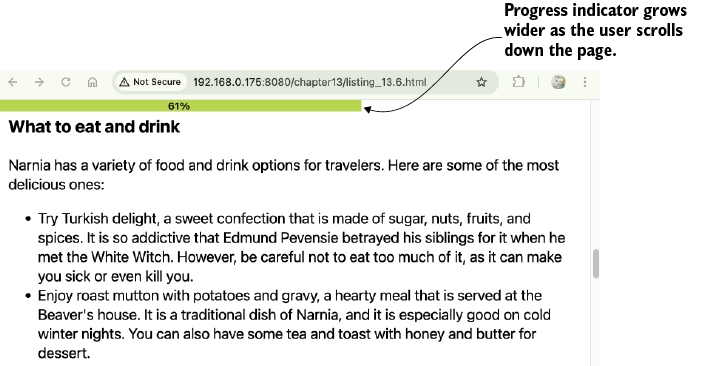
Dynamic UI changes based on an intersection observer
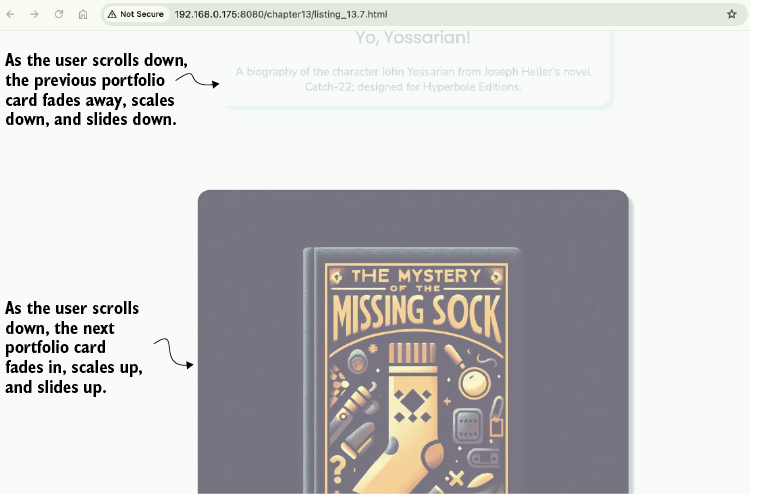
Summary
- The
event.clientXandevent.clientYproperties provide a pointer’s coordinates relative to the viewport’s top-left corner. - You can convert viewport coordinates to an element’s local coordinates by subtracting the
leftandtopvalues fromelement.getBoundingClientRect(). - The distance between two points can be found using the Pythagorean theorem, and the direction can be found using
Math.atan2(). - For a slider control, you map the current drag progress to the slider value using the formula
minValue + progress * (maxValue - minValue). - The user’s scroll progress can be calculated as a normalized value from 0 to 1 using the formula
scrollY / (scrollHeight - innerHeight). - The
IntersectionObserverAPI is an efficient way to trigger actions when an element enters or leaves the viewport. - The
intersectionRatioproperty from anIntersectionObservertells you what percentage of a target element is currently visible.

 Math for Web Design ebook for free
