2 Easier Image Generation with Stable Diffusion Webui
The chapter introduces how to get more control out of Stable Diffusion using the A1111 web interface, building on the basics from earlier by revisiting image generation with a simple sandworm prompt. It emphasizes that the interface is powerful but still complex, and that understanding its settings is essential for improving results and keeping track of what was used to make each image.
A major focus is prompt refinement: negative prompting is used to exclude unwanted traits, while prompt attention helps the model focus more strongly on important words or concepts through parentheses or weighting syntax. The chapter also explains that Stable Diffusion works with tokens rather than plain words, which helps clarify why some prompt variations behave differently and why the token counter matters when crafting text prompts.
The chapter then explores key generation controls such as CFG scale and sampling steps. CFG scale is described as the balance between following the prompt and preserving the random noise, with higher values pushing images closer to the prompt and lower values allowing more noise-driven variation, while sampling steps affect both image quality and generation time, with too few steps producing weak results and too many often bringing diminishing returns. Finally, it shows how PNG Info can recover the prompt and settings from a generated image, making it easy to recreate, modify, and iterate on successful outputs without losing track of the configuration.
Quick refresher on the A1111 interface using our new prompt.
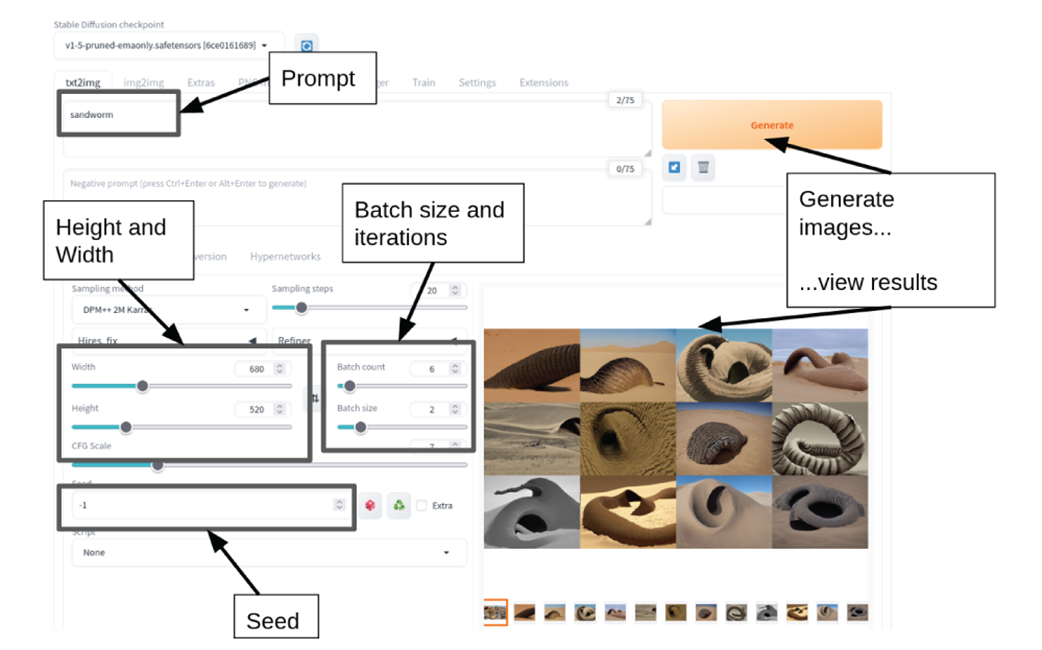
Images of sandworms we created with our revised prompt.
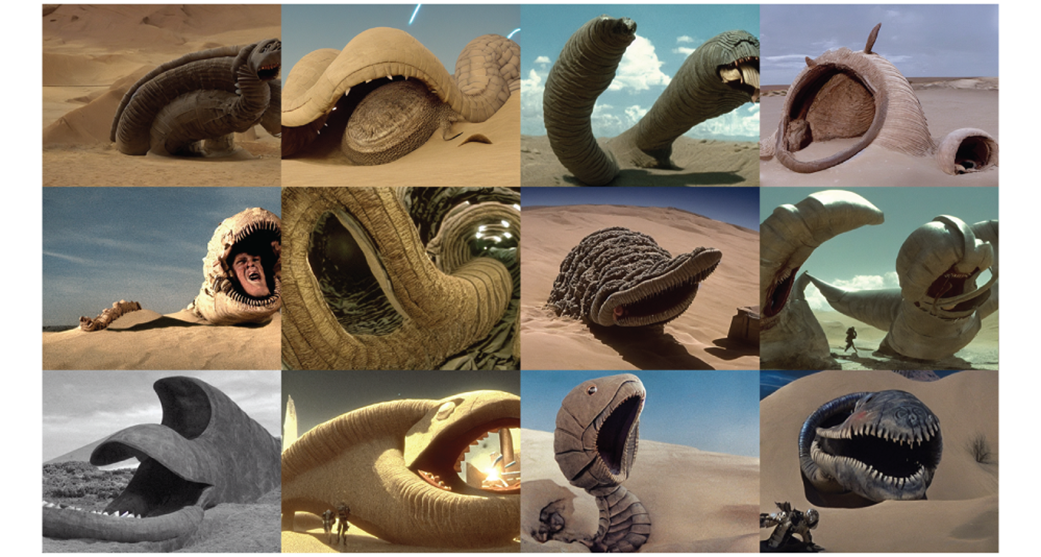
Clicking the above icon will open the folder the images are saved in.
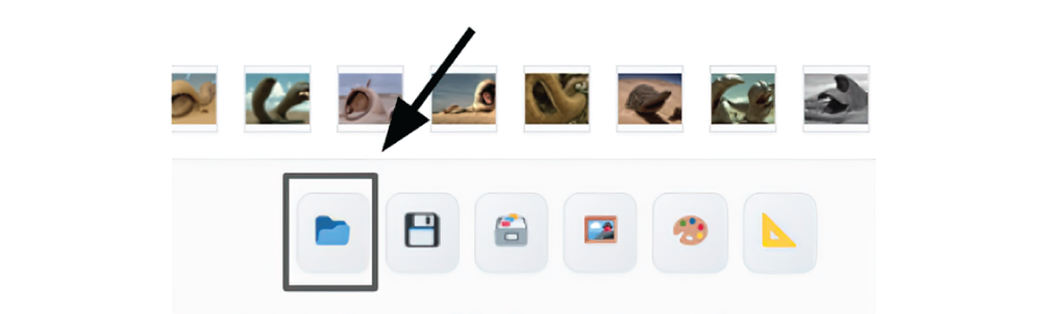
Information contained in parts of the file name.

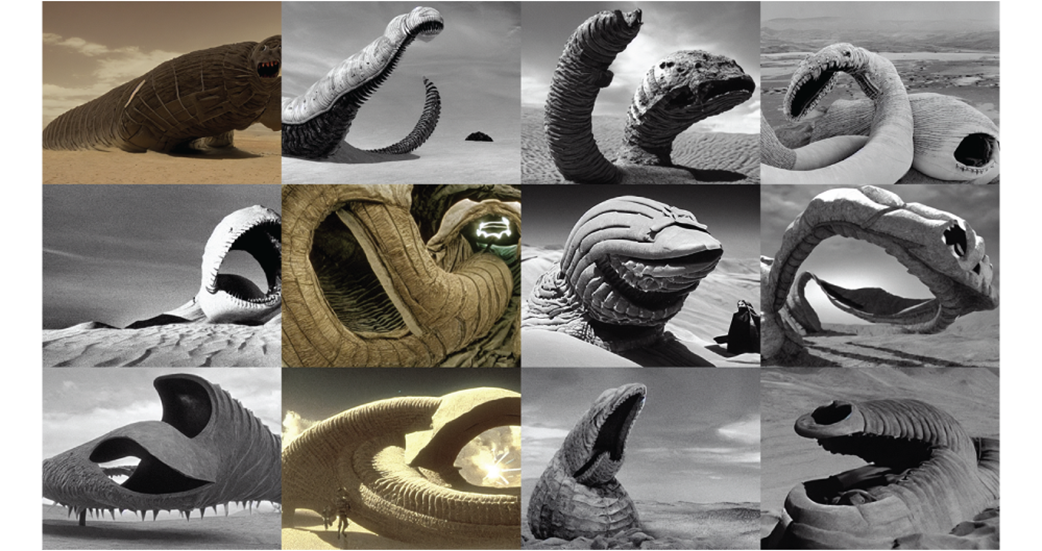
Recall the output from Figure 2.2.
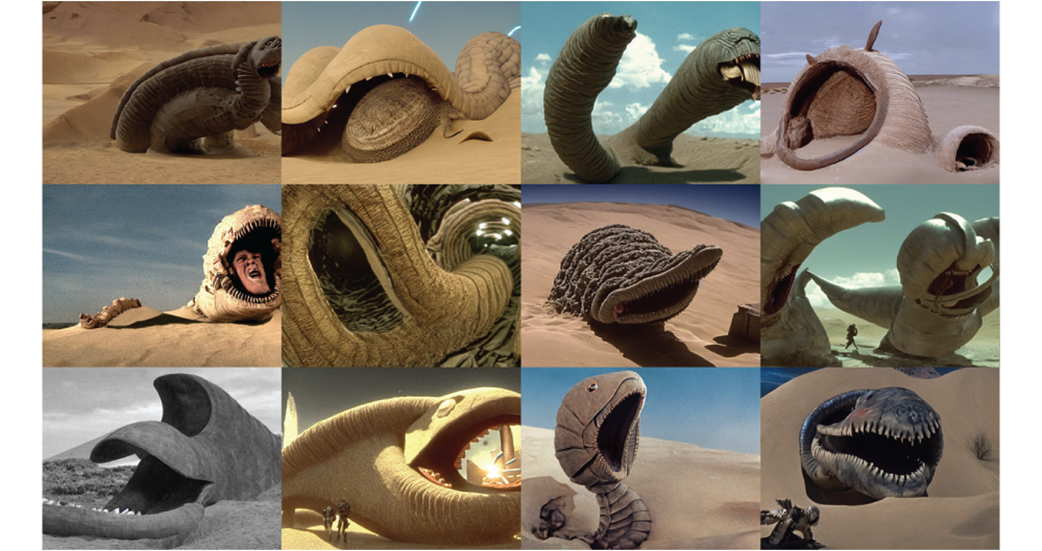
Prompting not to do something has the opposite effect
Negative prompting produces the desired effect
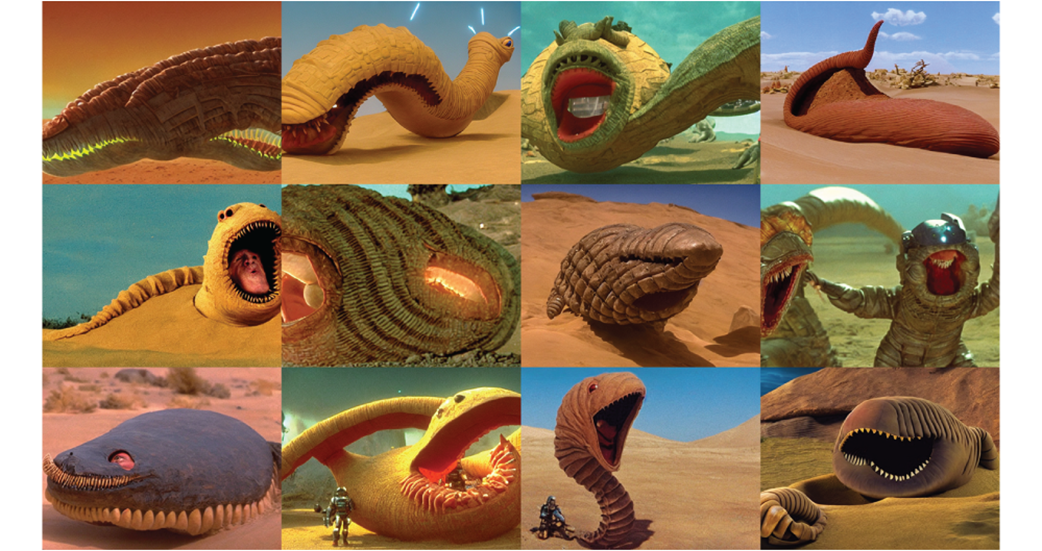
More worm-like sandworms.
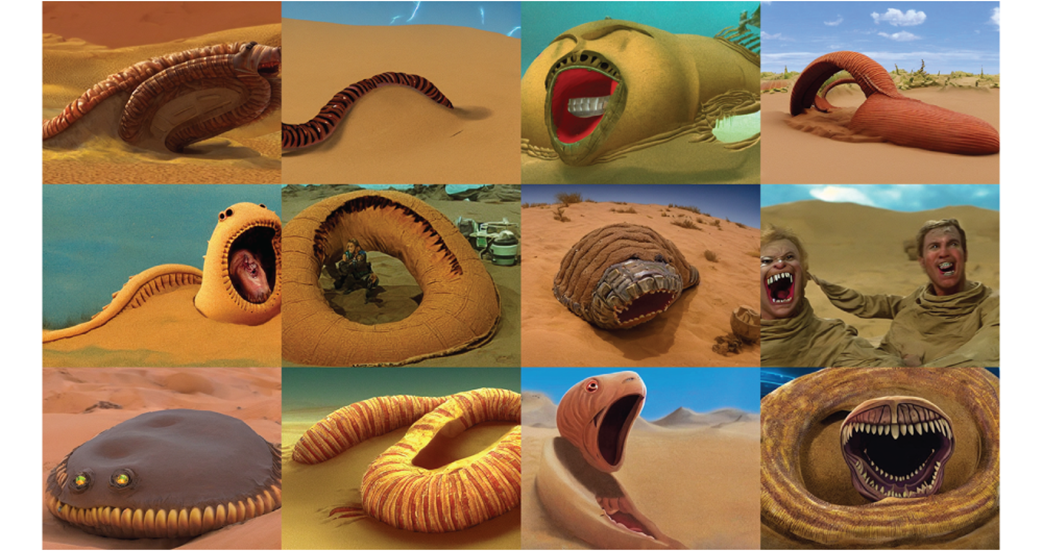
Increasing the attention on the term “worm”.

Token count for the word “racetrack”.

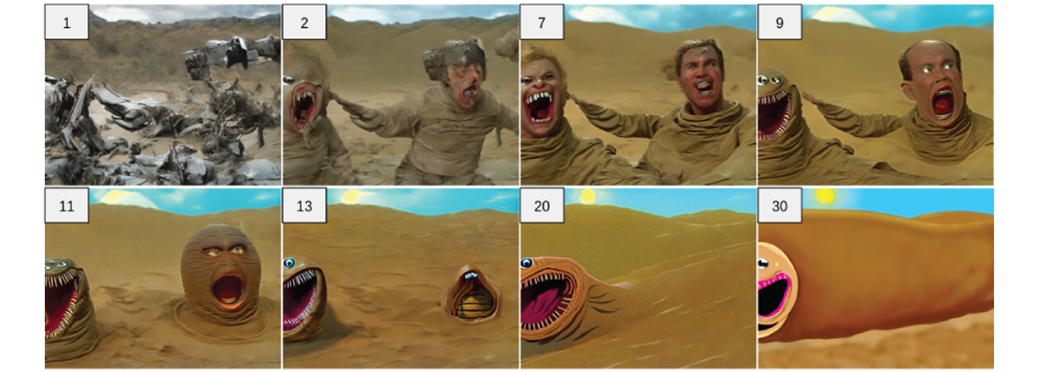
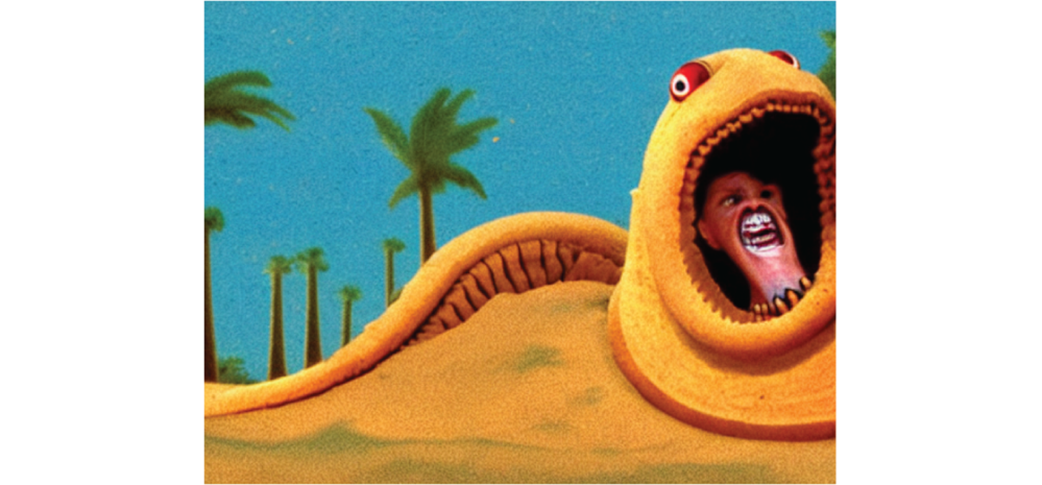
What are these weird dudes doing in here?
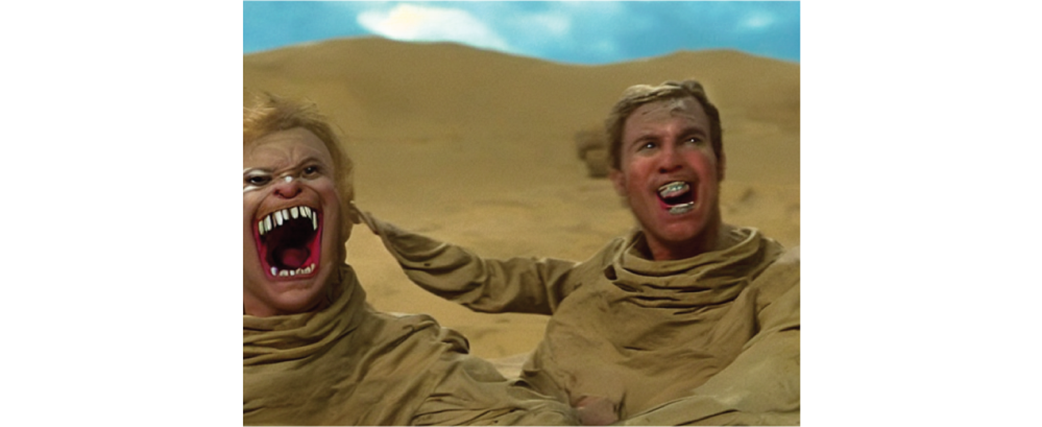
The CFG Scale slider

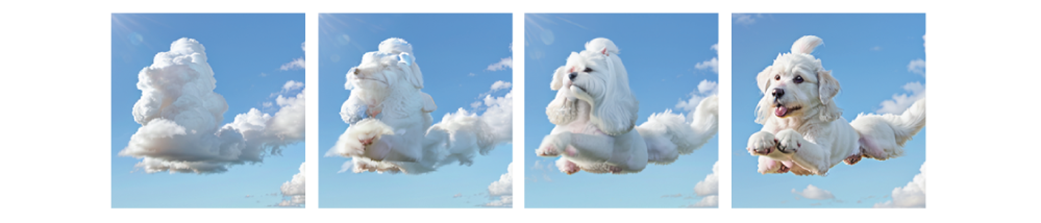
What do you see in the cloud?

Vivid imagination of our cloud as a dog.

We can image the cloud to be more like the cloud or more like the dog.
Impact of CFG Scale on the “weird dudes”.
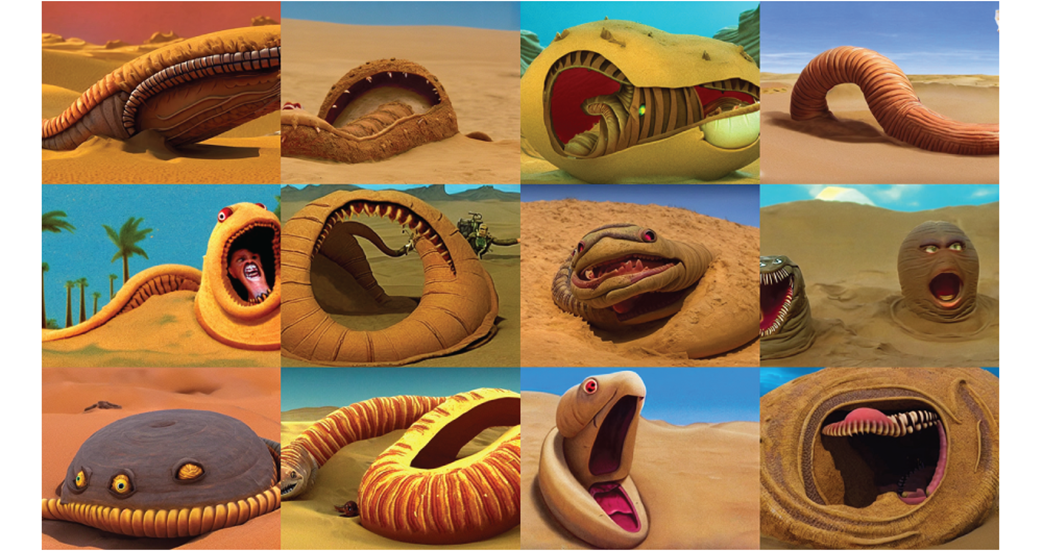
How the rest of our images look with a CFG Scale of 11.
The Sampling steps slider.

Impact of sampling steps on the generated image.
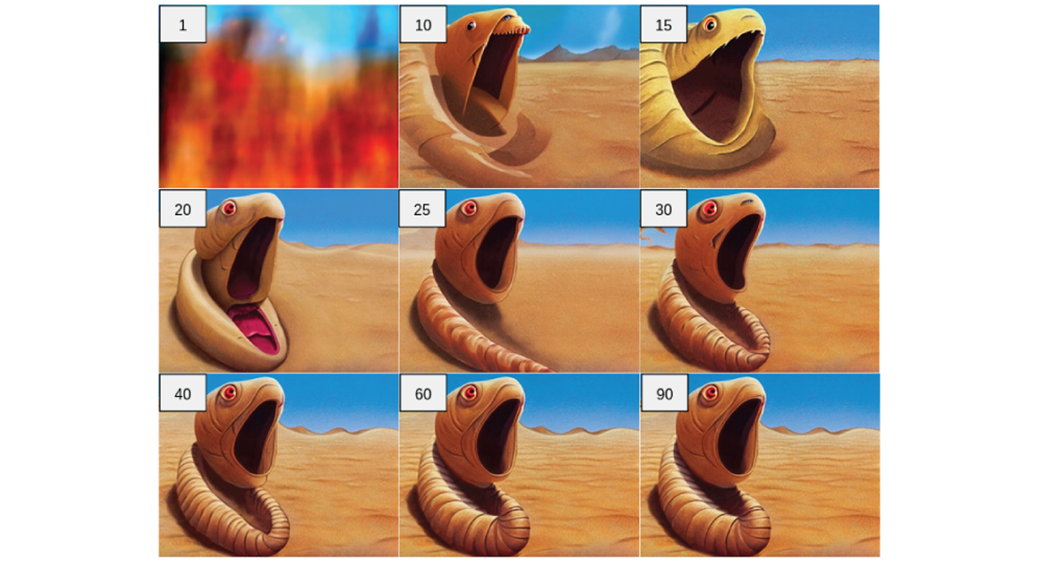
Image of a large mouthed sandworm emerging from the dunes.
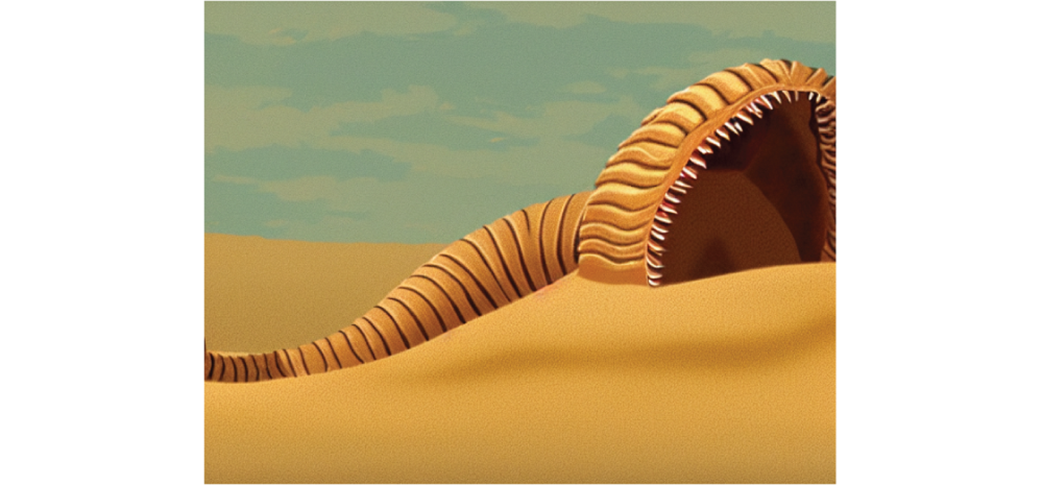
First generation of what became our final image.
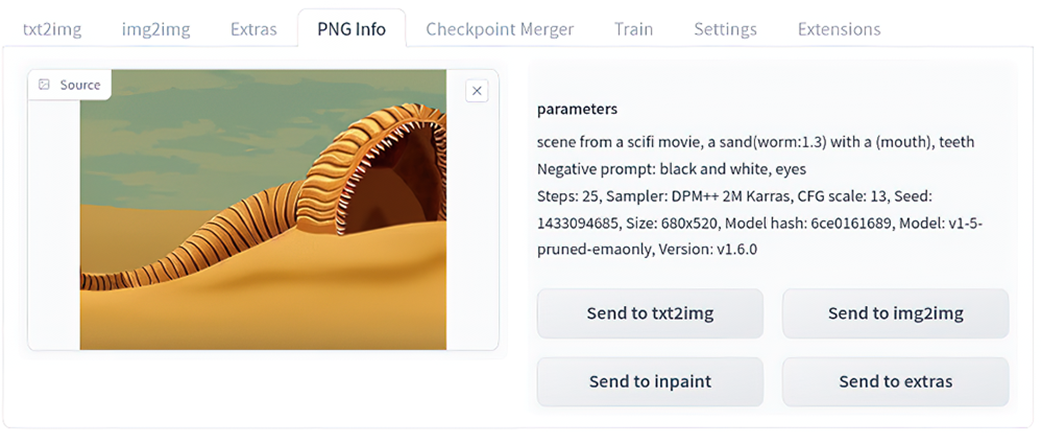
Using PNG Info to be able to recreate this image.
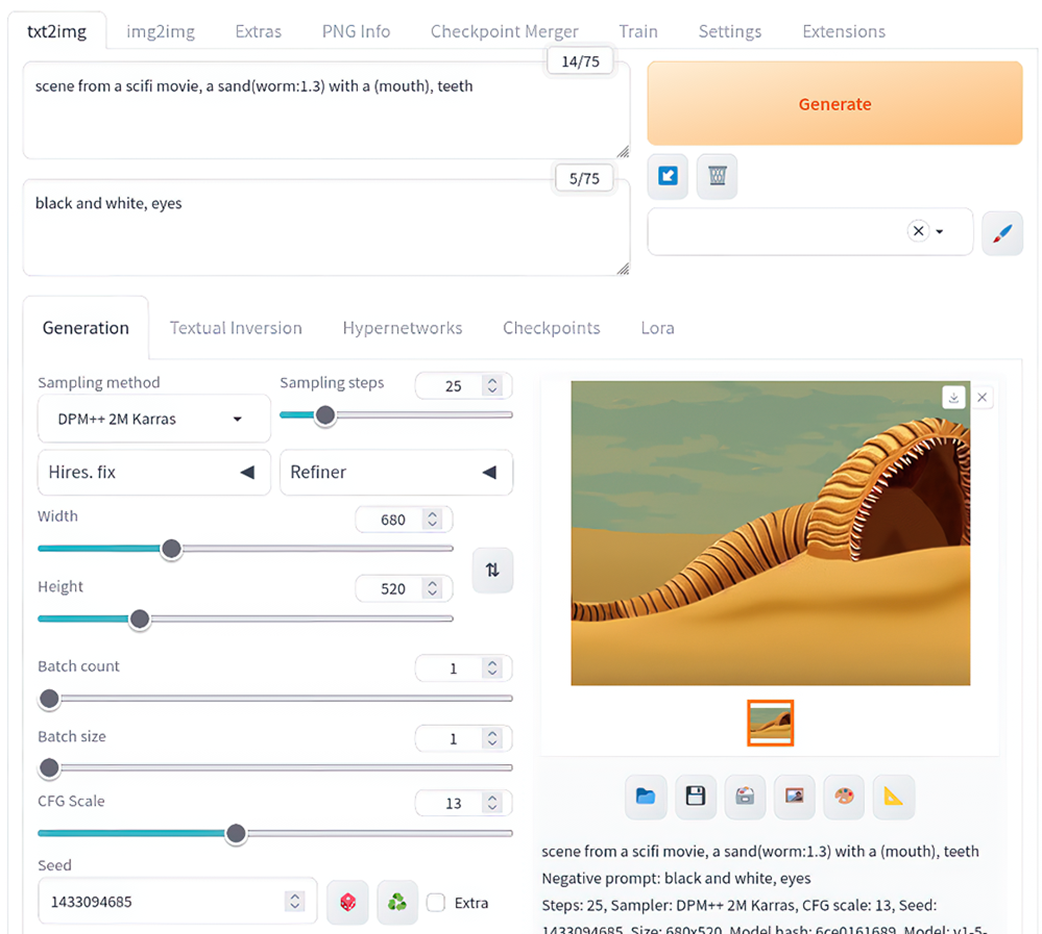
text2img tab pre-populated with settings extracted from PNG Info.
Summary
- Negative Prompting and Prompt attention are very helpful additions to the prompting tricks we learned last chapter to help remove properties you don’t like from your image, or enhance ones you do like.
- Stable Diffusion works in a way that is similar to a human being looking for images in clouds. In the case of a Stable Diffusion, the “cloud” is the initial noise. The CFG scale determines how much of the noise impacts the final image. This noise can be very helpful at adding detail and texture to your image.
- The number of sampling steps can have a big impact on how the image looks, as well as increase the time it takes to generate images. It’s best to stick with the default and then play around with our favorite images until you get it just right.
- Most of the data needed to recreate any of the images you generated is contained in the PNG file itself and can be easily recovered with the PNG Info tab in A1111.

 Local Image Generation ebook for free
