15 Fine-tuning Stable Diffusion 1.5
This chapter presents fine-tuning Stable Diffusion 1.5 as a practical “sea change” that can reshape a model’s behavior far more broadly than a LoRA. Rather than manually collecting and labeling images, it shows how AI can be used to help build the training set: one model generates prompts and another, stronger model creates the images, producing a large labeled dataset with minimal effort. The chapter emphasizes that using AI-generated data is not inherently bad; the key is to use it selectively and with enough new information to improve the target model.
The workflow centers on preparing data and configuring OneTrainer for a full fine-tune. The chapter explains how to organize images and captions, then walks through the main training settings: selecting SD 1.5 and the fine-tuning task, choosing a workspace with enough storage, setting the base model and output destination, and optionally reducing file size with lower-precision weights. It also recommends disabling Tensorboard for a first run, creating a concept from a folder of image-text pairs, checking dataset statistics for errors, and setting practical training choices such as 100 epochs, a batch size based on available VRAM, and regular sampling and checkpoint saving so progress can be judged visually and rolled back if needed.
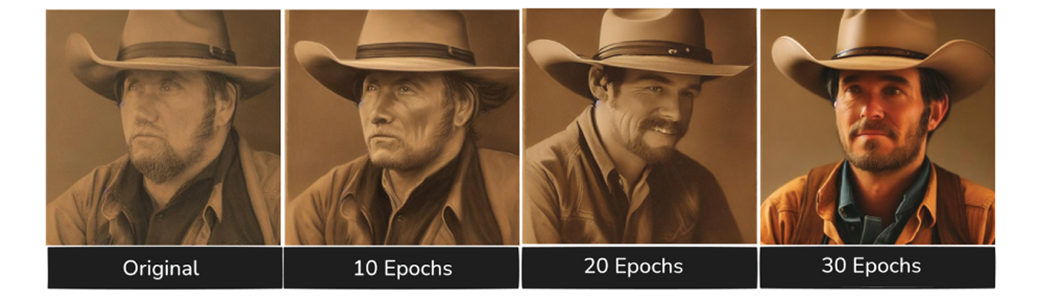
In the results, the fine-tuned model shows meaningful gains across several prompts. It learns to produce much better monster imagery, especially for concepts like sandworms and horror creatures, though some prompts improve more consistently than others and one may even drift away from the intended subject while still becoming visually stronger. The chapter also highlights surprising early gains on unrelated human figures like a space man and a cowboy, where the model quickly cleans up distorted faces and forms. Overall, the takeaway is that fine-tuning is as much an art as a science: the best checkpoint may come before the very end, and the main value lies in iterative experimentation, careful visual judgment, and the ability to keep refining a locally controlled model.
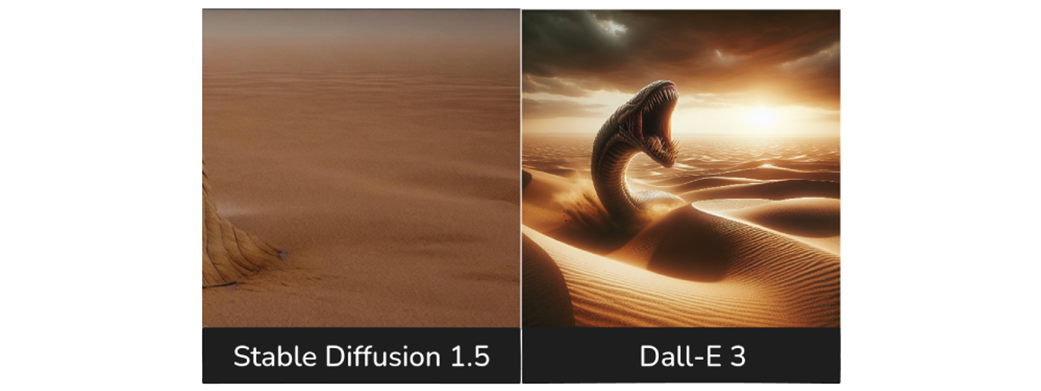
The original Stable Diffusion 1.5 creates an fairly incoherent image.
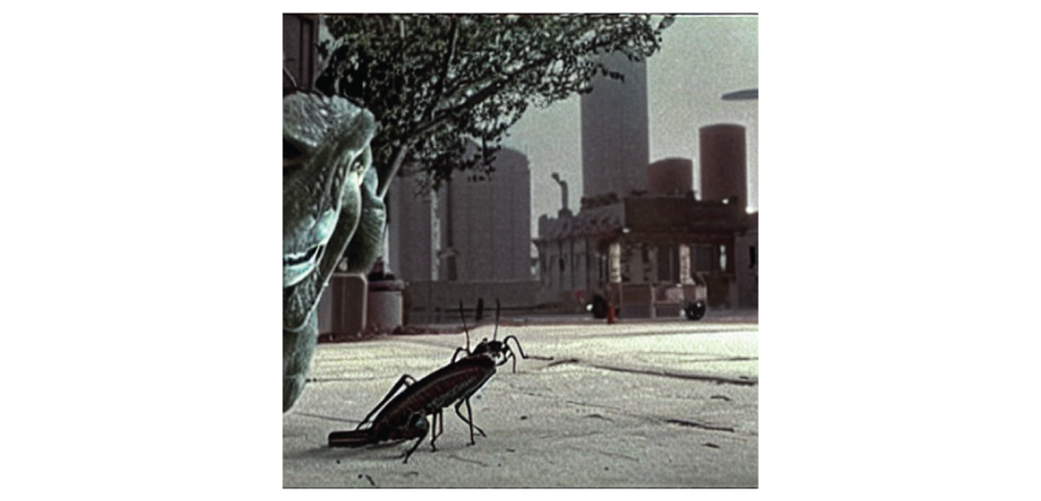
The result of the fine-tuning we’ll be doing this chapter looks much closer to our prompt
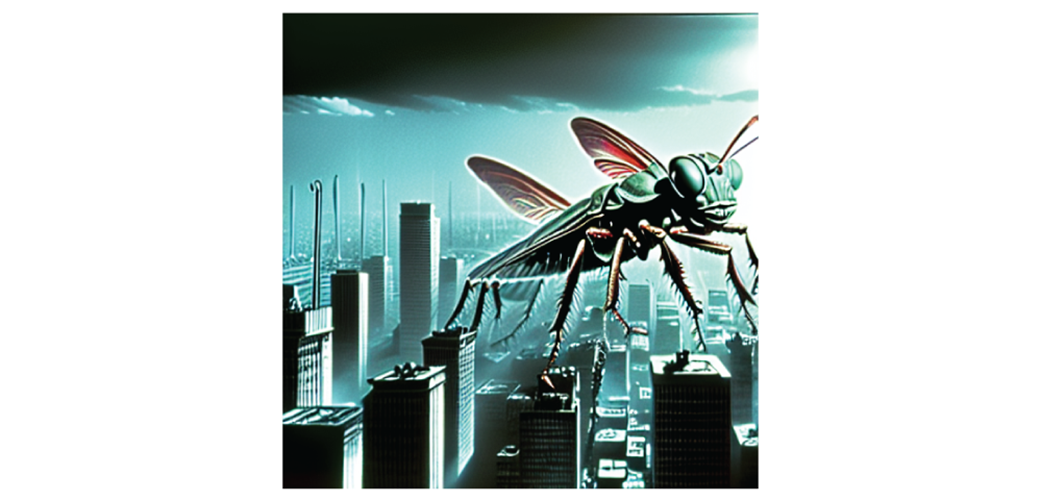
Dall-E 3 knows a lot more about sandworms than SD 1.5
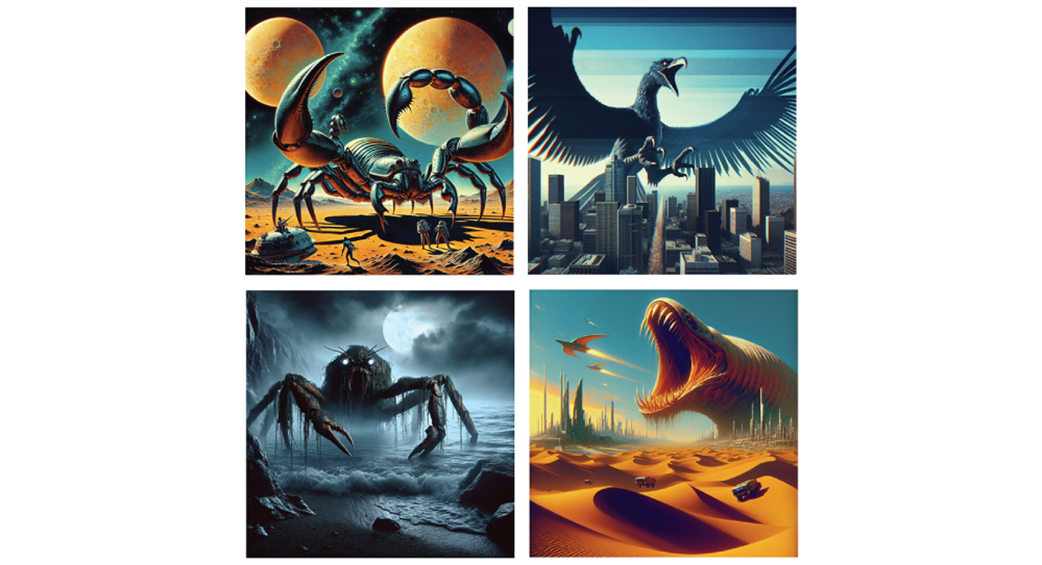
Dall-E creates some pretty compelling images of monsters for us!
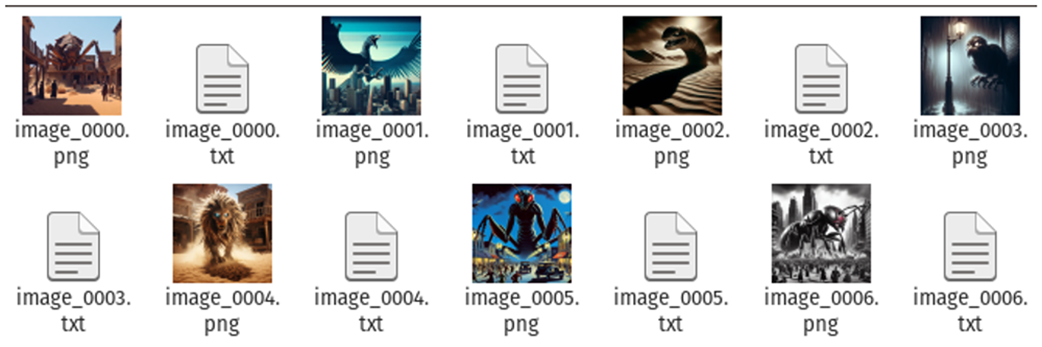
Each label/caption for the image is stored in a similarly named .txt file
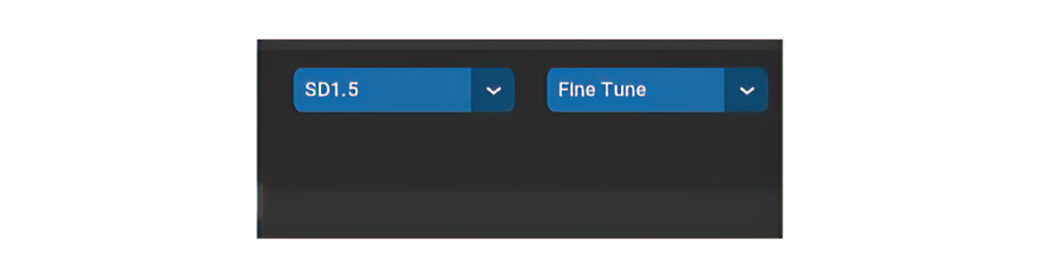
The first thing we need to do is make sure we’re setup for the right task.
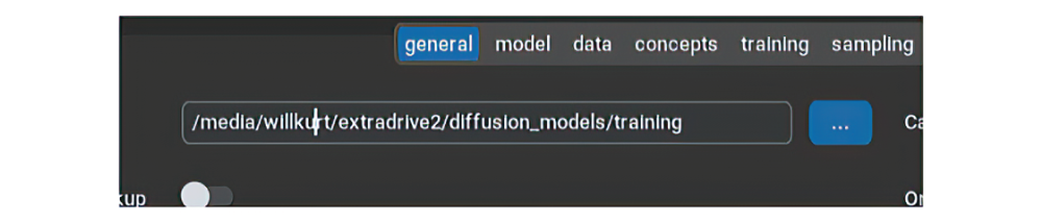
Choose a workspace on a drive with lots of space.
Tensorboard is a great tool, but it’s better to focus on your gut when first learning

We’ll be using base Stable Diffusion 1.5

Setting the destination for our final model to be saved

We can change the type of the output files to reduce the space used.

Creating a new concept in OneTrainer
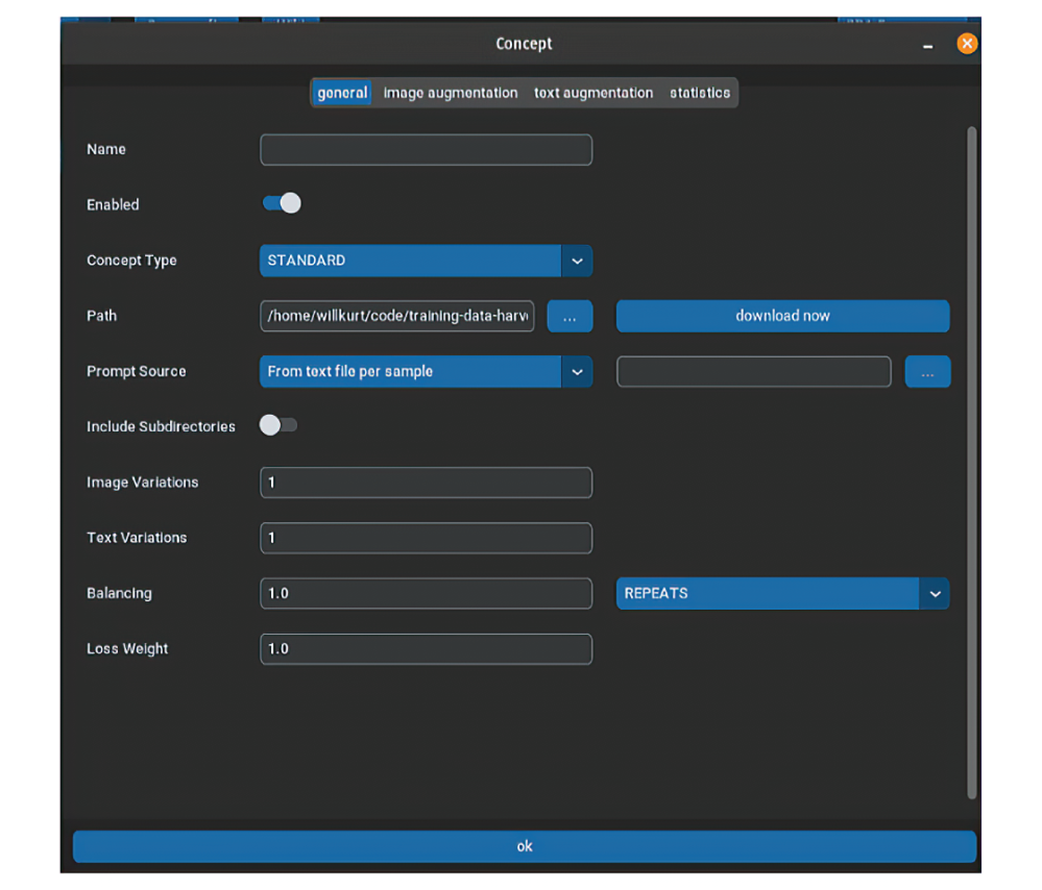
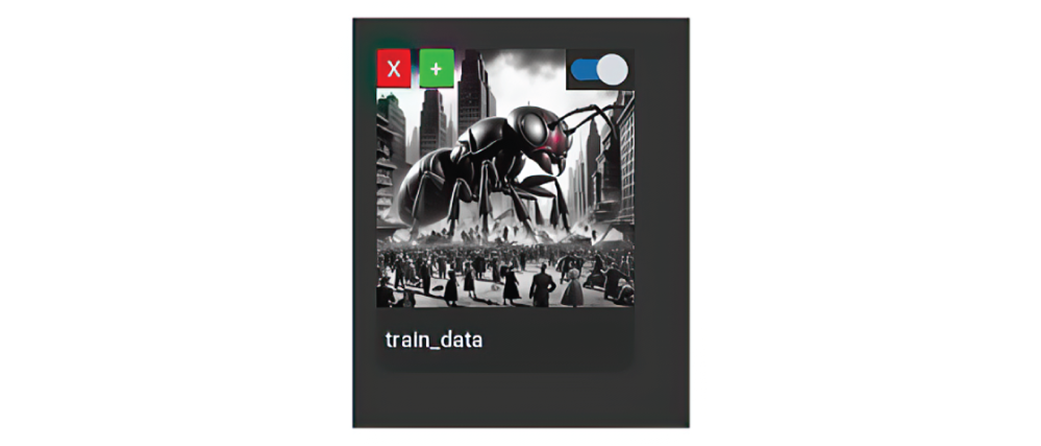
How our newly created train_data concept looks in the UI
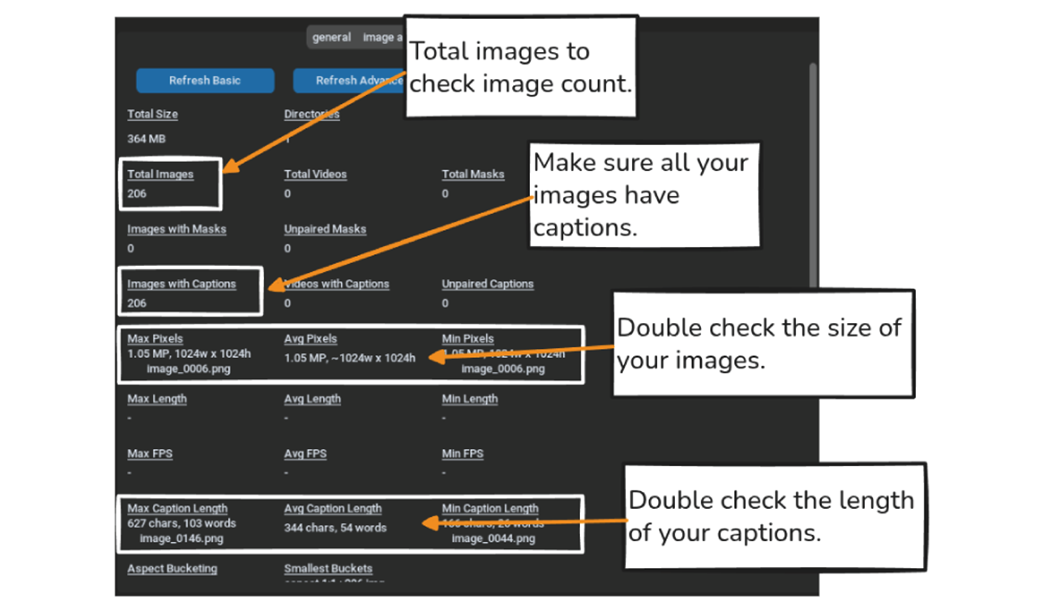
The statistics window helps us quickly verify the quality of our training data.
Setting the Epochs to 100 gives us a chance to see how the fine-tuning evolves over time.

The optimal Local Batch Size depends on your available VRAM.

Sampling is the best way to monitor our progress while training.
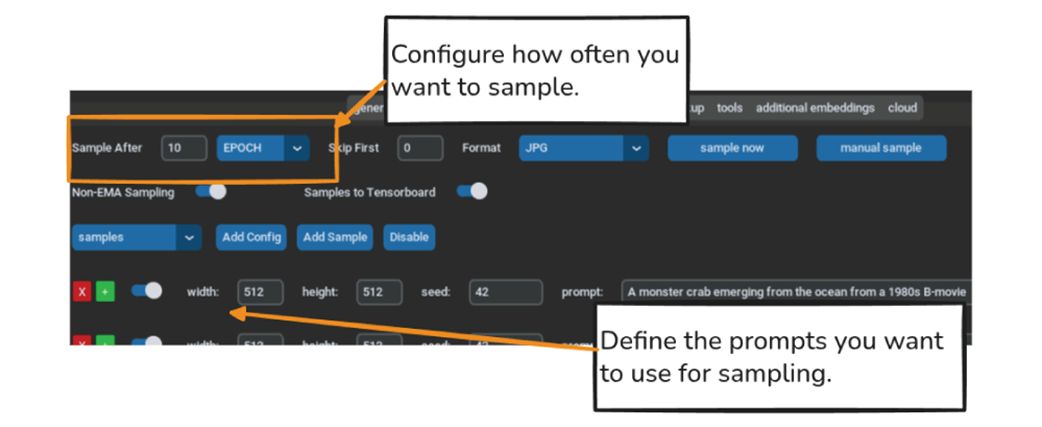
We’ll save every 10 epochs to make sure we can choose an earlier checkpoint if we over-train.

This image of a sandworm is... missing the sandworm!
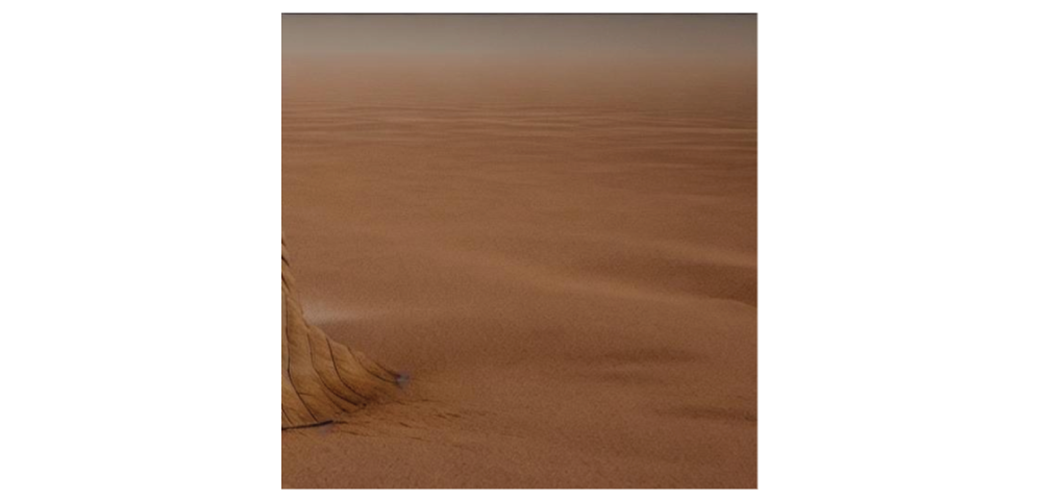
Thankfully we can teach Stable Diffusion what a sandworm is!
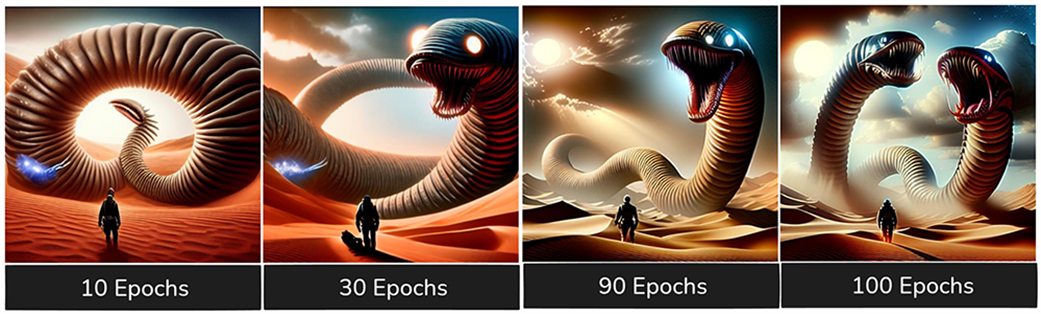
While we see changes over time, it’s much harder to say which is the biggest improvement
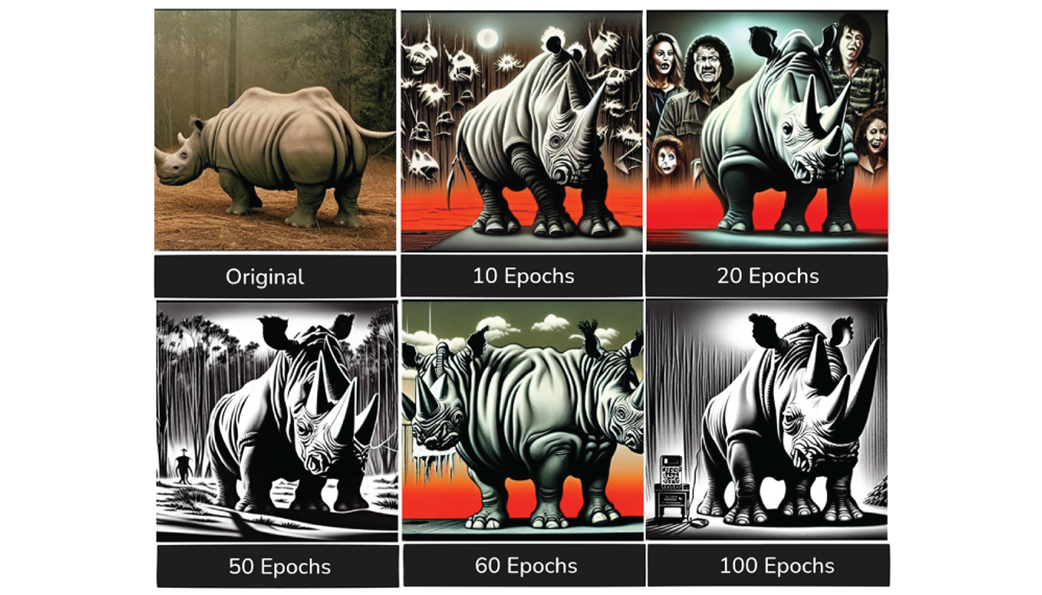
An image horrific in a way only Stable Diffusion 1.5 can be
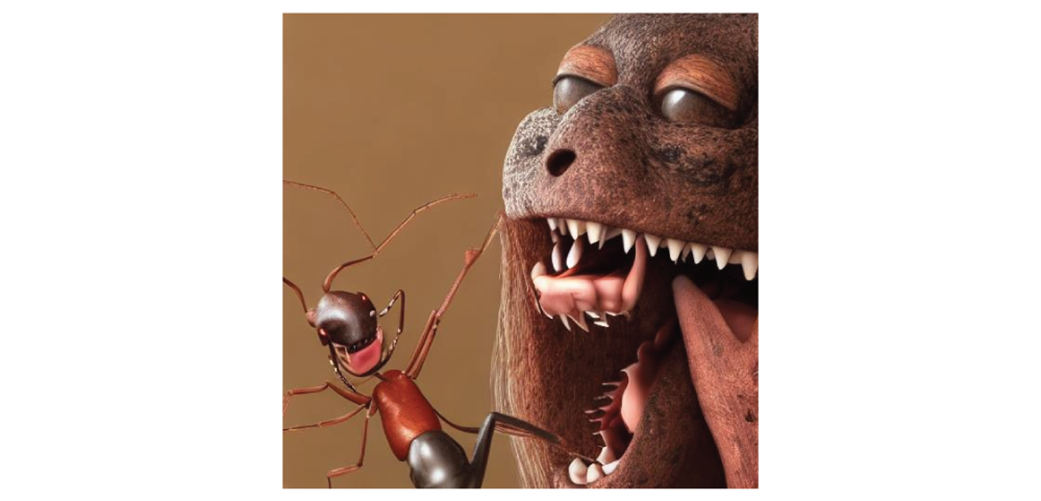
The prompt adherence is not great, but the image is pretty cool!
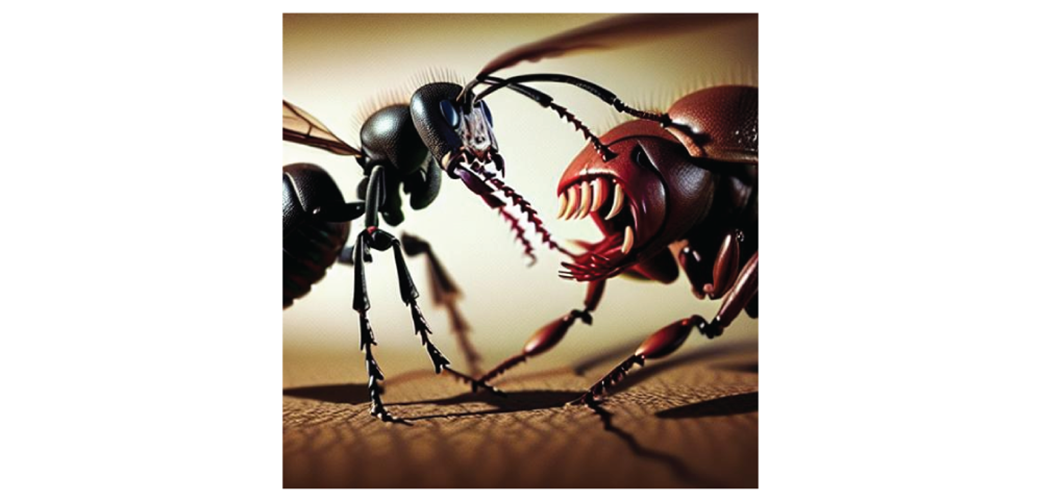
It took essentially the entire training time to produce anything looking coherent
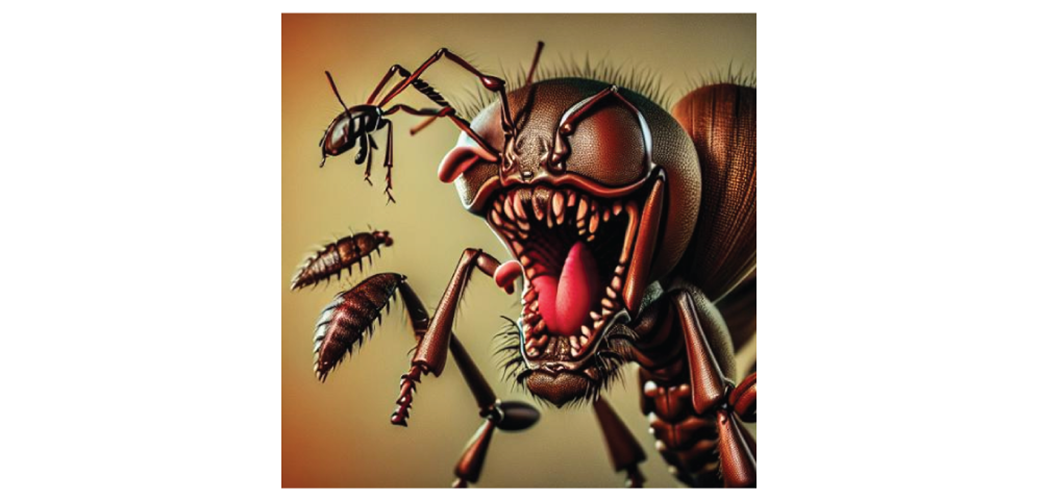
Base SD 1.5 creates a pretty good crab monster out of the box.
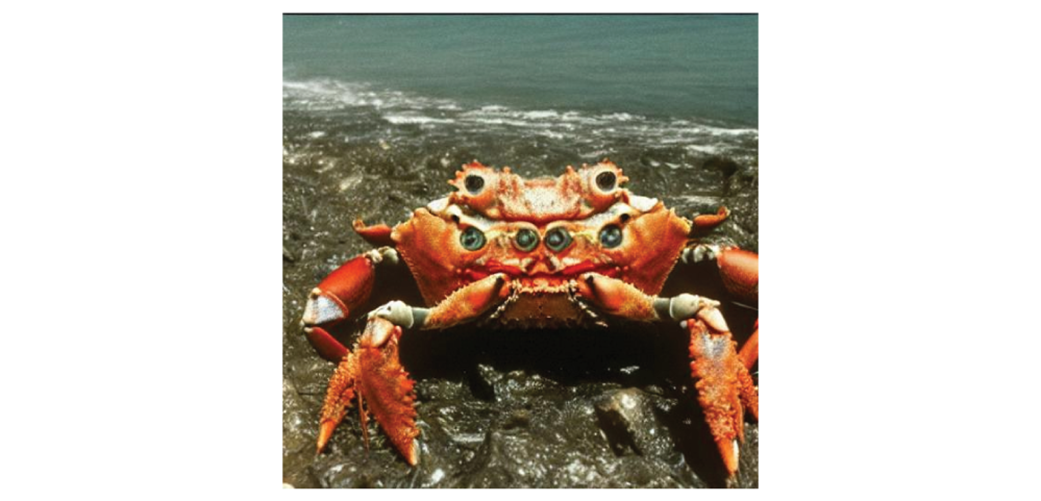
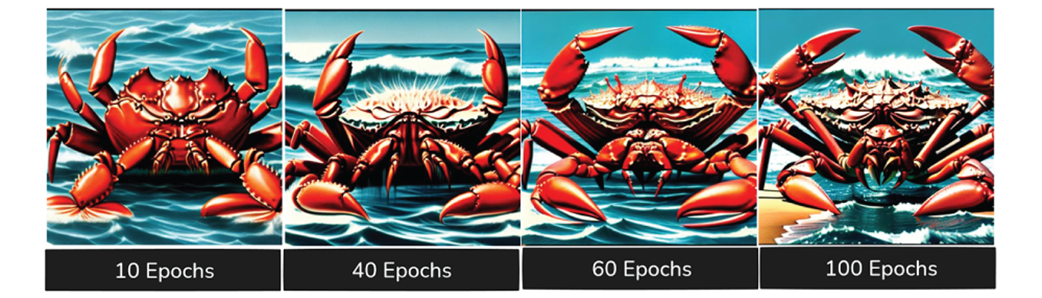
None of the fine-tuned version of our crab seem like an unquestionable improvement
An amorphous blob quickly becomes a recognizable space man after just 10 epochs
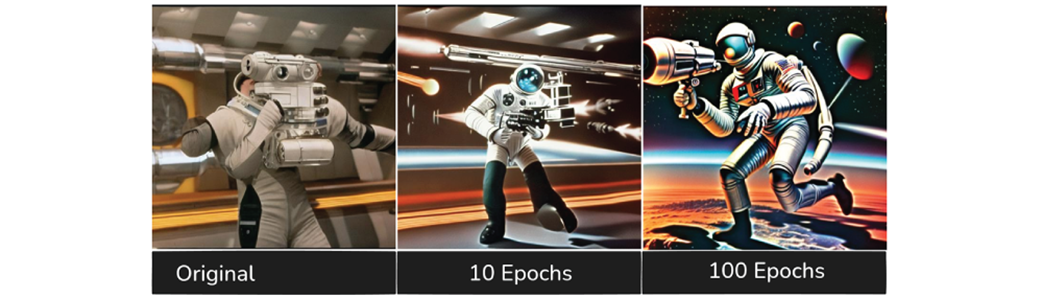
The quality of our cowboy’s face improves very quickly!
Summary
- AI can be used to train AI, but there are limitations.
- The key to avoiding “model collapse” is making sure your AI data has new information.
- We generally would like at least a few hundred images for fine-tuning.
- OneTrainer is a multiple purpose tools for a variety of training tasks
- It’s actually beneficial to “trust your feelings” to assess model performance when generating images
- Fine-tuning can offer strong improvements very early on in the training process

 Local Image Generation ebook for free
