13 Training a Flux LoRA
This chapter explains how to train a custom Flux LoRA using the AI-Toolkit, with Keats the dog serving as the example subject. It emphasizes that training requires substantial VRAM, so a 24GB GPU is recommended, though hosted training services can be used instead. The setup begins by installing and launching the AI-Toolkit, which provides a browser-based interface for managing datasets, configuring jobs, and monitoring training progress.
The heart of the process is building a strong dataset. The chapter stresses that image quality, diversity, and careful labeling matter more than fancy model choices, even when only 10 to 30 images are needed. Captions should include a consistent trigger phrase while also describing relevant details in the scene, especially distinguishing the subject from recurring accessories or background elements. Good captions help the model learn the intended concept without confusing unrelated features as part of the subject.
After the dataset is prepared, the training job is configured with mostly default settings, but with attention to the correct model architecture, save frequency, total steps, and sample prompts. The sample images generated during training are used to judge progress, detect overfitting, and choose the best checkpoint, since different step counts can produce different tradeoffs between fidelity and flexibility. By examining prompts that mirror the dataset, place the subject in new environments, test different styles, and compare similar-but-different subjects, the chapter shows how to select an effective LoRA checkpoint and use it to generate convincing customized images.
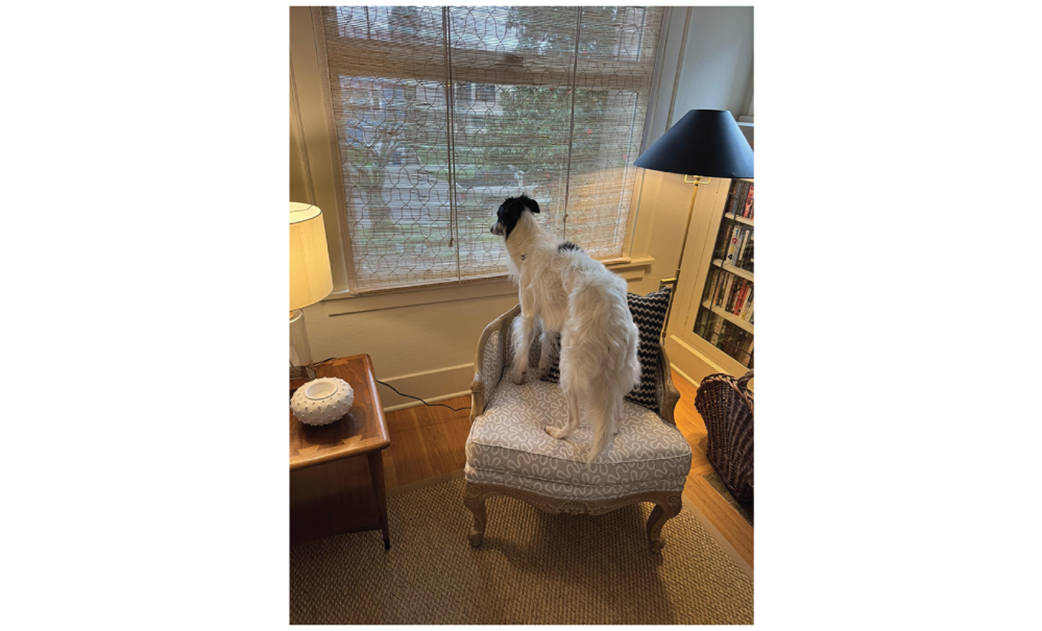
Keats staring at the window waiting for family to return
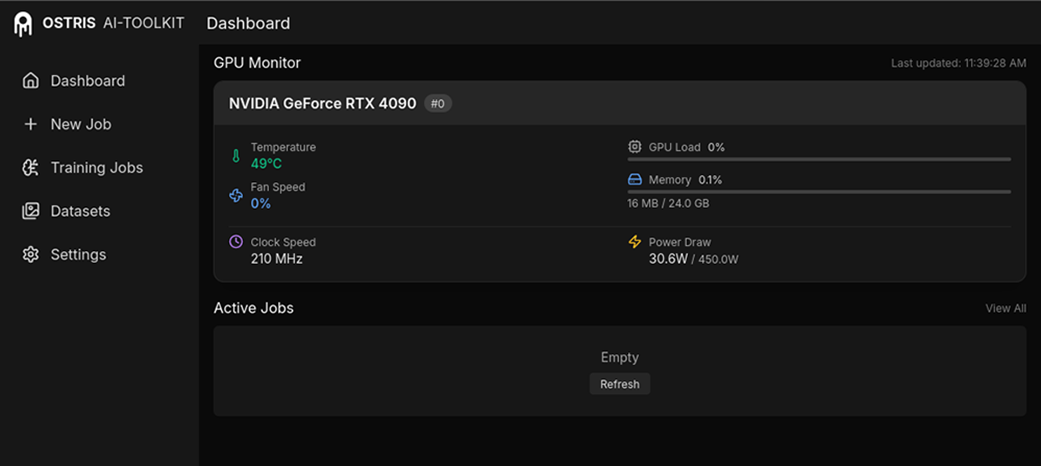
The AI-Toolkit as it appears in the browser.
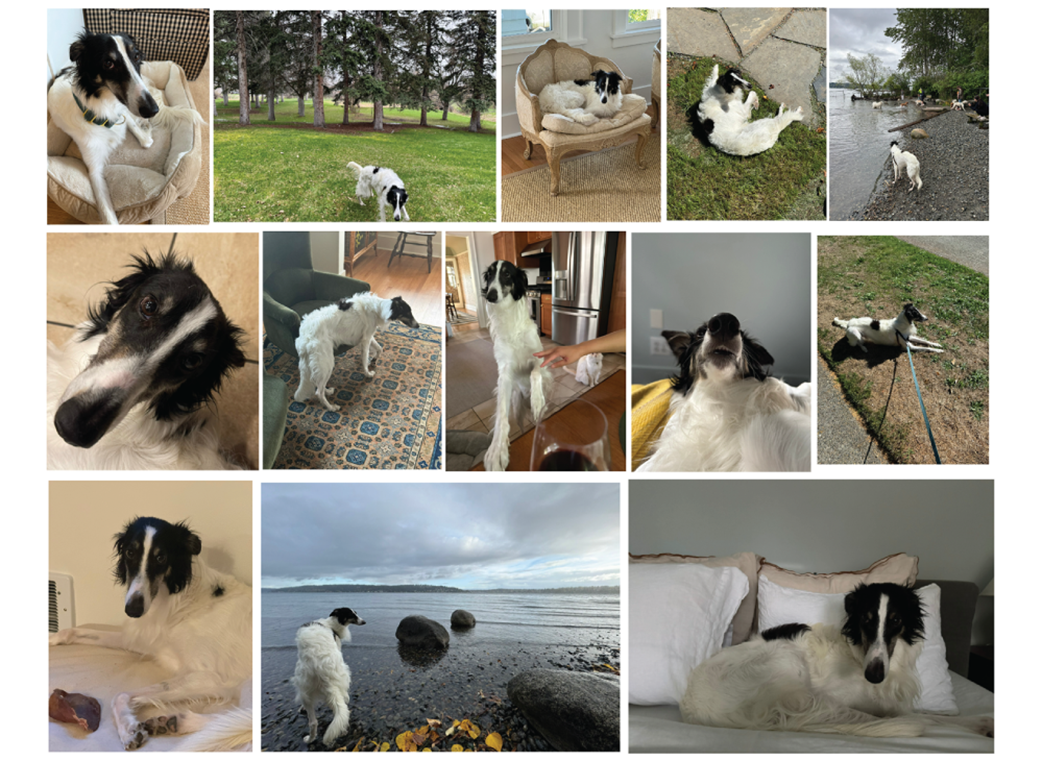
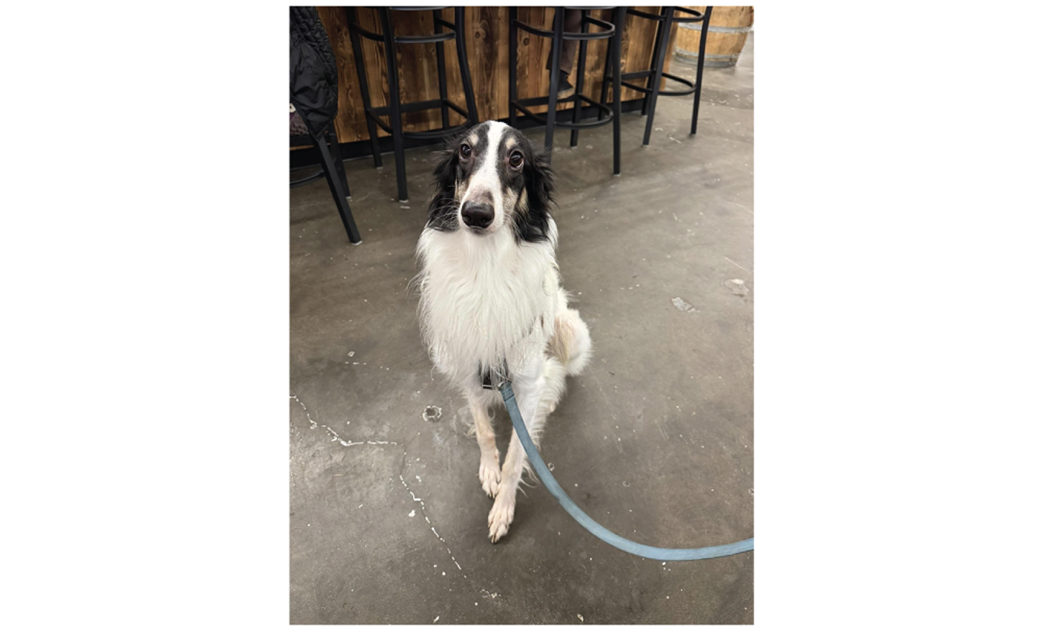
A few photos of Keats that we’ll be using.
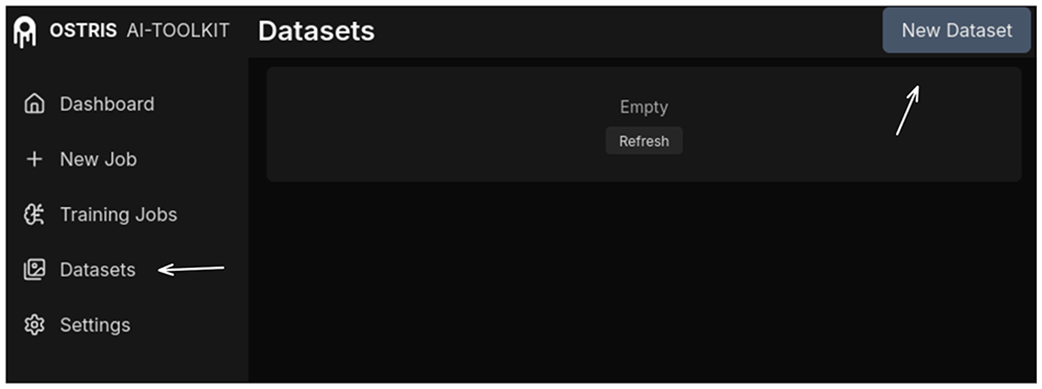
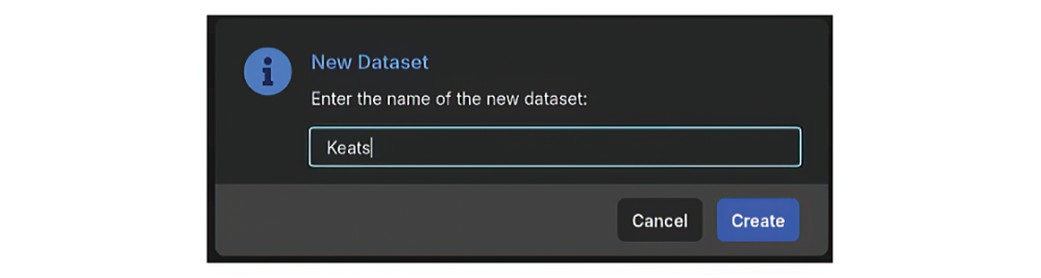
With our data ready, it’s time to create a new dataset
Naming our new dataset.
Our new dataset with images of Keats waiting to be captioned!
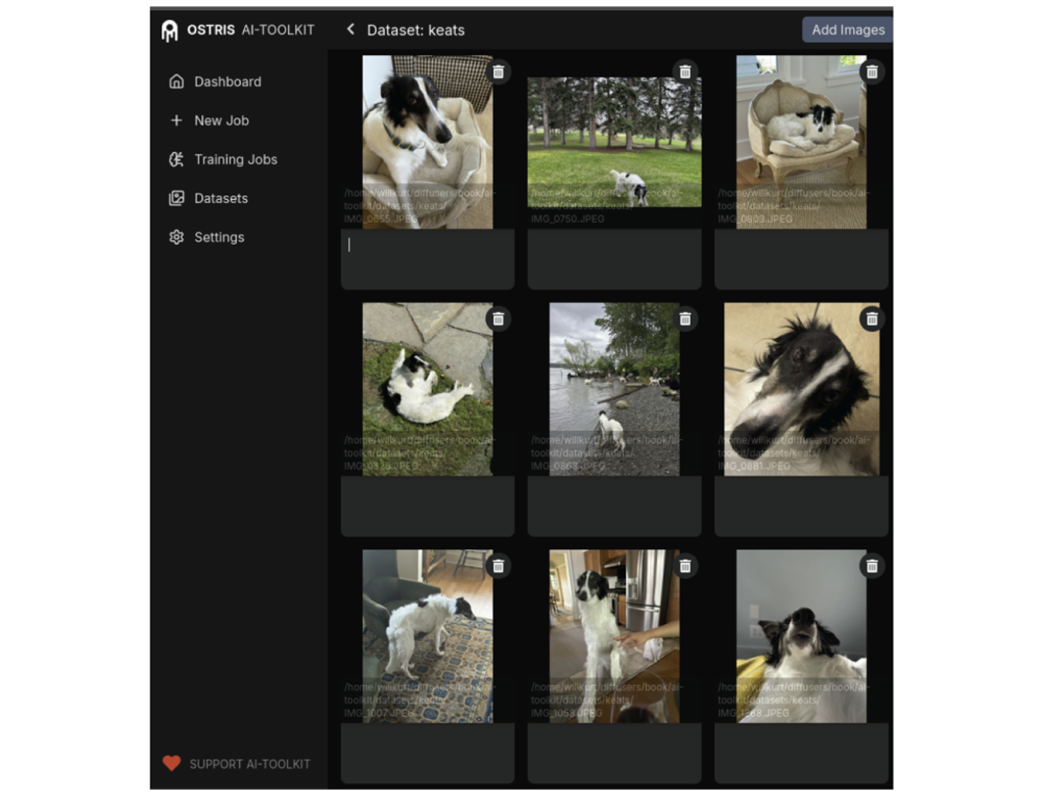
An image of Keats we need a good caption for.
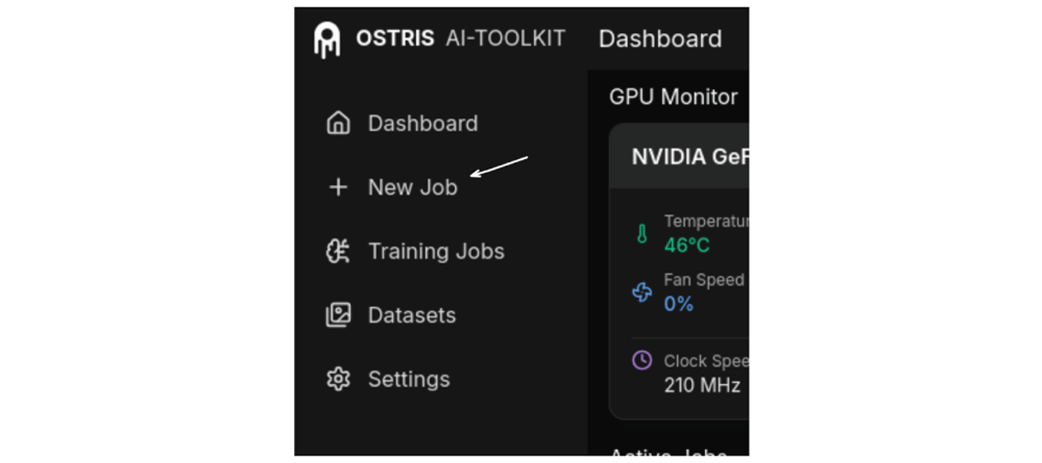
Creating a new training job.
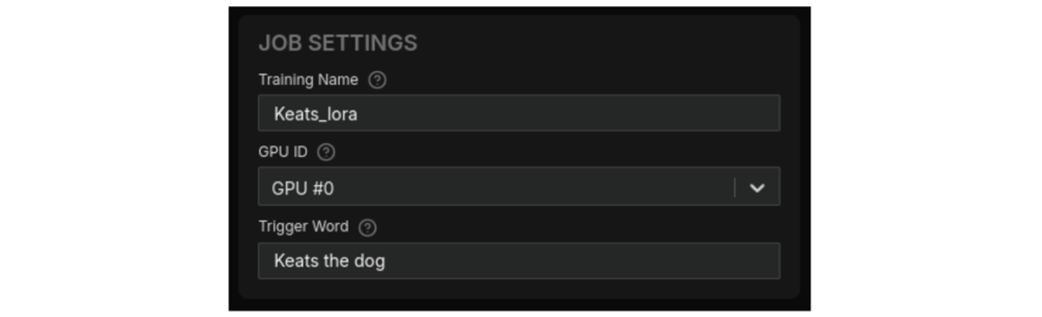
Naming our job and specifying our trigger word.
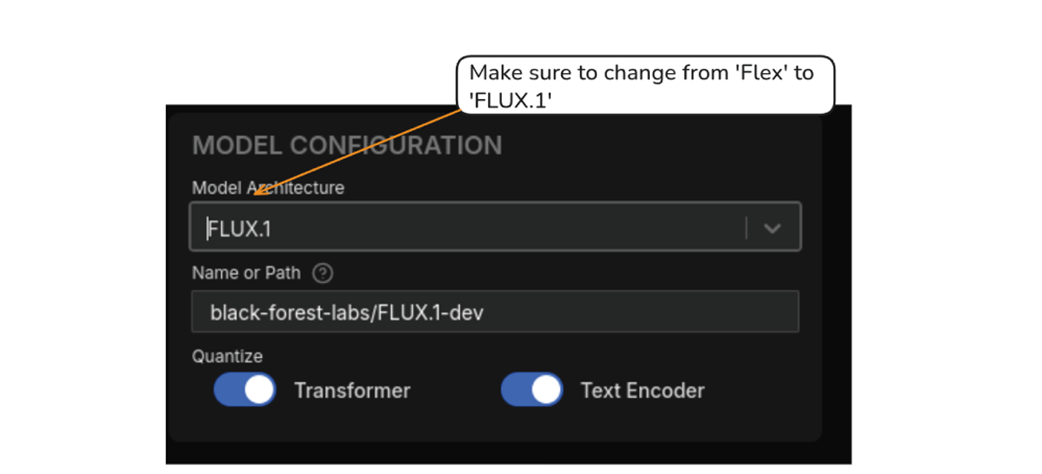
Make sure you choose FLUX.1 as your Model Architecture.
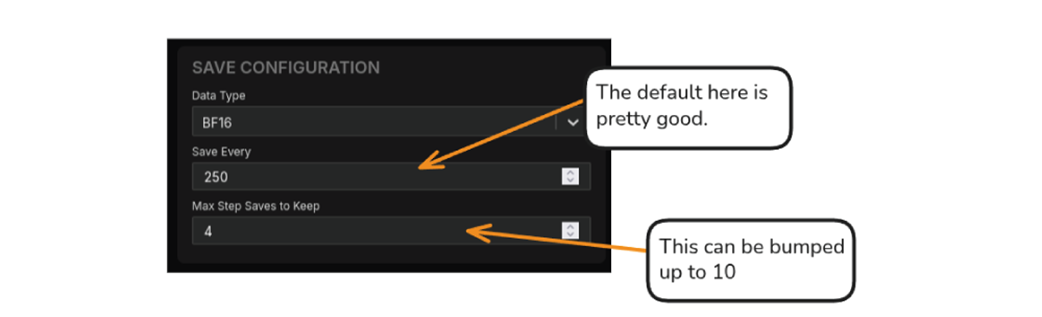
Modifying the Save Configuration.
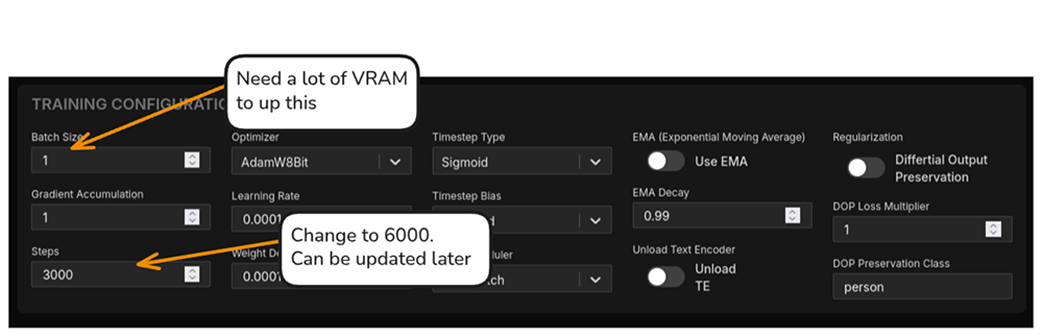
The Training Configuration can be largely left alone, but it’s good to bump up the initial steps.
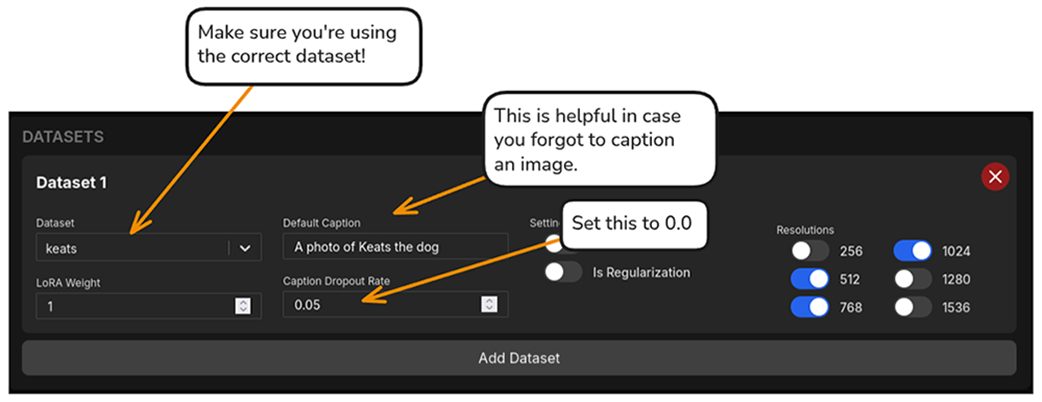
It’s very important to make sure you’re using the correct dataset!
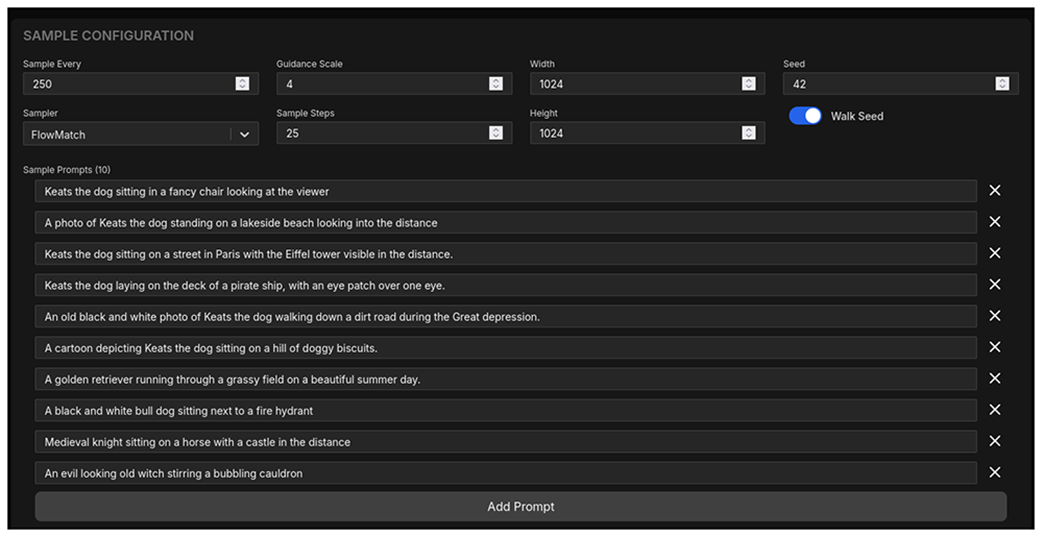
Sample prompts are very helpful when debugging a training job.
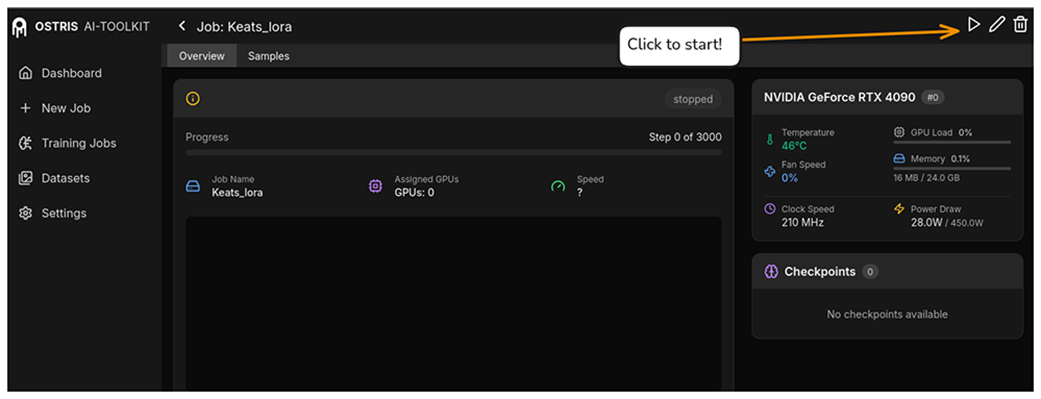
Hit “Create Job” and we’ll be good to go.

This screen will update us about the progress of our job once we hit the ‘play’ button.
None of our initial prompts look like Keats.

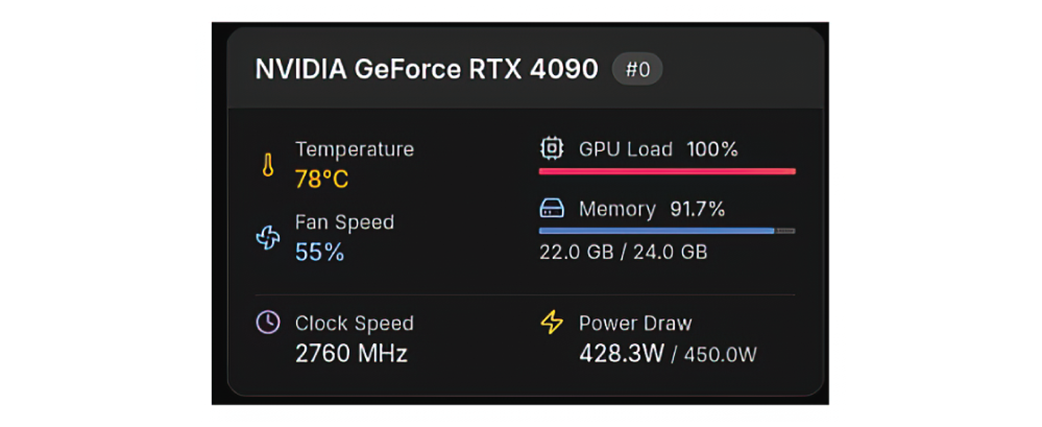
Running under full load for hours, your GPU is functionally a space-heater
After training is done, we can see the transformation of the generated images.
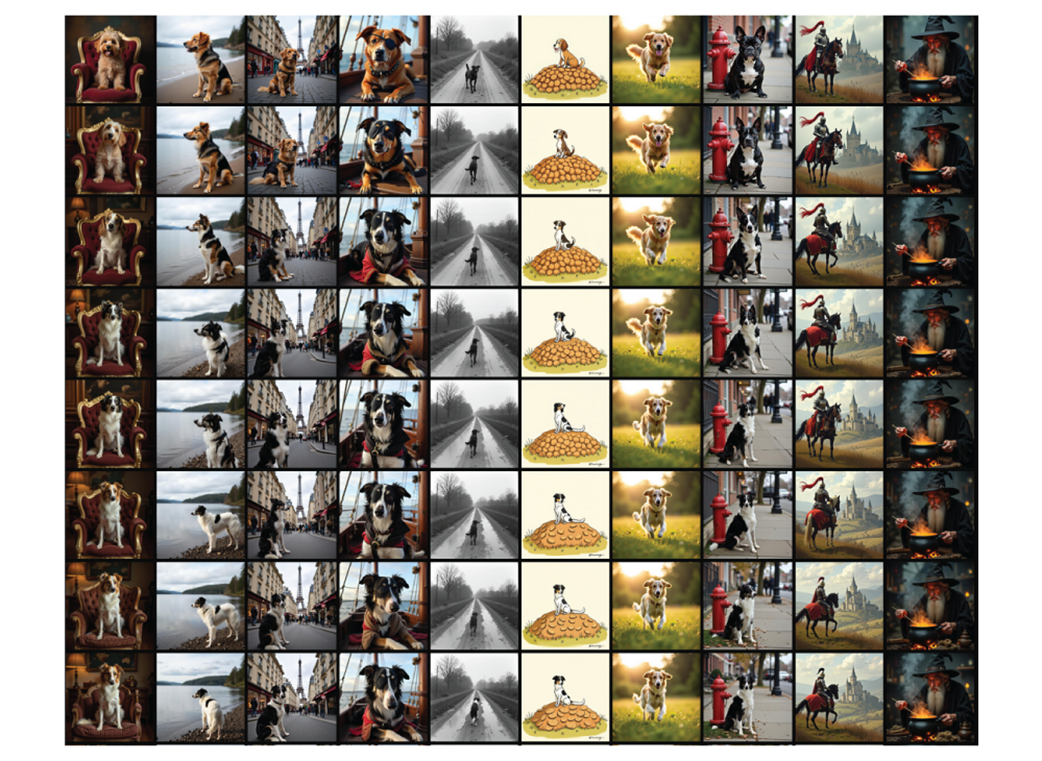
Training did alter these images a bit, but not enough to be concerned.
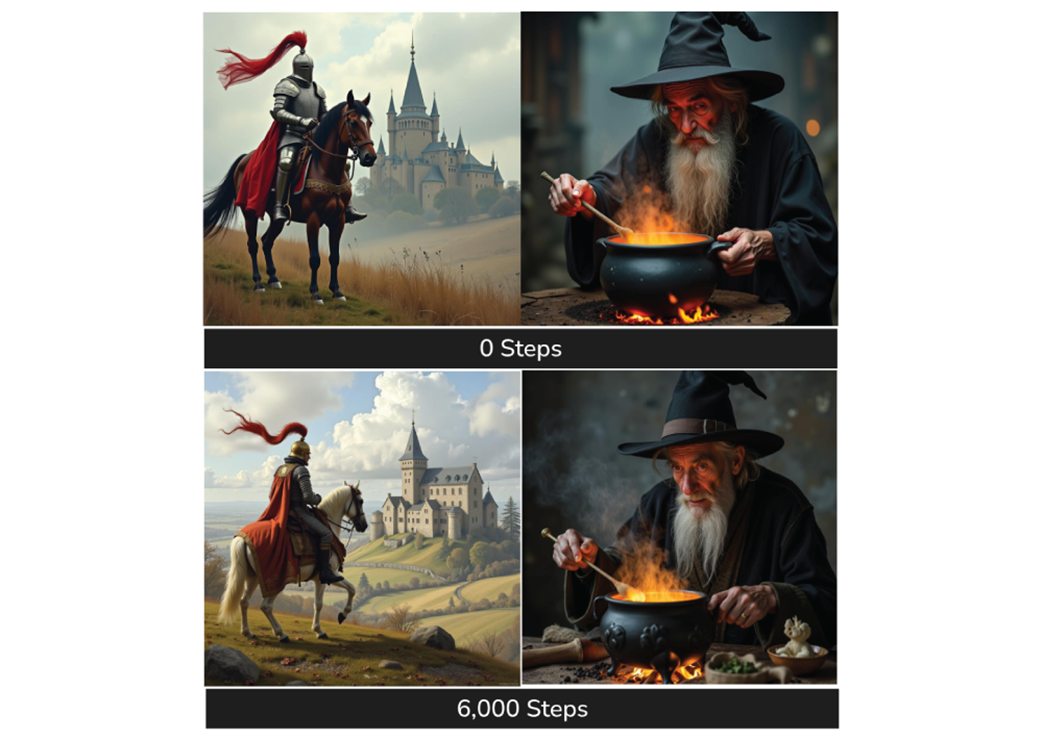
In these images we’re trying to figure out when Keats starts to look like “Keats”.
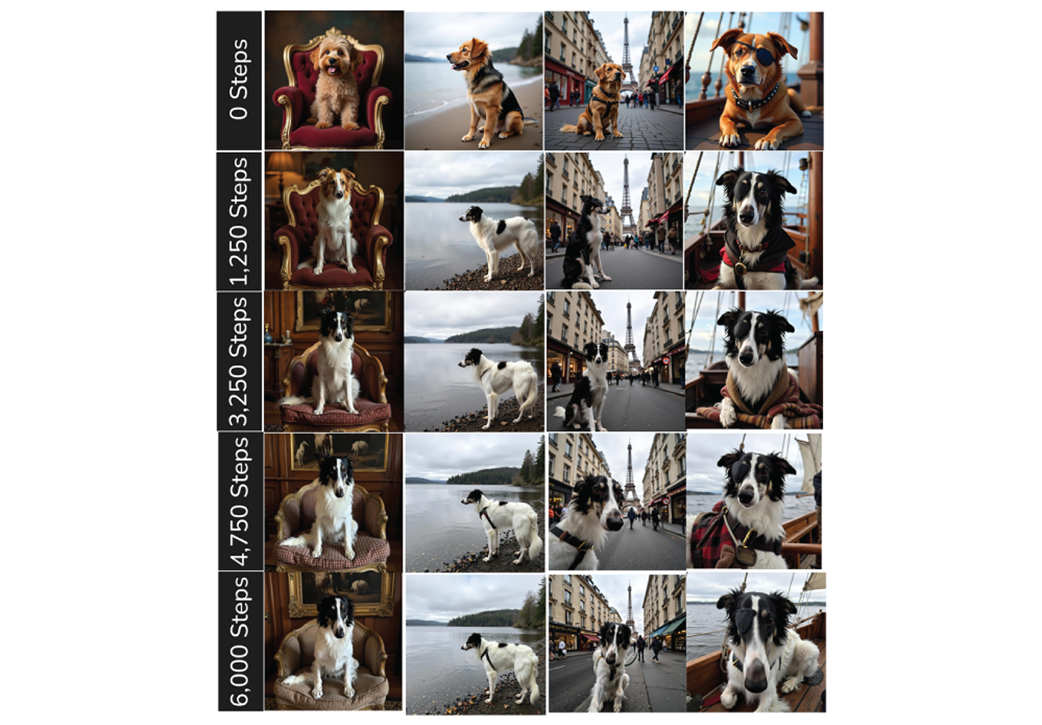
Exploring how well the stylized Keat looks.
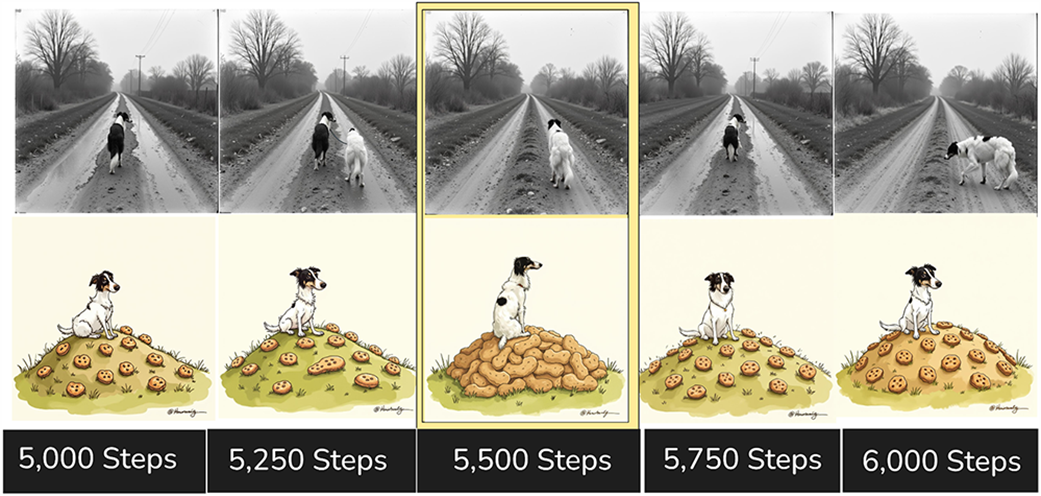
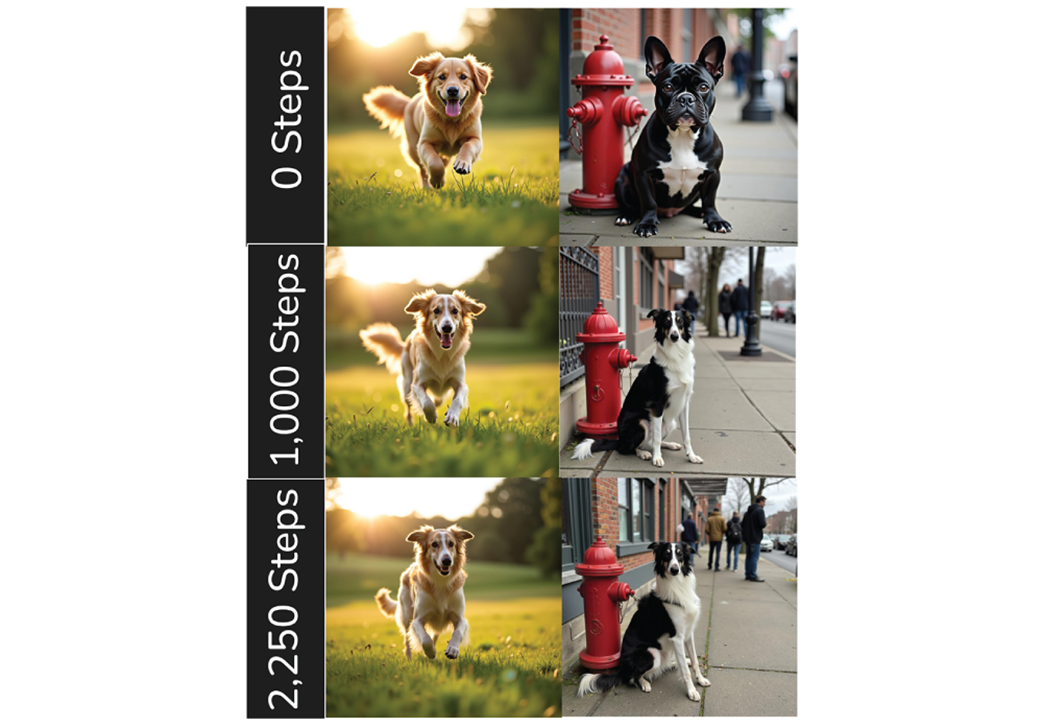
The other dogs start to look more and more like Keats.
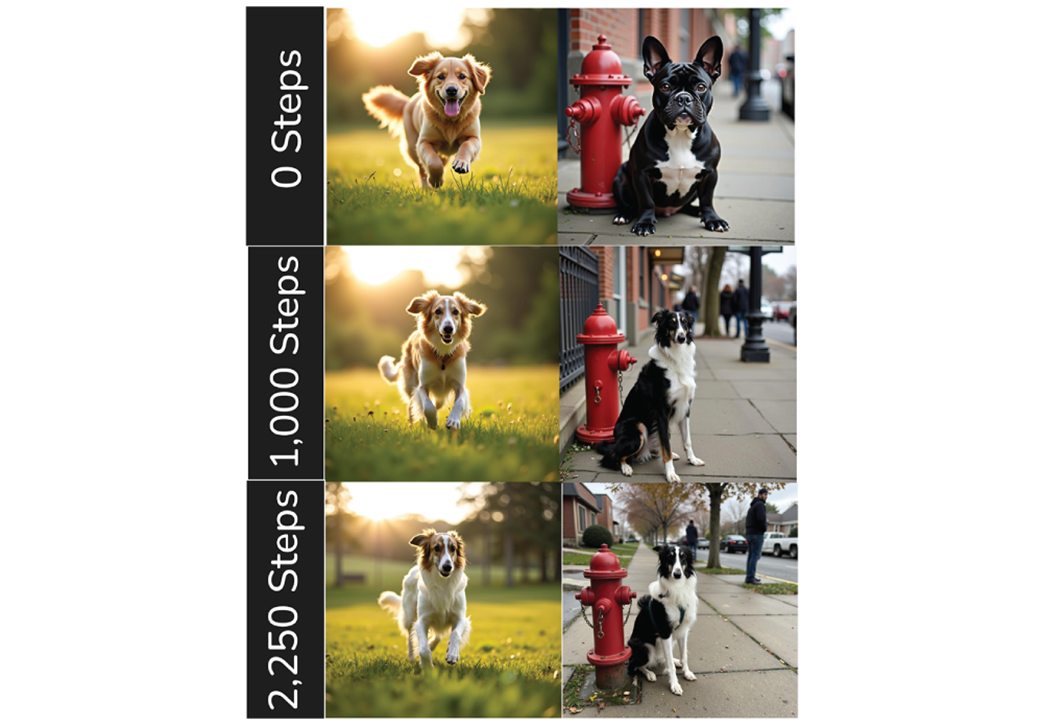
Even changing the trigger word to “Keatsie” does not remedy this problem.
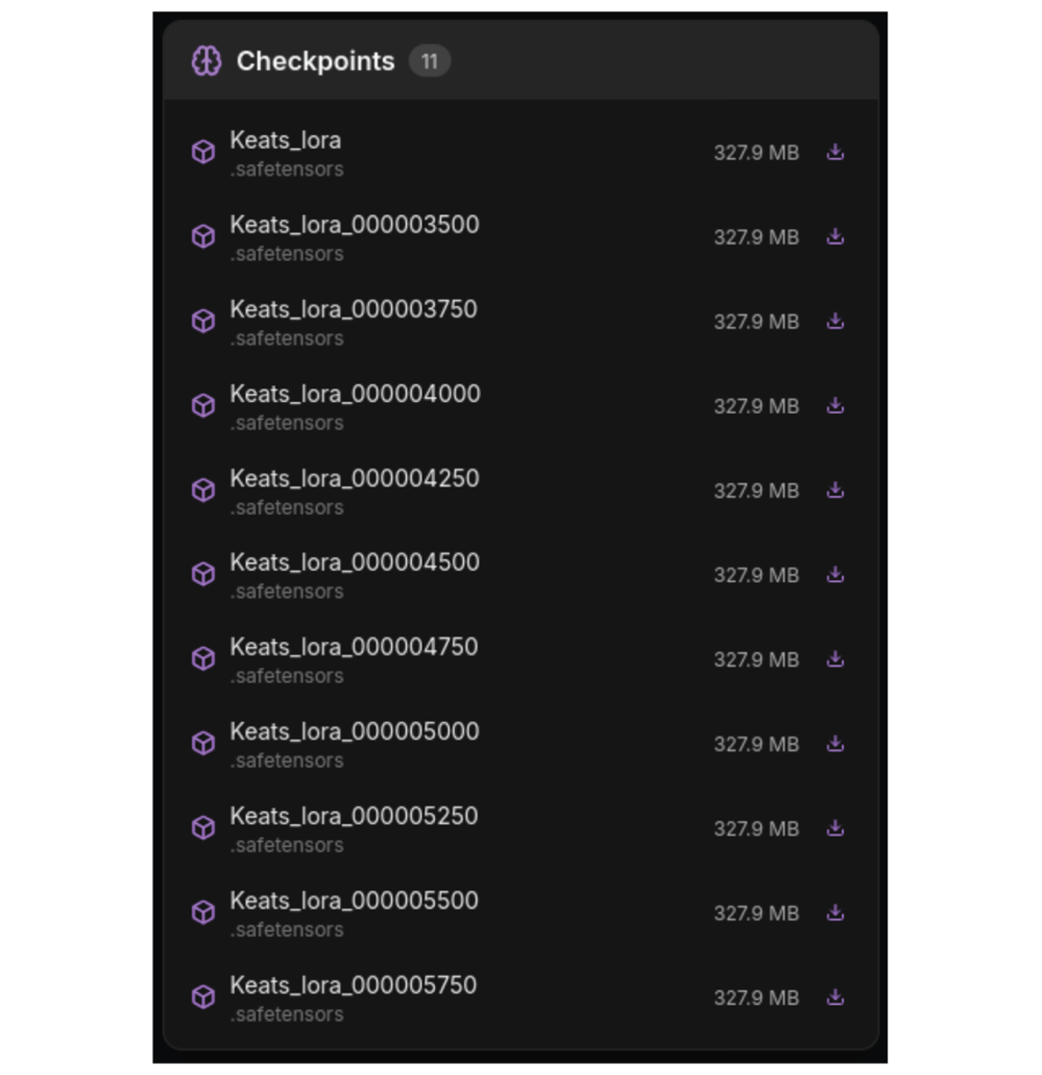
We can now use any of the LoRA we saved.
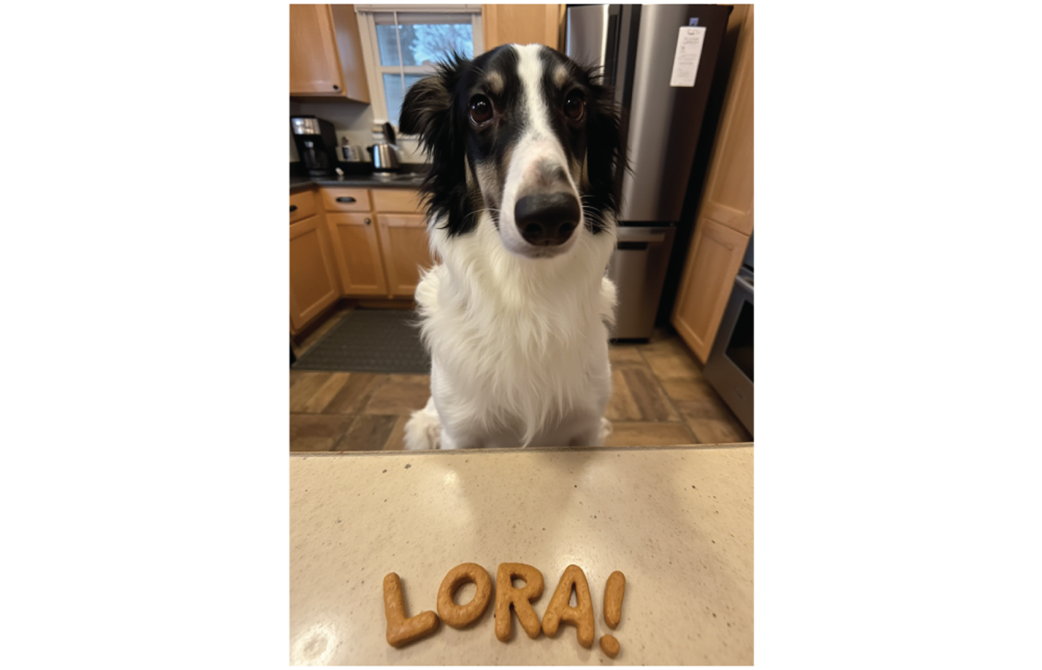
AI Keats is very proud of your work!
Summary
- The AI-Toolkit is useful open source software that makes it easy to train Flux LoRAs.
- First, we need to collect and label training data.
- Images used should be high quality and present the subject in a variety of environments and poses.
- Labeling out data involves adding captions that describe the images.
- You should choose a trigger word that is reflective of the subject, but not confusing with things the model may have been trained on.
- Although labeling data can be very tedious and time consuming, it is often the most important step. Make sure you take your time and provide descriptive captions.
- Training ultimately requires just a few tweaks to get going.
- It’s very important to establish prompts that will generate images for a range of scenarios to help you debug your training.
- When choosing a final LoRA look for the earliest stage where the model correctly represents your subject, but be cautious about other subjects that might end up being distorted.

 Local Image Generation ebook for free
