1 Making our First Image: “A damn fine cup of coffee”
In this chapter, the reader is introduced to the basic workflow of making images from text with Stable Diffusion using A1111’s web interface. The emphasis is on starting simple: install and run the tool locally, enter a prompt, and generate an initial image. The opening example, inspired by the phrase “a damn fine cup of coffee,” serves as a playful way to show both the promise and the unpredictability of text-to-image generation.
The text then explains that getting good results depends on a mix of prompt writing and practical control over generation settings. It highlights the usefulness of generating many images at once through batch size and batch count, so you can compare outputs and select the strongest ones. It also introduces the seed as a way to make results repeatable, showing how fixed seeds let you reproduce the same output and compare the effect of other changes more clearly.
Finally, the chapter explores how image dimensions and prompt wording shape the outcome. Adjusting width and height changes both aspect ratio and the character of the generated image, with extreme ratios often producing odd results. The prompt examples show that clearer, more descriptive language and added context can improve the image, while style cues like “surrealist painting” or “wood etching” can push the model in different directions. The overall lesson is to work iteratively: generate broadly, evaluate results, and refine prompts and settings until the image moves from strange toward wonderful.
Stable Diffusion sure can create strange things, let’s try to avoid going too far in that direction.
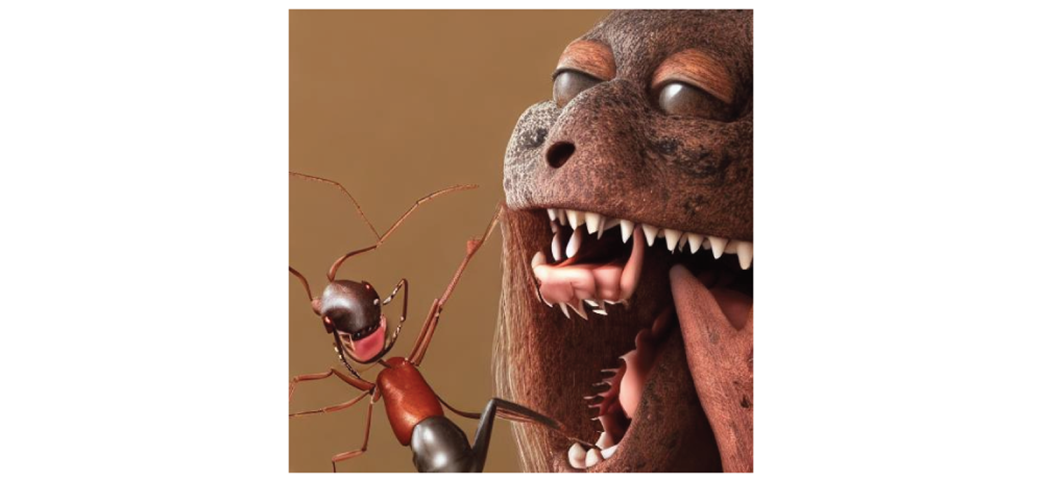
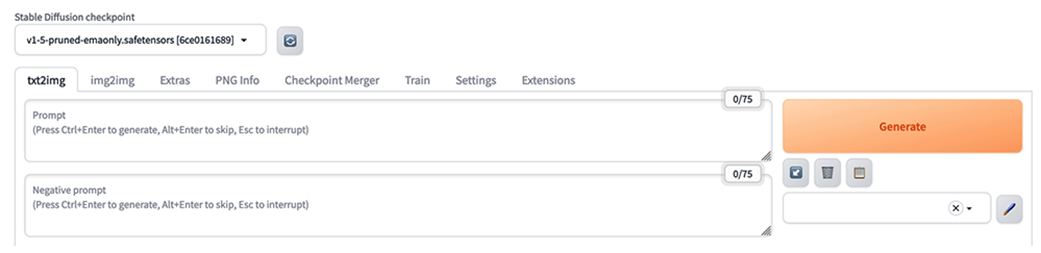
Image of the upper portion of the A1111 UI.
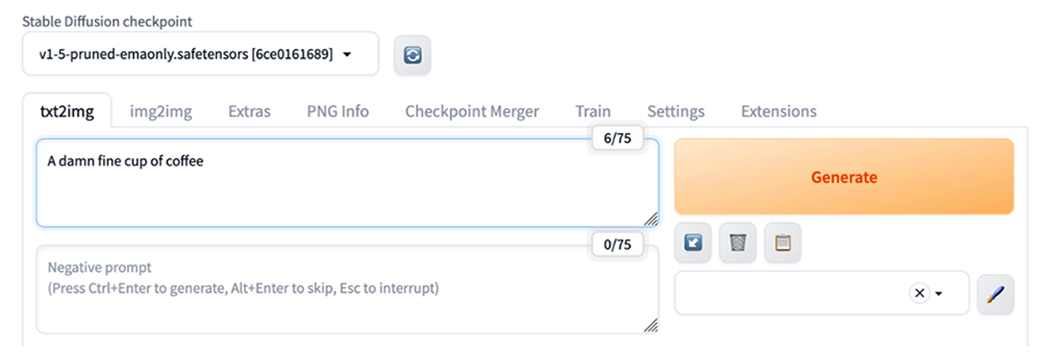
Entering our prompt into A1111
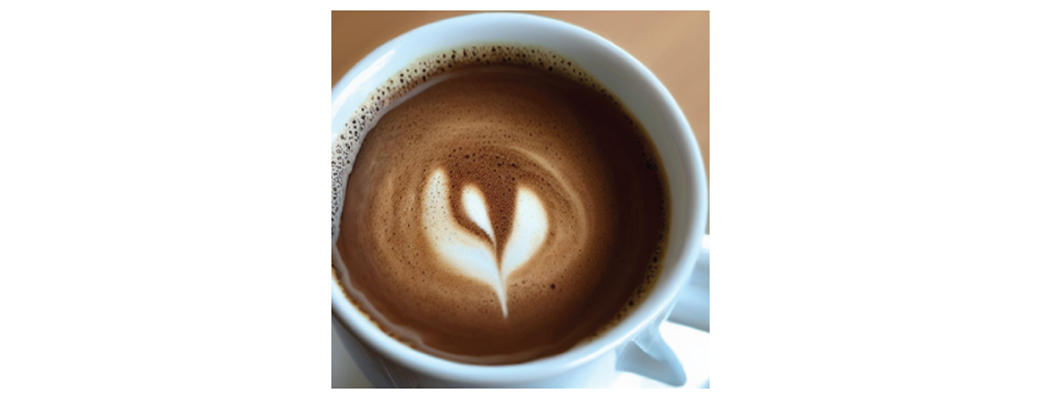
The initial image created by our prompt: “A damn fine cup of coffee.”
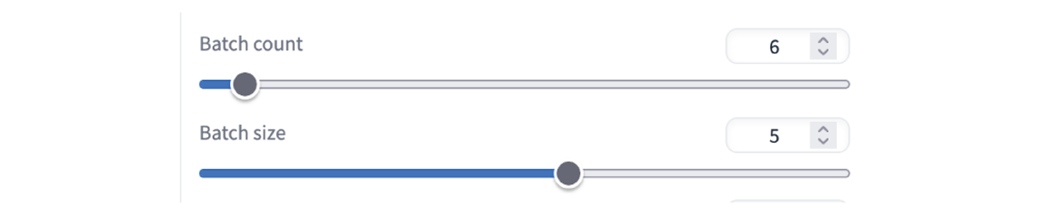
Batch count and Batch size theoretically offer different ways to increase images generated

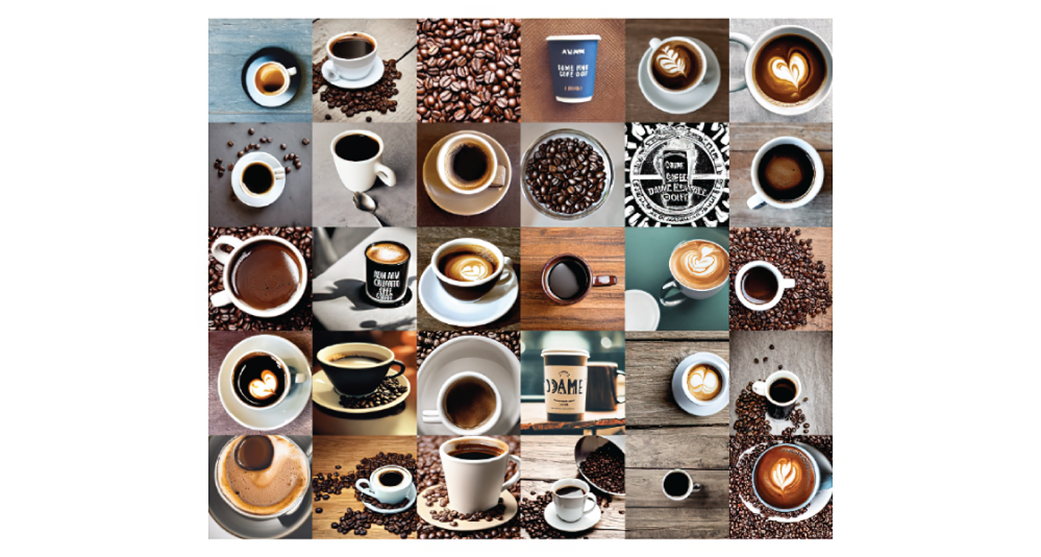
One configuration for generating 30 images at once.
30 different answers to the prompt “A damn fine cup of coffee”
Setting the value to -1 will give us a ‘random’ seed each time we hit ‘Generate’.

The recycle button will give us the seed we used previously.

The options for setting our Width and Height in the UI.

Images with a 5:3 landscape aspect ratio.
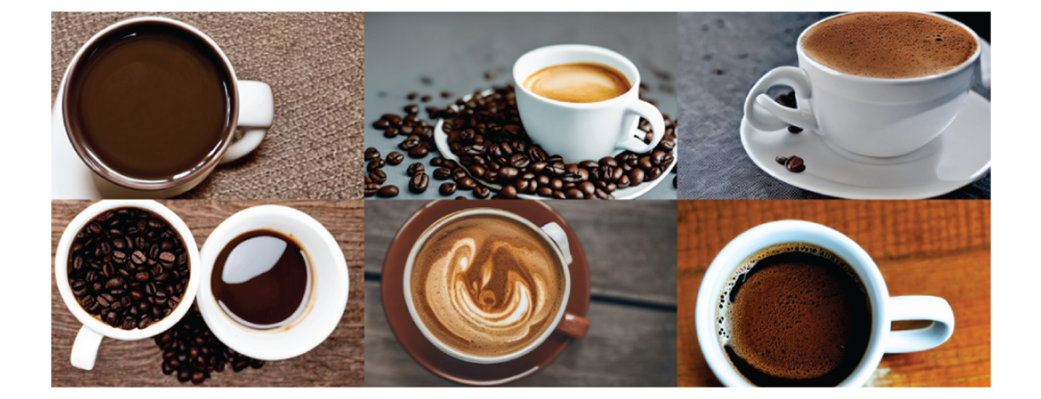
Using the same seed but reverting to 512x512 shows us the impact of aspect ratio and image size.
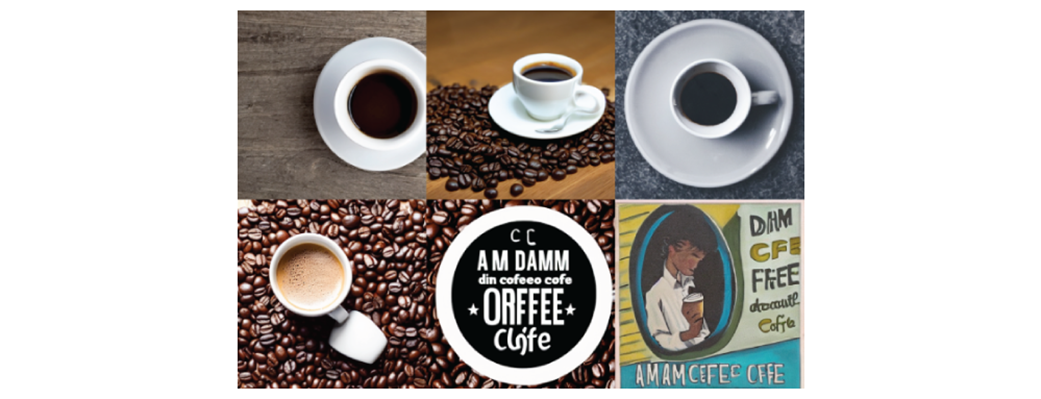
We can easily swap Width and Height values in A1111.

Images with a 3:5 aspect ratio .
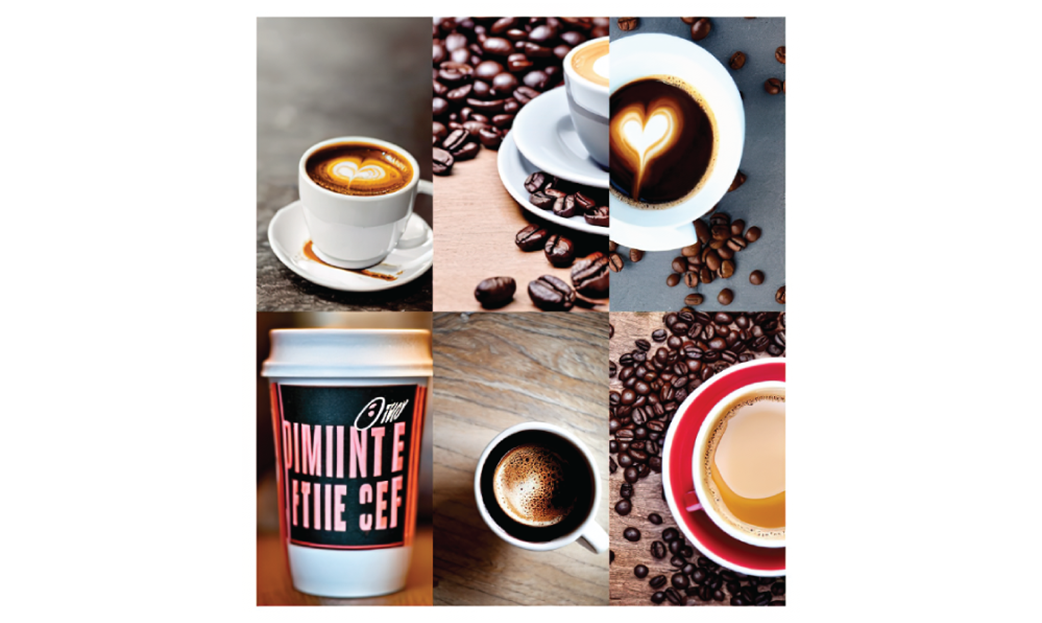
Images with a 3:7 aspect ratio.
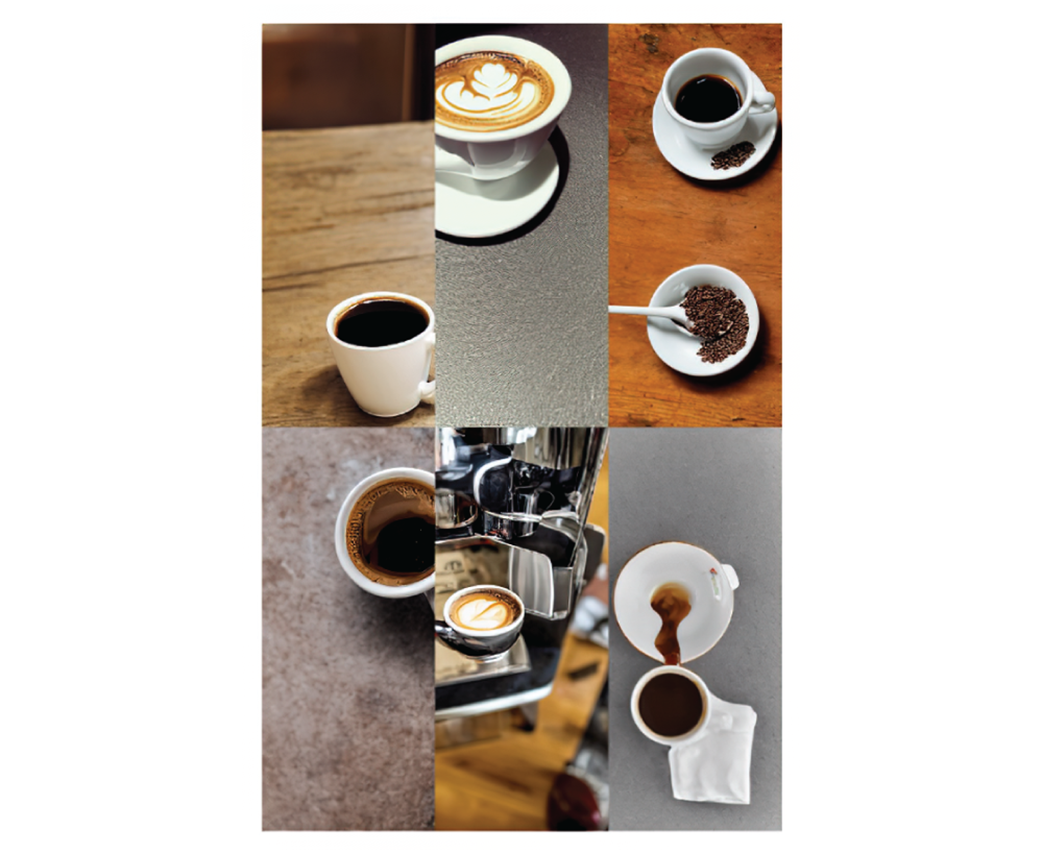
Images with a 4:1 aspect ratio.

A poetic prompt does not always yield poetic images.
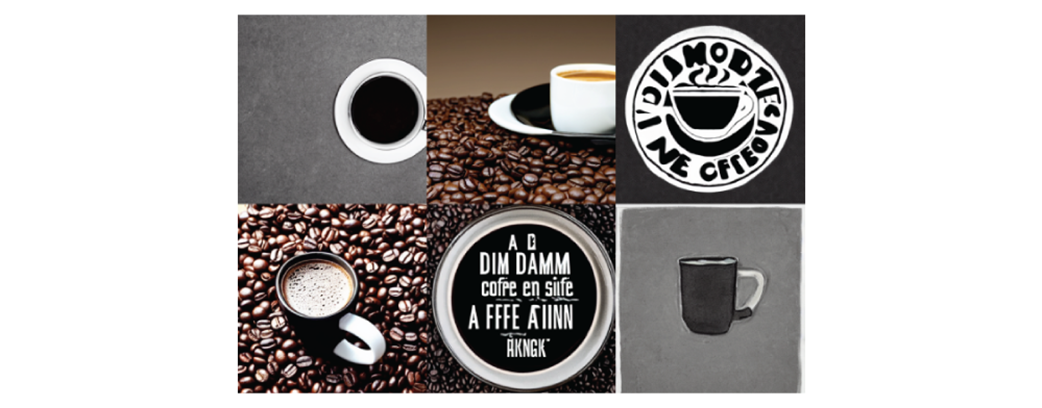
A straight forward prompt yields more cups of black coffee.
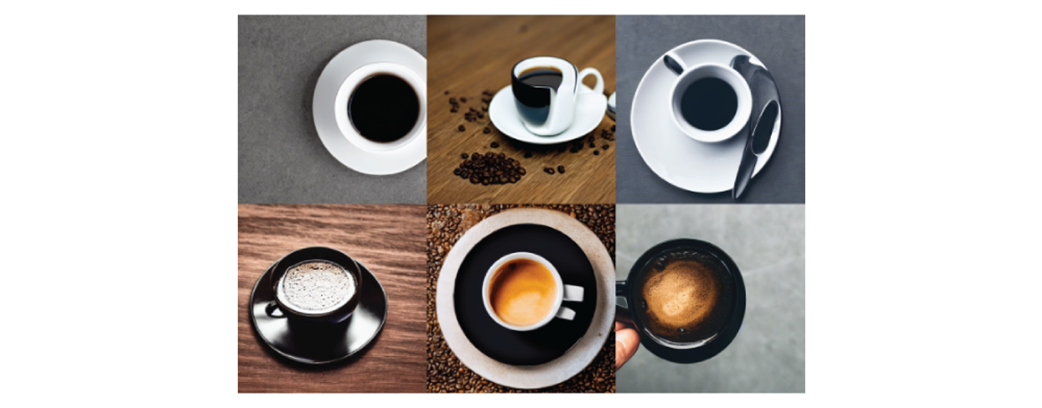
Adding a scene to an image can help provide context.
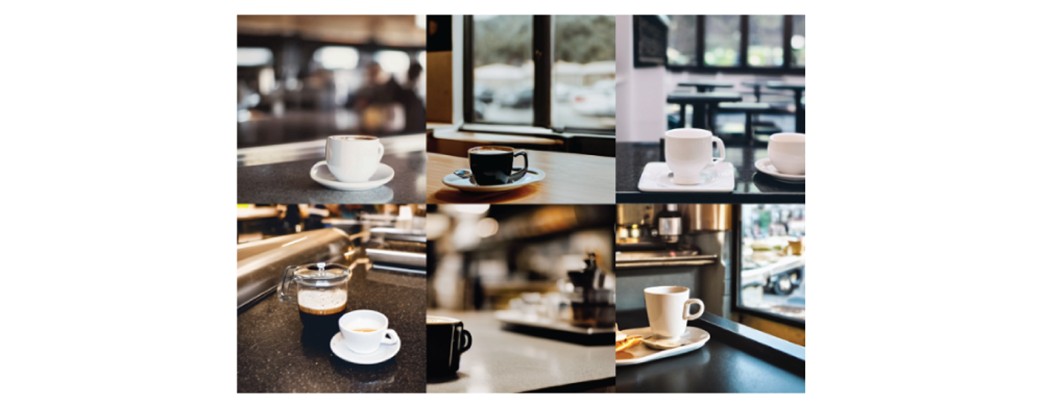
Choosing a landscape aspect ratio helps display the counter.
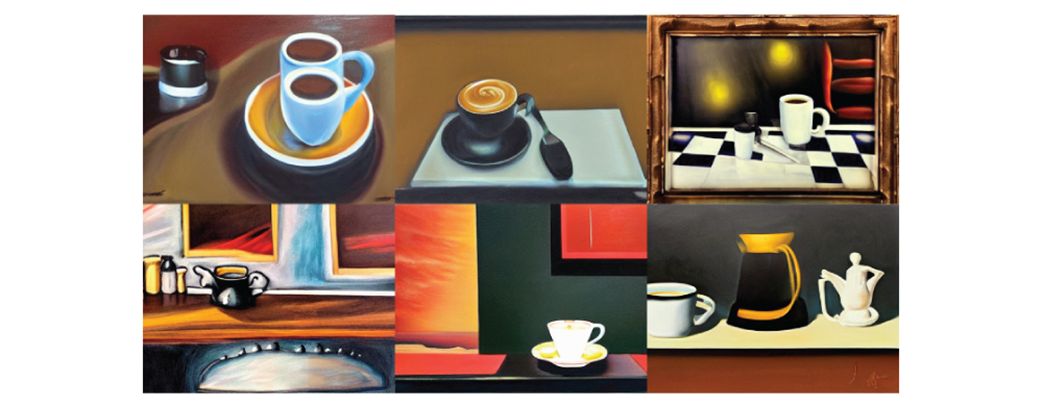
Creating surrealistic images.
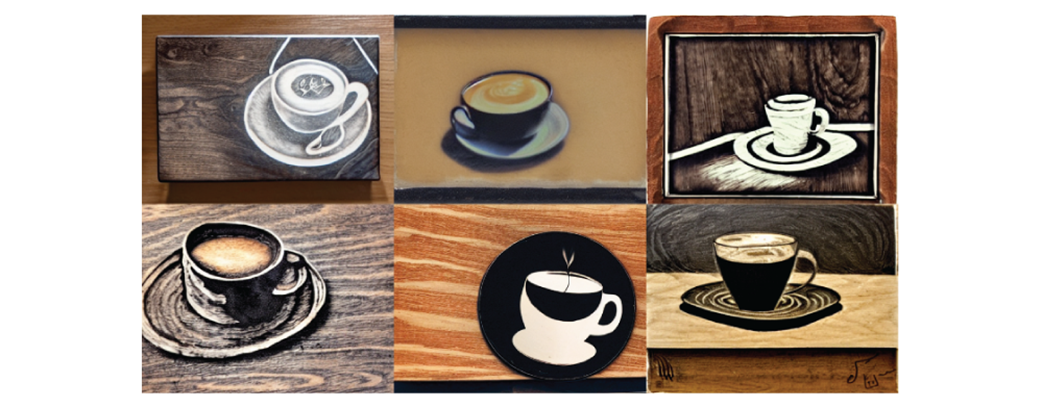
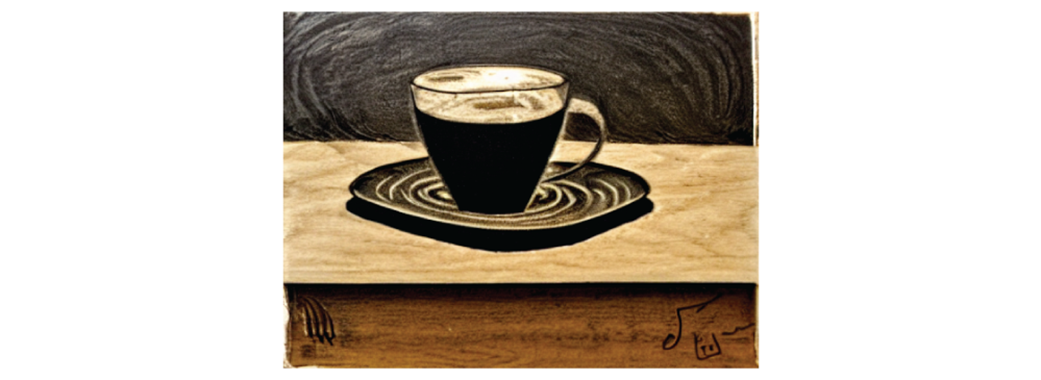
Images in the style of a wood etching.
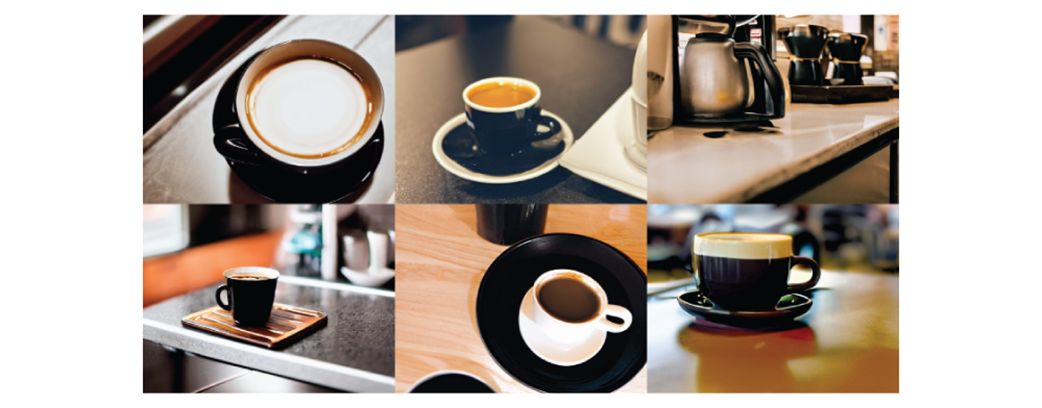
I would say that’s a damn fine cup of coffee!
Summary
- Generating with Stable Diffusion is an iterative process, in which we are constantly revising our settings and prompts.
- Despite the many ways to improve images, it’s always a good idea to generate a variety of images to see if we find a particular one that stands out to us as pleasing.
- Our prompts should be clear and descriptive. Giving some context for the object we’re prompting can change the image dramatically. Describing the style of the image can further let us change the feeling of the images we’re generating.
- The aspect ratio that we use to generate an image can have a major impact on the way the image looks. Consider whether the image you want to create would look better as a square, a landscape or portrait.
FAQ
What is the main goal of Chapter 1, “Making our First Image: A damn fine cup of coffee”?
The chapter introduces the basics of creating images from text with Stable Diffusion. It focuses on getting started with A1111, learning prompt engineering, understanding image size, and using seeds for reproducible results.What is A1111 and why does the chapter use it?
A1111 is AUTOMATIC1111’s Stable Diffusion Webui, an open-source graphical interface for managing Stable Diffusion image generation. The chapter uses it because it is beginner-friendly and makes it easier to iterate quickly than a command-line workflow.How do you start A1111 after installation?
From the directory where it is installed, run./webui.sh on Linux or macOS, or ./webui.bat on Windows. Then open your browser to http://127.0.0.1:7860.
 Local Image Generation ebook for free
