7 Filtering with wildcards and null values
This chapter expands your filtering toolbox beyond precise comparisons to include pattern-based searches and correct handling of missing data. It introduces the LIKE operator and wildcards for matching text patterns when exact values aren’t known, and clarifies how NULLs work so your queries return the rows you intend. Along the way, it highlights nuances such as collation and case sensitivity differences across database systems that can affect results.
For pattern matching, the percent sign (%) wildcard matches any sequence of characters (including none), enabling “starts with,” “ends with,” and “contains” searches in a concise way. The underscore (_) wildcard matches exactly one character, helping you target specific positions within strings, and it can be combined with % for flexible patterns. While powerful, wildcard searches can be imprecise (for example, “%good%” also matches “goodbye”) and may behave differently across RDBMSs depending on default collations and case sensitivity; some systems also vary in their support for certain wildcards.
On NULLs, the chapter stresses that NULL represents the absence of data and does not behave like regular values in comparisons. Attempts such as = '', = 'NULL', or = NULL fail to find NULLs; instead, use IS NULL and IS NOT NULL. Be careful with inequality filters (for example, <> 'K'), which exclude rows with NULLs unless you explicitly include OR column IS NULL. Interestingly, LIKE '%' returns only non-NULL rows, mirroring IS NOT NULL, because wildcards don’t match the absence of data. The lab exercises reinforce combining wildcards with other filters and applying proper NULL logic to produce accurate, intention-aligned result sets.
The results of searching the author table for a range of last names that start with S
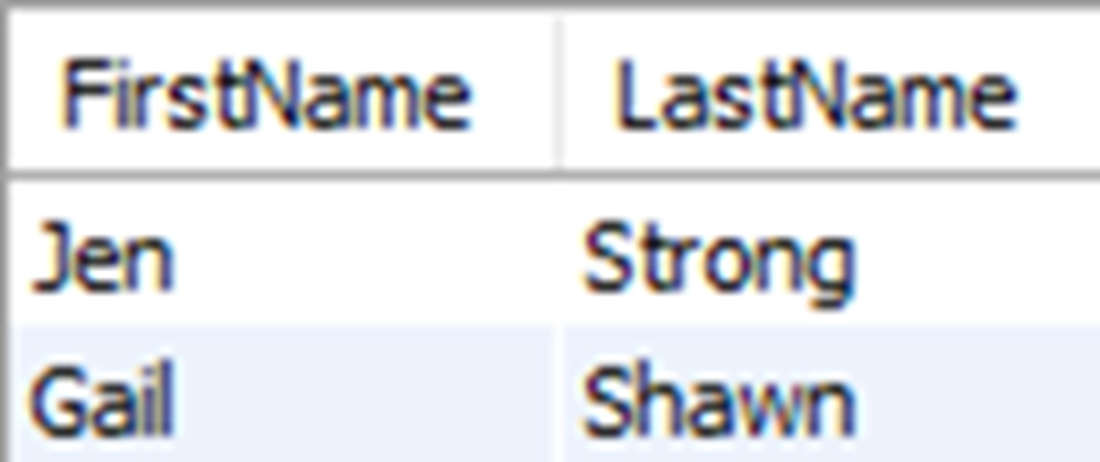
Authors who have a last name that ends with N
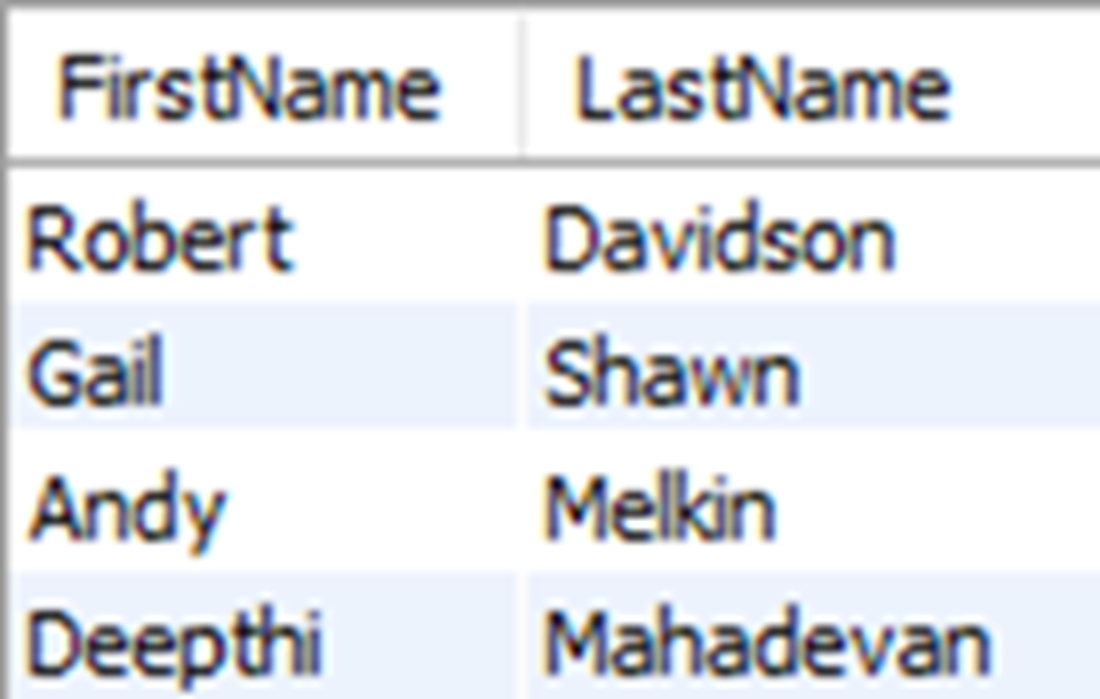
Authors who have a last name that starts with M and ends with N
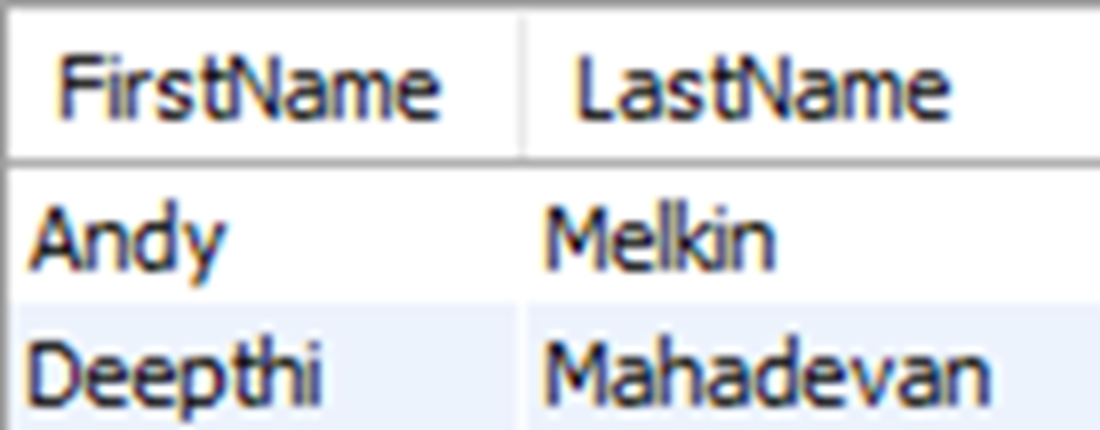
Authors who have a last name that contains “DE”
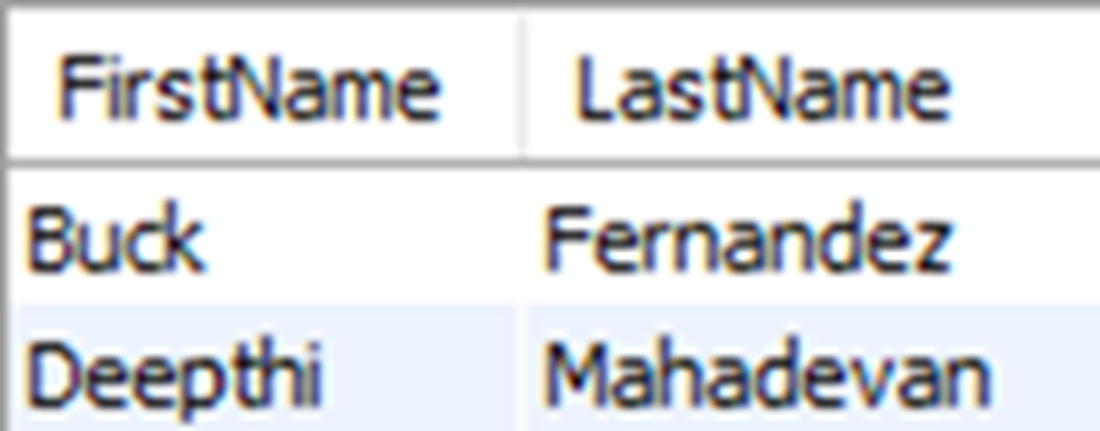
Authors who have a first name that starts with R and with b as the third letter
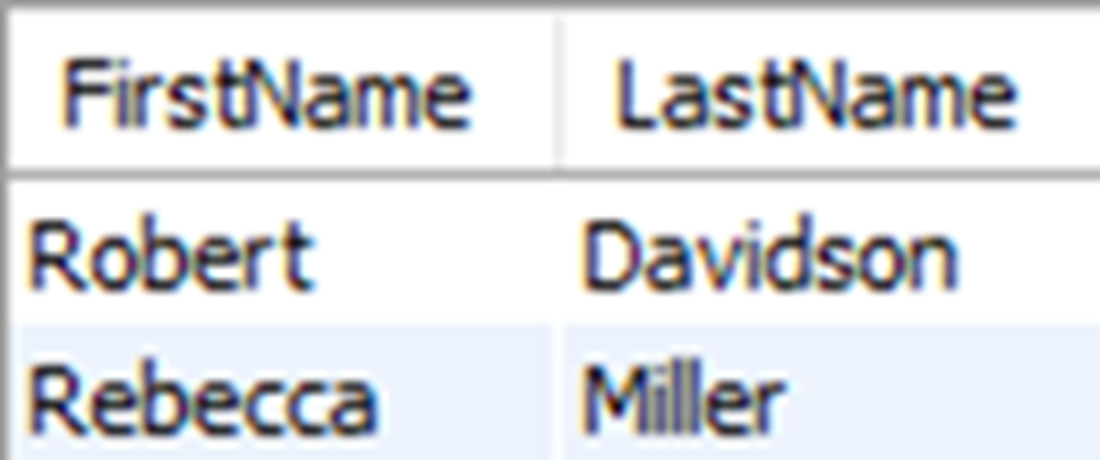
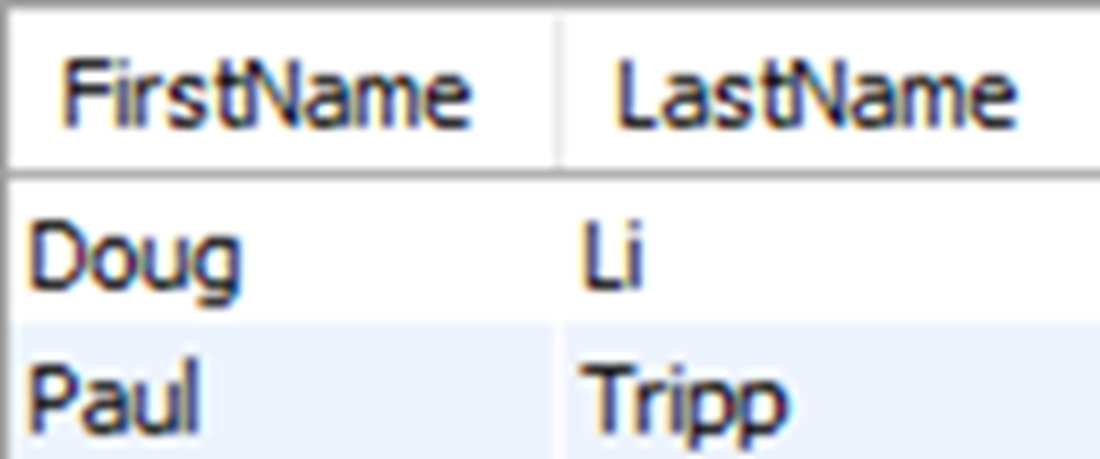
The results of authors who have a first name that has a u as the third letter
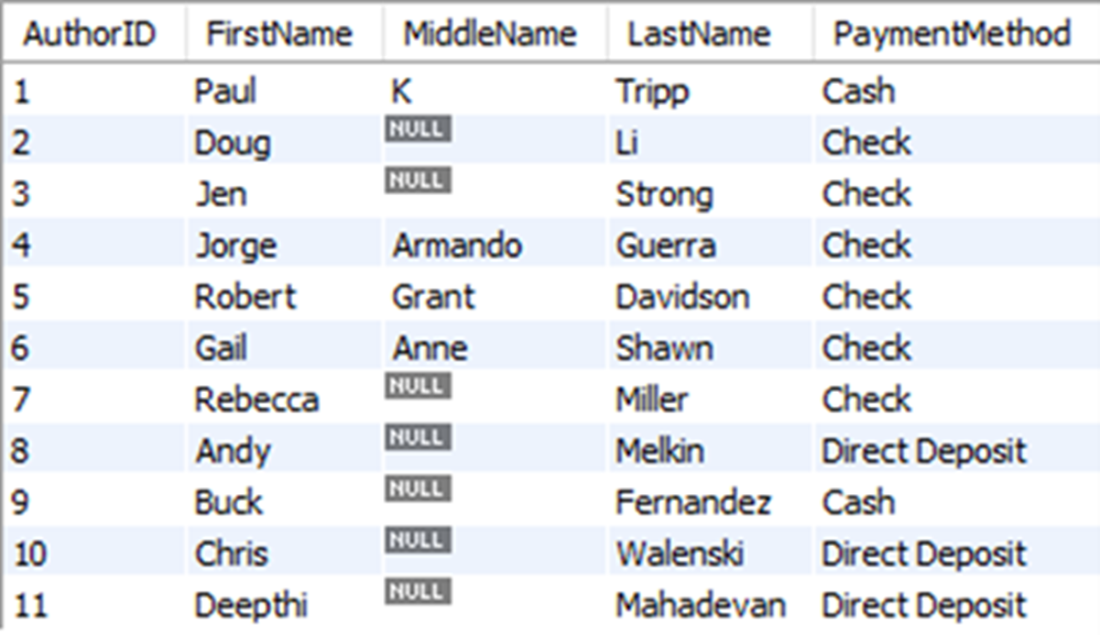
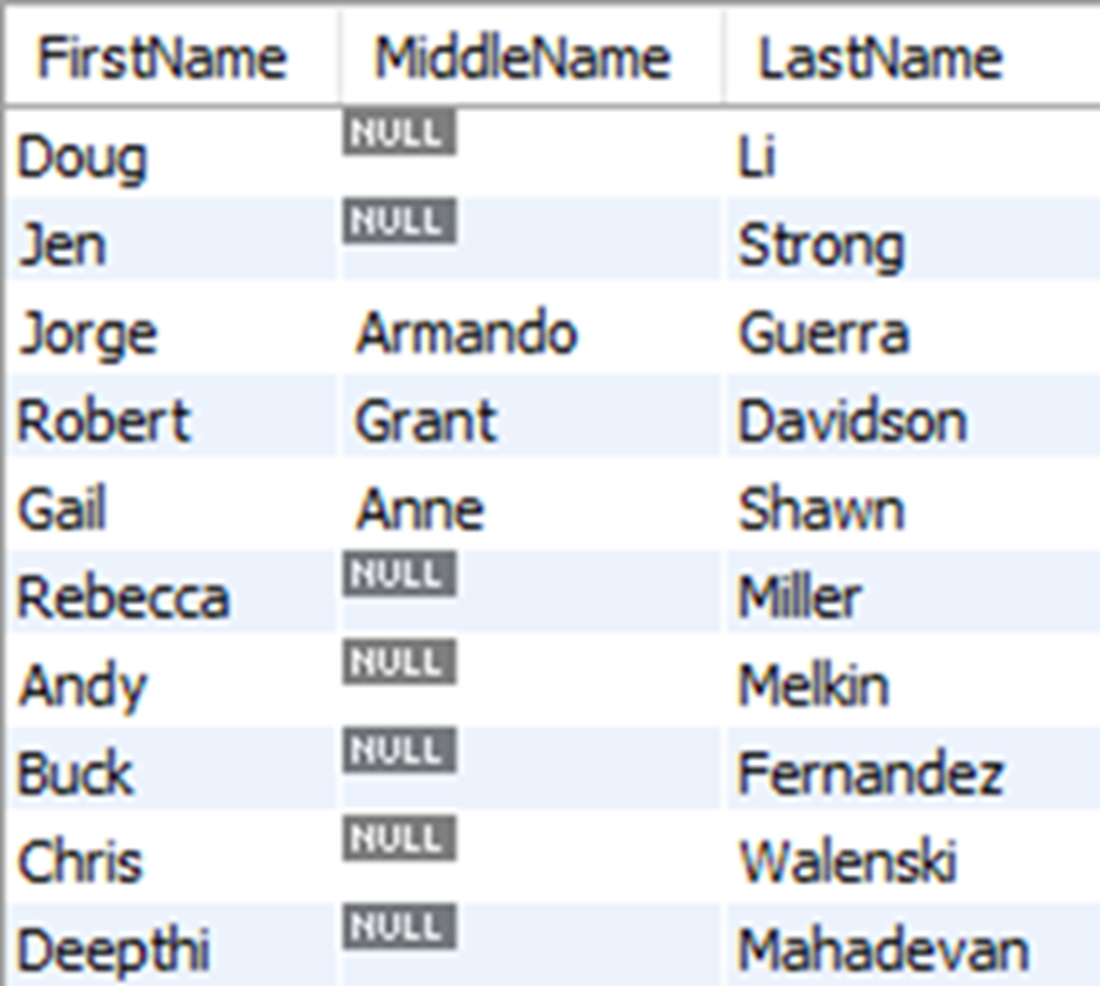
The results of all columns in the author table, including null values in the MiddleName column
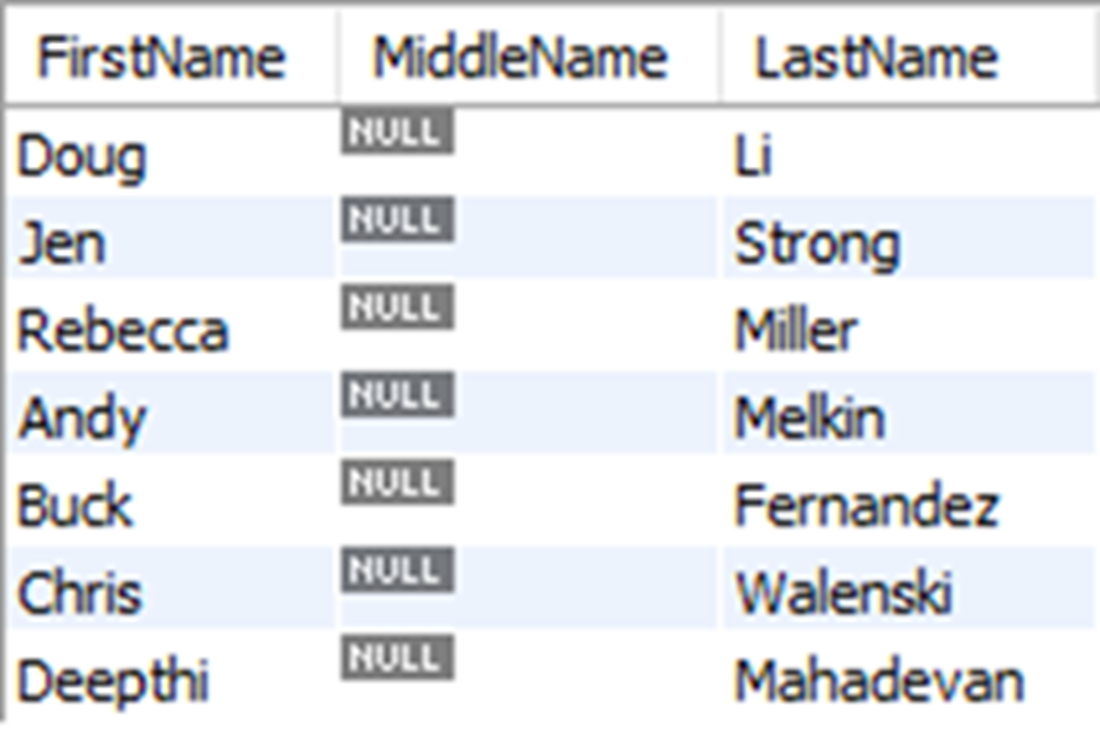
The results of first, middle, and last names in the author table for authors with no middle name
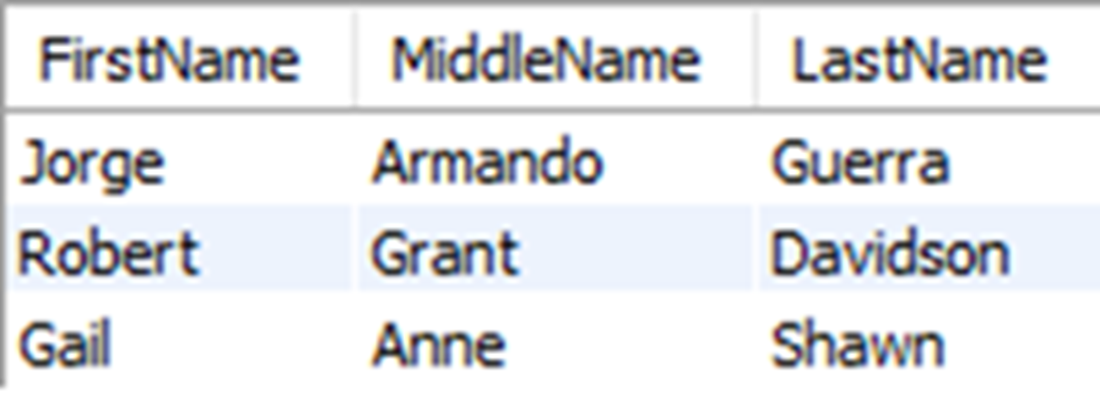
The rows returned for any author that does not have a middle name of K, which excludes any author without a middle name
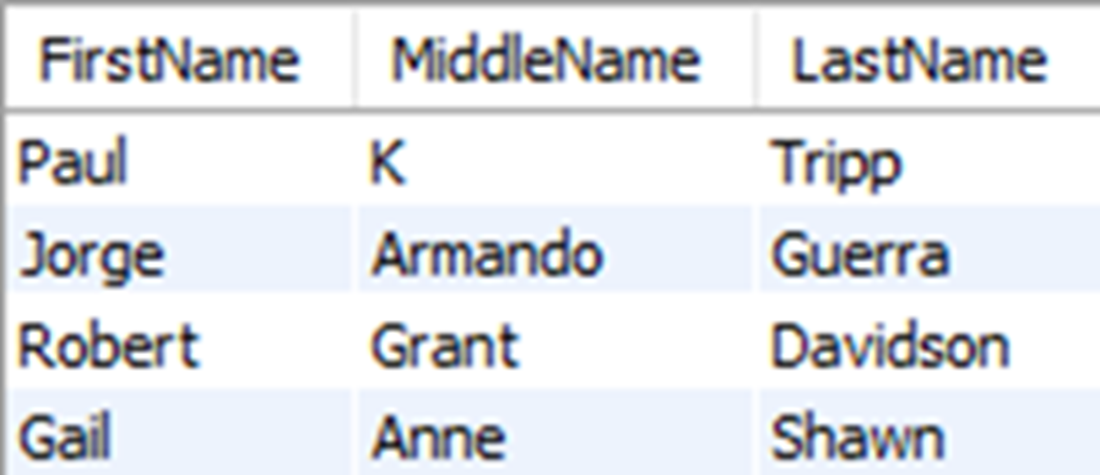
All rows that do not have a middle name of K are returned, including those with null values
The results for all rows from the author table with no middle name
Lab answers
- The answer is below:
- The answer is below:
- The answer is below:
- The answer is below:
- This is a bit of a trick question designed to challenge you, because you have to consider that depending on how you write the query, you might get more or less data than you wanted. For example, you may write something as simple as this:
- If you execute that query, you will see that you not only get “The Call of the While,” “Anne of Fact Tables,” and “Catcher in the Try”—which are all meeting the requirement—but also “The Join Luck Club” and “The DateTime Machine,” which do not. The latter two are included in the results because they have a string value matching the value of the letters “in” within their title names.
- So how can we exclude those undesired results? Well, one way would be to add leading and trailing spaces to the strings we are searching for, like this:
- This query will return the desired results, but this may not work in a different scenario. Consider that, since we are now looking at strings involving leading or trailing spaces, we will not have any results if the title names start or end with the words in or of. To include any hypothetical results that started or ended with the words we were searching for, we would need to include additional conditions, like this.
- Again, this was admittedly a difficult question, but it was designed to get you thinking about the possible values of data and how to creatively use what you’ve learned so far to write an accurate query.
FAQ
Why use LIKE with wildcards instead of range comparisons (>= and <) for strings?
Using range comparisons on strings can produce inconsistent results due to collation, case sensitivity, and accented characters, and it doesn’t match how we naturally describe patterns. LIKE with wildcards lets you express “starts with,” “ends with,” or “contains” patterns directly and more reliably.How does the percent (%) wildcard work in SQL?
% matches any sequence of characters, including zero characters. Examples: last names starting with S:WHERE LastName LIKE 'S%'; ending with N: LIKE '%N'; starting with M and ending with N: LIKE 'M%N'; containing “DE”: LIKE '%DE%'.What does the underscore (_) wildcard do, and can it be combined with %?
_ matches exactly one character. You can combine it with % for precise positions. Examples: first name starts with R and has b as the third letter:WHERE FirstName LIKE 'R_b%'; u as the third character: LIKE '__u%'. Note: underscore wildcard is not supported in DB2.Is the LIKE operator case sensitive?
It depends on the database and its default collation. MySQL, SQL Server, and SQLite defaults are typically case-insensitive; PostgreSQL and Oracle defaults can be case-sensitive. If needed, normalize with functions likeLOWER() on both sides, e.g., LOWER(LastName) LIKE 's%'.How can I search for a word inside text without matching unwanted substrings?
Basic LIKE patterns may match substrings (e.g.,'%good%' matches “goodbye” and “not very good”). You can narrow by including spaces or punctuation when appropriate (e.g., '% good %'), though it’s not foolproof. For robust word boundaries, consider full-text search features of your RDBMS.What is a NULL value, and how is it different from an empty string or the literal 'NULL'?
NULL represents “no data” (absence of a value). An empty string'' is still a value (a string of length zero). The literal 'NULL' is just four characters. Treating either as NULL will lead to incorrect queries.Why doesn’t WHERE MiddleName = NULL (or = '' or = 'NULL') find NULLs?
Comparisons like= NULL never evaluate to true because NULL isn’t equal to anything. = '' finds empty strings, not NULLs. = 'NULL' matches the text “NULL,” not the absence of data. Use IS NULL instead.How do I correctly filter rows with NULL values?
UseIS NULL and IS NOT NULL. Examples: authors with no middle name: WHERE MiddleName IS NULL. Authors with any middle name: WHERE MiddleName IS NOT NULL.Why does a filter like WHERE MiddleName <> 'K' exclude NULL rows, and how do I include them?
Comparisons (<>, =, etc.) ignore NULLs because NULL isn’t comparable. To include rows where MiddleName is NULL, add OR MiddleName IS NULL: WHERE MiddleName <> 'K' OR MiddleName IS NULL.Can I use LIKE '%' to return only non-NULL values?
Yes.LIKE '%' matches any non-empty string (including length zero in some systems), but it never matches NULL. Thus WHERE MiddleName LIKE '%' effectively returns the same rows as WHERE MiddleName IS NOT NULL.
 Learn SQL in a Month of Lunches ebook for free
