13 Using variables
Writing flexible SQL requires more than hard-coding literal values; user-defined variables make queries reusable and adaptable across runs. In MySQL, these variables begin with @, are typically declared with SET, and can be reassigned as needed. Their type is inferred from the assigned value, they store a single value, are case-insensitive in name, limited to alphanumeric characters after the @, and exist only for the duration of the session. MySQL allows = or := when assigning with SET, but has specific rules when assigning via SELECT. Other RDBMSs differ (often requiring DECLARE and explicit data types), yet the purpose is the same: capture values once and reuse them throughout a script.
Practically, variables are handy for parameters like a title name, date ranges, or thresholds. You can set a @TitleName and reference it in WHERE to fetch matching rows, push date filters into JOIN conditions if desired, or place thresholds in HAVING for aggregated results (for example, titles with total quantity sold ≥ @MinimumQuantitySold). Using variables centralizes changes—update one assignment to pivot the entire query—and improves readability. Selecting a variable (e.g., SELECT @Var) is a simple but powerful technique to confirm current values while developing or debugging.
When the filter value is unknown (such as a TitleID), you can assign it from data using SELECT with the := operator (required in MySQL for SELECT-based assignment). Capturing a key first and then using it downstream can reduce joins, improving clarity and performance on larger datasets. For troubleshooting, SELECT-based assignments display the assigned values automatically; SET with a subquery also works but remains silent unless you explicitly SELECT the variable. Additional tips: you can assign literals via SELECT, initialize variables to NULL, and even change a variable’s type by reassigning values—possible but generally discouraged for maintainability. Overall, variables enhance reusability, readability, performance tuning, and diagnostics in everyday SQL work.
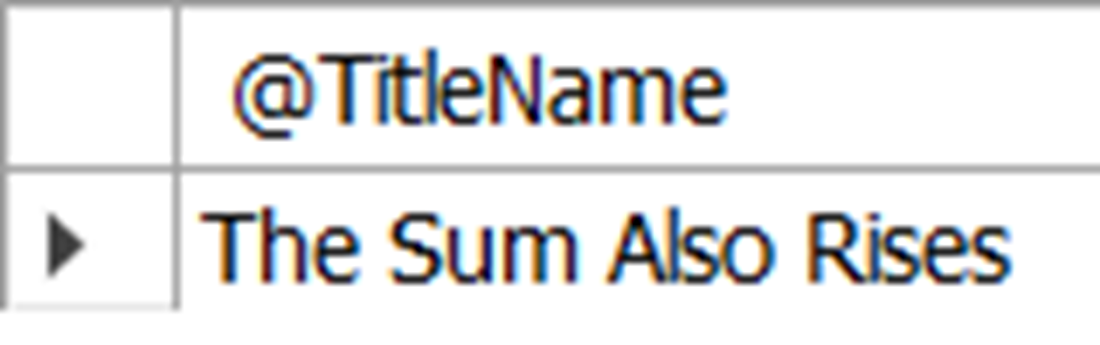
The results of selecting @TitleName, which shows the value for the variable. It also shows the variable name in the header.
The title ID, title name, and publication date from the title table for “The Sum Also Rises”, as filtered using a user-defined variable.

The title ID, title name, and publication date from the title table for “Pride and Predicates”, as filtered using a user-defined variable.

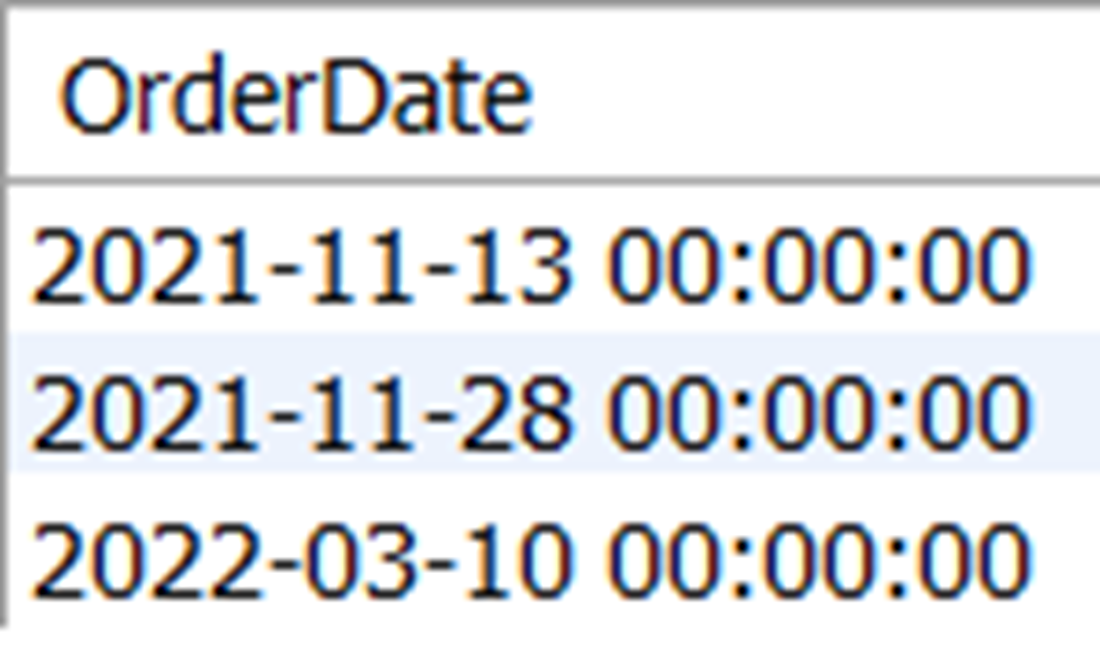
The order date for any order that included the title “The Sum Also Rises”
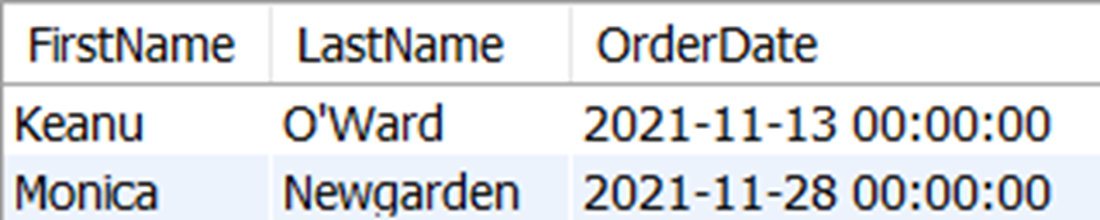
The first name and last name of any customer who placed an order in November of 2021, along with the order date
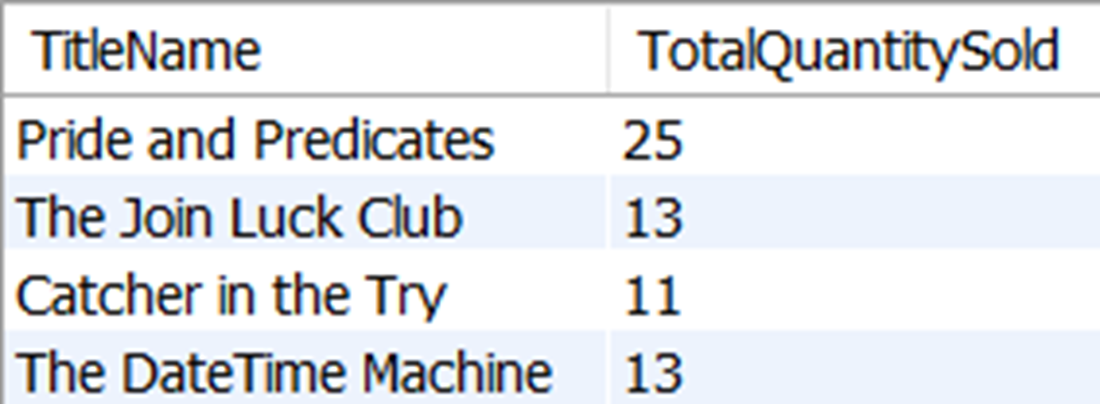
The title name and total quantity sold of all titles that have sold at least 10 copies.
Selecting an unknown value for TitleID into @TitleID will result in the output showing the value that was selected. In this case, the value is 108.
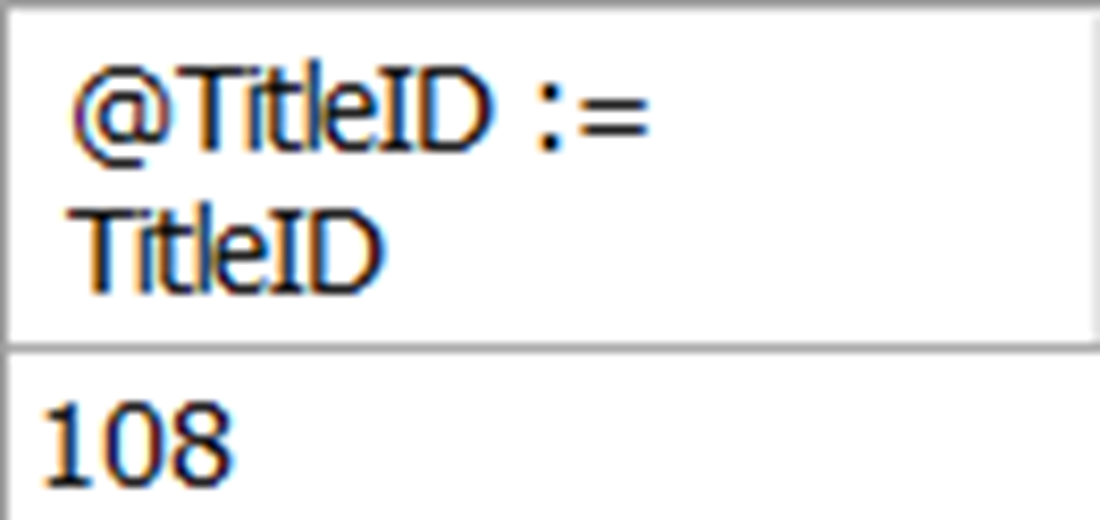
The order date for any order that includes the title “The Sum Also Rises”. This time we used the SELECT keyword instead of the SET keyword to get the same results as figure 13.4.
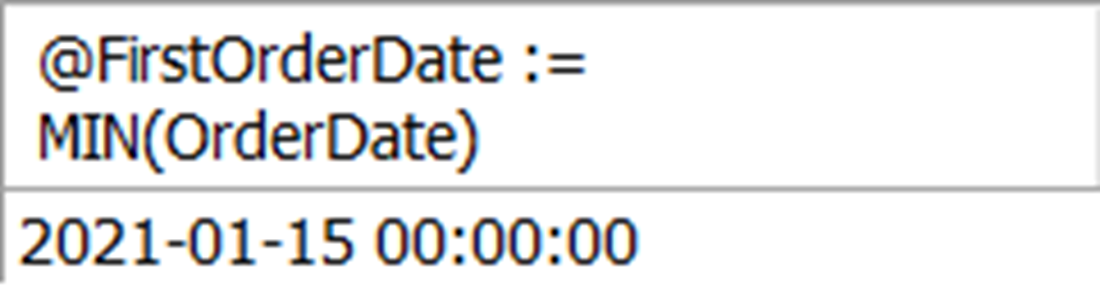
The order date of the first order placed in 2021, which is only shown because of the SELECT statement. We will use this value later to determine more information about the order placed on that day.
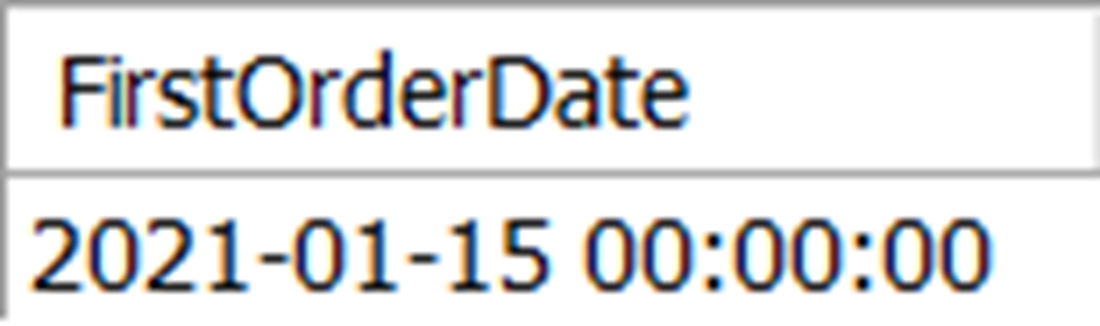
The order date of the first order placed in 2021, shown without a second SELECT statement. The expression used in the SELECT statement is the column header.
The title name, quantity, and price of the items in the first order placed in 2021.

Lab answers
- If you use = instead of := to assign values to a variable in a SELECT statement, the value of the variable will be null. The MySQL RDBMS uses = to test for equality, as we have seen numerous times when using filters and joins. In the SELECT statement, it will determine that the two values are not equal because the variable has no value. Remember: null is the absence of data.
- The value is 108, although if you execute the query, you will see all the values for TitleID in the results. Because only one value can be assigned to the variable, the final value is assigned. For this reason, be careful to only select a single value when using this method to assign values to a variable.
- You could use SQL like this to add more flexibility to this query, allowing for easy changes at the top to examine different ranges of data:
- There are a few ways to do this, but here is one way:
FAQ
What are user-defined variables in MySQL and why use them?
User-defined variables are session-scoped values you name (prefixed with @) and reuse in queries. They make SQL more flexible and reusable by letting you change inputs (like a title, date range, or threshold) in one place instead of editing many literals across a script.How do I declare and assign a variable?
Use SET to assign a literal or expression:SET @TitleName = 'The Sum Also Rises';With SET you can use either = or := as the assignment operator.
How do I see the current value of a variable?
SELECT it:SELECT @TitleName;This is handy for quick checks and troubleshooting while developing queries.
What naming and lifecycle rules apply to user-defined variables?
- Must start with @ (for example, @MinQty).- Remaining characters should be alphanumeric (letters/numbers).
- Up to 64 characters in length.
- Not case-sensitive (@Var, @VAR, @var are the same).
- Hold a single value at a time (you can reassign).
- Exist only for the duration of your connection/session.
Where can I use variables in a query?
Anywhere a literal would go, including WHERE, JOIN conditions, and HAVING:-- WHERE WHERE t.TitleName = @TitleName; -- JOIN (FROM clause) INNER JOIN orderheader oh ON c.CustomerID = oh.CustomerID AND oh.OrderDate BETWEEN @Start AND @End; -- HAVING HAVING SUM(oi.Quantity) >= @MinQty;
How do I assign a value looked up from a table (unknown beforehand)?
Use SELECT with the := operator:SET @TitleName = 'The Sum Also Rises'; SELECT @TitleID := TitleID FROM title WHERE TitleName = @TitleName;If the SELECT returns multiple rows, MySQL assigns the variable repeatedly and it ends up with the value from the last row processed.
Why must I use := (and not =) when assigning in a SELECT?
In MySQL, within SELECT, = is a comparison operator, not assignment. Use := to assign:SELECT @v := col FROM t; -- assigns SELECT @v = col FROM t; -- compares, does not assign the value you expect
Can variables improve performance or readability?
Yes. You can first fetch a key (like TitleID) into a variable, then reuse it to reduce joins or repeated lookups, which can be faster and clearer:SELECT @TitleID := TitleID FROM title WHERE TitleName = @TitleName; SELECT oh.OrderDate FROM orderheader oh JOIN orderitem oi ON oh.OrderID = oi.OrderID WHERE oi.TitleID = @TitleID;
How do NULLs and data types work with variables?
You can start with NULL and assign later:SET @FirstOrderDate = NULL; -- or: SELECT @FirstOrderDate := NULL;MySQL infers the variable’s type from the value you assign (dates are treated as strings). Reassigning a different type is allowed but discouraged; prefer consistent types.

 Learn SQL in a Month of Lunches ebook for free
