11 HTML templating with gRPC client
This chapter walks through building a small web UI in Go that renders HTML with templates while talking to an existing gRPC “habits” backend. It starts from a minimal HTTP server and evolves it into a structured, testable application with clear separation of concerns: a handlers package for routes, a lightweight logger, and a client layer that wraps the generated gRPC code. Along the way, it emphasizes presenting data clearly, handling errors properly, and writing unit tests for handlers with httptest and golden files to keep the UI stable as it grows.
The core of the UI is powered by Go’s html/template: loading templates (via go:embed), parsing them, and executing them with data. The chapter introduces actions and the dot value, iterating with range, accessing struct fields, trimming whitespace, and conditional rendering (if/else, comparison operators) to fix pluralization and highlight completed items. It shows passing multiple values to a template using a map (e.g., Habits plus a formatted week model), narrowing scope with with, factoring repeated markup using define and calling subtemplates, and switching to ExecuteTemplate when multiple files are parsed (ParseFS). It also demonstrates registering custom functions (Funcs) and pipelines for view logic (e.g., computing a status CSS class), and when to use text/template (e.g., server-generated CSS) with explicit Content-Type.
On the backend side, the HTTP layer depends on a small interface that a gRPC wrapper implements, enabling mocking and clean dependency injection from main. The wrapper retrieves habits, augments them with weekly status via additional calls, and exposes methods like ListHabits and TickHabit; tests cover success and error paths with generated mocks. The handlers render the index page, perform a tick via a path parameter, redirect safely with StatusSeeOther, and accept a POST form to create new habits (with basic parsing and room for validation). The chapter closes with practical guidance: avoid premature optimization, keep presentation logic testable, and extend the UI with date navigation by passing week information through the request and into templates.
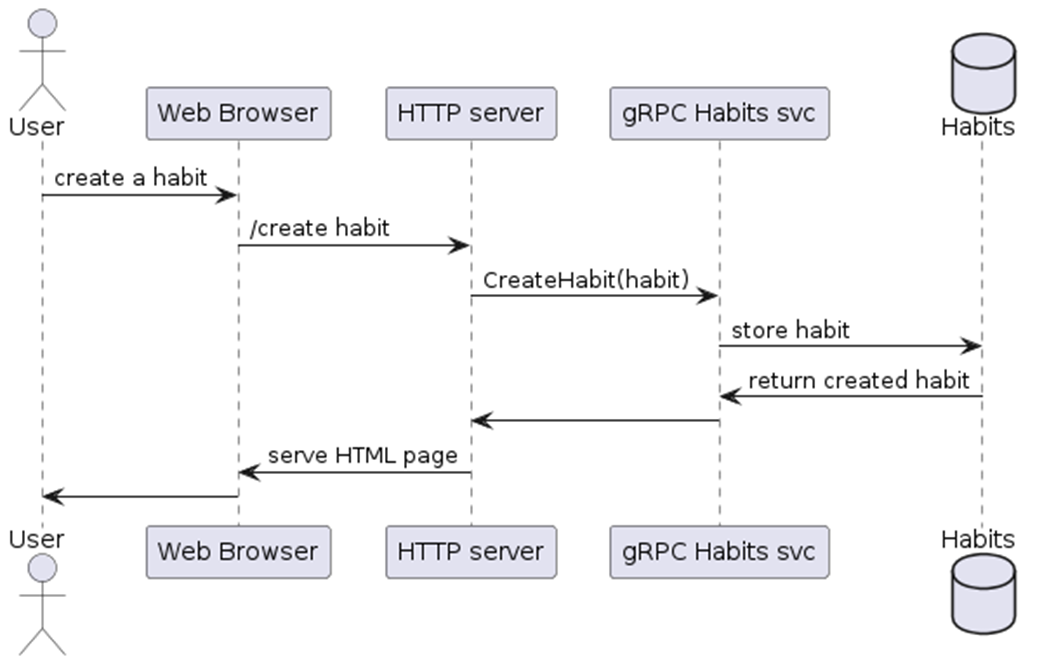
UML diagram of the global architecture
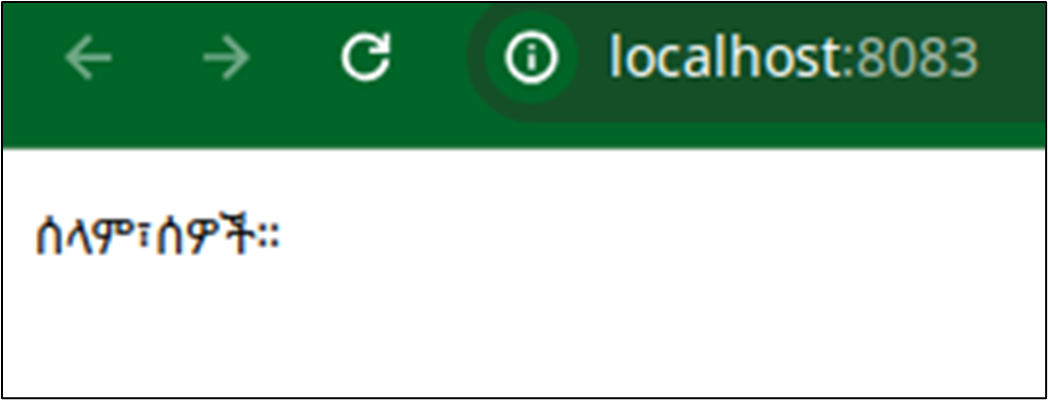
A first page - not yet HTML
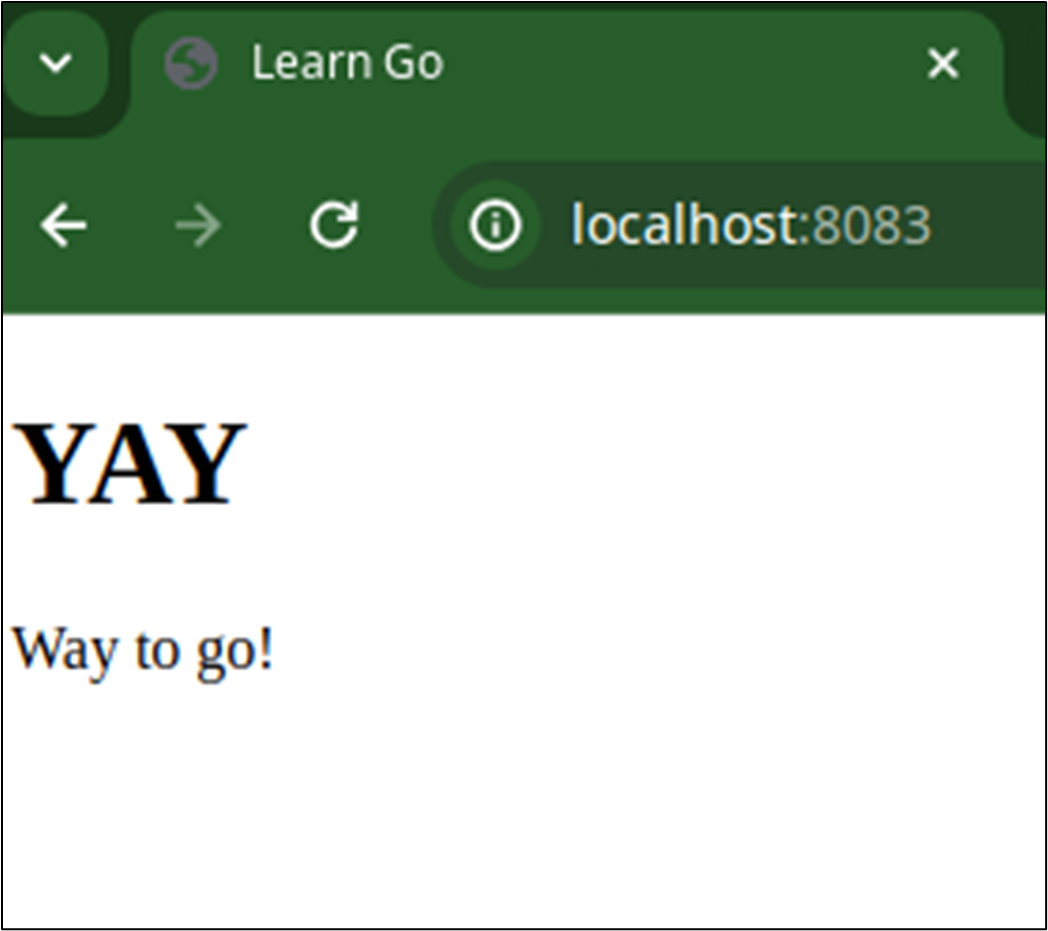
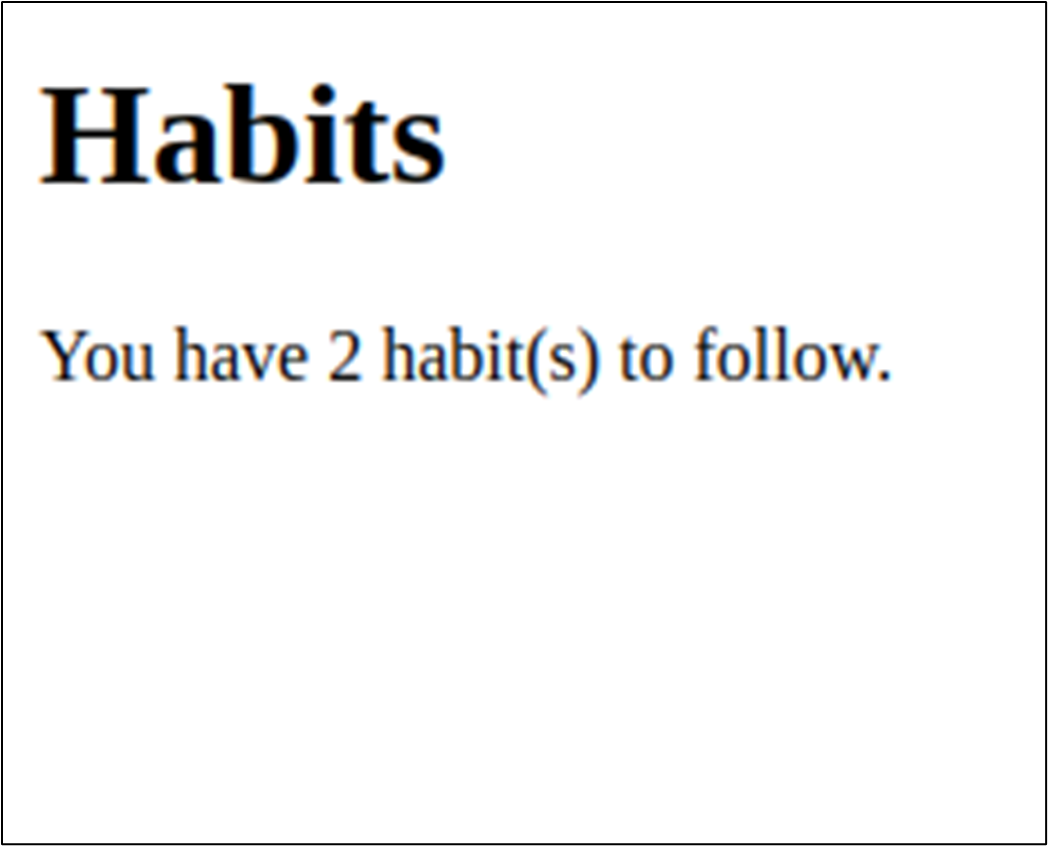
The page in a browser
Result with a variable in a browser
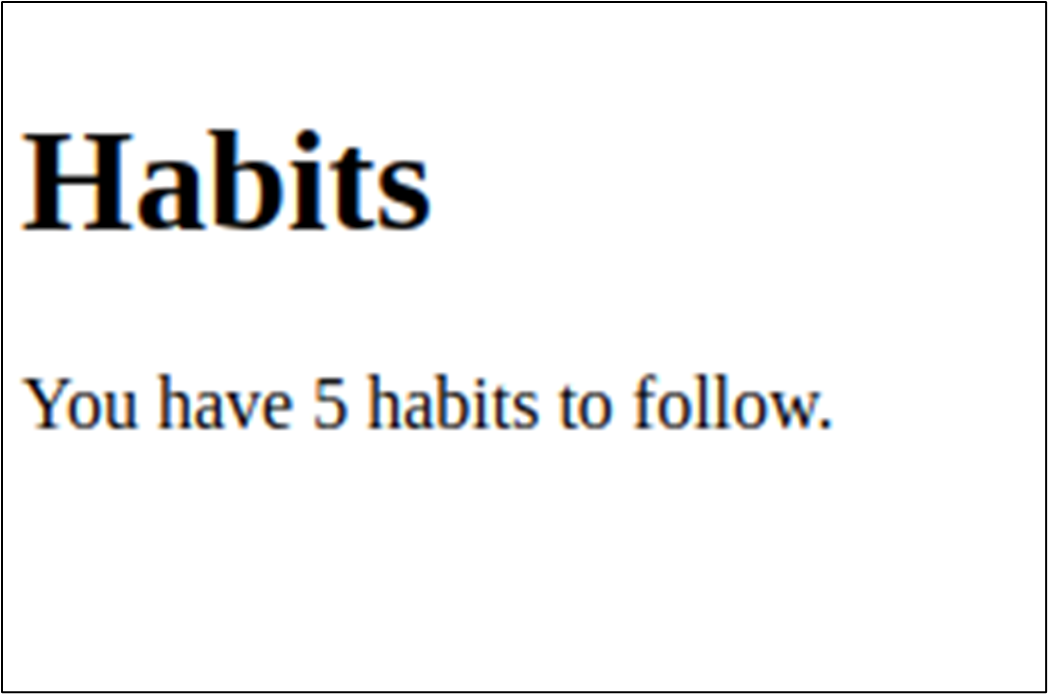
Browser result with a variable
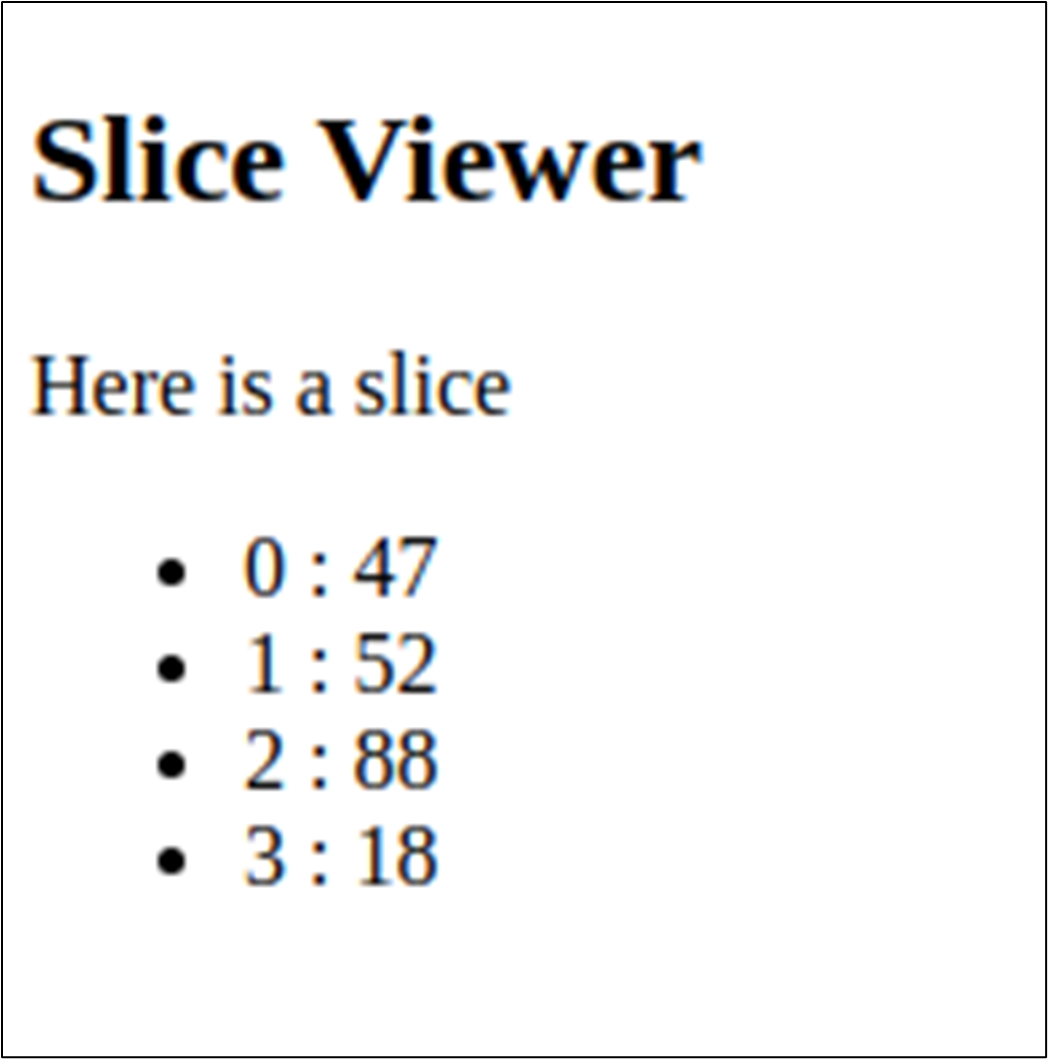
Browser result with a slice of ints
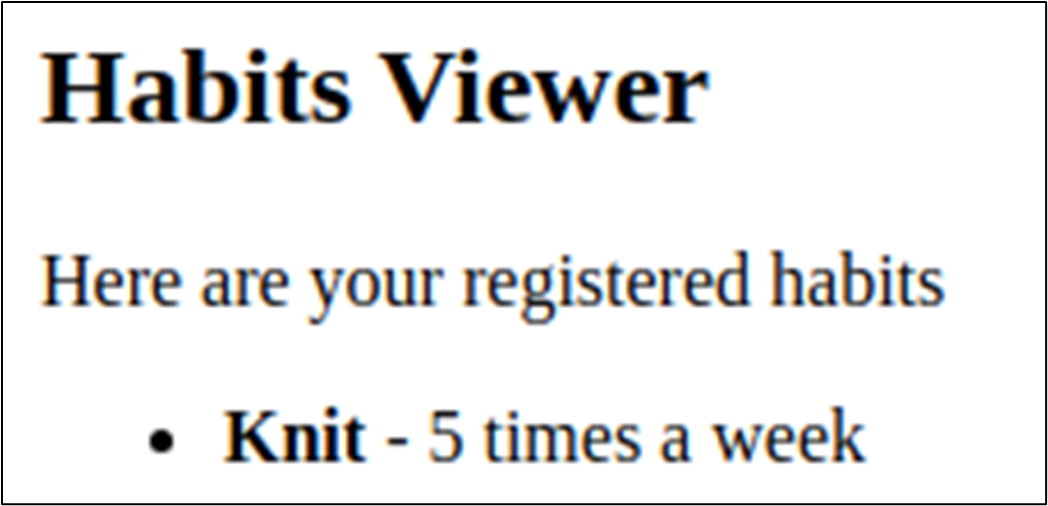
Browser result with a list of habits
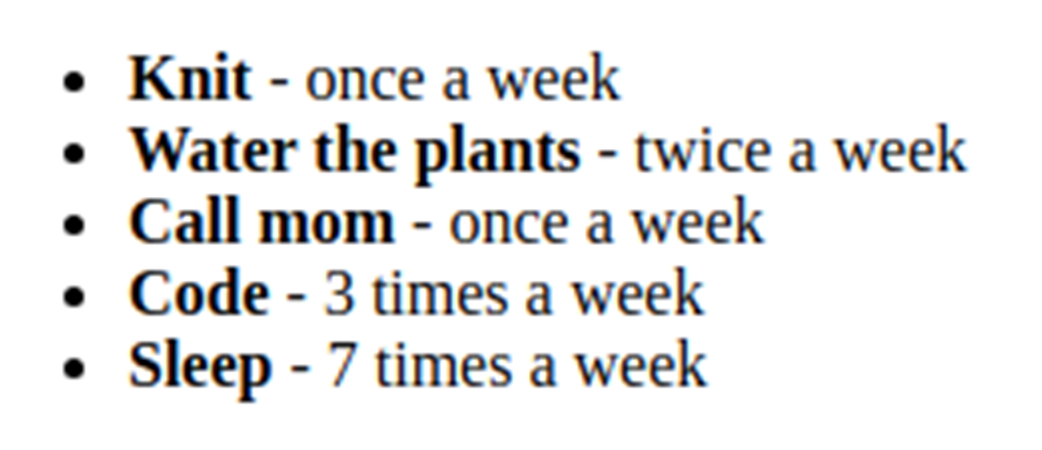
Browser result with a form
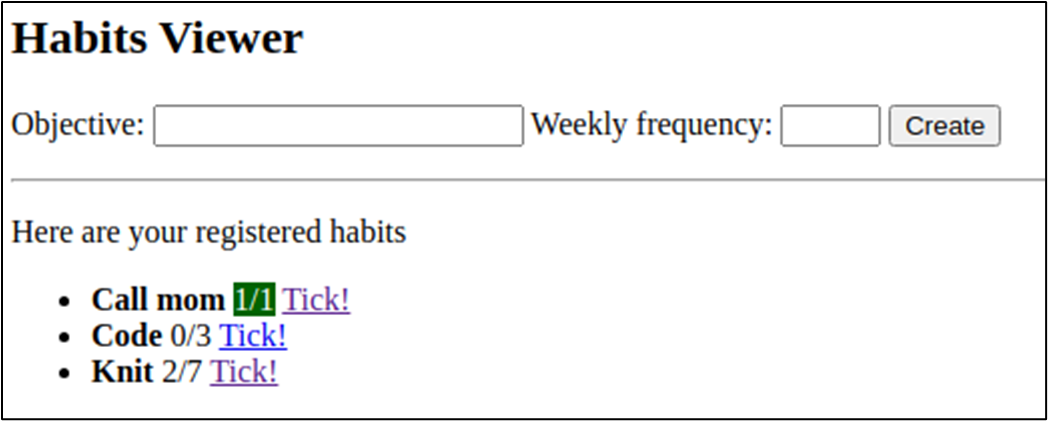
Browser result with the week details
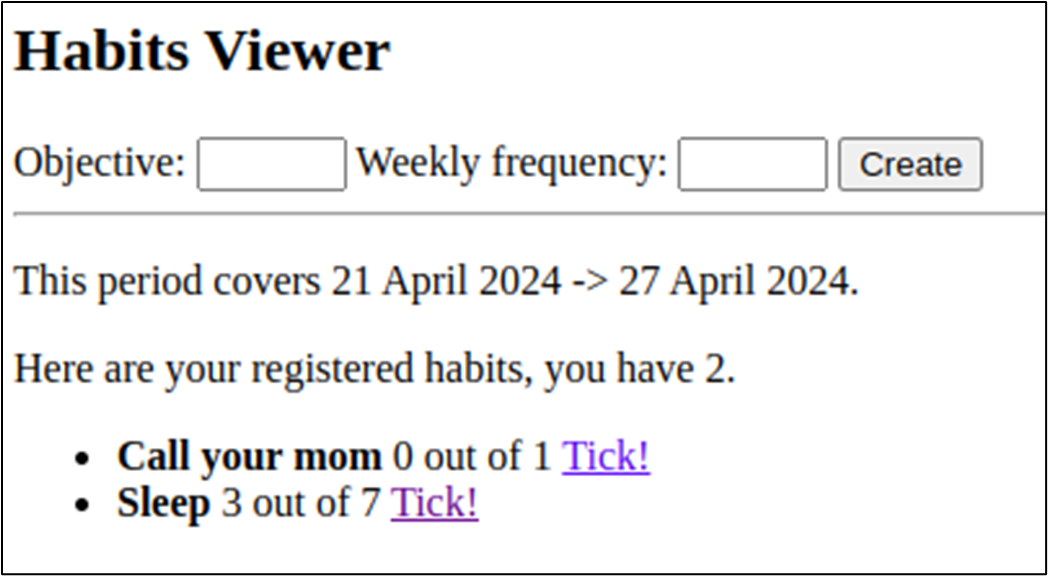
Summary
- Golden files are used in tests to compare the expected contents of a call to the real output.
- Use go mod edit -replace=old[@version]=new[@version] to replace to override where Go fetches the module. This is common when using branches of libraries, or when you want to use a local version on your computer.
- Templates are used to replace fmt.Sprintf or strings.Builder. They should be used when the blob of text that needs to be printed would make the two other options very cumbersome.
- Templates can be created using text/template or html/template. The main difference is that the html implementation protects the values printed against any HTML injection.
- It’s best to write templates in different files than source code, and to load their contents using embed
- The //go:embed directive can be used to access (in read-only) files as an embed.FS, a file system. This is quite useful when you need to load everything inside a directory.
- Load a template with New() and give a name, followed by Parse.
- Templates are based on actions, between curly braces {{ … }}
- Templates use the “current variable”, called the dot, and represented by a period .
- {{ . }} is equivalent to Go’s fmt.Sprintf("%v", var)
- {{.}} and {{ . }} are equivalent
- {{- . }} removes the space before the curly braces, while {{ . -}} removes the space after them.
- Templates and code base are heavily coupled - the template string needs to know
- Templates can access exposed fields of structures with {{ .Field }}
- Templates can access methods, but we don’t recommend it, with {{ .Method }}. Only methods that return a printable value (with or without an error) can be called from a template.
- Unexposed fields and unexposed methods can’t be accessed by templates.
- To iterate through a slice / array / map / channel, use {{range $index, $value := .}} … {{end}}
- Alternatively, use {{ range . }} … {{end}}, inside that range, the value of . will iterate through the values of the slice / array / channel / map (values), not the keys/index.
- Use {{ if <cond> }} … {{ else if <cond> }} … {{ else }} … {{end}}. You can use boolean operators (and, or, …) and numeric comparisons (lt, lte, gt, gte, ne, eq)
- Use {{with .Date}} <section where we use only .Date subfields> {{end}} to limit the length of accessors used: .Date.Start becomes .Start here.
- It is possible to register your own functions and make them available in the template: use the Funcs method when creating it.
- Pipelines can be used in templates to sequence actions. The pipeline character is the pipe |. Using a pipeline sends the output of the action on its left to be the input of the action on its right.
- {{ define "name" }} … {{ end }} can be used to declare the equivalent of functions. To call these functions, use {{ template "name" . }}.
- When several templates are available, we need to be explicit about which one should be executed. Templates that were loaded from a file system are indexed on the basename of the files that were loaded. When several template definitions are loaded, use ExecuteTemplate instead of simply Execute, and provide the name of the “root” template.

 Learn Go with Pocket-Sized Projects ebook for free
