4 Using Hugging Face for Computer Vision Tasks
This chapter broadens the scope from NLP to computer vision by showing how Hugging Face’s ecosystem streamlines vision tasks with pre-trained models and consistent developer tooling. It surveys the variety of supported tasks—such as object detection, image classification, image segmentation, and video classification—and emphasizes two complementary usage patterns: direct model access with processors/tokenizers for fine control, and higher-level transformers pipelines for rapid prototyping. Along the way, it highlights practical techniques like inspecting a model’s label space via id2label and handling inputs/outputs cleanly for downstream visualization or application logic.
The chapter then dives into object detection using a DETR-based model. It demonstrates installing required packages, preprocessing images with a dedicated image processor, running inference with a pre-trained detector, and post-processing results to obtain scores, labels, and bounding boxes that can be drawn on the image. The same workflow is shown with the pipeline API for a simpler, one-call experience that accepts PIL images or URLs. Finally, the example is extended to real time: frames from a webcam are captured with OpenCV, converted to PIL for inference, and annotated on the fly with labels and bounding boxes.
Beyond detection, the chapter illustrates image classification (e.g., age prediction with ViT-based models) using the pipeline API; semantic segmentation with a SegFormer model, including retrieving per-class masks, compositing or inverting masks for clearer visualization, and wrapping the workflow in a small Gradio interface that accepts an image and a target label. It concludes with video content classification via a VideoMAE model, covering installation of a video decoding dependency, feeding a test clip to the pipeline, and reading back top activity labels. The unifying theme is a consistent, productive developer experience across tasks—from still images to live video and simple web UIs—enabled by reusable pipelines and well-documented pre-trained models.
Computer Vision-related models on Hugging Face
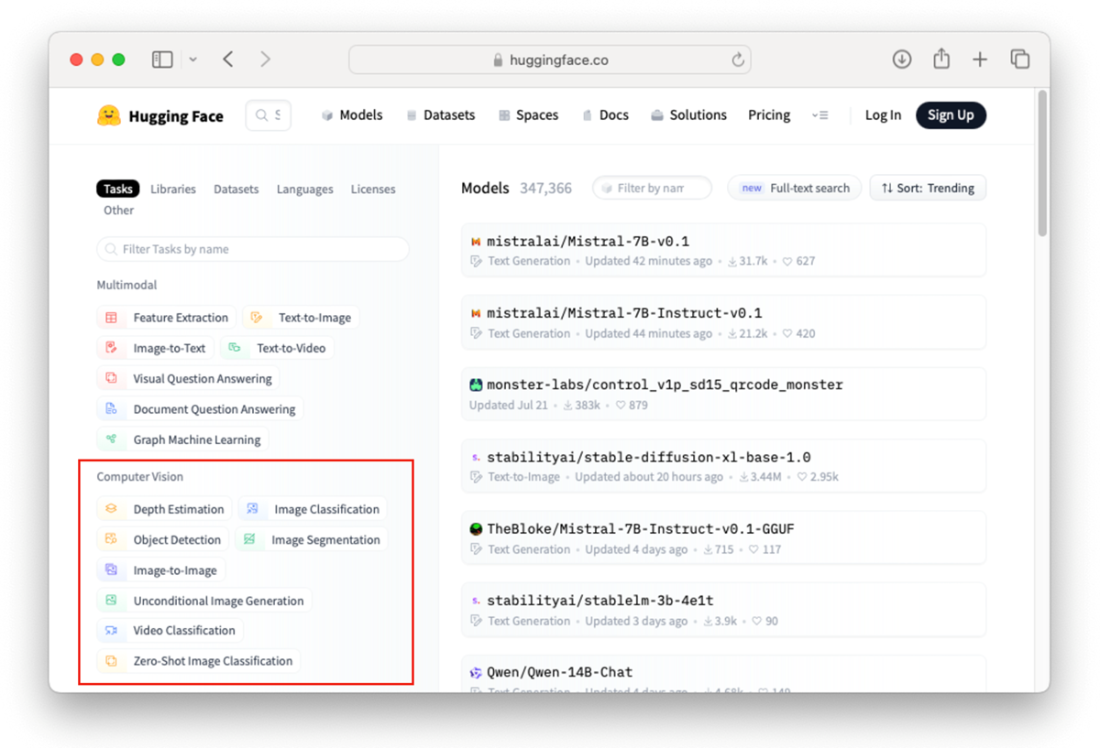
List of pre-trained object detection models at Hugging Face
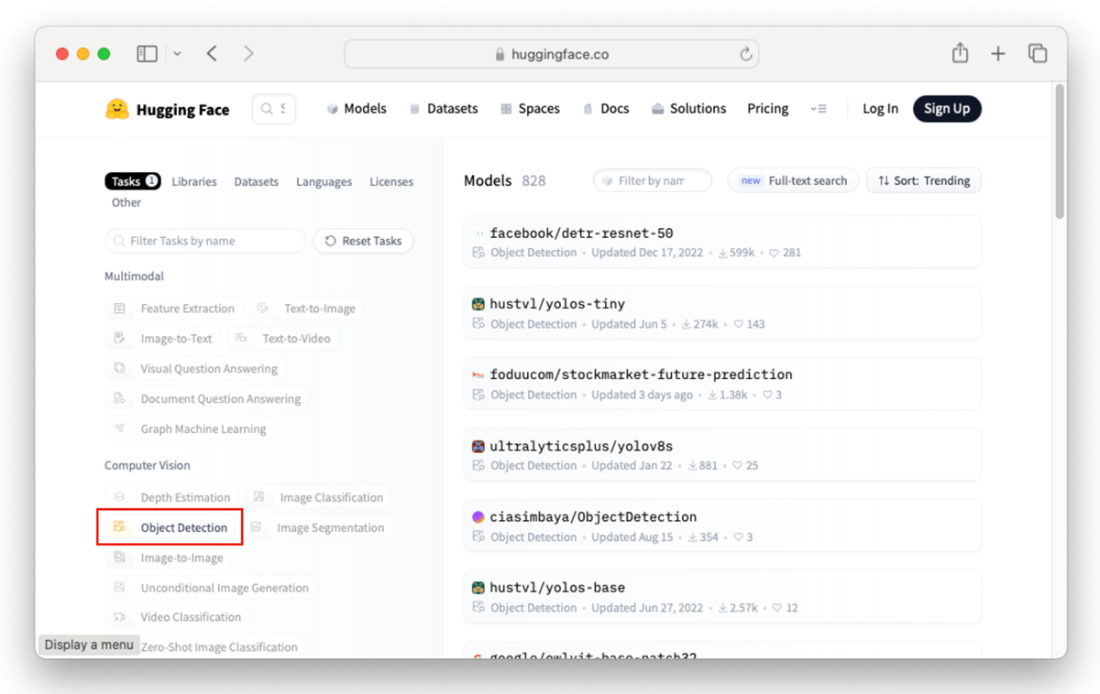
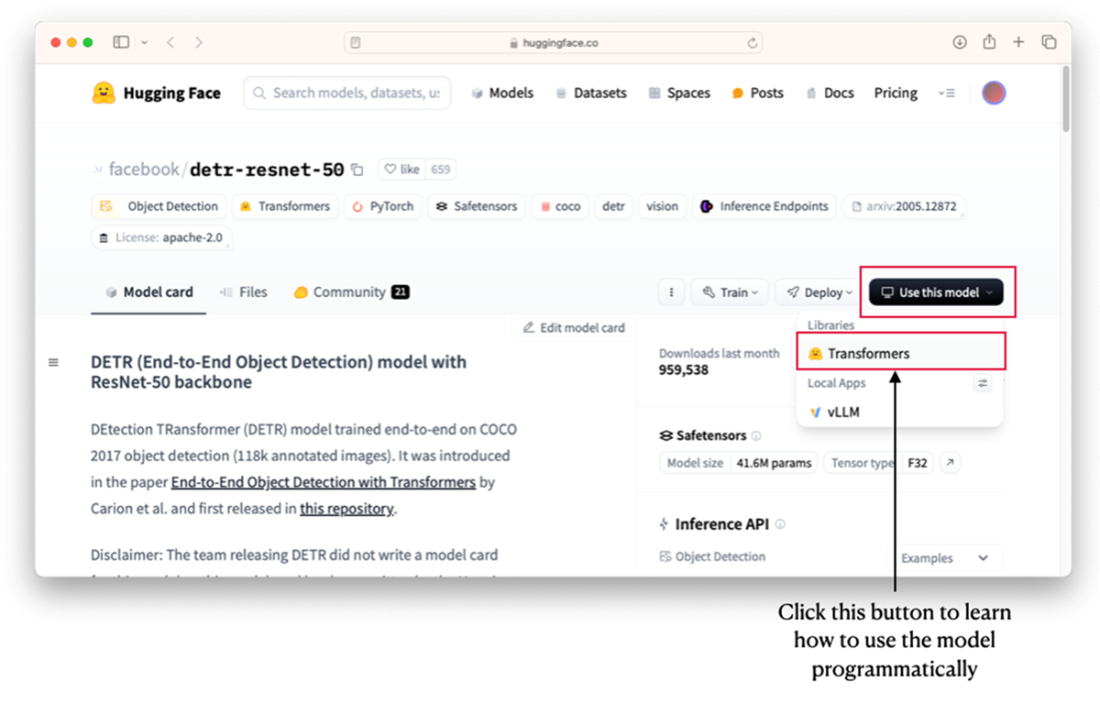
The facebook/detr-resnet-50 model for object detection
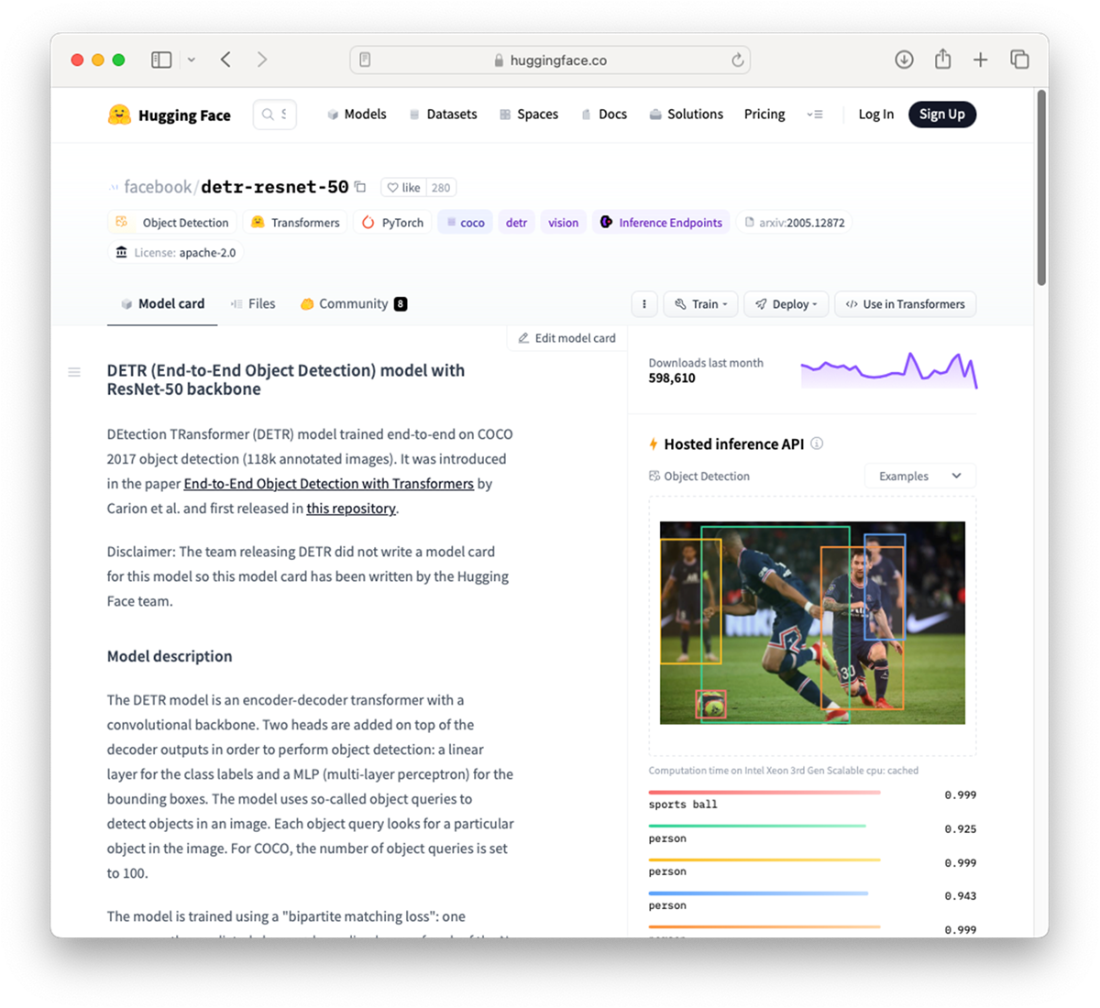
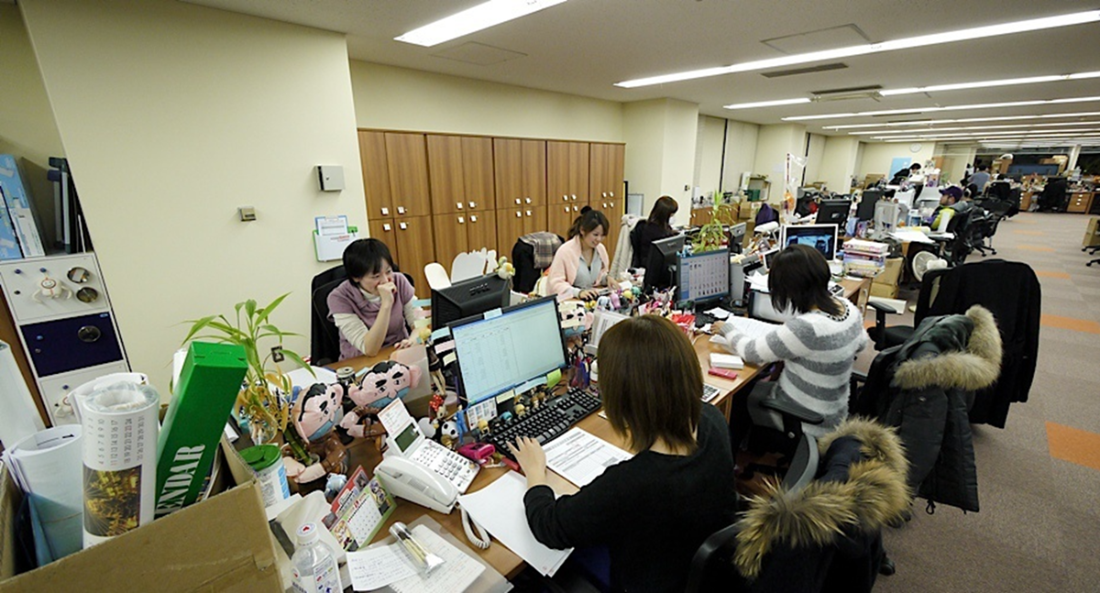
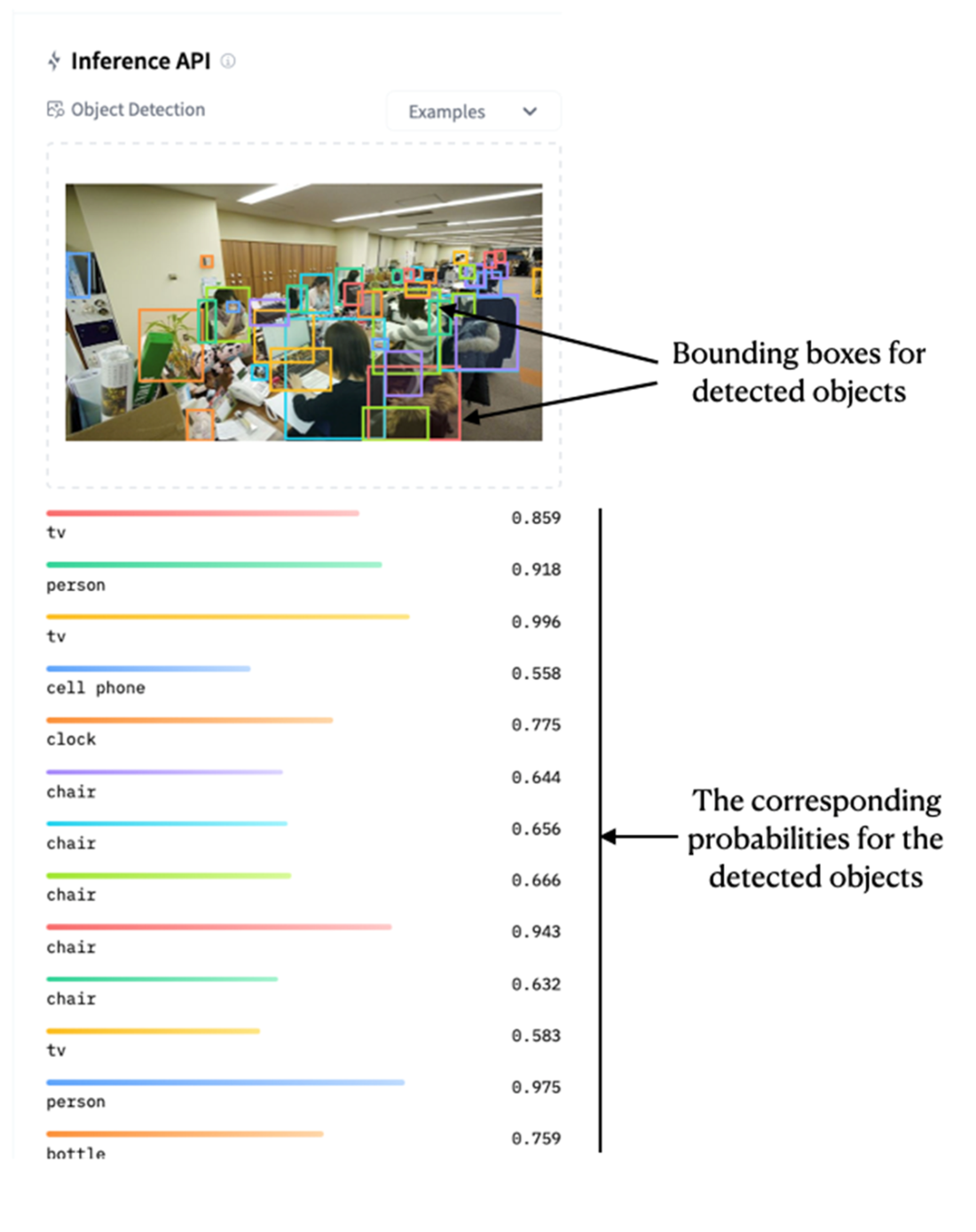
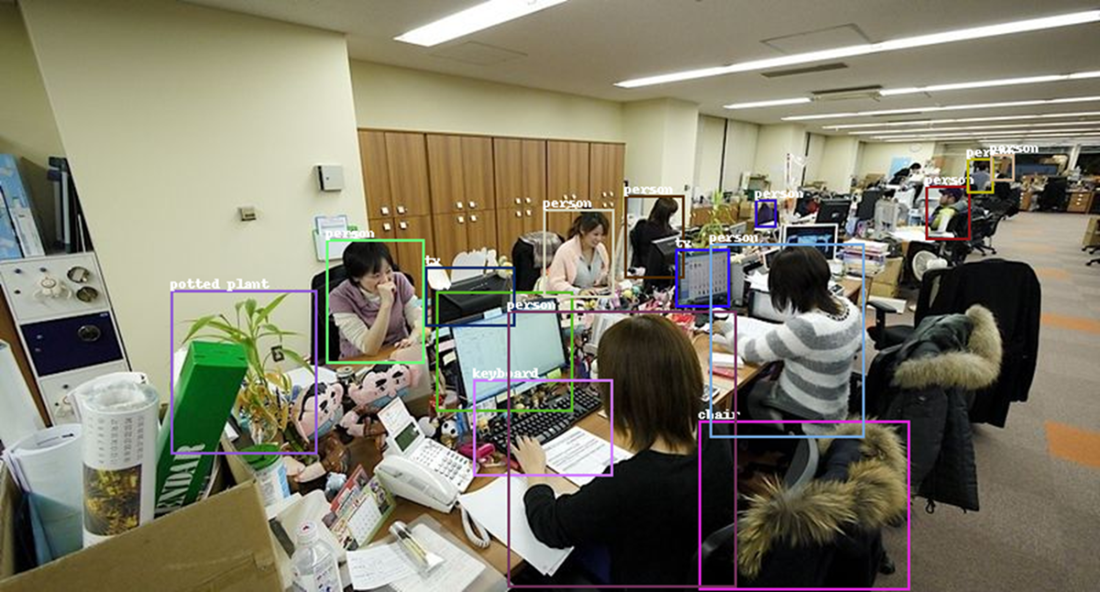
Image by Danny Choo - Flickr: Good Smile Company Offices, CC BY-SA 2.0, https://commons.wikimedia.org/w/index.php?curid=14609862
The detected objects in the image and their corresponding probabilities
Hugging Face provides tips on how to use the models using transformers
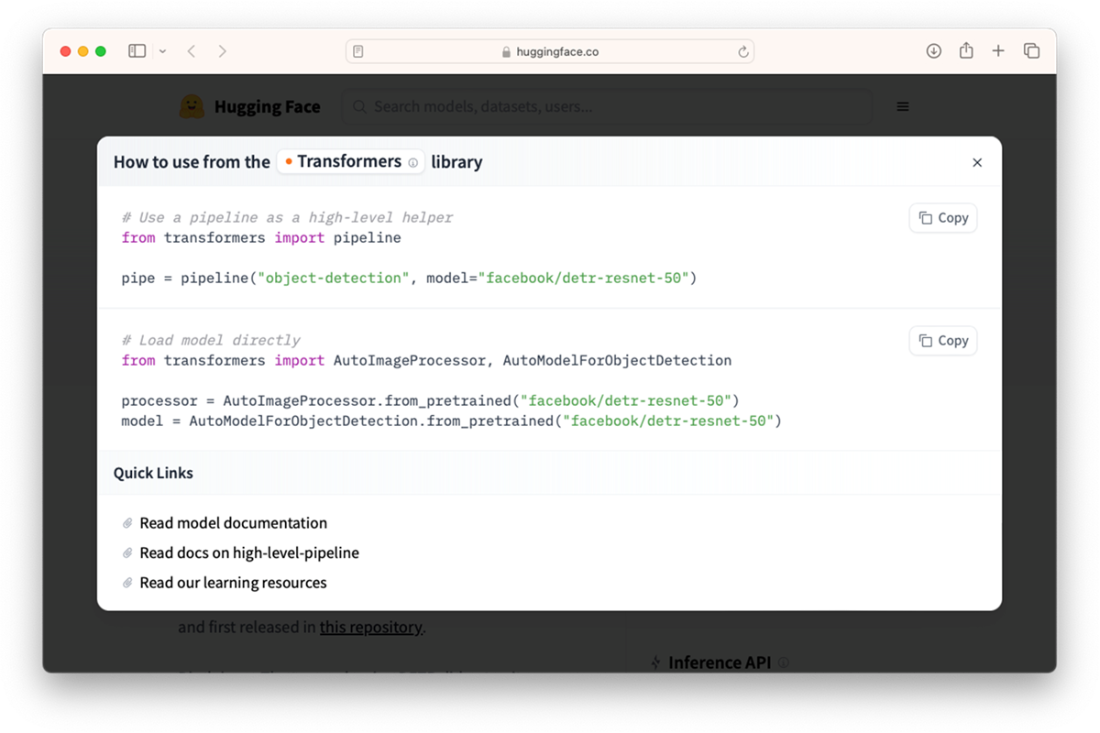
Two ways to use the models on Hugging Face
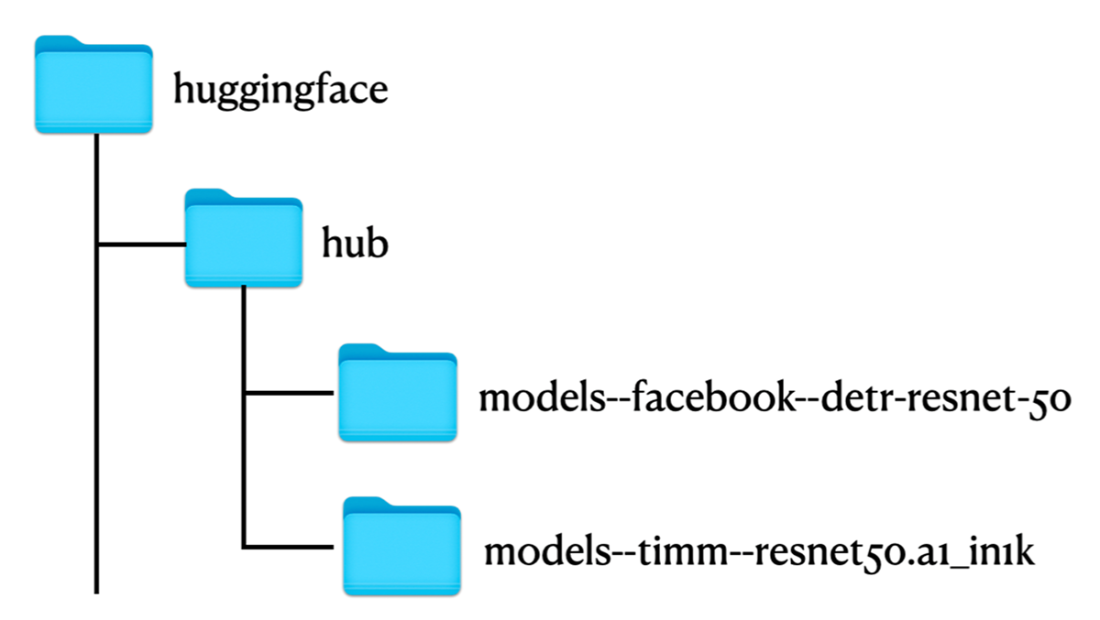
The weights of the models need to be downloaded onto your computer before you can use them
The bounding box for each detected object is drawn on the original image
The webcam capturing the image of the author

Detecting objects in the webcam
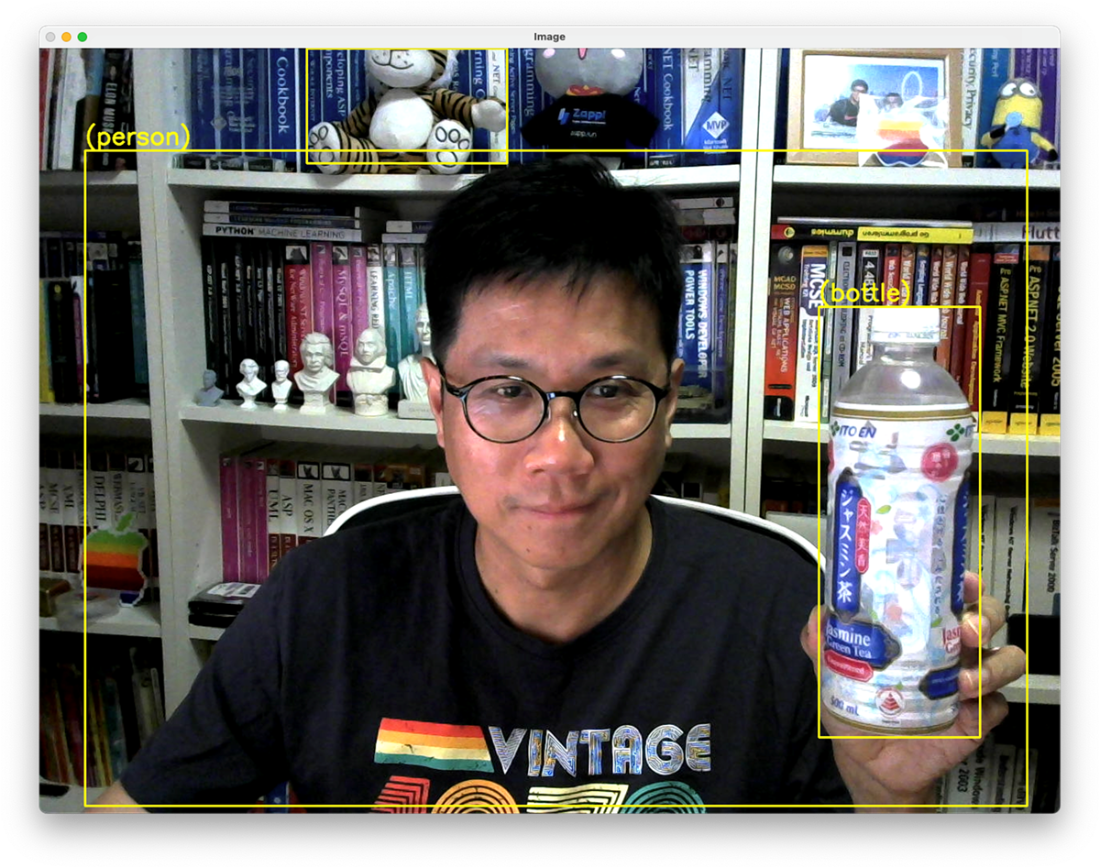
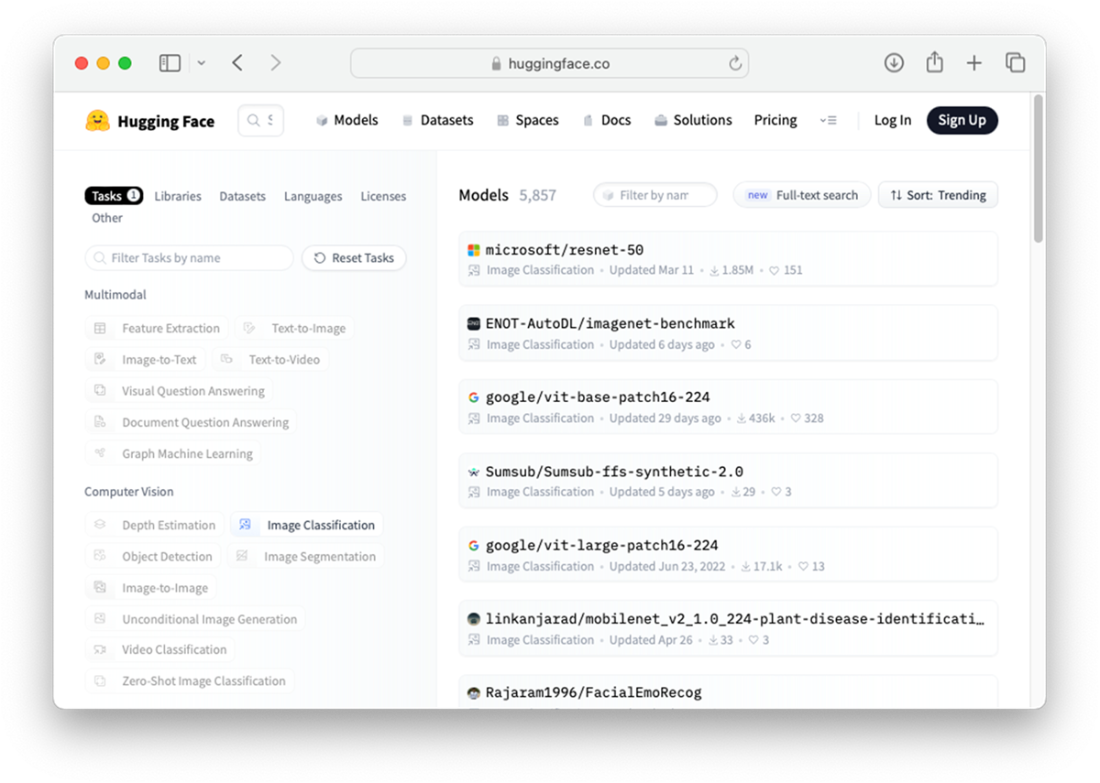
Image classification models hosted by Hugging Face
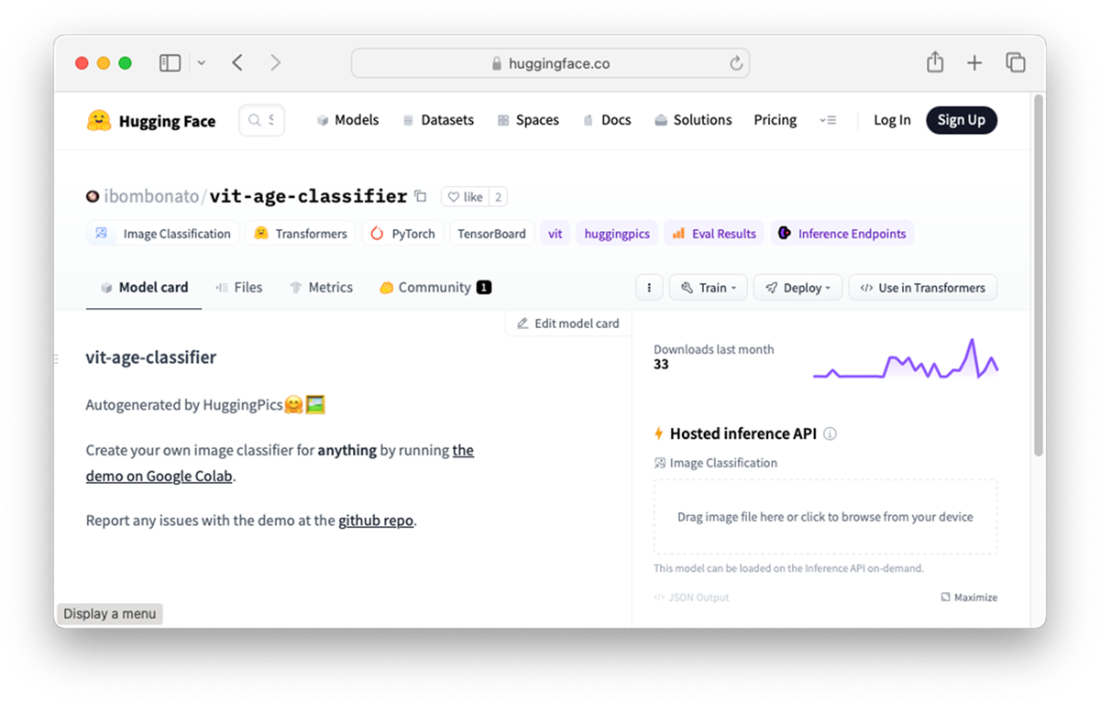
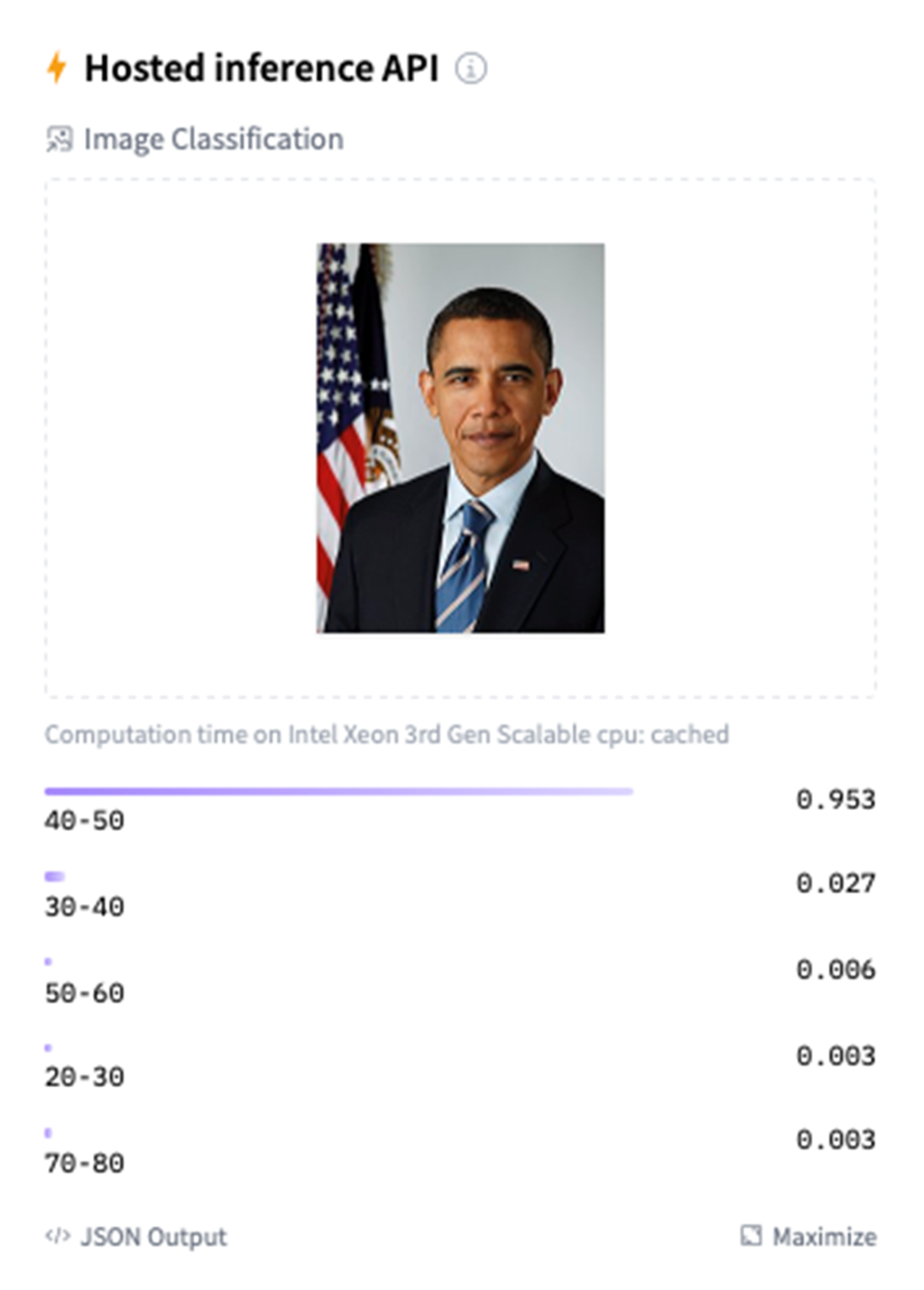
The ibombonato/vit-age-classifier model for age classification
Official portrait of Barack Obama 2009 (source: https://upload.wikimedia.org/wikipedia/commons/thumb/e/e9/Official_portrait_of_Barack_Obama.jpg/800px-Official_portrait_of_Barack_Obama.jpg)
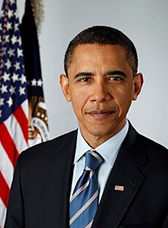
Testing Barack Obama’s photo on the model
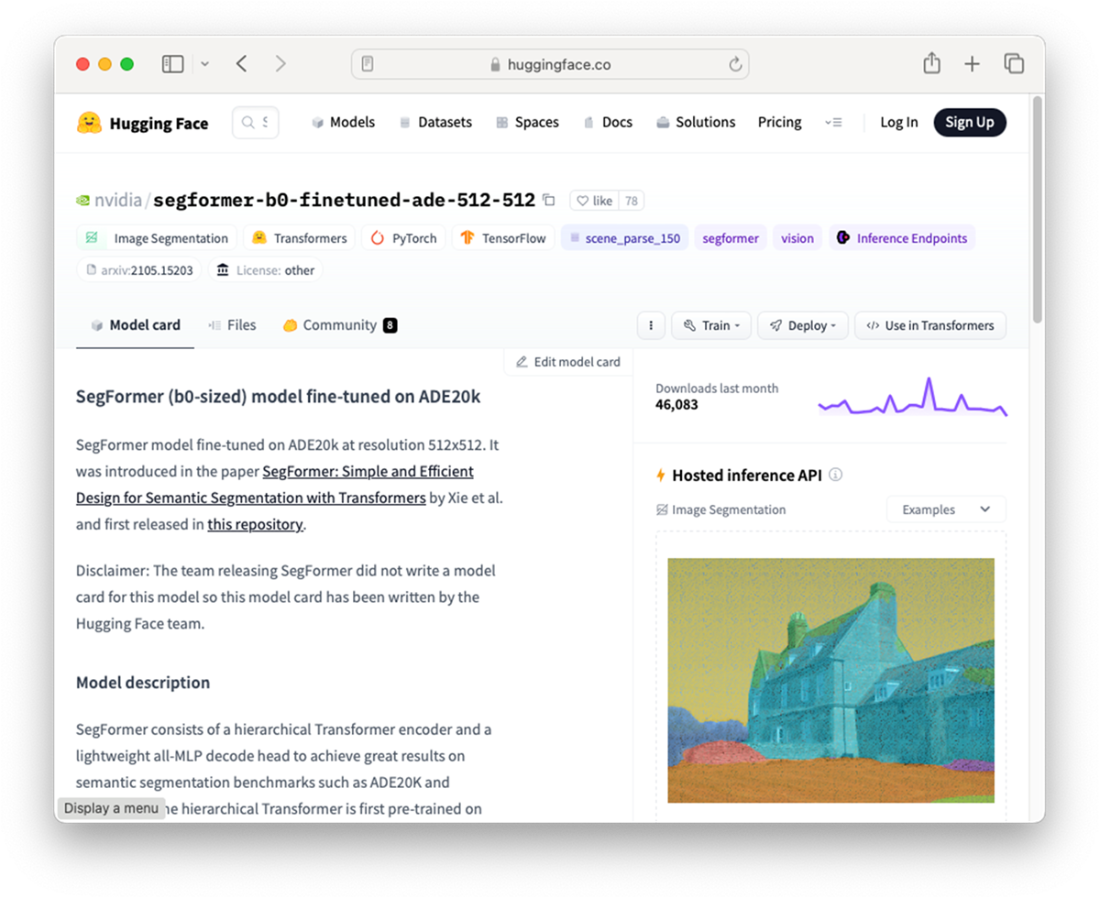
The SegFormer model fine-tuned on ADE20k model page at Hugging Face
Picture of the Taj Mahal (Source: https://commons.wikimedia.org/wiki/File:Taj_Mahal,_Agra,_India_edit3.jpg)
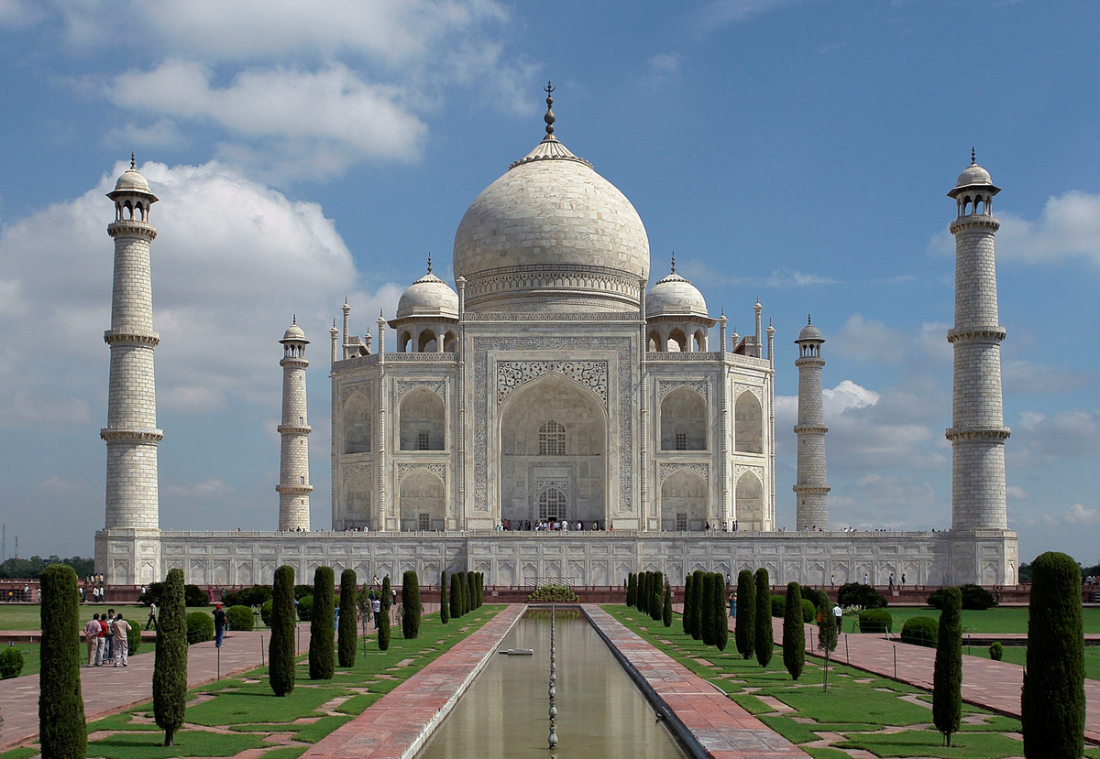
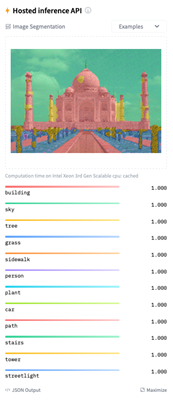
The result of the image segmentation using an image of Taj Mahal
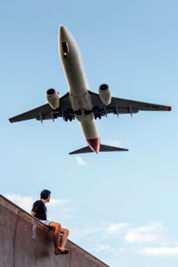
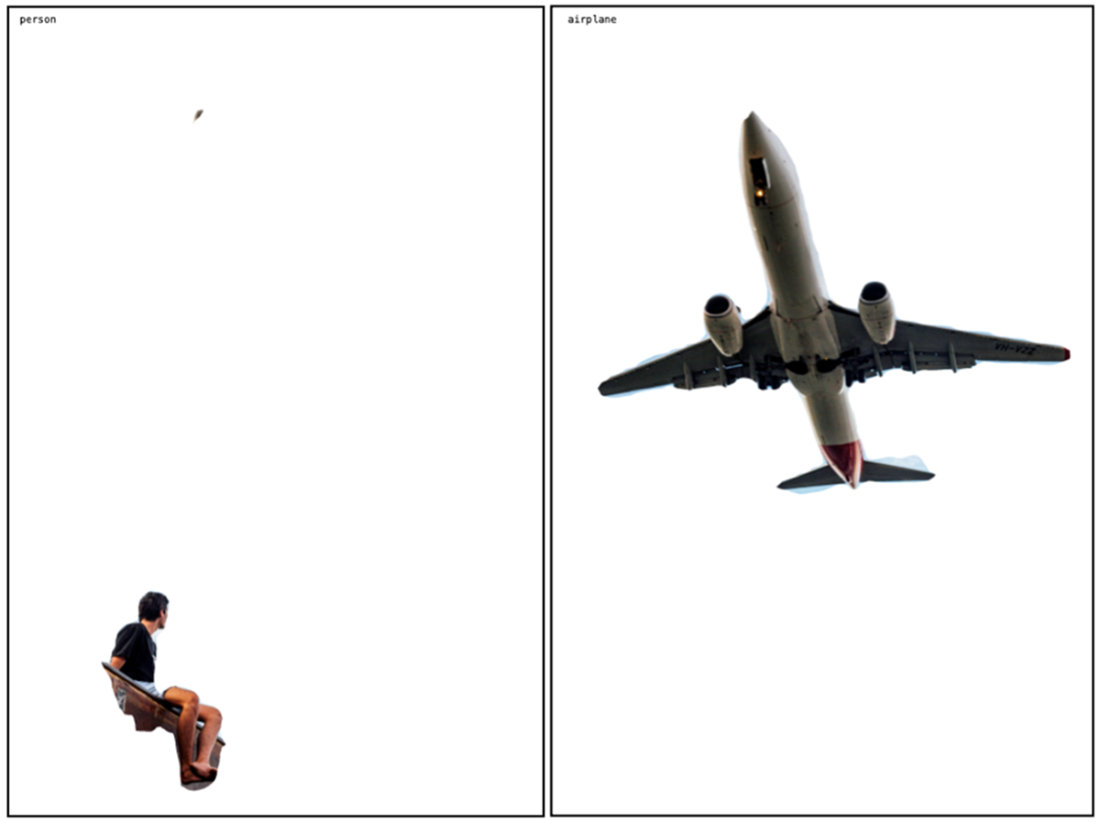
A picture of a man and an aircraft flying overhead (source: https://unsplash.com/photos/EC_GhFRGTAY)
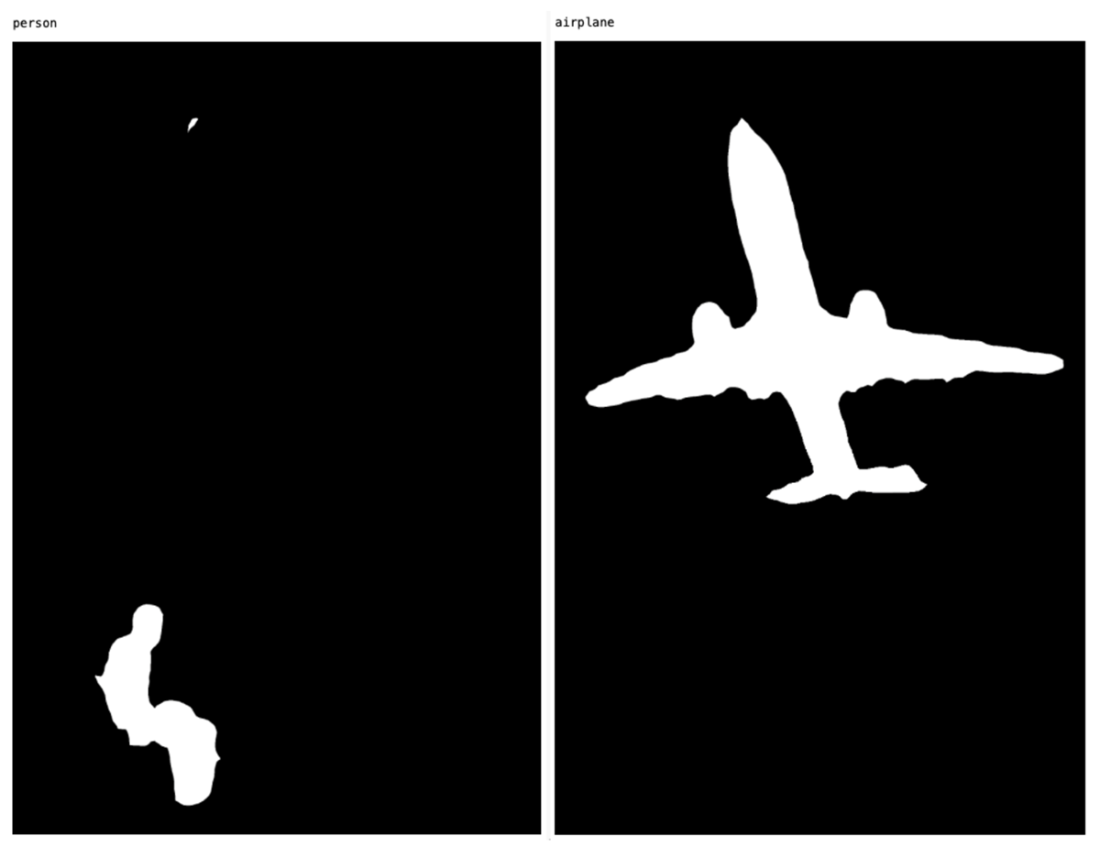
The masks for the person and airplane segments
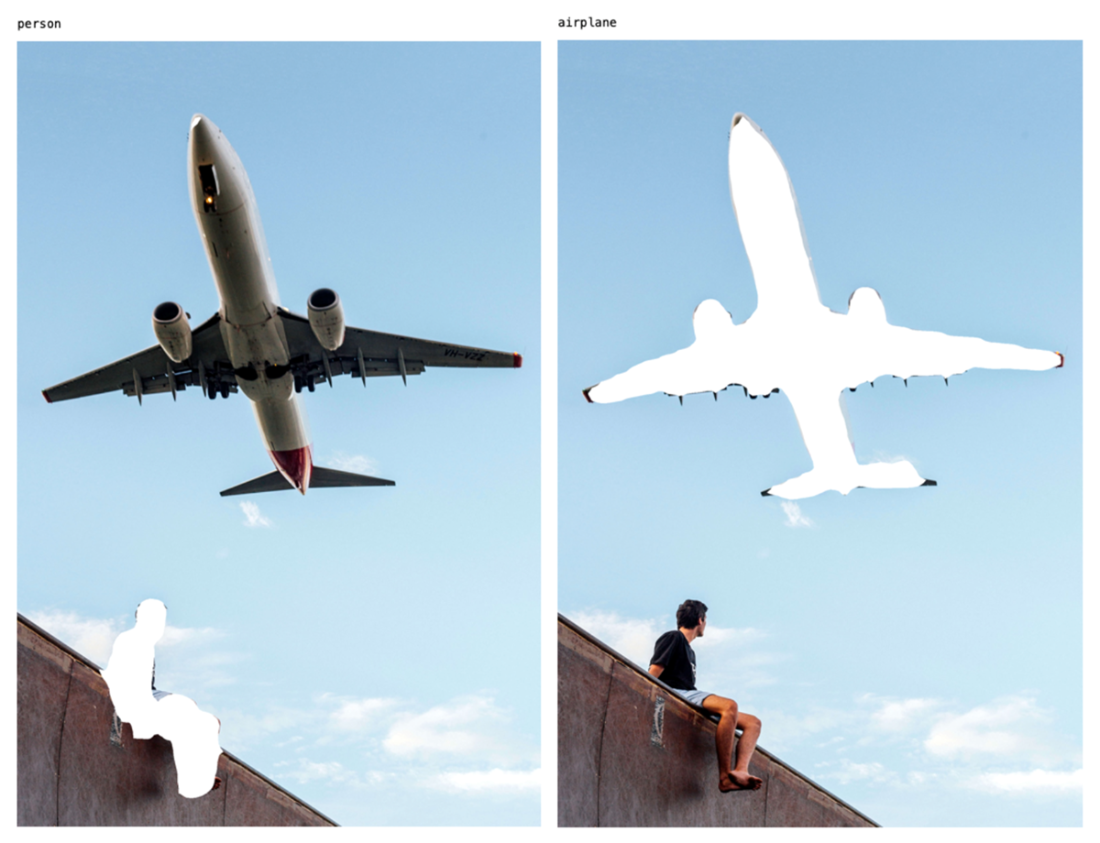
The original image with the person and airplane masks applied
The inverted masks applied on the original image
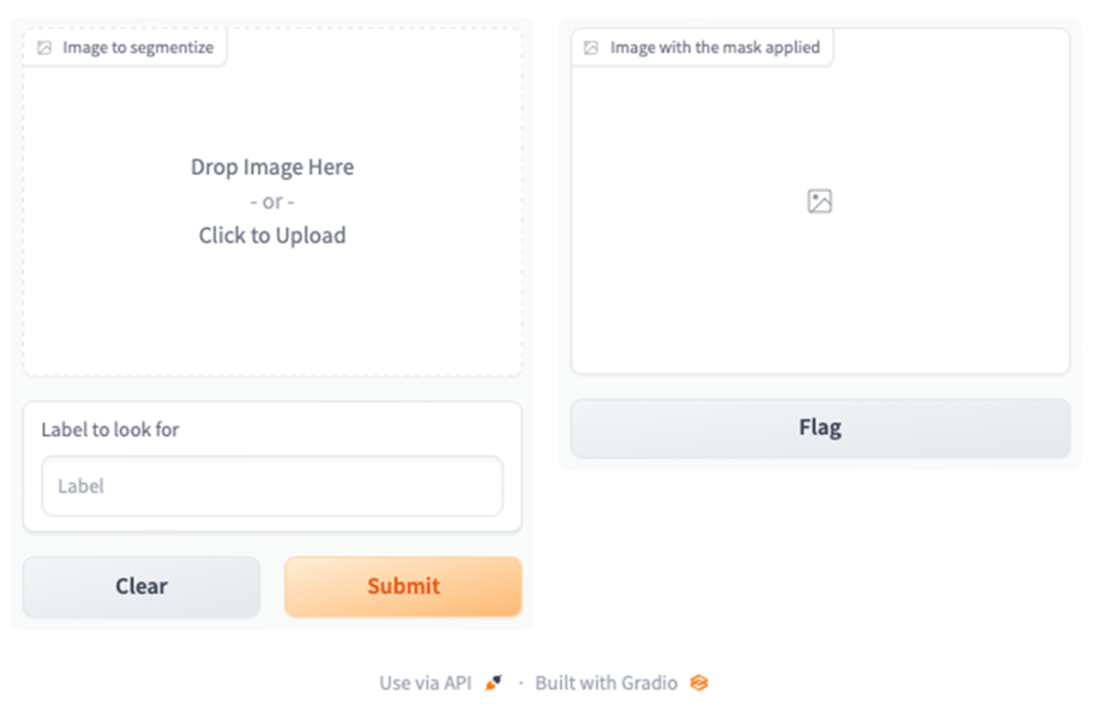
Gradio expects an image and text for input
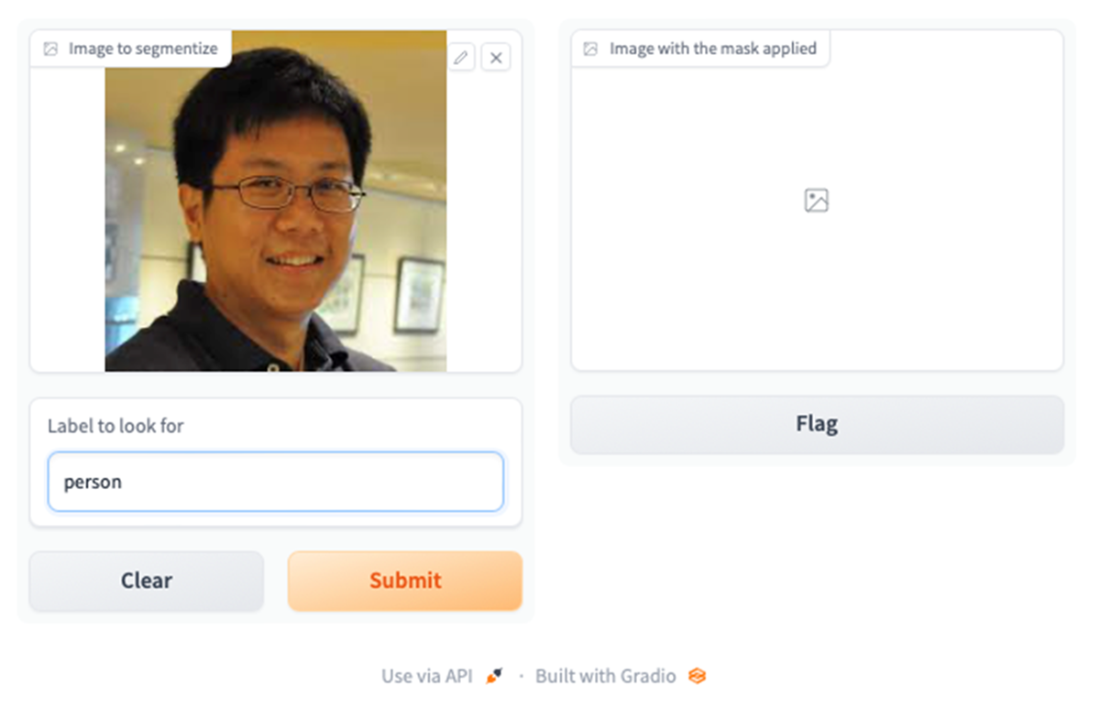
The Gradio UI with the image populated and the label entered
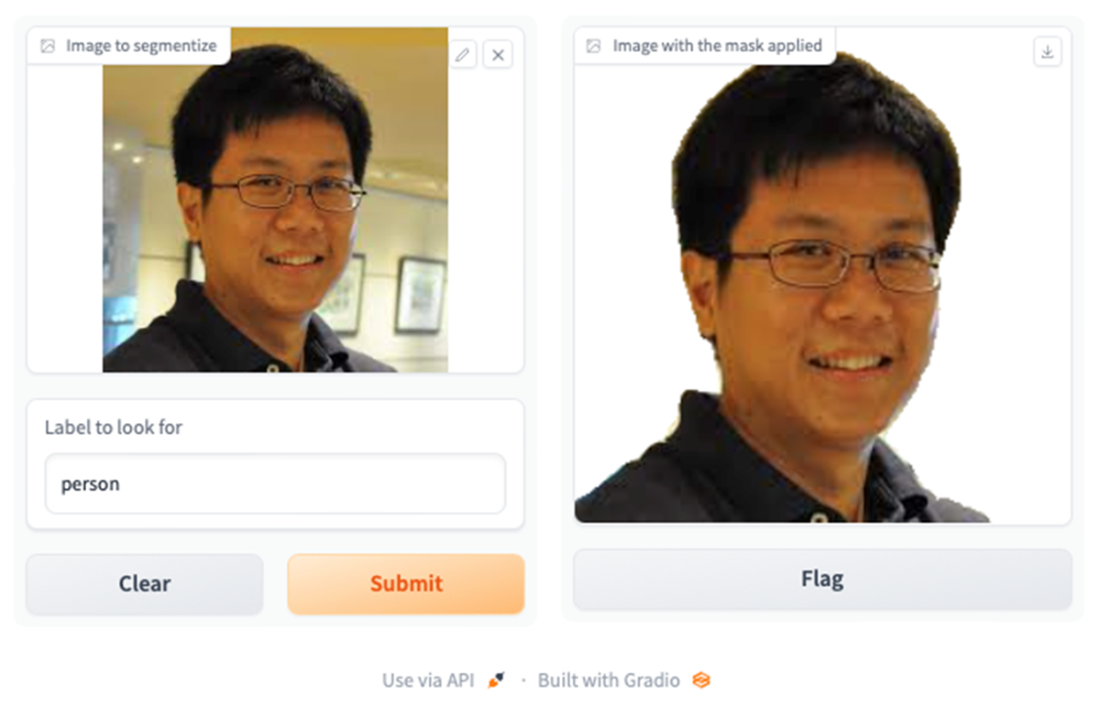
Gradio returns the image with the inverted mask applied to the original image
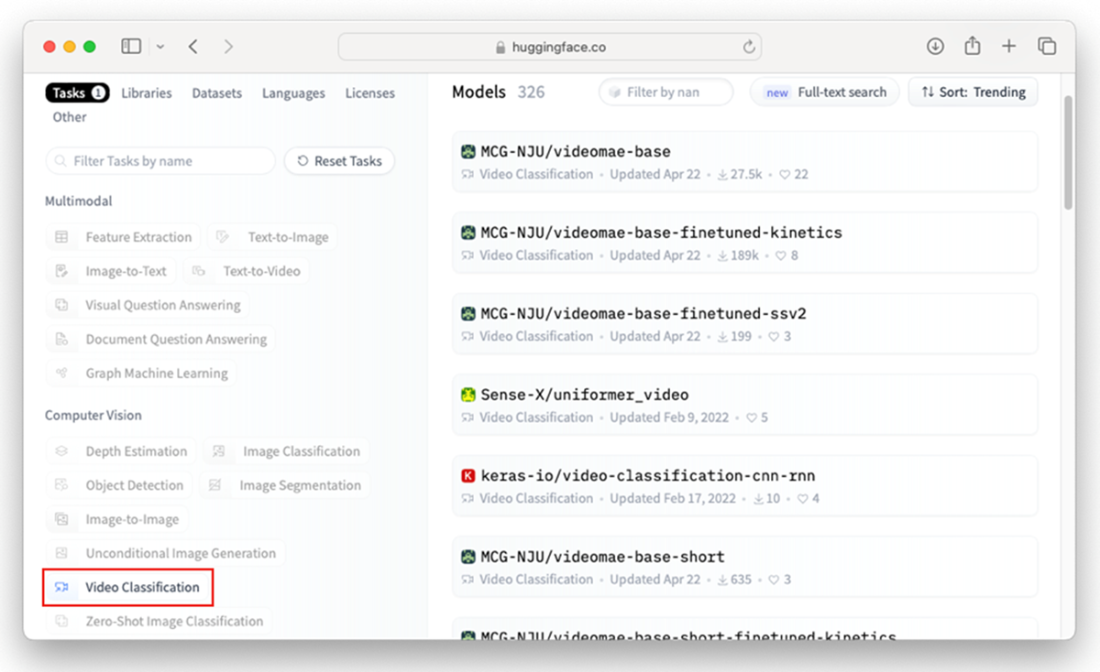
The video classification models page on Hugging Face
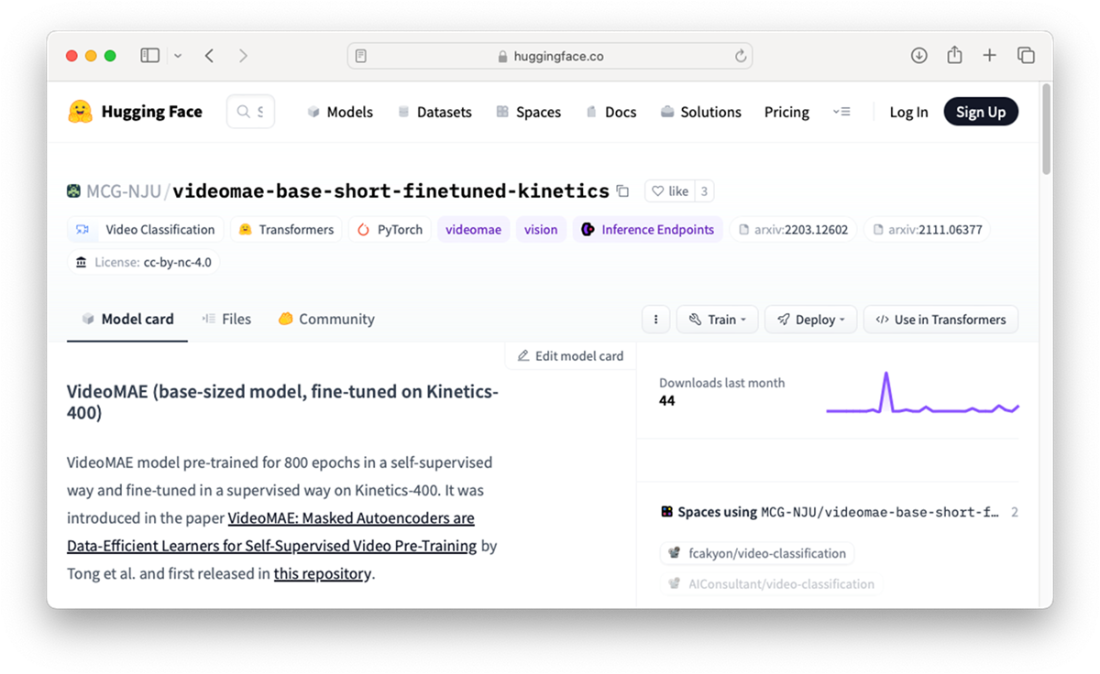
The page for the MCG-NJU/videomae-base-short-finetuned-kinetics model
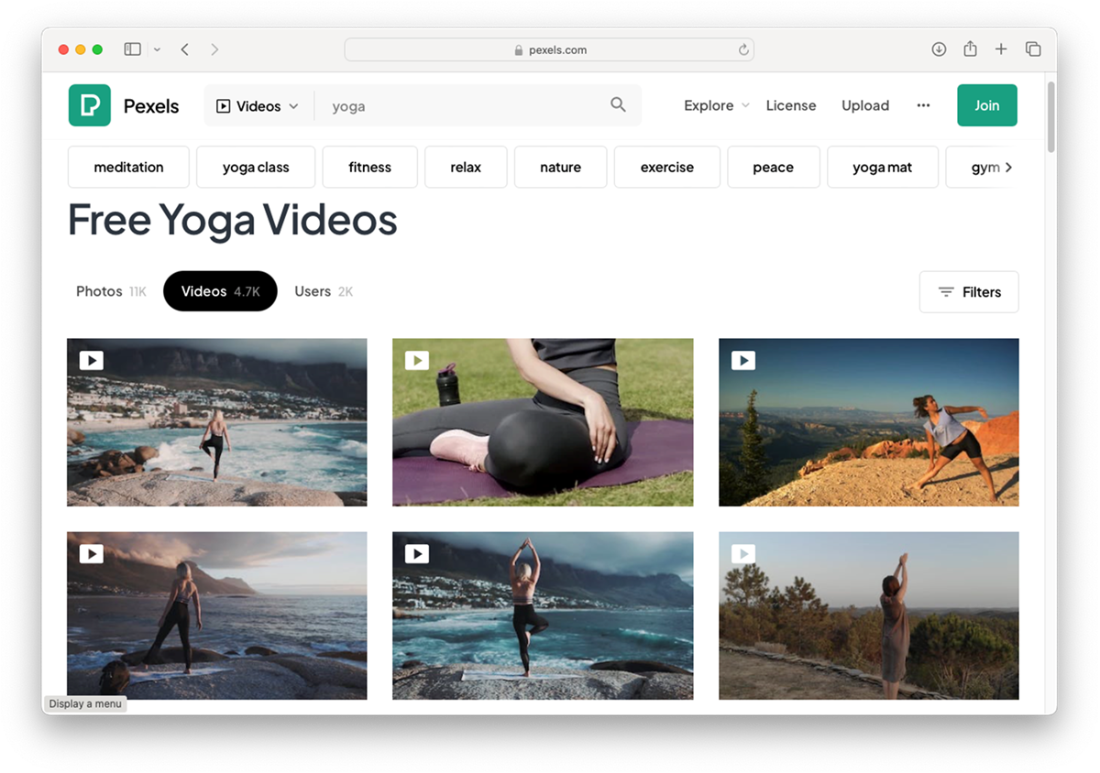
Pexels is a repository of royalty-free stocks photos and videos
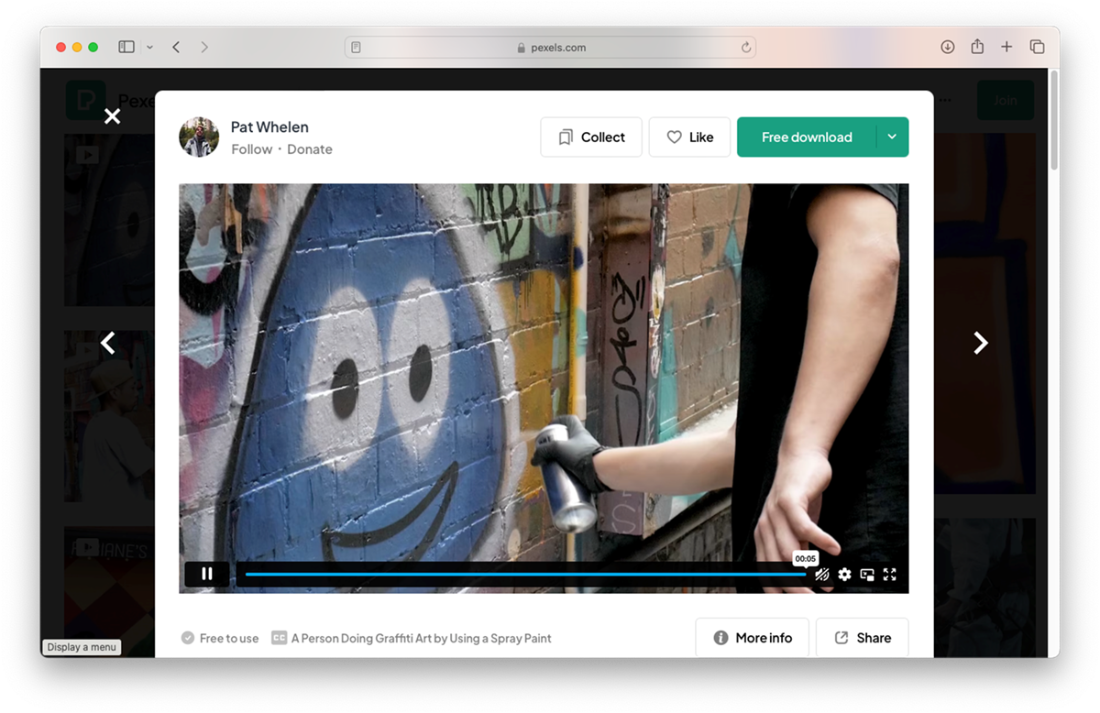
A video of a person spray-painting a wall
Summary
- Object detection is a computer vision technique that involves identifying and locating objects of interest within an image or video.
- There are two ways to use a model from Hugging Face programmatically:
- Through a transformer pipeline, or
- Load the model directly
- DetrImageProcessor is a class (from the transformers package) that is used for processing images to be used as input to the DETR (DEtection TRansformer) algorithm.
- The DetrForObjectDetection module provides access to pre-trained DETR models.
- Image classification is a computer vision task that involves categorizing or labeling an image into one or more predefined classes or categories
- Image segmentation is a technique that involves separating an image into multiple segments, or regions.
FAQ
What computer vision tasks are available on Hugging Face, and which ones does this chapter focus on?
Hugging Face hosts models for tasks like Object Detection, Image Classification, Image Segmentation, Video Classification, Depth Estimation, Image-to-Image, Unconditional Image Generation, and Zero-Shot Image Classification. This chapter walks through Object Detection, Image Classification, Image Segmentation, and Video Classification. Browse models at https://huggingface.co/models.
How do I run object detection with the facebook/detr-resnet-50 model using Transformers directly?
Steps:
- Install prerequisites: pip install transformers timm Pillow
- Load the processor and model: DetrImageProcessor.from_pretrained("facebook/detr-resnet-50") and DetrForObjectDetection.from_pretrained("facebook/detr-resnet-50")
- Preprocess: inputs = processor(images=image, return_tensors="pt")
- Forward pass: outputs = model(**inputs)
- Post-process: results = processor.post_process_object_detection(outputs, target_sizes=torch.tensor([image.size[::-1]]), threshold=0.9)[0]
- Interpret: use scores, labels, and boxes; map labels via model.config.id2label.
Pipeline vs. loading the model directly: which should I use for object detection?
Use a pipeline when you want:
- Simplest API and minimal code
- Automatic preprocessing/postprocessing
- Convenience (can pass URLs or PIL images directly)
Load the model directly when you need:
- Fine-grained control (thresholds, batching, custom post-processing)
- Access to raw outputs/logits
- Integration with custom preprocessing or visualization workflows
How can I draw bounding boxes and labels on detected objects?
Use PIL to annotate:
- Create a drawing context: draw = ImageDraw.Draw(image)
- For each detection, get box coordinates and label name (via model.config.id2label or pipeline output), then draw:
draw.rectangle([xmin, ymin, xmax, ymax], outline=(r,g,b), width=2)
draw.text((xmin, ymin-10), label, fill="white")
Tip: Ensure boxes are in [xmin, ymin, xmax, ymax] format and cast to ints.
How do I run real-time object detection from a webcam?
Overview:
- Install OpenCV: pip install opencv-python
- Open the camera: stream = cv2.VideoCapture(0)
- Read frames, convert to PIL: image = Image.fromarray(frame)
- Run a pipeline: detection = pipeline("object-detection", model="facebook/detr-resnet-50"); results = detection(image)
- Draw rectangles/labels with cv2.rectangle and cv2.putText, display with cv2.imshow
- Press ‘q’ to quit
Performance tips: resize frames, run on GPU (device=0) if available.
How can I perform image classification (e.g., age estimation) with a ViT model?
Use a pipeline with an age classifier:
from transformers import pipeline
clf = pipeline("image-classification", model="ibombonato/vit-age-classifier")
preds = clf("https://.../image.jpg")  # or a PIL image
The result is a list of {label, score}. Alternative model: nateraw/vit-age-classifier.
What is image segmentation and how do I use the SegFormer ADE20K model?
Image segmentation assigns a label to each pixel (e.g., sky, building, person). Try the SegFormer model fine-tuned on ADE20K:
from transformers import pipeline
seg = pipeline("image-segmentation",
               model="nvidia/segformer-b0-finetuned-ade-512-512")
results = seg(image_or_url)
results is a list of dicts with a 'label' and a 'mask' (PIL image). The model supports ~150 classes; view via seg.model.config.id2label.
How do I work with segmentation masks and overlay or invert them on the original image?
Approach with PIL:
- Load original: image = Image.open(...)
- For each result, get mask = result["mask"]
- To highlight only the segment, invert the mask: mask = ImageOps.invert(mask)
- Composite: base = image.copy(); base.paste(mask, mask=mask)
The white area of the mask indicates the region being applied. Inverting flips foreground/background emphasis.
How do I build a simple UI for segmentation with Gradio?
Steps:
- Install: pip install gradio
- Define a function that receives an image (NumPy array) and a label string, converts to PIL, runs the segmentation pipeline, finds the chosen label’s mask, inverts and pastes it, then returns the image.
- Bind with Gradio:
import gradio as gr
gr.Interface(fn=segmentation,
             inputs=[gr.Image(label="Image"), gr.Textbox(label="Label")],
             outputs=gr.Image(label="Result")).launch()
How can I classify actions in videos with VideoMAE, and what do I need to install?
Prerequisites:
- Install decord (Windows/Intel Mac): pip install decord
- Apple Silicon: pip install eva-decord
Usage:
from transformers import pipeline
vc = pipeline("video-classification",
              model="MCG-NJU/videomae-base-short-finetuned-kinetics")
preds = vc("http://localhost:8000/your_video.mp4")  # or a direct URL
The model outputs top labels with scores (it has ~400 classes; see vc.model.config.id2label). If needed, serve local files with: python -m http.server from the folder containing the video.

 Hugging Face in Action ebook for free
