13 Animations and more
This chapter turns a basic NES game into a livelier, more polished experience by layering in animation, screen effects, and a sense of progression, all while respecting the system’s tight timing and VRAM constraints. It demonstrates how to leverage the PPU and NMI effectively: pacing updates to avoid overloading vBlank, minimizing writes, and using palette and scroll registers for impactful, low-cost visuals. The result is a more dynamic game loop that better showcases the NES’s capabilities without sacrificing performance.
For motion and visual variety, enemies are animated by cycling pattern indices between per-enemy start/end values, throttled to change only every few time ticks. The logic branches for single-sprite versus four-sprite metasprite enemies so frames advance correctly across all tiles, with a palette tweak to recolor meteors. Background animation is shown in two ways. First, a twinkling-star effect randomly places stars on the nametable, stores their VRAM addresses, and in NMI toggles each star between two patterns at a safe cadence to stay within vBlank time. Second, palette animation swaps two colors in the first tile palette periodically in the main loop, making any tiles that use those entries (e.g., score, lives, planet base) pulse without additional VRAM writes since the NMI already mirrors the RAM palette to the PPU.
To amplify impact when a smart bomb hits, the chapter introduces two quick, dramatic effects: flashing the shared background color by toggling palette entry 0 (managed via a “flash” counter), and shaking the screen by alternating horizontal and vertical scroll values between 0 and 4 each frame (via a “shake” counter), both triggered on impact. Finally, it adds level progression: a running enemy spawn count advances the level every 40 spawns, resets the counter, and briefly displays a LEVEL message via NMI-controlled text writes using update flags and a countdown. Supporting variables are initialized at level setup and the display is auto-cleared after the timer, while increasing levels accelerate enemy spawns to steadily raise the game’s difficulty.
Add some new shapes to our pattern table.

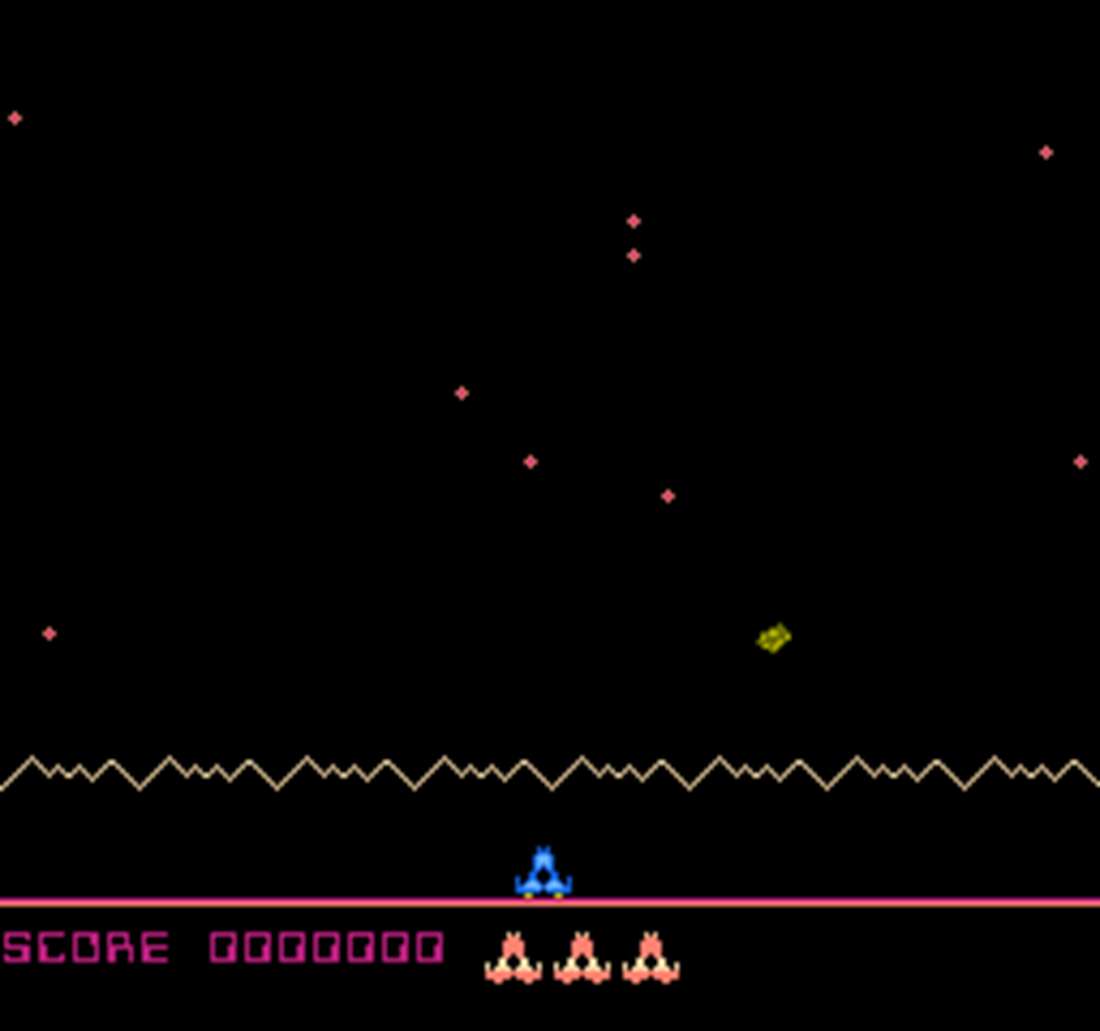
Now we have stars!
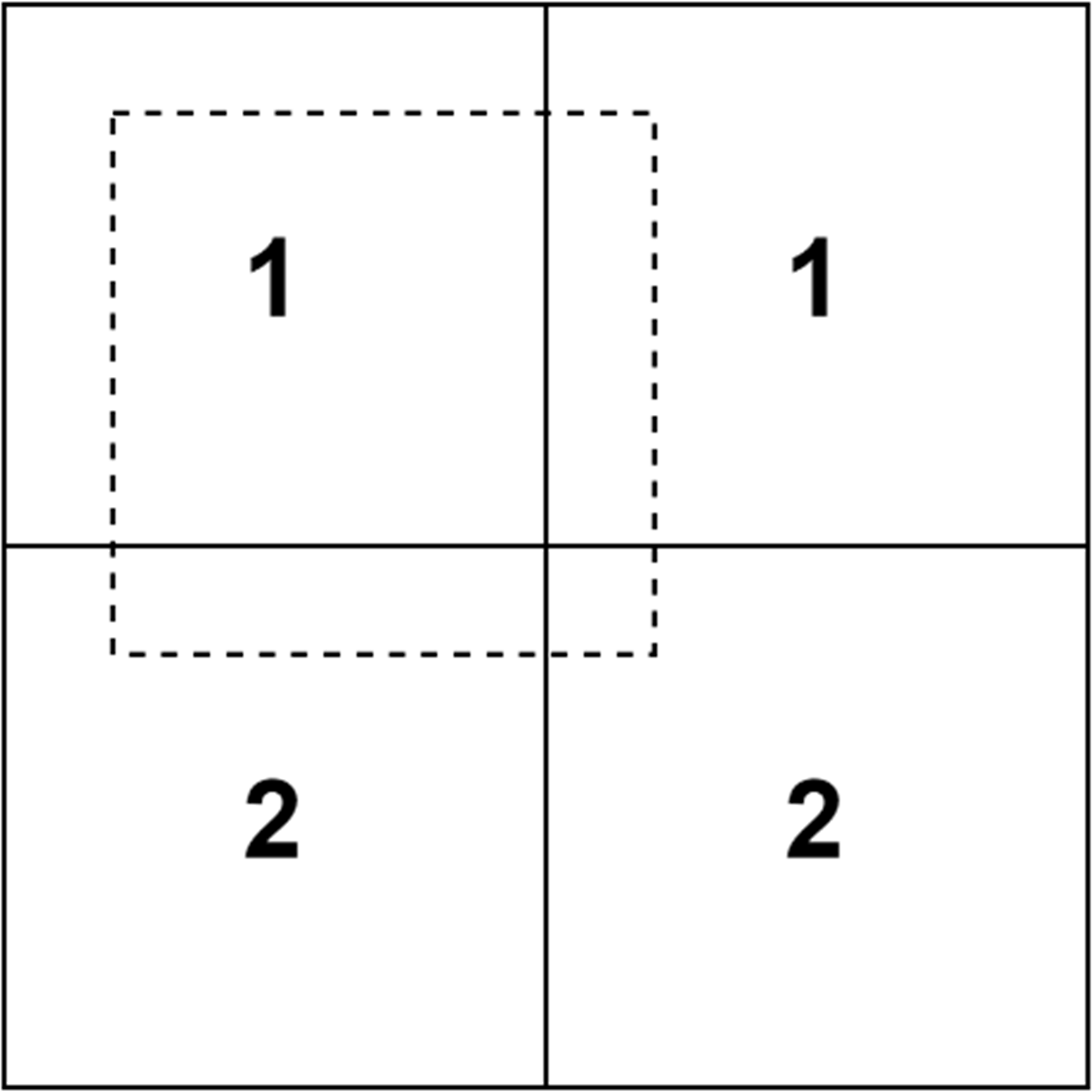
Screen view box
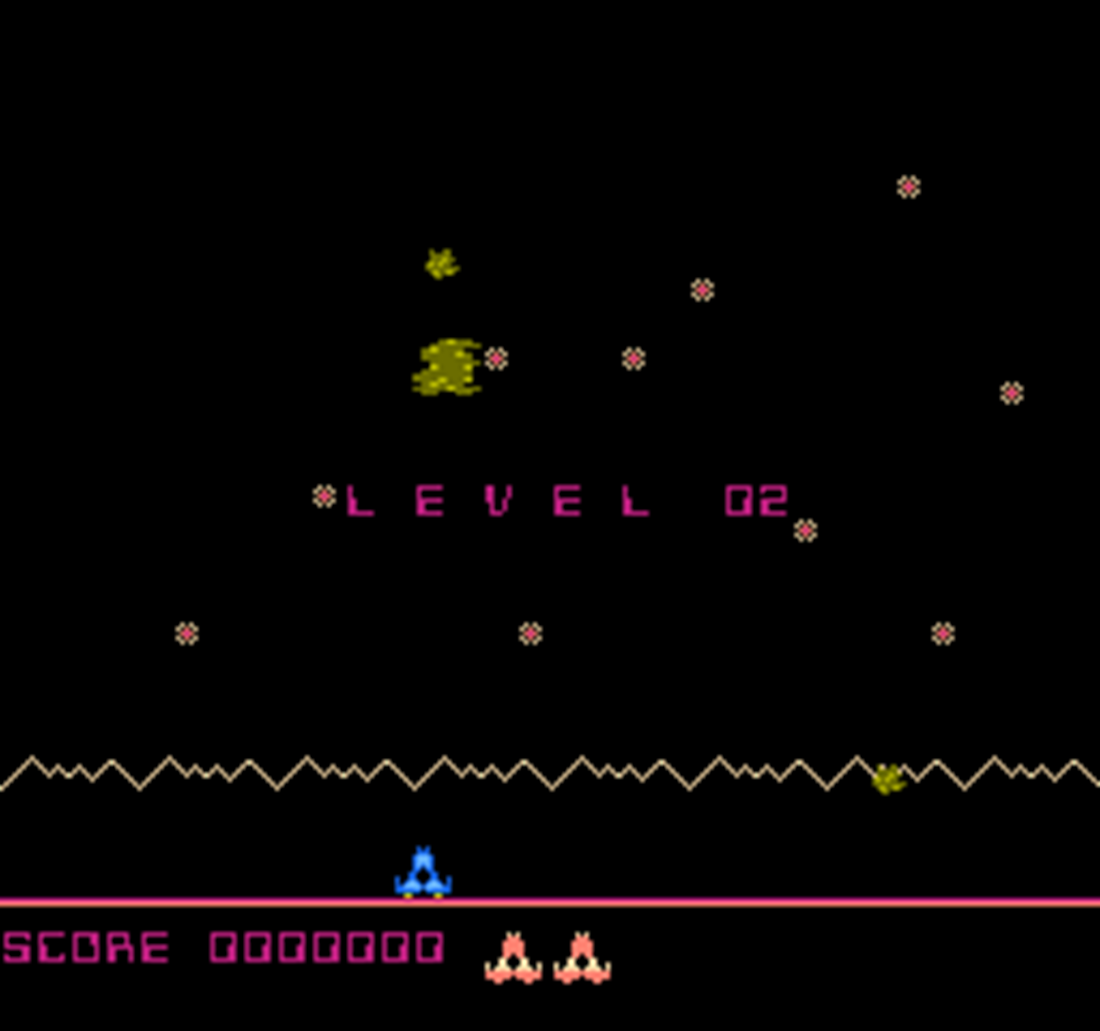
Level progression
Summary
- The NES will display all background tiles that fall within a view area controlled by two scroll registers.
- Changing an entry in a palette table will change the color of every element on the screen that uses that palette entry.
- There is only a limited time to write changes to the PPU after the NMI interrupt has been raised.
- Changing first entries in either of the background or sprite palette tables will set the current background color for all palette entries.
FAQ
How is enemy animation timed and prevented from updating too quickly?
Animation advances only every four time ticks by checking time & #%11 == 0. This throttling avoids rapid pattern changes and keeps animations readable.How do single-sprite vs. four-sprite enemies advance their patterns?
- Single-sprite: increment the sprite’s pattern by 1 and wrap to the start when passing the end.- Four-sprite: add 4 to the top-left sprite’s pattern (next frame row), clamp/wrap between start/end, then set the other three sprites to base+1, +2, +3 to keep them aligned.
How do I avoid animating enemies that have only one pattern?
Compare the enemy’s start and end pattern indices; if they are equal, skip animation for that enemy.How are the “twinkling stars” implemented in the background?
- Randomly pick row/column positions and compute their nametable addresses.- Write an initial star tile and store each address in starlocations.
- In NMI, periodically alternate the tile at each stored address between two patterns to simulate twinkling.
Why is the star animation done in the NMI routine, and what should I watch out for?
NMI runs during vBlank, the safe window to write PPU VRAM. Keep the routine fast and minimal: skip if too soon (time gating), verify starlocations is initialized, and write directly to PPU registers to limit cycles.What is the add_16_8 macro used for when placing stars?
It adds an 8-bit value to a 16-bit address (handles carry/borrow), letting you compute nametable addresses (row steps of 32, plus column) from random row/column picks.How does palette swapping create a flashing effect?
Occasionally swap two entries in the first background palette (palette+1 and palette+2). Since the NMI copies the RAM palette to the PPU each frame, everything that references those colors visually alternates without touching tiles.How is the white screen flash on smart-bomb impact implemented?
A flash countdown variable is set when a smart bomb hits. While nonzero, the code toggles the shared background color between black ($0F) and white ($30). Both the tile and sprite background entries are updated to ensure the PPU’s common background follows the intended color.How is screen shake achieved on the NES in this chapter?
A shake countdown is set on smart-bomb impact. In NMI, while it’s nonzero, the code alternates the horizontal and vertical scroll between 0 and 4 each frame (based on the low bit of the countdown), producing a brief shake.How does level progression work and how is the level message shown/cleared?
- enemycount increments on each spawn; when it reaches 40, level increments, enemycount resets, and a displaylevel timer requests the “LEVEL” text via an update flag.- NMI writes “LEVEL” and the current number to the nametable. When displaylevel expires, another update flag clears the text by writing blanks over the same region.

 Classic Game Programming on the NES ebook for free
