This chapter integrates core gameplay loops for a basic NES shooter: detecting collisions between the player ship and enemies, animating a multi-stage death sequence, tracking and displaying lives, and managing the game-over flow back to the title screen. It introduces small, reusable helpers and expands the update flag system so on-screen UI (lives and “GAME OVER”) is redrawn only when needed. With these pieces, the game becomes fully playable, resetting the level after deaths and returning to the intro screen when out of lives.
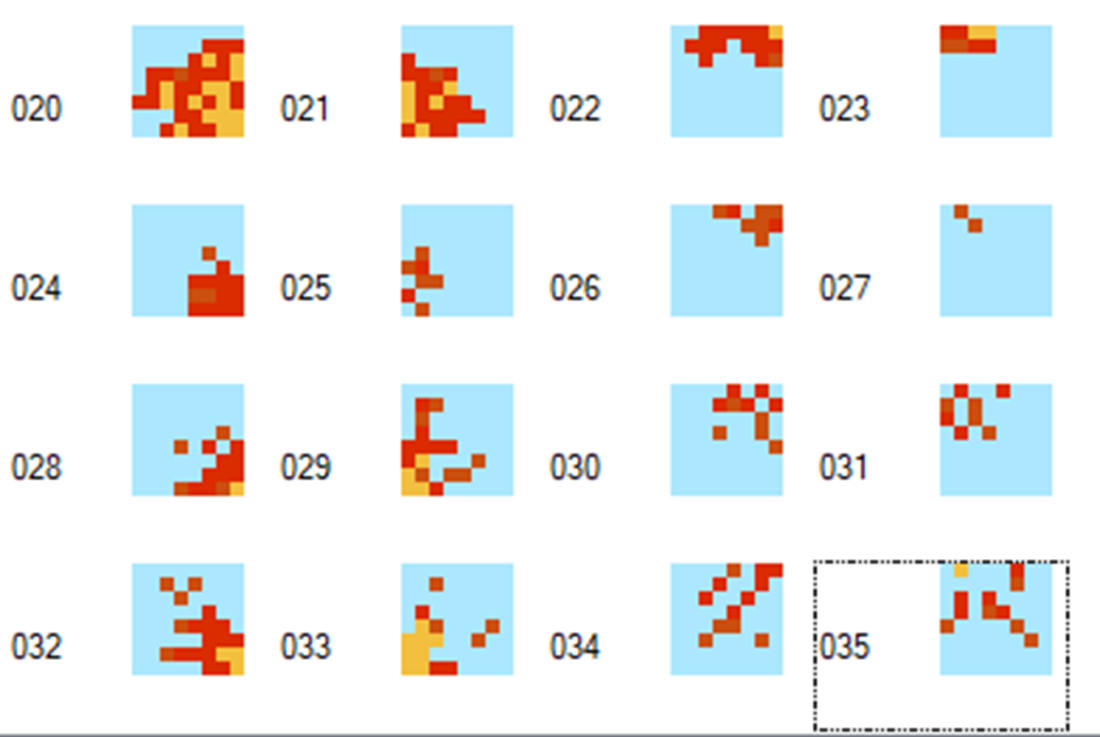
Player-enemy collision checks are added to the existing enemy movement loop, using AABB-style tests on Y position first, then X overlap. On a hit, the code decrements lives, marks the player as dead, flags the UI for refresh, removes the enemy from OAM, and clears its data. A new animation pipeline drives the death sequence: extra explosion sprite patterns and a dedicated palette are introduced, set via a small set_player_shape routine. The player_actions function advances the explosion over timed steps using the player_dead counter as a state machine. If lives remain at the end of the sequence, the chapter resets the stage (setup_level clears enemy data and hides enemy sprites), redisplays the player with display_player, and clears the death flag.
When lives reach zero, the main loop switches to a timed game-over path: it schedules the “GAME OVER” text via an update bit, increments a timer to leave the message on-screen briefly, then jumps to resetgame, which clears all sprites and returns to the title screen. The NMI handler is extended to render the game-over text and to update the lives display when flagged. Lives are drawn as ship icons using name table writes across two rows, limited to a maximum of eight and followed by blanking of any leftover tiles; display_lives is called during initial screen setup and on-demand from NMI. A clear_sprites utility is added to the shared library for reuse. Collectively, these changes finalize core play, UI feedback, and lifecycle flow for the level-death-title loop.
Add player explosion shapes to sprite patterns.
Summary
Using character animations made up of several frames can greatly enhance the visual appeal of your game.
When we display our lives, we used a technique of repeating characters representing the player’s ship, but we had to ensure that we never exceed a maximum value. This underpins the need to always consider what checks you need to add so that a routine won’t exceed physical bounds.
We looked at using a 2nd palette for the explosion animation of the player character, which allowed another three colors to be added to what was being displayed on the screen.
Rather than just returning straight to the title screen when the player runs out of lives, we displayed a “Game<mp Over” message for a period first.
FAQ
Where do I add player–enemy collision detection?In the existing enemy loop inside move_enemies, right after the code that handles enemies hitting the ground. First ensure player_dead is 0, then check if the enemy’s Y plus its height reaches the player’s Y, and finally test X overlap. If overlapping, it’s a hit.Which variables track lives and death, and how are they initialized?Add lives and player_dead in the ZEROPAGE. On game start, set lives to 5 and player_dead to 0 in main, and set the appropriate update flag bit so the HUD redraws the lives.What exactly happens when a collision is detected?The code decrements lives, sets the update flag bit %00000100 so the lives display will update, sets player_dead to 1 to start the death sequence, erases the enemy’s sprites by writing $ff to its OAM entries, and clears its enemydata entry.How is the player’s death animation implemented?player_actions drives a 4-step explosion: when player_dead == 1 it sets the first explosion shape and switches to sprite palette 1; at player_dead values 5, 10, and 15 it advances the pattern; at 20, if lives == 0 it returns so the main loop can handle game over, otherwise it calls setup_level, display_player, and clears player_dead.What graphics and palette changes are needed for the explosion?Add 16 new sprite patterns (4 stages × 4 tiles). Update the second sprite palette entry to .byte $0F,$26,$28,$17 and, during the explosion, set the sprite attribute byte to select palette 1.How is Game Over displayed and timed?In mainloop, when lives == 0 and you’re past the initial death step, player_dead is used as a frame counter. At 20 frames, set update bit %00001000 to draw “GAME OVER”; at 240 frames, jump to resetgame. In NMI, when that bit is set, write the “ GAME OVER” text to the name table and then clear the bit.What happens after a death if the player still has lives?The game resets the current level: setup_level clears enemy data and hides enemy sprites, display_player restores the player’s OAM entries, and player_dead is cleared so normal play resumes.How are all sprites cleared before returning to the title screen?Call clear_sprites (in neslib.s), which iterates over OAM and writes 255 to the Y position of each sprite (every 4 bytes), effectively hiding all sprites. Then display_title_screen.How are the player’s lives drawn on screen and limited?display_lives writes ship tiles to two rows (rows 27 and 28) starting at column 14. It draws up to 8 lives by masking with %00000111, then writes blank tiles to clear any leftover slots. It’s called when the game screen is first displayed and from NMI when the lives update bit is set.Which update flag bits are used in this chapter?Bit 2 (%00000100) triggers the lives HUD redraw after lives change. Bit 3 (%00001000) triggers the “GAME OVER” message. Both are set in game logic and consumed (then cleared) in the NMI routine.
pro $24.99 per month
access to all Manning books, MEAPs, liveVideos, liveProjects, and audiobooks!

 Classic Game Programming on the NES ebook for free
