Chapter 8. Integrating ActiveMQ with application servers
In this chapter, ActiveMQ is presented as a message broker that can be integrated into application-server environments instead of running only as a standalone JVM process. The discussion contrasts two broad server styles: web containers such as Tomcat and Jetty, and Java EE containers such as Geronimo and JBoss. The overall goal is to show how an application server’s own facilities, especially JNDI and resource adapters, can be used to expose ActiveMQ resources to deployed applications and manage broker startup in a way that fits the container.
A small sample web application is used throughout to prove each integration path. The app is intentionally simple: it looks up a connection factory and a queue from JNDI, uses Spring to inject them into a message-sending service, and then sends a JMS message that is consumed by a listener container and delegated to a message handler. The same core application is reused in multiple variants so it can match the deployment style of each server, whether that means local or global JNDI in Tomcat and Jetty, or more specialized deployment descriptors and classloader adjustments in Geronimo and JBoss.
The chapter then walks through concrete integration approaches for each server family. For Tomcat and Jetty, ActiveMQ can be started through a connection factory configured with a broker URI, while JNDI resources are declared either locally for a single web app or globally for all apps in the container. For Geronimo and JBoss, the broker is typically started through the ActiveMQ JCA resource adapter, and the sample application is adjusted to use the server’s deployment descriptors, transaction support, and classloading rules. The chapter closes by explaining ActiveMQ’s client-side JNDI support, noting that it is local in-memory JNDI rather than a remote provider, and emphasizing that server-supplied JNDI remains the common best practice for shared JMS administration objects.
The project structure for the sample web application that demonstrates local JNDI configuration

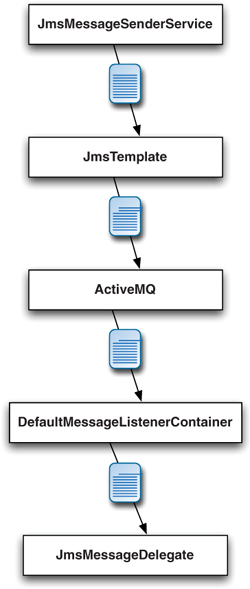
The flow of a message through the classes in the sample web application
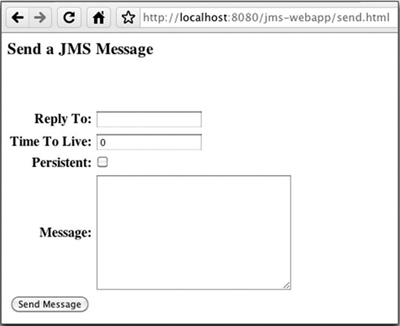
A screenshot of the only page in the web application demonstrates that it’s intentionally simplistic.
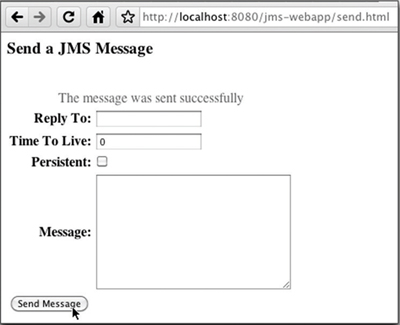
Upon sending a JMS message using the web application, a message appears in the web application and then fades away to let you know that the message was sent successfully.
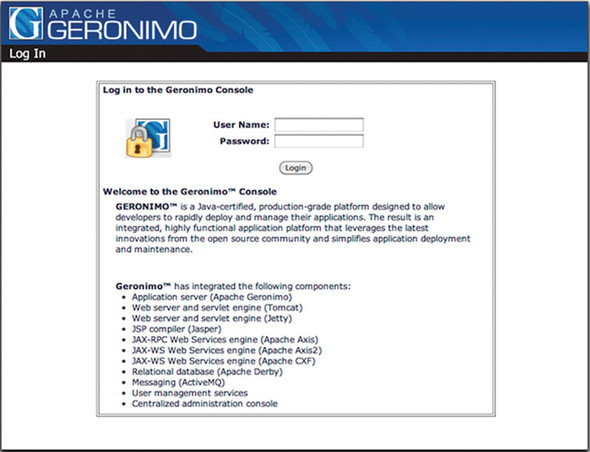
The Geronimo console simplifies the configuration and management of Geronimo.
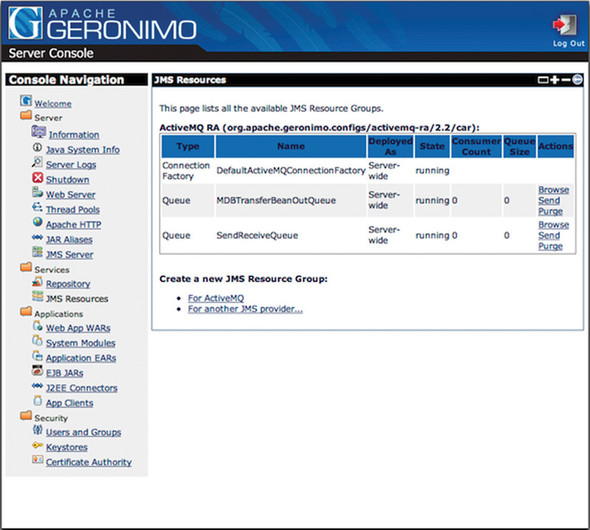
The Geronimo console provides the ability to manage ActiveMQ (the JMS Server) and the ActiveMQ resources (JMS Resources).
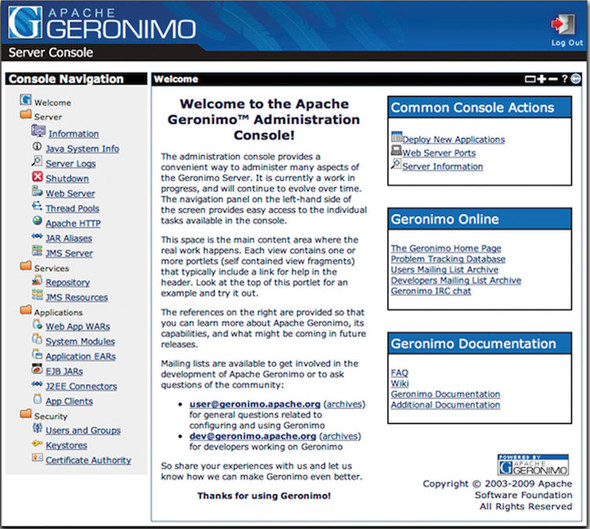
The Geronimo console simplifies the management of the ActiveMQ configuration.

The Geronimo console also simplifies the management of JMS resources.
Accept the default values when configuring the ActiveMQ resource adapter’s server connection.

Use the Geronimo console to create a JMS connection factory and a JMS destination for ActiveMQ.
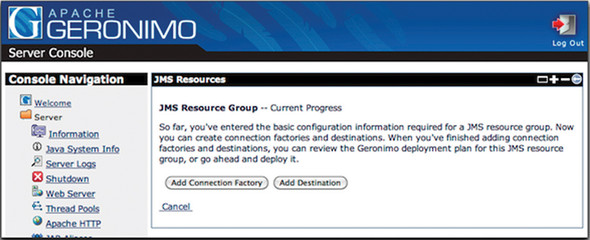
Easily create a JMS connection factory for ActiveMQ via the Geronimo console.
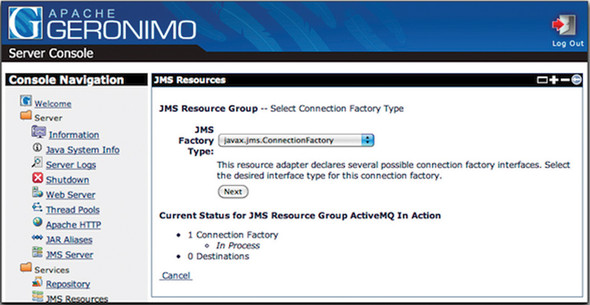
Use the Geronimo console to configure the connection factory.

The connection factory has been created successfully.

Create a JMS destination that’s of type javax.jms.Queue.

Customize the destination using the Geronimo console.

Now the connection factory and the destination have been created and are ready to be deployed.
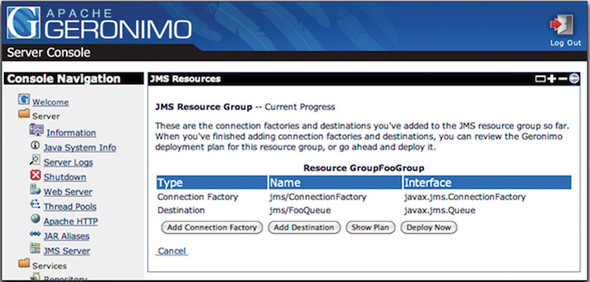
Now the FooGroup JMS resource group has been created and deployed.

Note that the information provided in the <moduleId> element is used to identify the web application when it’s deployed to Geronimo.

 ActiveMQ in Action ebook for free